Skip to Main Content
Sams Club
Sams Club
Customer reviews for SAMSUNG 65” Class Q72D Series QLED Smart TV for
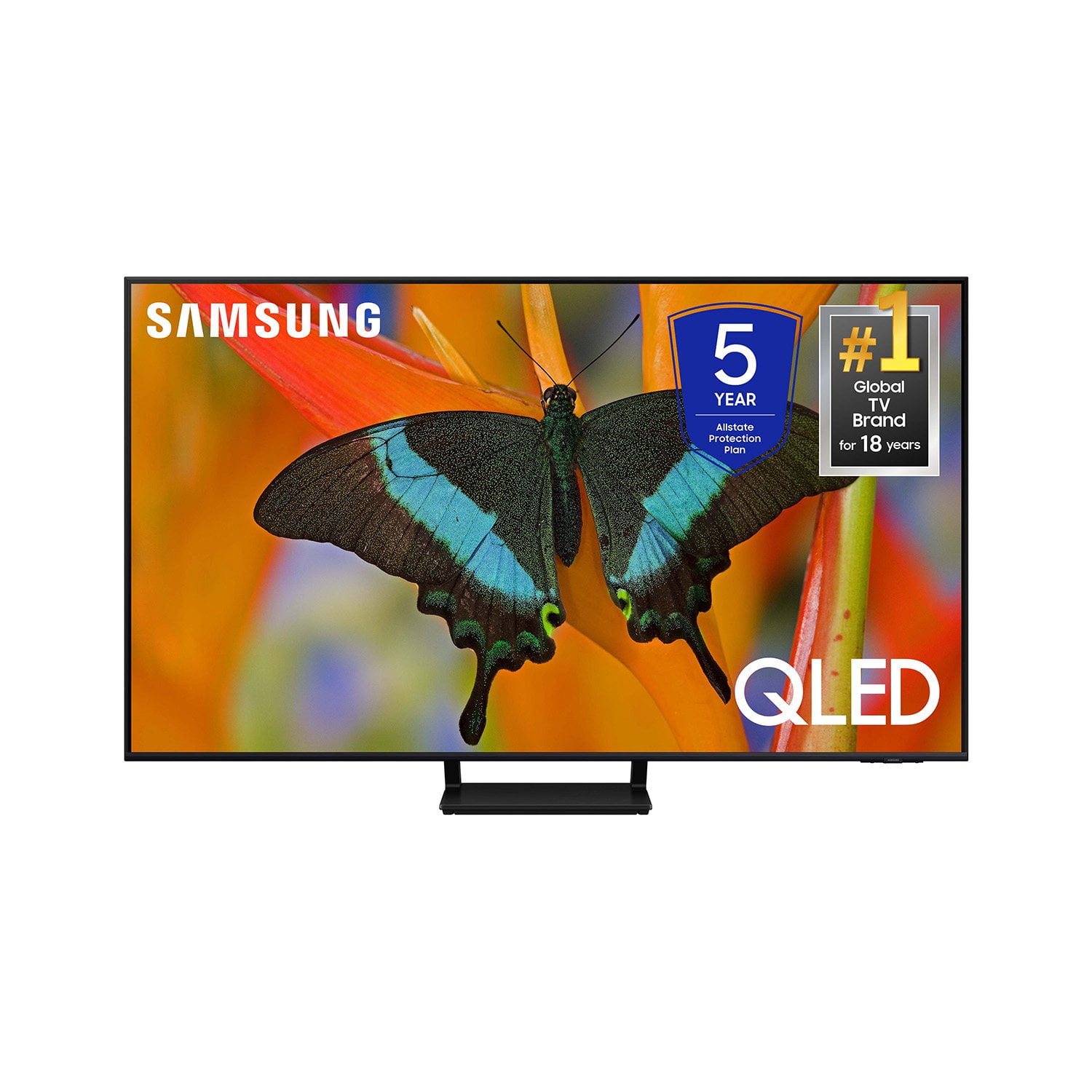
SAMSUNG 65” Class Q72D Series QLED Smart TV
4.6 out of 5 stars
stars274 ratings274 reviews
  1. 5 stars77% (212)
  2. 4 stars14% (39)
  3. 3 stars4% (12)
  4. 2 stars1% (3)
  5. 1 star3% (8)

Member photos

  • +84 images
Sort by |
Showing 91-100 of 274 reviews
Mar 20, 2025
Nick202545
5 out of 5 stars review

This is tv has it all

[This review was collected as part of a promotion.] I couldn't be happier with this TV! From the moment I set it up, I was blown away by the crystal-clear picture and vibrant colors. The 4K resolution brings movies and shows to life with incredible detail, and the HDR makes the contrast pop beautifully, even in darker scenes. What really impressed me was how easy it was to set up. The interface is super intuitive, and connecting to my streaming apps took no time at all. The remote is simple yet effective, with quick access buttons for Netflix and YouTube — a small touch that makes a big difference.

Review from Samsung US
Helpful?0S8WA20FT3TX13889911831
Mar 20, 2025
Big2love
5 out of 5 stars review

Best TV I've ever had it meets every expectation

[This review was collected as part of a promotion.] This is the best TV I could have ever imagined buying. It does everything that I've ever wanted a TV to do it's got a beautiful picture it's got beautiful sound if you don't if you're thinking about buying a TV you better go buy one of these.

Review from Samsung US
Helpful?0S8WA20FT3TX13889911831
Mar 20, 2025
Leprechaun3
5 out of 5 stars review

This TV has a great picture and is quite versatile

[This review was collected as part of a promotion.] I definitely got my money's worth in purchasing this Samsung TV. I have to admit it will take me a year to take advantage of all its features. It's been like buying a next generation car and knowing it's going to be a voyage of discovery. I wouldn't recommend it for folks who don't enjoy high tech. But for those who do . . . jump right in . . . and "play" with the "tell it what to do!" But you might want to take notes while doing it :0)

Review from Samsung US
Helpful?0S8WA20FT3TX13889911831
Feb 5, 2025
Just K
1 out of 5 stars review

Chaotic

I am not a fan of this TV. When it's turned on, it is quite complicated. It also doesn't allow you to download certain streaming apps, which is ridiculous. Paramount+ and Max. Really? I'm also not a fan of Samsung TV. There wasn't one show on there that I recognized plus you have to scroll to find shows. You can't just punch in a channel. So I'm returning this tv for a Sony.

Review from Samsung US
Helpful?0S8WA20FT3TX13889911831
reply from Samsung Specialist

Hi there, We appreciate you sharing your user experience. To assist in learning the various functions, please know you can download the Q72DD TV's User Manual, e-Manual, Remote Control Leaflet, and Quick Setup Guide on Samsung's website under Support > Manuals & Software > TVs & Home Theater. You can search for and select the Q72DD TV to download the guides you would like. The e-Manual and Remote Guide are both also embedded into your TV itself under Menu > Settings > Support > Open e-Manual. If you need more help, Samsung is here for you. Please call us at 1-800-SAMSUNG, 8AM - 12AM EST, 7 days a week. Our LiveChat agents are also available by clicking on the ‘Support’ link on our website. ~ Samsung Specialist

Mar 20, 2025
Annihil8orx
5 out of 5 stars review

Great TV so get it

[This review was collected as part of a promotion.] After doing a lot of research on tvs and all the features, this one met all the criteria I was looking for well within the price range I was looking for. After installation, this tv exceeds my expectations for image quality and was incredibly easy to set up. The ability to customize menus is all a new thing for me, but I think it's one of my favorite features. This was purchased at a club and was supposed to come with some extra goodies like subscription trials and an Xbox live gift card, but I have yet to see the Xbox gift card, but this tv is so good I'm not even worried about it anymore.

Review from Samsung US
Helpful?0S8WA20FT3TX13889911831
Jun 12, 2024
Justafan
5 out of 5 stars review

This product is absolutely great

[This review was collected as part of a promotion.] Is the best TV I've ever owned, picture is great, sound quality is awesome.. Just over all worth every penny.. Thank you Samsung for doing it again!!!

Review from Samsung US
Helpful?0S8WA20FT3TX13889911831
Dec 9, 2024
ER33
1 out of 5 stars review

Poor picture quality

I bought this tv influenced largely by the reviews. The picture quality on the tv I have is not 4K. It is closer to 720P. I've tried everything I can with no positive effect. Even a factory reset. The picture quality is horrible.

Helpful?0S8WA20FT3TX13889911831
reply from Samsung

ER33,Thank you for sharing your thoughts on the picture quality of your Q72DD TV. To ensure you’ve got the latest image quality updates, please confirm that your TV is up to date with the latest firmware version. You can check by going to: Home > Menu > Settings > Support > Software Update.If the picture you’re seeing is still not to your liking after updating firmware, there are several picture settings you may want to try adjusting.Go to Home > left direction button > Settings > All Settings > Picture > Picture Mode...and select the mode that best fits your usage:1. Standard: Is the default mode suitable for general viewing environments2. Dynamic: Makes the picture brighter and clearer in bright viewing environments3. Eco: Provided to save energy4. Movie: Suitable for watching TV or movies in a dark room5. Filmmaker Mode: Provides source content just as the creators intended. If the image is defined as Filmmaker Mode, it’ll automatically switch to Filmmaker Mode while watching.You can also fine-tune your picture with expert settings such as brightness, contrast, sharpness and more (All Settings > Picture > Expert Settings).Intelligent Mode also enables the TV to recognize and analyze the surroundings, noise, content, and your usage patterns to provide the best viewing experience. You can enable Intelligent Mode by going to Menu > Settings > All Settings > General & Privacy > Intelligent Mode Settings > Intelligent Mode. If adjusting image settings does not improve your picture, please contact Samsung Customer Support at 1-800-SAMSUNG, 8AM - 12AM EST, 7 days a week. Or visit us on the Samsung website and click on the ‘Support’ link for:• LiveChat• Manuals, Software, & Warranty Info~ Samsung Specialist

Apr 19, 2025
Dantheman
5 out of 5 stars review

Outstanding tv

My daughter gave me the 55” Class QLED 4K Q72DD TV for Christmas. My Wife gave me a PS5 Pro Game System to go with new TV. The too go together fantastically. The color and image quality is fantastic.

Review from Samsung US
Helpful?0S8WA20FT3TX13889911831
Mar 29, 2025
Bedroomtv
4 out of 5 stars review

This TV is great, it's good features. Everything w

[This review was collected as part of a promotion.] This is a great t. V. The only problem I have is the only offswitch on the bottom of the t. V if it hits something it breaks off.It would be better if the switch was on the side

Review from Samsung US
Helpful?0S8WA20FT3TX13889911831
Mar 25, 2025
Lilbit
5 out of 5 stars review

This product was overall great.

[This review was collected as part of a promotion.] This TV is really great. It has a great picture really clear. The sound is pretty loud. If you was to purchase this product you would really be satisfied.

Review from Samsung US
Helpful?0S8WA20FT3TX13889911831