Skip to Main Content
Sam's Club
Sam's Club
All Departments
All Services
Customer reviews for SAMSUNG 60" Class Q60B-Series QLED 4K Smart TV - QN60Q60BDFXZA for
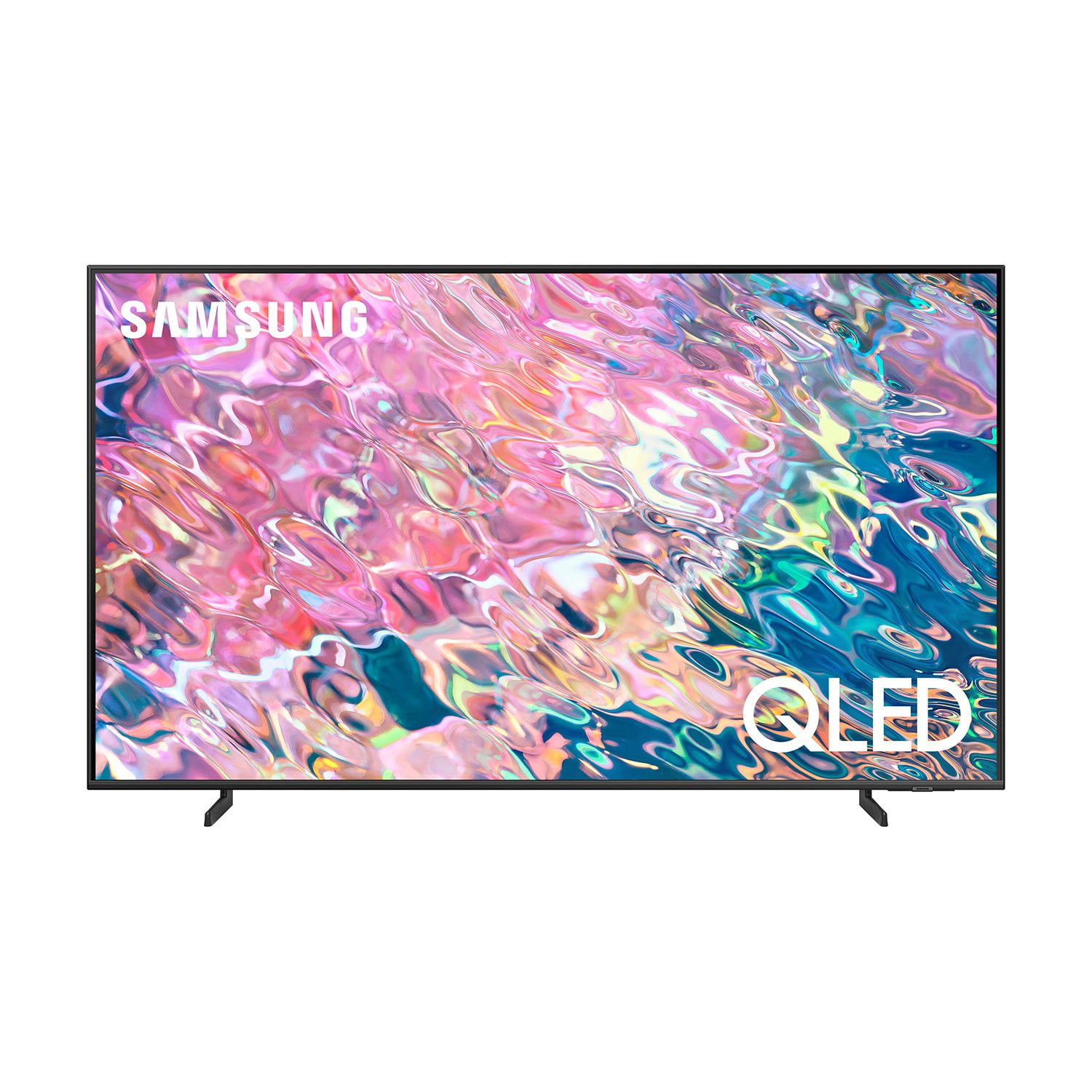
SAMSUNG 60" Class Q60B-Series QLED 4K Smart TV - QN60Q60BDFXZA
4.6 out of 5 stars
stars
1,193 ratings1,158 reviews
  1. 5 stars78% (932)
  2. 4 stars15% (174)
  3. 3 stars3% (35)
  4. 2 stars1% (13)
  5. 1 star3% (39)
Sort by |
Showing 811-820 of 1,158 reviews
Oct 9, 2022
Reviewer name: Gator12
5 out of 5 stars
5 out of 5 stars review

Has good sounds as well as picture

[This review was collected as part of a promotion.] I use it for streaming and watching movies. The picture is very crisp and sharp. The remote is very easy to use and holds a charge for a long time.

Review from Samsung US
Helpful?6SAN7SCSYVEO13886713723
Jul 25, 2022
Reviewer name: Joyousshopper
5 out of 5 stars
5 out of 5 stars review

You need this in your life!

[This review was collected as part of a promotion.] This TV has great picture quality and sound. I love to stream movies and play YouTube videos, and it has been the best. Music is crisp and clear, too. You can't go wrong with it.

Review from Samsung US
Helpful?6SAN7SCSYVEO13886713723
Oct 25, 2022
Reviewer name: Mgzahmed
4 out of 5 stars
4 out of 5 stars review

quality and smooth

[This review was collected as part of a promotion.] Very nice tv to watch, alot of features apple tv included so you dont have to buy one, i like the remote very comfy

Review from Samsung US
Helpful?6SAN7SCSYVEO13886713723
Oct 25, 2022
Reviewer name: droxey
5 out of 5 stars
5 out of 5 stars review

Incredible TV at a Great Price

[This review was collected as part of a promotion.] I love this TV --- easy to hook up to anything with a beautiful picture! Very easy to lift up because it's so light. Best TV I've ever owned!

Review from Samsung US
Helpful?6SAN7SCSYVEO13886713723
Jun 16, 2022
Reviewer name: aaronw
5 out of 5 stars
5 out of 5 stars review

Love it. Best tv for price.

[This review was collected as part of a promotion.] Love free tv channels. Easy to use. App is easy to use. I'm glad I chose this tv as my first 60 inch.

Review from Samsung US
Helpful?6SAN7SCSYVEO13886713723
Oct 9, 2022
Reviewer name: Lovesports
5 out of 5 stars
5 out of 5 stars review

This is a great tv!

[This review was collected as part of a promotion.] I've had this TV for 3 weeks. Awesome TV. Great picture and features. First Samsung TV I've owned and it is the BEST!

Review from Samsung US
Helpful?6SAN7SCSYVEO13886713723
Sep 26, 2022
Reviewer name: Samsungfanboy
5 out of 5 stars
5 out of 5 stars review

The picture is amazing

[This review was collected as part of a promotion.] I use my Samsung TV for entertaining movies sports all around entertainment what makes my Samsung TV amazing it's the color the brightness the easy setup able to use SmartThings

Review from Samsung US
Helpful?6SAN7SCSYVEO13886713723
Aug 18, 2022
Reviewer name: Relaxing2tv
5 out of 5 stars
5 out of 5 stars review

2AwesomeTV

[This review was collected as part of a promotion.] Great TV awesome picture simple all in one location easy to find apps and connected devices truly love it

Review from Samsung US
Helpful?6SAN7SCSYVEO13886713723
Sep 27, 2022
Reviewer name: TheDanT
5 out of 5 stars
5 out of 5 stars review

Unreal for the cost!

[This review was collected as part of a promotion.] The number one thing to consider is the cost here. To think a TV could have this many features and spec out like this one does at its price point is absurd. Looks fantastic too.

Review from Samsung US
Helpful?6SAN7SCSYVEO13886713723
Jul 26, 2022
Reviewer name: Slobonthehill1230
4 out of 5 stars
4 out of 5 stars review

Great picture. Certain apps are problematic.

[This review was collected as part of a promotion.] YouTube TV app hangs constantly. Using remote to turn tv off works intermittently. Other than that it is a great tv with fantastic picture.

Review from Samsung US
Helpful?6SAN7SCSYVEO13886713723
reply from Samsung Brand Ambassador

Hi, We appreciate you sharing your experience with app and remote issues. Please do ensure your TV's firmware is up to date with version 1303, as this includes various performance improvements. You can check this by going to: Home > Menu > Settings > Support > Software Update. You may also want to further optimize performance with the self-diagnostic tool, which checks memory, frees up unused cached memory, and closes background apps. Go to: Home > Menu > Settings > Support > Device Care > Start Device Care If your app is still freezing, not loading, or crashing, you can try cold booting your TV by holding down the power button on your remote for 5+ sec until the TV turns off and on again, deleting and downloading the apps again, and completing full reset of Smart Hub to correct the issue. To address the issue with your remote, you may first want to reset your remote by pressing and holding Return and Enter (the center of the navigation pad) for more than 10 seconds. After performing this reset, you will need to pair the remote to the TV again. To pair, press the Return and Play/Pause buttons simultaneously for at least 5 seconds or until a message appears on your TV indicating that the remote is now connected. Please also check to see if your remote is charged. You can check remaining battery by going to: Settings > All Settings > General & Privacy > Power and Energy Saving > Available Remote Battery. If you need more help, Samsung is here for you. Please call us at 1-800-SAMSUNG, 8AM - 12AM EST, 7 days a week. Our LiveChat agents are also available by clicking on the ‘Support’ link on our website. ~ Samsung Specialist