Skip to Main Content
Sam's Club
Sam's Club
All Departments
All Services
Customer reviews for SAMSUNG 60" Class Q60B-Series QLED 4K Smart TV - QN60Q60BDFXZA for
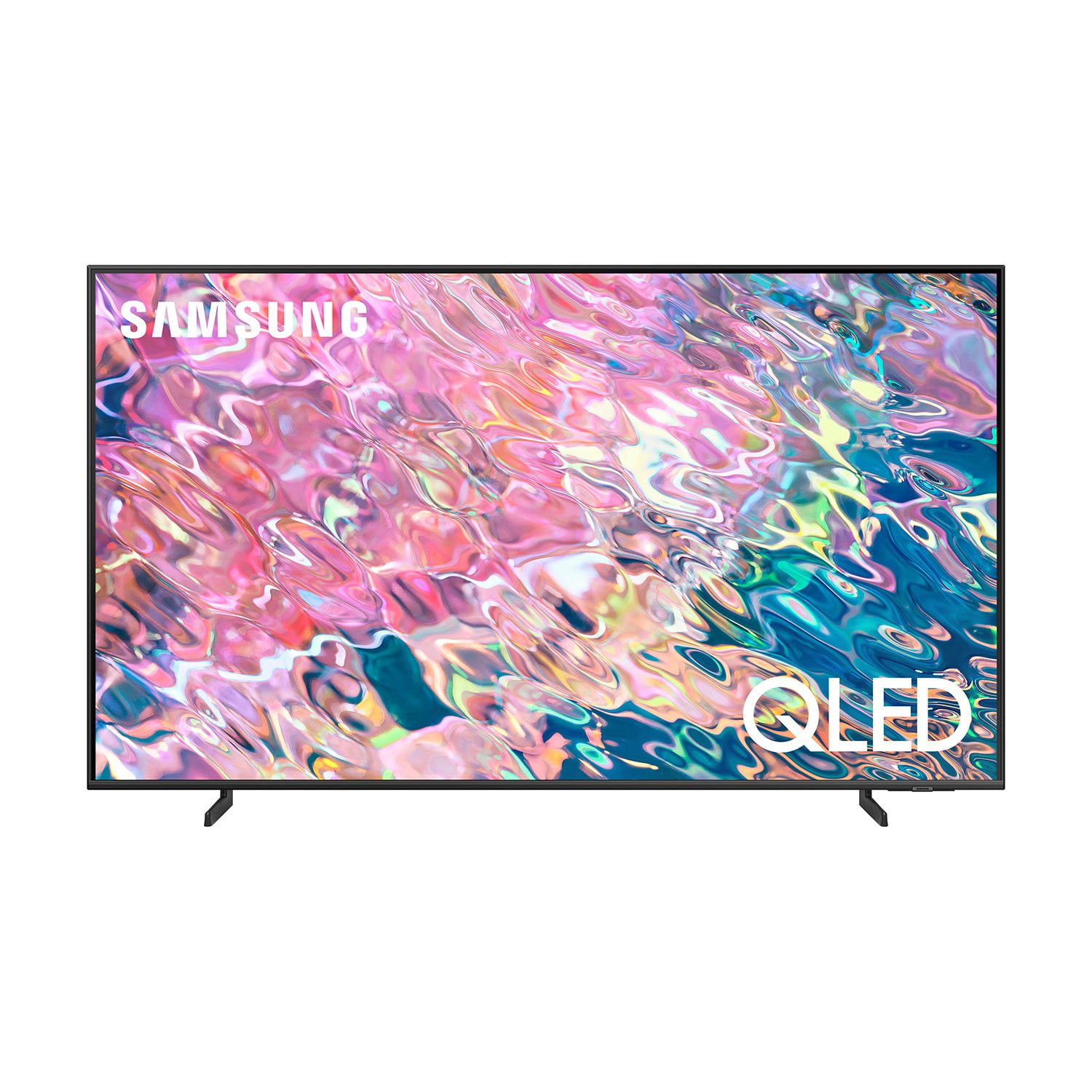
SAMSUNG 60" Class Q60B-Series QLED 4K Smart TV - QN60Q60BDFXZA
4.6 out of 5 stars
stars
1,193 ratings1,158 reviews
  1. 5 stars78% (932)
  2. 4 stars15% (174)
  3. 3 stars3% (35)
  4. 2 stars1% (13)
  5. 1 star3% (39)
Sort by |
Showing 101-110 of 1,158 reviews
Sep 27, 2022
Reviewer name: RayJ7561
5 out of 5 stars
5 out of 5 stars review

Amazing TV

[This review was collected as part of a promotion.] Love this TV! Price was great, beautiful pictire, tons of apps, and I especially like the ability to connect to my Samsung devices just by tapping the edge of the screen.

Review from Samsung US
Helpful?6SAN7SCSYVEO13886713723
Oct 5, 2022
Reviewer name: Trevor
5 out of 5 stars
5 out of 5 stars review

BRAND NEW & LOVING IT!

[This review was collected as part of a promotion.] Received a new tv after my old one broke. I upgraded from a 65 inch Samsung to a 70. This TV is much better and the photo is so much clearer! I love it.

Review from Samsung US
Helpful?6SAN7SCSYVEO13886713723
May 26, 2023
Reviewer name: Wwwww
1 out of 5 stars
1 out of 5 stars review

Great features….poor quality

(This review was collected as part of a promotion.) This worked well for 4 months and then wouldn't turn on. Warranty support has been terrible. No timetable for repair.

Review from Samsung Canada
Helpful?6SAN7SCSYVEO13886713723
Oct 4, 2022
Reviewer name: PortCaptain1982
5 out of 5 stars
5 out of 5 stars review

Samsung is the greatest TV we have ever purchased

[This review was collected as part of a promotion.] We love our Samsung Qled. We stream and do not use any satellite or cable. Our favorite feature is how easy to down load and use apps. Also the internet is very user friendly.

Review from Samsung US
Helpful?6SAN7SCSYVEO13886713723
Dec 16, 2022
Reviewer name: DxSalinas90
1 out of 5 stars
1 out of 5 stars review

Better features then the Amazon Firestick.

I bought this tv expecting to get the included promotional gift of Xbox Game Pass for 3 Months and Samsung has failed to follow up with it. All I received was a glitchy tv and no promotional like advertised.

Review from Samsung US
Helpful?6SAN7SCSYVEO13886713723
reply from Samsung Brand Ambassador

DxSalinas90, Thank you for sharing your experience. For optimal performance, we ask that you please ensure you've got the latest firmware version installed on your Q60B TV. You can check this by going to: Home > Menu > Settings > Support > Software Update. You may also want to further optimize performance with the self-diagnostic tool, which checks memory, frees up unused cached memory, and closes background apps. Go to: Home > Menu > Settings > Support > Device Care > Start Device Care I hope these tips help you enjoy your new product. To best assist you with your promotional items, please contact Samsung Support at 1-800-SAMSUNG, 8AM - 12AM EST, 7 days a week. Our LiveChat agents are also available by clicking on the ‘Support’ link on our website. ~ Samsung Specialist

Sep 24, 2022
Reviewer name: EzzieTV
4 out of 5 stars
4 out of 5 stars review

Overall A Good TV

[This review was collected as part of a promotion.] Overall I would say this a pretty good value for the money. Only complaints is its a bit slow responsiveness wise and you can turn off the ads when you turn on the tv.

Review from Samsung US
Helpful?6SAN7SCSYVEO13886713723
Aug 23, 2022
Reviewer name: Disappointed
2 out of 5 stars
2 out of 5 stars review

Problematic

[This review was collected as part of a promotion.] The TV keeps disconnecting from WiFi. When I turn it off it sometimes turns back on by itself. Very disappointed with this TV.

Review from Samsung US
Helpful?6SAN7SCSYVEO13886713723
reply from Samsung Brand Ambassador

Hi Disappointed, Thank you for sharing your experience with Wi-Fi connectivity on your Q60B TV. This may be caused by a network issue. You might want to go through these steps to check your network connection: 1) Minimize interference by not using or turning off wireless devices. Also, verify that there are no obstacles between the TV and the modem or access point. (Wi-Fi strength can be decreased by appliances, cordless phones, stone walls/fireplaces, etc.) 2) If the wireless connection fails, connect the TV to the access point via a LAN cable. If the TV can connect to the Internet normally via the wired connection, there might be a problem with the access point. In this case, try using a different access point. 3) Perform a network test to check if there is a network problem. Press the Home button on your remote. Navigate to Settings > Support > Device Care > Self Diagnosis> Smart Hub Connection Test 4) Try a cold reboot of your TV by pressing and holding the power button for 5+ seconds until the TV turns off and on again. 5) Please also be sure you have the latest firmware update. You may want to enable automatic updates for convenience. Select Settings > Support > Software Update, then select Auto Update. Sometimes, connected Smart devices send abnormal "power on" signals through the wireless network that triggers the TV to turn itself on. If you do not want this function, navigate to Menu > Settings > All Settings > Connection > Network > Expert Settings > Power On with Mobile, and turn the setting off. If the TV continues to turn on by itself continuously, please call Samsung Customer Support at 1-800-SAMSUNG, 8AM - 12AM EST, 7 days a week. Or visit us on the Samsung website and click on the ‘Support’ link for: • LiveChat • Manuals, Software, & Warranty Info ~ Samsung Specialist

Jul 19, 2022
Reviewer name: Athruzking
5 out of 5 stars
5 out of 5 stars review

Great features

[This review was collected as part of a promotion.] Watch movies and shows. Stream from my phone onto the screen. Works great. Need one or a few in every toom of my house. Please sponser

Review from Samsung US
Helpful?6SAN7SCSYVEO13886713723
Jun 19, 2022
Reviewer name: Tigrasan
5 out of 5 stars
5 out of 5 stars review

Great picture overall good tv

[This review was collected as part of a promotion.] Mainly for shows or movies but also to play games on it we just bought a ps5 so we're excited to get a TV like those you have.

Review from Samsung US
Helpful?6SAN7SCSYVEO13886713723
Oct 5, 2022
Reviewer name: BREDERYF
5 out of 5 stars
5 out of 5 stars review

ALL I CAN SAY IS THAT I LOVE MY TV

[This review was collected as part of a promotion.] I LOVE WATCHING MOVIES 🍿 AND TV SERIES IN MY BEAUTIFUL TV 📺 💯 AND PLAYING KRATOS IN MY PS4 👍👍👍

Review from Samsung US
Helpful?6SAN7SCSYVEO13886713723