Skip to Main Content
Sam's Club
Sam's Club
All Departments
All Services
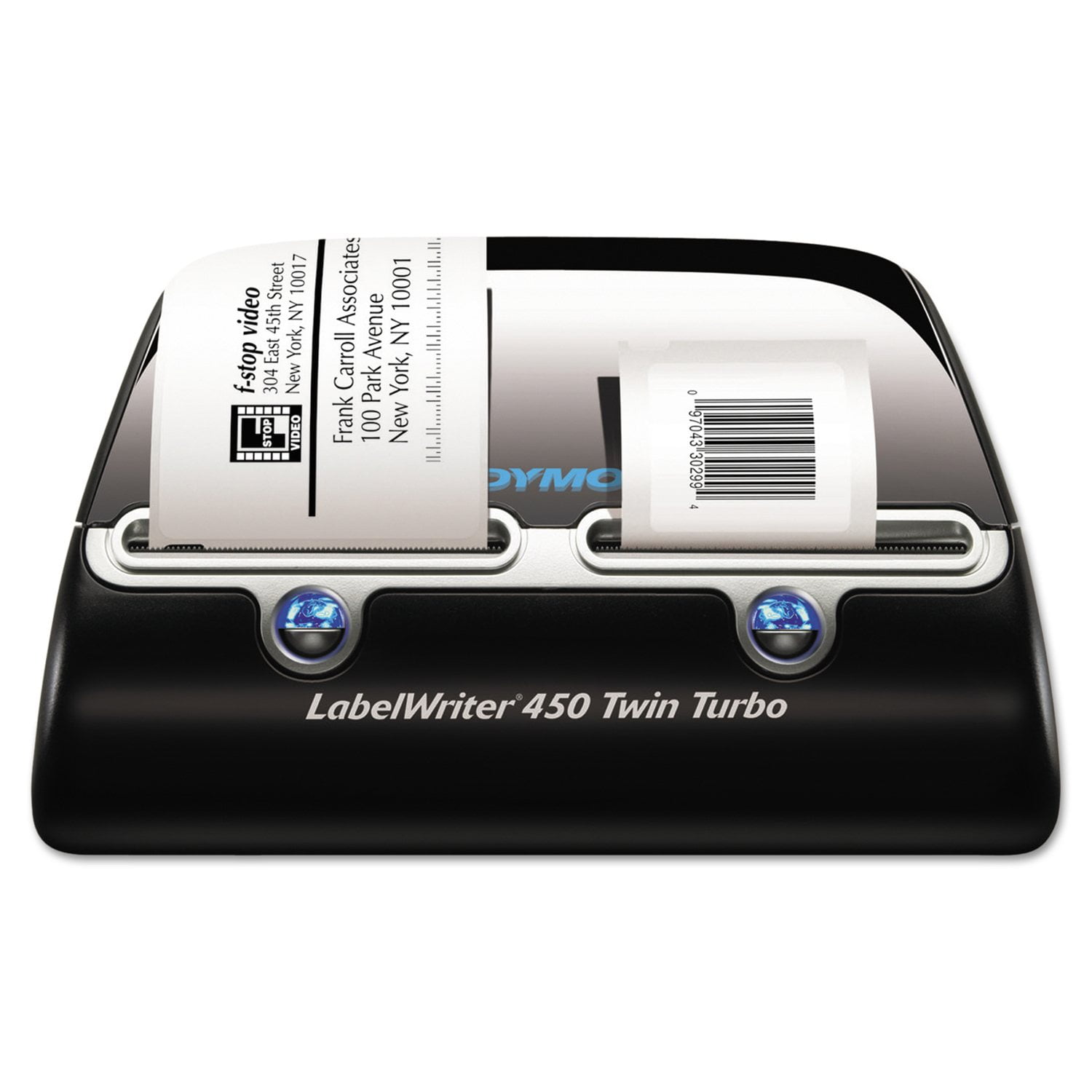
Customer reviews for DYMO LabelWriter - 450 Twin Turbo High Speed Postage & Label Printer for
DYMO LabelWriter - 450 Twin Turbo High Speed Postage & Label Printer
2.8 out of 5 stars
stars
165 ratings165 reviews
  1. 5 stars34% (56)
  2. 4 stars7% (11)
  3. 3 stars8% (14)
  4. 2 stars10% (16)
  5. 1 star41% (68)
Sort by |
Showing 101-110 of 165 reviews
Aug 8, 2019
SteveS
1 out of 5 stars review

New Dymo Connect Software Not Ready for Prime Time

I had been using a Labelwriter Twin Turbo printer with the Dymo Label Software 8.7.3 and recently purchased a 450 Twin Turbo and installed the new Dymo Connect software (v 1.1). I use lots of software and this is probably one of the worst I have ever encountered. Where to start. Ok, the UI is counter-intuitive and needlessly overcomplicated and convoluted; On the bottom left of the screen is an indication of which side of the printer is in use, which can be changed by clicking on an up-arrow and changing the side. On the bottom right is an indication of a label, which, unfortunately does not change when you change printer sides, so this control is useless (it only indicates which label was last printed); You need to go to the top and click "New" to choose the printer side and the correct label and start the whole label creation process all over; When you type an address on a label, even though Auto Fit is enabled, type will not auto fit on the label. Instead, it is entered into a small text box which prints tiny text on the label. In order to enlarge the text, you need to drag the boundaries of the box to the edges of the label; Most of the time the Address Fixer either does not work or gives crazy results; There is no way to add an Intelligent Mail Barcode to an address. These are but a few examples and I could go on, and on, but IMO, this software feels like an early Beta and I am uninstalling it and going back to Dymo Label Software 8.7.3.

Review from Dymo.com
Helpful?57FII27QW6D313879664629
Apr 24, 2023
ajrietveld
1 out of 5 stars review

DYMO Connect is terrible, use DYMO Label.

DYMO Connect makes simple tasks difficult and is a serious downgrade to the previous software. One major, but not the only, frustration is the device address book is no longer accessible and requires connecting to either Google or Microsoft contacts. I dread using the "new" DYMO Connect software. The previous DYMO Label software is accessible via this product page, however after a while the latest version of macOS reports the software is no longer useable and suggests it be removed. A quick removal and re-installation of the software seems to "fix" it until the next time.

Review from Dymo.com
Helpful?57FII27QW6D313879664629
Sep 12, 2024
Long Time User
1 out of 5 stars review

Horrible

I have used the Label Writer 450 Twin Turbo for over decade now. It was a great product until the past few years and even worse now since they went with the Dymo Connect instead of the desktop version software. I am very saddened to see this product go down hill so badly. I have 4 printers and have issues with all of them now. I used to recommend this printer but will not do it any longer

Review from Dymo.com
Helpful?57FII27QW6D313879664629
Sep 29, 2010
Donna4778
5 out of 5 stars review

Awesome

My company purchased this product and had not started using it. One day, we hooked it up and have been using it ever since. It is much easier and quicker than doing sheet labels. You can do one or however many you need. It is great!

Review from Dymo.com
Helpful?57FII27QW6D313879664629
May 14, 2010
Kenny G4776
5 out of 5 stars review

Should have purchased it sooner.

Love it. Have used the single label 450 for a while but finally broke down and bought the Twin Turbo for use with labels and stamps. Only wish it could hold four types of labels since I use various sizes and types.

Review from Dymo.com
Helpful?57FII27QW6D313879664629
Dec 17, 2023
chillidog
1 out of 5 stars review

Hot garbage

This printer is hot garbage! It wastes labels since the moment one label prints, a blank label comes out automatically. The dymo software is garbage as well and doesn't even recognize this printer. Avoid at all costs!

Review from Dymo.com
Helpful?57FII27QW6D313879664629
Oct 15, 2022
SteveC123
1 out of 5 stars review

Awful software experience

When I "updated" to the DYMO Connect software, I have been unable to routinely even use my label printer at all. I simply cannot relay on my LabelWriter 450 Twin Turbo to work.

Review from Dymo.com
Helpful?57FII27QW6D313879664629
Nov 13, 2024
wishitworked101
1 out of 5 stars review

Back to the drawing board

Not sure who's runnin' the ship, but usability (for example, the option to simply have wrapping text...like we did in the 1990's) is unavailable. Many more quirks too long to list. If you are tech-inclined, you can hack the system...sorta.

Review from Dymo.com
Helpful?57FII27QW6D313879664629
Jul 1, 2009
Anonymous
5 out of 5 stars review

huge time saver

easy to load, easy to use. costs alot when compared to a printer, however the time savings pays for it in just a few weeks. also you don't need to buy toner! a fact that dymo does not even mention.

Review from Dymo.com
Helpful?57FII27QW6D313879664629
Oct 6, 2021
Veefox
5 out of 5 stars review

We love this label machine

I am not sure why some people are having issues with this label printer. WE love having the option of having two different sets of labels ready to go in the machine. My boss just ordered me to order 4 more machines.

Review from Dymo.com
Helpful?57FII27QW6D313879664629