Skip to Main Content
Sam's Club
Sam's Club
Customer reviews for SAMSUNG 85” Class DU8000 Series UHD 4K Smart TV for
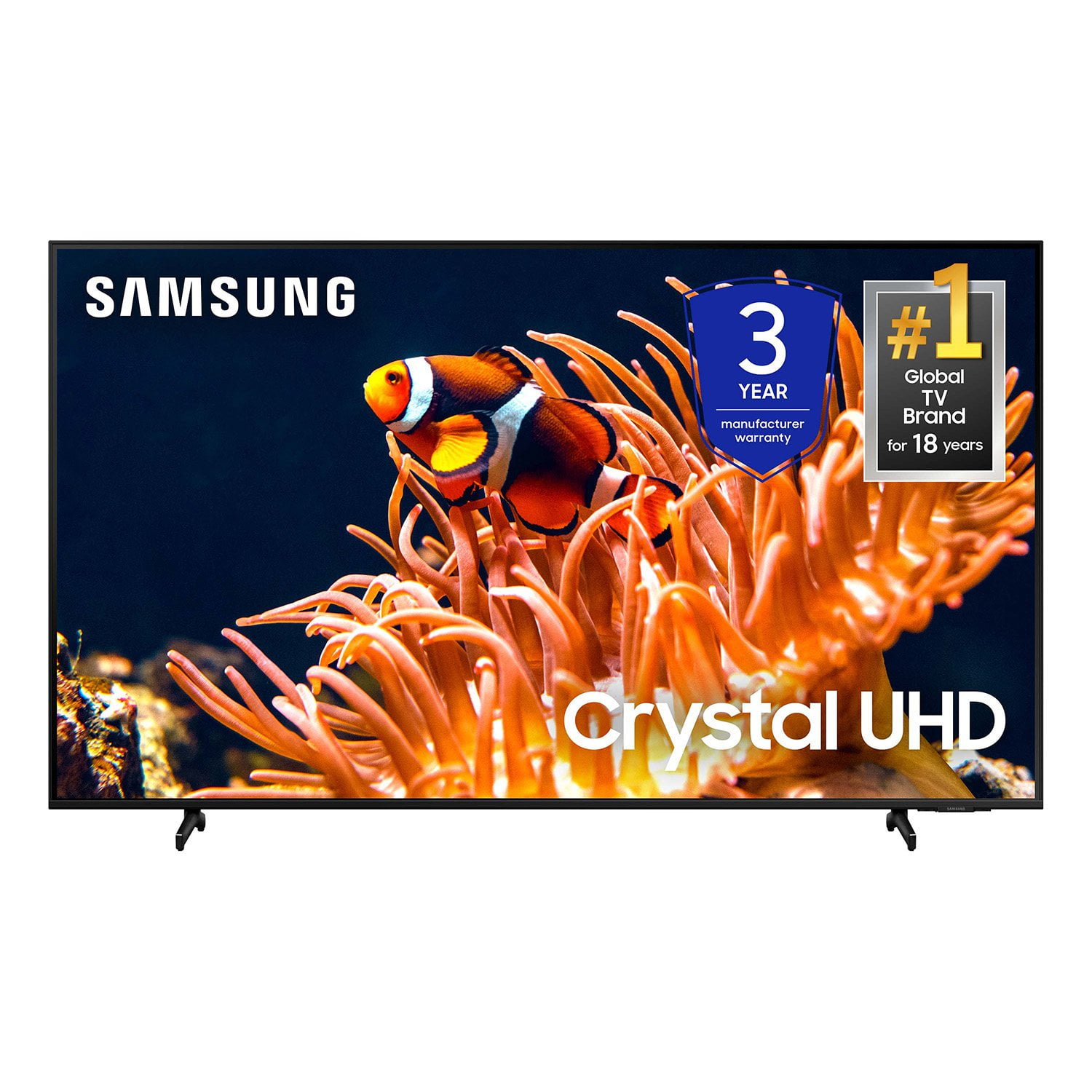
SAMSUNG 85” Class DU8000 Series UHD 4K Smart TV
4.5 out of 5 stars
stars826 ratings803 reviews
  1. 5 stars75% (616)
  2. 4 stars13% (106)
  3. 3 stars5% (41)
  4. 2 stars3% (22)
  5. 1 star5% (41)

Member photos

  • +191 images
Sort by |
Showing 681-690 of 803 reviews
Apr 1, 2024
Lovemysamsung
5 out of 5 stars review

GREAT ENTERTAINMENT

[This review was collected as part of a promotion.] Crystal clear from video games to your favorite football team have never seen better

Review from Samsung US
Helpful?5VT8YRQ8Z9WM13878967183
Apr 22, 2024
MickandDani
5 out of 5 stars review

Beautiful picture, slim design and lightweight!

[This review was collected as part of a promotion.] We will use for streaming and family enterianment.

Review from Samsung US
Helpful?5VT8YRQ8Z9WM13878967183
Mar 30, 2024
Watang
5 out of 5 stars review

Quality is Crystal clear

[This review was collected as part of a promotion.] The quality of this TV is amazing every ting in one spot

Review from Samsung US
Helpful?5VT8YRQ8Z9WM13878967183
Feb 5, 2025
Danny
1 out of 5 stars review

Not good quailty

I have 2 Samsung TVs. One is working fine. The other is less than a year old and has line in the picture already.

Review from Samsung US
Helpful?5VT8YRQ8Z9WM13878967183
reply from Samsung Advisor

Hi Danny, Thank you for purchasing the Samsung DU8000 TV and for sharing your experience with your TV not displaying properly. Please try the following troubleshooting steps: 1. If any external devices are connected, check all input cable connections 2. If the issue persists, define precisely what is wrong with the display. For example, mosaics and blocks, multiple lines or white dots, and fixed horizontal or vertical lines. 3. Try changing channels using the remote control. Is the issue the same on all channels? 4. Press the Home button (looks like a house), select Source, and choose another input source. Is the issue the same on all sources? 5. If the same problem persists, run a diagnostic test. (Home > Settings > Support > Device Care > Self Diagnosis > Picture Test) 6. If the problem disappears during the test, check your TV signal (Home > Settings > Support > Device Care > Self Diagnosis > Signal Information) to check the signal strength. The signal strength must be more than 20 dB (more than 4 bars on the icon) for stable signal reception Should your issue persist, please contact Samsung Customer Support. You can call us at 1-800-SAMSUNG, 8 AM - 12 AM EST, seven days a week. Our LiveChat agents are also available by clicking on the ‘Support’ link on our website. ~ Samsung Advisor

Dec 19, 2024
Ummmokay
4 out of 5 stars review

AMAZINGG

[This review was collected as part of a promotion.] It's been working pretty well. Would say my friends to buy it too

Review from Samsung US
Helpful?5VT8YRQ8Z9WM13878967183
Oct 15, 2024
Catmama
1 out of 5 stars review

B&W only after 1 week!

Went from color to black and white only no matter what we did. We had it exactly a week and will be sending it back.

Review from Samsung US
Helpful?5VT8YRQ8Z9WM13878967183
reply from Samsung Advisor

Hi Catmama, I'm very sorry that your TV is not functioning properly. I've put a few troubleshooting steps below for you to try. 1) A connection issue is the most common problem where there is a bad connection, faulty cables, or improper installation. 2) An issue with the device connected to the TV. There may be a video output setting on the device that you must set properly before it will output to the TV. 3) There is something wrong with the TV, requiring a technician to assess the TV and find a solution. Please give us the opportunity to assist you by contacting Samsung Customer Support 1-800-SAMSUNG, 8 AM - 12 AM EST, seven days a week. Our LiveChat agents are also available by clicking on the ‘Support’ link on our website. ~ Samsung Advisor

Nov 30, 2024
Anonymous
3 out of 5 stars review

Nice but ui is slow

[This review was collected as part of a promotion.] The interface is a bit slow to react. It has built in ads.

Review from Samsung US
Helpful?5VT8YRQ8Z9WM13878967183
reply from Samsung Advisor

Hi Jooksing, We appreciate your feedback on the response time, and for optimal performance, we ask that you please ensure you've got the latest firmware version installed on your DU8000 TV. You can check this by going to Home > Menu > Settings > Support > Software Update. You may also want to further optimize performance with the self-diagnostic tool, which checks memory, frees up unused cached memory, and closes background apps. Go to: Home > Menu > Settings > Support > Device Care > Start Device Care. If you ever have questions or need help, Samsung is here for you! Give us a call at 1-800-SAMSUNG, 8 AM - 12 AM EST, seven days a week. Our LiveChat agents are also available by clicking on the ‘Support’ link on our website. Thanks for being a part of the Samsung family! ~ Samsung Advisor

Jun 26, 2024
Studwell
4 out of 5 stars review

Nice streaming tv

[This review was collected as part of a promotion.] Reliable fast clear sharp Pic. Sound needs a sound bar

Review from Samsung US
Helpful?5VT8YRQ8Z9WM13878967183
Apr 22, 2025
HonestReviewer
5 out of 5 stars review

I love this TV

[This review was collected as part of a promotion.] I love my experience as a viewer and the homepage.

Review from Samsung US
Helpful?5VT8YRQ8Z9WM13878967183
Apr 29, 2025
SSTVCrystal
5 out of 5 stars review

Awesome resolution

[This review was collected as part of a promotion.] Awesome resolution. A must have if you are in the market to buy one.

Review from Samsung US
Helpful?5VT8YRQ8Z9WM13878967183