Skip to Main Content
Sams Club
Sams Club
Customer reviews for SAMSUNG 85” Class DU8000 Series UHD 4K Smart TV for
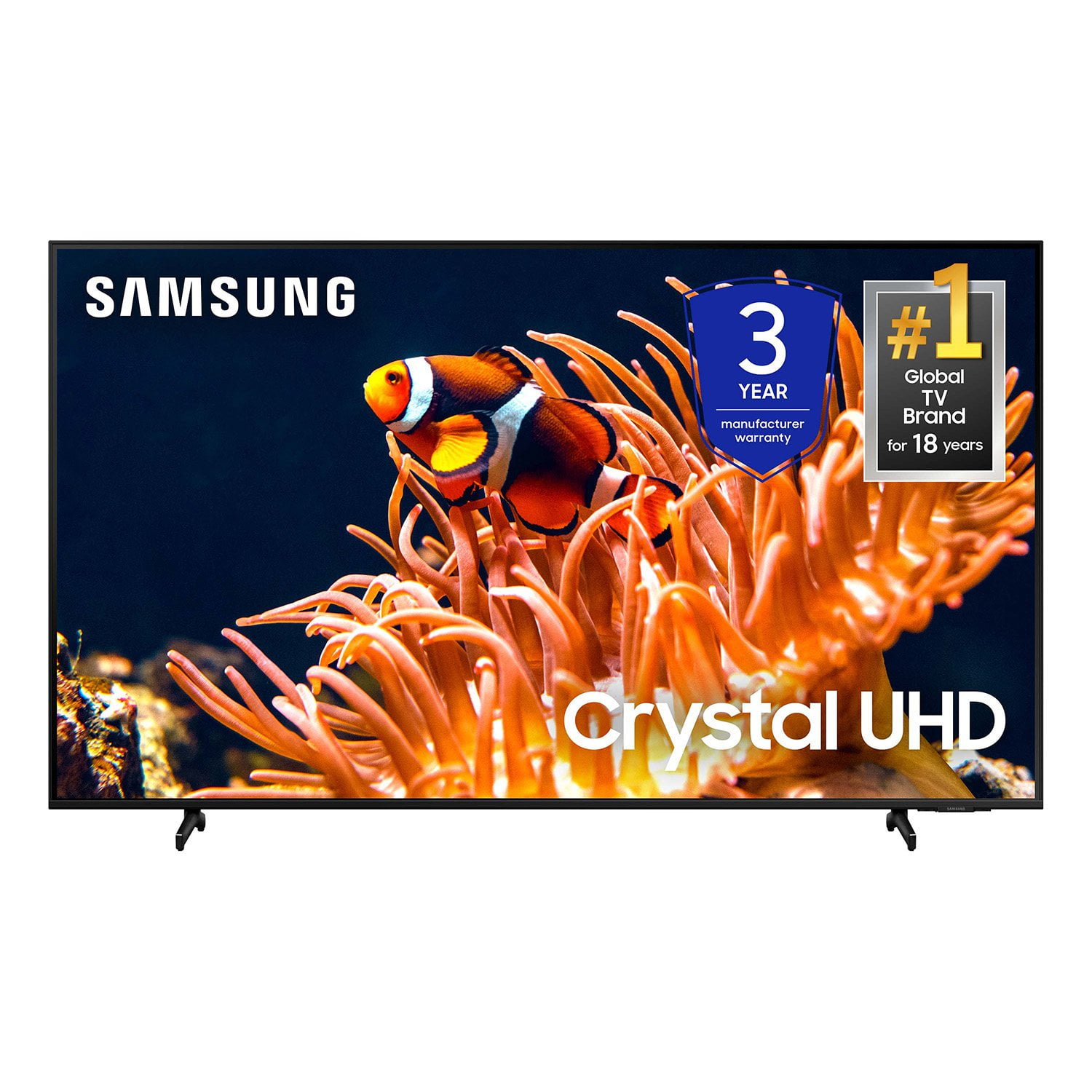
SAMSUNG 85” Class DU8000 Series UHD 4K Smart TV
4.5 out of 5 stars
stars824 ratings801 reviews
  1. 5 stars75% (616)
  2. 4 stars13% (104)
  3. 3 stars5% (41)
  4. 2 stars3% (22)
  5. 1 star5% (41)

Member photos

  • +191 images
Sort by |
Showing 441-450 of 801 reviews
Sep 5, 2025
Edbl
5 out of 5 stars review

Best TV in my lifetime

Excellent product great picture quality. Sound is a little weak.

Review from Samsung US
Helpful?5VT8YRQ8Z9WM13878967183
Jul 20, 2025
bobby
5 out of 5 stars review

great tv

great tv. works super. have had no problems.would definitely buy again.

Review from Samsung US
Helpful?5VT8YRQ8Z9WM13878967183
Jul 21, 2025
Percy
5 out of 5 stars review

Thumbs up

Love everything about my TV and I am EXTREMELY satisfied. I will buy it again

Review from Samsung US
Helpful?5VT8YRQ8Z9WM13878967183
Aug 10, 2025
Rocco
1 out of 5 stars review

Second screen with Problems

The set is awful! We have a bright spot up the side and a dark spot next to it

Review from Samsung US
Helpful?5VT8YRQ8Z9WM13878967183
Jun 5, 2025
Mike
5 out of 5 stars review

Amazing TV

Great TV. Excellent price. Very happy with the purchase.

Review from Samsung US
Helpful?5VT8YRQ8Z9WM13878967183
Jun 5, 2025
Mets
2 out of 5 stars review

Sound effects

Sound is not great have to turn tv volume almost to 100 to get good sound

Review from Samsung US
Helpful?5VT8YRQ8Z9WM13878967183
reply from Samsung Advisor

Hi Mets, Thank you for sharing your experience with low volume. There are several volume features you can adjust, which may improve your audio experience. 1) Auto Volume automatically adjusts the sound to a certain level when changing channels or switching to another external input. Go to Settings > All Settings> Sound > Expert Settings > Auto Volume. 2) Adaptive Sound automatically adjusts to a specific volume level while watching TV. The TV analyzes your volume usage history by time period to automatically adjust the volume when you use an app or switch to an external input source. Go to Settings> All Settings> Sound> Sound Mode> Adaptive Sound. 3) Several Sound Modes are likewise available to meet your personal preferences: Home > Settings > All Settings> Sound > Sound Mode. Also, some sources have their own volume control, which might need to be set higher. Please check the volume control of the external device (cable box or satellite box, DVD, Blu-ray, etc.) connected to your TV. Also, check the cable connection between an external device and the TV and then try the cable connection again. If you need more help, Samsung is here for you! Please call us at 1-800-SAMSUNG, 8 AM - 12 AM EST, seven days a week. Our LiveChat agents are also available by clicking on the ‘Support’ link on our website. ~Samsung Advisor

Aug 5, 2025
Qjohnson
1 out of 5 stars review

Sound not great.

Sound is not great. Also, the Home Screen seems to freeze often.

Review from Samsung US
Helpful?5VT8YRQ8Z9WM13878967183
Jul 5, 2025
TV Time
5 out of 5 stars review

Great Purchase

The quality of the picture is excellent ! It's very sharp with beautiful colors.

Review from Samsung US
Helpful?5VT8YRQ8Z9WM13878967183
Jul 30, 2025
Chelly
5 out of 5 stars review

Love it

The picture is so clear and detailed. I love it and recomend anyone to get it

Review from Samsung US
Helpful?5VT8YRQ8Z9WM13878967183
Jul 5, 2025
Beetle
5 out of 5 stars review

Great picture quality

I love the quality of the picture it shows now I’m upgrading all my tvs to Samsung

Review from Samsung US
Helpful?5VT8YRQ8Z9WM13878967183