Join Now
Skip to Main Content
Sam's Club
Sam's Club
All Departments
All Services
Customer reviews for SAMSUNG 85" Class Q6-Series 4K Ultra HD Smart QLED TV - QN85Q6DAAFXZA for
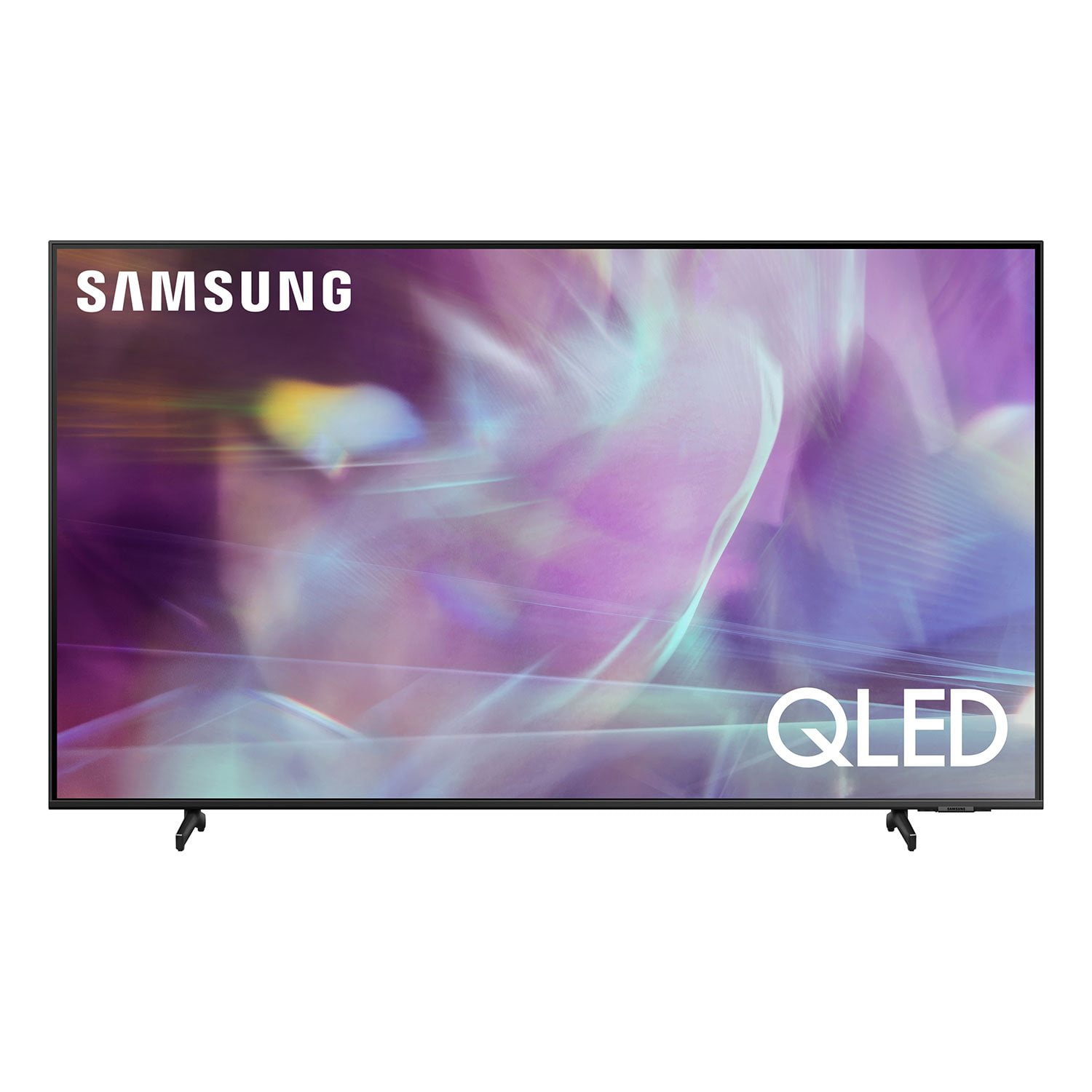
SAMSUNG 85" Class Q6-Series 4K Ultra HD Smart QLED TV - QN85Q6DAAFXZA
4.6 out of 5 stars
stars
1,459 ratings1,371 reviews
  1. 5 stars79% (1,151)
  2. 4 stars14% (205)
  3. 3 stars3% (37)
  4. 2 stars2% (25)
  5. 1 star3% (41)
Sort by |
Showing 611-620 of 1,371 reviews
Oct 12, 2021
Reviewer name: FireDragn
4 out of 5 stars
4 out of 5 stars review

Awesome TV but

[This review was collected as part of a promotion.] For everything new 1080p and up this TV is flawless. Older TV shows like star trek tng the upscaling is jittery

Review from Samsung US
Helpful?2N3BTSL8XP8O13875908701
reply from Samsung Brand Ambassador

FireDragn, Thank you for choosing Samsung's Q60A TV and for sharing your thoughts regarding the image quality. Your TV will upscale as best as possible any content sent to it. The closer your content is to 4K, the better the image will look on the screen. Here are some tips to help improve the picture clarity: 1. HDMI cables are recommended for optimal HD viewing. 2. If you have an analog cable box or satellite box, upgrade to a digital cable box or satellite box. 3. Change the output resolution of your devices, such as digital broadcast receiver, IPTV, and set-top box to UHD or HD. 4. You can further adjust your sharpness, brightness, contrast, color, and more by going to Settings > Picture > Expert Settings 5. Choose a Picture Mode by going to Settings > Picture > Picture Mode and choose from Dynamic, Standard, Natural, Movie, or Filmmaker Mode. For further assistance with settings adjustments, please contact Samsung Customer Support at 1-800-SAMSUNG (ask for TVs), available 8AM - 12AM EST, 7 days a week. For additional support resources, visit us on the Samsung website and click on the ‘Support’ link in the upper right corner of the homepage for: 1) Contact Us: For additional Chat & Text options, choose ‘TVs & Home Theater’ and select your model & topic. 2) Manuals & Software 3) Warranty Info 4) Register a Product: For access to easy warranty support, convenient opt-in to special promos and offers, faster troubleshooting and service, and quick notification of system updates. ~ Samsung Specialist

May 2, 2021
Reviewer name: Daddy111
5 out of 5 stars
5 out of 5 stars review

Amazing t.v

[This review was collected as part of a promotion.] I'm very happy with this t.v and all of the features and abilities it has. The best t.v I have ever owned and will definitely be purchasing Samsung from here on out. Thank you

Review from Samsung US
Helpful?2N3BTSL8XP8O13875908701
Apr 18, 2021
Reviewer name: lovemysamsung87
5 out of 5 stars
5 out of 5 stars review

Love Samsung pass

[This review was collected as part of a promotion.] use my TV for all sorts of stuff apps streaming music weather very nice and fast love that it has channels

Review from Samsung US
Helpful?2N3BTSL8XP8O13875908701
Oct 11, 2021
Reviewer name: Livelyduck
5 out of 5 stars
5 out of 5 stars review

Just overall awesome perfect

[This review was collected as part of a promotion.] Used for smart view and streaming games or whatever others used it for Overall it's an awesome fabulous TV that I'd buy over an over again all day everyday

Review from Samsung US
Helpful?2N3BTSL8XP8O13875908701
Aug 5, 2021
Reviewer name: Johng
4 out of 5 stars
4 out of 5 stars review

Backlight and eco

i have a 75 “ qn75q80aafxza. can you tell me if you can adjust the backlight on this tv and how to do it and also tell me how to get to eco mode so i can make some adjustments. ive tried to find the eco setting but can't seem to find it. thanks

Review from Samsung US
Helpful?2N3BTSL8XP8O13875908701
reply from Samsung Brand Ambassador

Johng, Thank you for choosing Samsung's Q80A TV and for your review. You can find your TV's Power and Energy Saving (previously known as Eco Solution) functions by going to: Home > Settings > General > Power and Energy Saving. To adjust individual image settings, go to: Settings > Picture > Expert Settings and configure the TV settings to your taste with functions such as Brightness (previously known as Backlight), Contrast, Sharpness, Color, Tint (G/R), Picture Clarity Settings, Local Dimming, Contrast Enhancer, and many more. Should you ever have questions or need help, please call us at 1-800-SAMSUNG (ask for TVs), available 8AM -12AM EST M-F (9AM – 6PM EST Sat). Or text HELP to 62913. For additional support resources, visit us on the Samsung website and click on the ‘Support’ link in the upper right corner of the homepage for: 1) More ‘Contact Us’ options – LiveChat, Facebook, Twitter, Samsung Community, Samsung Members app 2) Manuals & Software 3) Warranty Info 4) Product Registration: For access to easy warranty support, convenient opt-in to special promos and offers, faster troubleshooting and service, and quick notification of system updates. ~ Samsung Specialist

Apr 19, 2021
Reviewer name: Ash2121
4 out of 5 stars
4 out of 5 stars review

Satisfied

[This review was collected as part of a promotion.] Nothing too fancy and gets the job done. I play a lot of playstation on it and might shell out for a TV with higher rate now

Review from Samsung US
Helpful?2N3BTSL8XP8O13875908701
Sep 20, 2021
Reviewer name: Odin
5 out of 5 stars
5 out of 5 stars review

Great tv

[This review was collected as part of a promotion.] I use my TV for gaming and movies. Needed a 4k high hz TV for my xbox series x and it doesn't disappoint.

Review from Samsung US
Helpful?2N3BTSL8XP8O13875908701
Apr 12, 2021
Reviewer name: swaee
5 out of 5 stars
5 out of 5 stars review

Great tv

[This review was collected as part of a promotion.] I'd love to watch my Sunday gamesnin here ..also with my weekends being busy I can see my favorite TV shows like meads family reunion...an bad Boys with Martin an d will smith

Review from Samsung US
Helpful?2N3BTSL8XP8O13875908701
Sep 28, 2023
Reviewer name: Mr D
4 out of 5 stars
4 out of 5 stars review

Better than LG

It's been over a year and it still out preformed my newer LG. From the color to the wifi to the internet speed tests . The Samsung out performs the competition

Review from Samsung Canada
Helpful?2N3BTSL8XP8O13875908701
Oct 10, 2021
Reviewer name: Suhib123
5 out of 5 stars
5 out of 5 stars review

Good tv

[This review was collected as part of a promotion.] It is good tv you should buy it the first I opened the box I was so excited to be watching movies on it

Review from Samsung US
Helpful?2N3BTSL8XP8O13875908701