Join Now
Skip to Main Content
Sam's Club
Sam's Club
All Departments
All Services
Customer reviews for SAMSUNG 85" Class Q6-Series 4K Ultra HD Smart QLED TV - QN85Q6DAAFXZA for
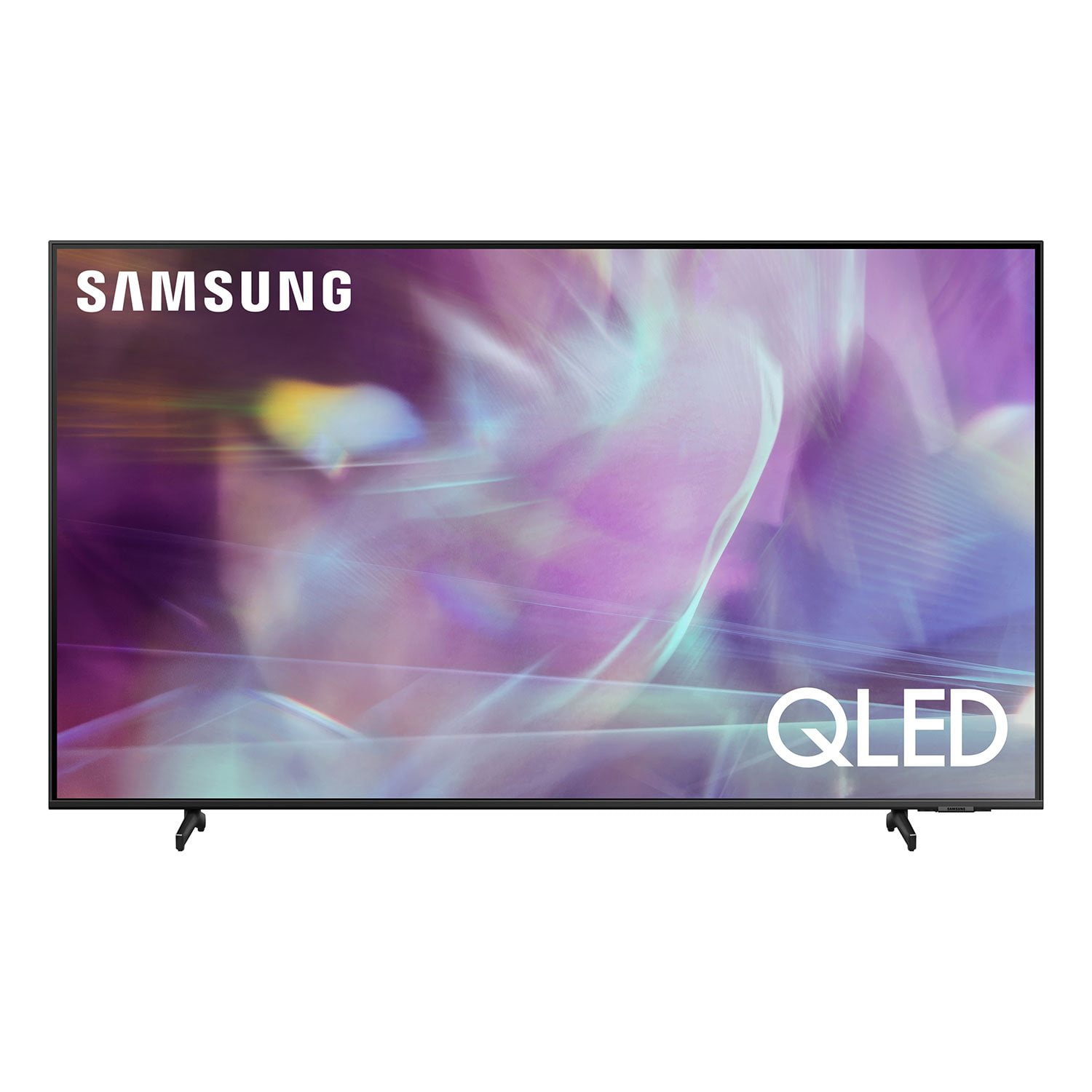
SAMSUNG 85" Class Q6-Series 4K Ultra HD Smart QLED TV - QN85Q6DAAFXZA
4.6 out of 5 stars
stars
1,459 ratings1,371 reviews
  1. 5 stars79% (1,151)
  2. 4 stars14% (205)
  3. 3 stars3% (37)
  4. 2 stars2% (25)
  5. 1 star3% (41)
Sort by |
Showing 421-430 of 1,371 reviews
Jun 29, 2021
Reviewer name: Jackers
5 out of 5 stars
5 out of 5 stars review

Sharp Image

[This review was collected as part of a promotion.] So impressed with this TV from day 1. The colors are vibrant and definitely works well in a room with 8 large windows. So impressed with the difference in clarity and reflection from TV this Samsung replaced. Sweet volume control feature, going louder if I vacuum or a noisy car drives by. Not real tech savvy at my age but relatively user friendly. Great purchase with no regrets.

Review from Samsung US
Helpful?2N3BTSL8XP8O13875908701
Apr 19, 2021
Reviewer name: RODG936
5 out of 5 stars
5 out of 5 stars review

Mannn this tv goes hard than paint

[This review was collected as part of a promotion.] I use this tv for my game systems, and i watch YouTube and stream my Netflix, hulu.and Disney plus account, it have damm good features and with an amazing clear view and the magnificus HD view ....with the bad coolin sound quality.....love this tv

Review from Samsung US
Helpful?2N3BTSL8XP8O13875908701
Oct 12, 2021
Reviewer name: Don0SS
5 out of 5 stars
5 out of 5 stars review

Ultimate experience with QLED 4K

[This review was collected as part of a promotion.] I love the way Samsung has got the Ambient mode feature since years now into its TV's. I can blend my TV to my room decor and everyone loves it. I can set the mood based on multiple events I host. Incredible colors and ultra clear pictures love it. All my apps never crashed until today which is a plus which shows robust software and OS from Samsung. Samsung Power. I am going Samsung throughout my home. Thanks Samsung.

Review from Samsung US
Helpful?2N3BTSL8XP8O13875908701
Jun 29, 2021
Reviewer name: Samsungkids
5 out of 5 stars
5 out of 5 stars review

Brilliant Color's Exceptional Quality

[This review was collected as part of a promotion.] The unit arrived on time and in perfect condition. The setup was simple following the instructions on the quick setup guide. Picture quality is outstanding and the TV has all the latest features and apps. I highly recommend Samsung products as they are all easy to set up and use. I own 3 different Samsung devices.

Review from Samsung US
Helpful?2N3BTSL8XP8O13875908701
Dec 25, 2021
Reviewer name: Darrell D
5 out of 5 stars
5 out of 5 stars review

Great TV !!!!

(This review was collected as part of a promotion.) I bought the 50” Frame TV approximately 6 weeks ago and hung it in our living room. Installation was fairly easy and my family love it as much as I do. The Frame TV has even fooled a few people, as they did not realize it was a TV! Love being able to put my personal photos on the Frame.

Review from Samsung Canada
Helpful?2N3BTSL8XP8O13875908701
reply from Operations

Hi Darrell, thanks so much for your kind words! We sincerely appreciate your feedback and will share this with our team. We hope you enjoy many years of great entertainment with your Samsung TV!

Sep 25, 2021
Reviewer name: MrPickyTV
5 out of 5 stars
5 out of 5 stars review

GREAT TV

[This review was collected as part of a promotion.] This system has a great picture, great sound just from the built-in speakers, great features and was very simple to set-up. I used to repair TV's as well as sell them and I am very picky about design, features & functionality and mostly picture ! Even though I have been a big fan of Samsung TV's for the last 10 years or so, this model has exceeded all of my expectations so far!

Review from Samsung US
Helpful?2N3BTSL8XP8O13875908701
Sep 27, 2021
Reviewer name: TVwatcherICT
5 out of 5 stars
5 out of 5 stars review

An Excellent TV - 10/10

[This review was collected as part of a promotion.] This is one of the best TV's I've purchased. It's very lightweight and extremely thin which makes the setup quick and wall mounting feel very secure, even if you skip out on purchasing a top of the line wall-mount and settle for a more budget friendly version. The interface is very intuitive and made setting up my video game consoles, surround sound system, and cable box very easy; and switching between them is easier then ever before since the TV can power on those accessories by itself so you don't need to turn them on separately. Unlike my previous TV, the apps load quickly and stream without crashing or interference even after using it for extended periods of time, and there is no little to no lag when navigating menus or using the built-in TV guide to select what to watch. I love the voice-to-search function integrated in the easy to use, ergonomic universal remote contoll, and the TV's functionality with the the Samsung Smart Things app as well as digital assistants like Alexa, Google Home, or Bixby is extremely useful. With the newly included ambiance mode, this TV has become the centerpiece of our living room and my family has enjoyed many nights around it together watching our favorite programming. All in all, an 10/10 TV that I would (and have) absolutely recommend to friends and family, and wouldn't hesitate to buy again for myself.

Review from Samsung US
Helpful?2N3BTSL8XP8O13875908701
Oct 12, 2021
Reviewer name: Benjamin
4 out of 5 stars
4 out of 5 stars review

A great QLED TV

[This review was collected as part of a promotion.] I have owned this TV for 18 months, and have enjoyed it the entire time. It has a great picture and has several modes to adapt the picture to your viewing mode. It also interfaces well with other Samsung devices and smart services like Alexa.

Review from Samsung US
Helpful?2N3BTSL8XP8O13875908701
Sep 17, 2021
Reviewer name: Keeper
5 out of 5 stars
5 out of 5 stars review

Great Color and 4K

[This review was collected as part of a promotion.] I use my Samsung QLED 65 inch TV for movies and documentaries. I also connect my other devices like computers and cell phones to display content from them to the TV. I use several different free and paid streaming services and watch local TV and Samsung TV. My TV is also part of my Samsung Smart Home Hub. All my appliances, phones and computers are all Samsung.

Review from Samsung US
Helpful?2N3BTSL8XP8O13875908701
Oct 11, 2021
Reviewer name: Fitzish
4 out of 5 stars
4 out of 5 stars review

Great but not great

[This review was collected as part of a promotion.] The TV is fantastic with the picture however when switching in between game mode and not game mode it seems to have a bit of a hard time differentiating whether or not it's playing a video game or not. It'll even be in game mode and then I'll have to turn off game of the turn back on game mode to get the clear visuals that it typically has in game mode. I don't quite understand why this model doesn't enable Bluetooth I feel that at this point in time and technology all things especially TVs should be bluetooth enabled without having to purchase any extra adapters.

Review from Samsung US
Helpful?2N3BTSL8XP8O13875908701
reply from Samsung Brand Ambassador

Fitzish, Thank you for choosing Samsung’s Q80A TV and for sharing the issues you are experiencing with (green option). Please be sure your firmware is up to date with version 1805.4 which includes input device performance updates. You can check this by going to: Settings > Support > Software Update. If this firmware version is not yet available on your TV, you can download the update on a USB drive and manually update your TV: 1. On Samsung's website (upper right corner), go to: Support > Manuals & Software > Find your TV model. 2. Download the update and extract it to the root of a USB thumb drive. (Do not put it in any folders on the thumb drive.) 3. Connect the USB thumb drive to a USB port on your TV. 4. Navigate to Settings > Support > Software Update, select Update Now, and then select Yes. 5. Follow the on-screen instructions to install the updated software. Please know your new TV can definitely connect to speakers, headsets, keyboards, mice, etc. via Bluetooth, as this is feature built into the Q80A. To connect an external device, go to: Settings > General > External Device Manager > Input Device Manager > Bluetooth Device List. If your device is not detected, position it closer to the TV, then select Refresh. The TV will re-scan for available devices. You can also connect Bluetooth audio devices to the TV. They must be paired using the TV's Bluetooth function. Go to: Settings > Sound > Sound Output > Bluetooth Speaker List. Should you need further assistance, please contact Samsung Customer Support at 1-800-SAMSUNG (ask for TVs), available 8AM - 12AM EST, 7 days a week. For additional support resources, visit us on the Samsung website and click on the ‘Support’ link in the upper right corner of the homepage for: 1) Contact Us: For additional Chat & Text options, choose ‘TVs & Home Theater’ and select your model & topic. 2) Manuals, Software, & Warranty Info ~ Samsung Specialist