
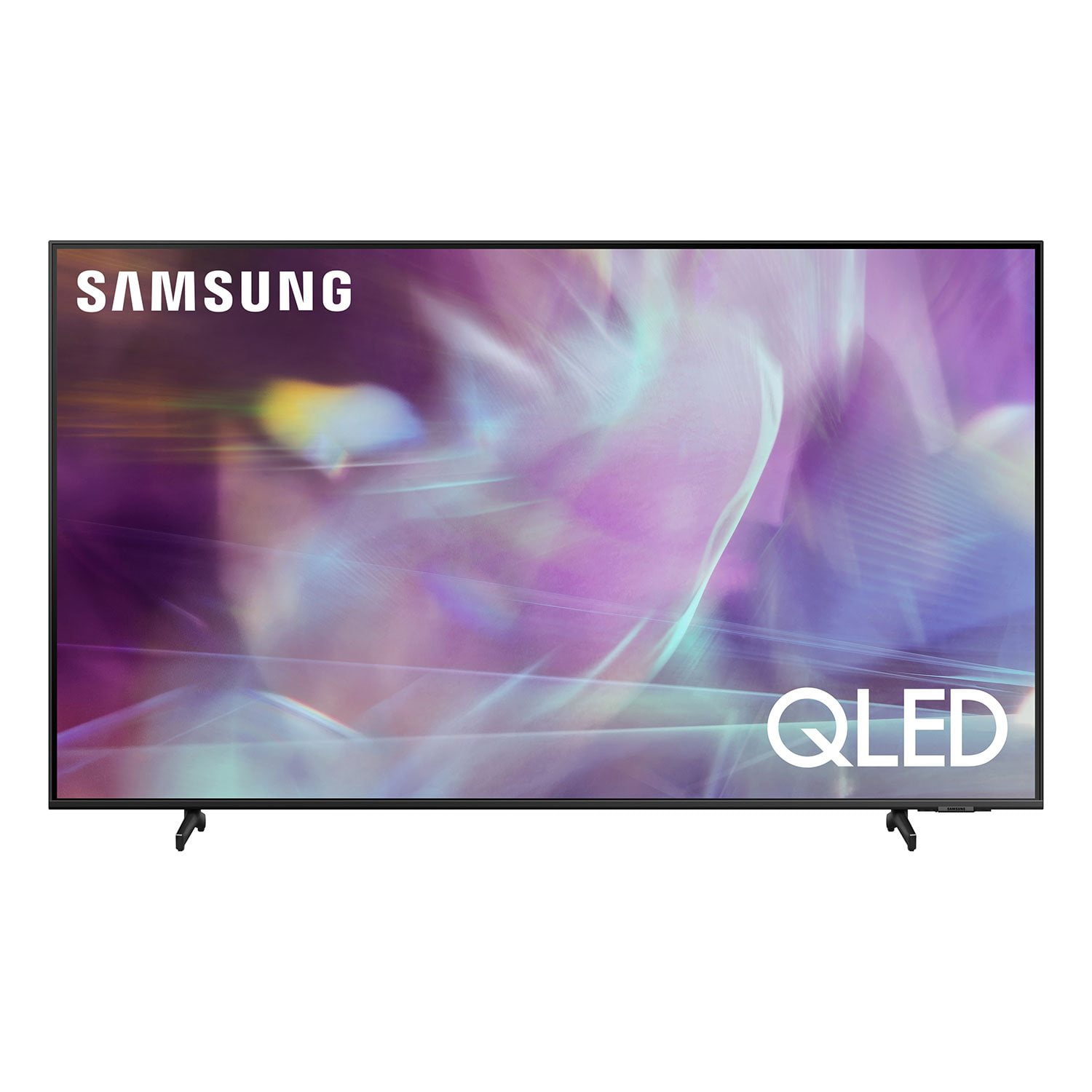
 Customer reviews for SAMSUNG 85" Class Q6-Series 4K Ultra HD Smart QLED TV - QN85Q6DAAFXZA for
Super Great TV!
[This review was collected as part of a promotion.] Ok I go my TV 3 years ago and it's still working perfect. I love the colors on it and how bright or how dim I use it. My gaming on this one looks awesome! I got a ps5 and play my games on this TV. In the beginning I had to get use to what I wanted to get out of it. I finally found the balance in colors that I LOVE! I have different settings set up for gaming and TV and my movies. Speaking if movies. OMG I love the 4k on this one. How sharp and crisp everything is. Now it's not a OLED so the blacks could be darker. I still love it. My next TV I want it to be a 70 or 80inch. I wanna go big!
This product has the best features
[This review was collected as part of a promotion.] I love the 4k feature, 4K TVs have four times more pixels than traditional Full HD (1920 x 1080) TVs. Even on TV screens of the same size, the 4K TV picture quality ends up being more vivid and detailed thanks to the greater pixel density. This difference is especially obvious in big screen TVs, which in this case is my 60”.
Persistence pays off
[This review was collected as part of a promotion.] At first I was disappointed at the color accuracy and washed out brightness. I kept tinkering with all of the settings in seemingly infinite combinations and after about a month I've finally got the colors, contrast and brightness perfect. At times I would think that I had the color perfect until I changed the channel or another show came on and the color /brightness would just fall apart, but I persisted until the image quality is perfect now no matter what I am watching. 4k content rivals that of OLEDs. I am also very pleased with the screen brightness. The controls are very responsive with zero lag. The home screen is just a little unclear because the selected item isn't very prominent and not as well laid out as roku.
My 4k wide-screen TV review.
[This review was collected as part of a promotion.] This TV does not fail to impress me with clear, realistic visuals. I normally game with this in my living room using a ps5, and this TV makes 4k gaming look like butter! I would definitely reccomend buying this for looks and excellence. -Karmel
This TV is big but th colors are faded
[This review was collected as part of a promotion.] I use my TV to watch TV, movies, animal shows, sports. I am very satisfied with the size and sound of the TV but I am not happy with the color sharpness. I expected the colors would be brilliant. The colors appear to be faded. Even trying various setting adjustments doesn't improve the sharpness. The concierge is not very helpful. For the price we paid, we expected a great picture and we are very disappointed so far. I also have trouble using the various apts. I wish there were better directions and instructions.
Hi Petey, Thank you for sharing your thoughts on the picture quality of your new 2021 Q80A QLED 4K TV. To optimize your picture quality, please be sure your firmware is up to date with version 1560.5 which includes picture quality updates. You can check this by going to: Settings > Support > Software Update. If the picture you are seeing is still not to your liking, there are several picture settings you may want to try adjusting. You can select the Picture Mode that provides the best viewing experience. Go to Home > Settings > Picture > Picture Mode 1) Standard: Is the default mode suitable for general viewing environments. 2) Natural: Reduces eye strain for a comfortable viewing experience. 3) Movie: Is suitable for watching TV or movies in a dark room. 4) Dynamic: Makes the picture brighter and clearer in bright viewing environments. 5) Filmmaker Mode: You can watch the source content (e.g., movie) as it is. If the image is defined as Filmmaker Mode, it will automatically switch to Filmmaker Mode while watching. In addition to the picture modes on your TV, you may also want to try adjusting additional picture settings if the picture you are seeing is not to your liking. You can go to: Settings > Picture > Expert Settings and configure the TV settings to your taste with functions such as Brightness, Contrast, Sharpness, Color, Tint (G/R), Picture Clarity Settings, Local Dimming, Contrast Enhancer, and many more. Intelligent Mode also enables the TV to recognize and analyze the surroundings, noise, content, and your usage patterns to provide the best viewing experience. You can enable Intelligent Mode by going to Home > Settings > General > Intelligent Mode Settings. Adaptive Picture, which is among the options, optimizes brightness and provides the best picture quality in real time, based on the lighting condition and the content you're viewing. To assist you in learning the various functions, features and settings, you can download the Q80A TV's User Manual, e-Manual, Remote Control Leaflet, and Quick Setup Guide on Samsung's website by clicking "Support" > "Manuals & Software" > "TVs & Home Theater" > "TVs". From there, you can select the Q80A TV under "4K QLED TVs” > “A Model Lineup" and download the guides you would like. The e-Manual is also embedded into the TV itself under Settings > Support > Open e-Manual. I hope you can use these tips and adjustment recommendations to set the image to your liking. If you would like further assistance with settings, features, or functions, please reach out to Samsung Customer Support at 1-800-SAMSUNG (ask for TVs), available 8AM -12AM EST M-F (9AM – 6PM EST Sat). Or text HELP to 62913. For additional support resources, visit us on the Samsung website and click on the ‘Support’ link in the upper right corner of the homepage for: 1) More ‘Contact Us’ options – LiveChat, Facebook, Twitter, Samsung Community, Samsung Members app 2) Manuals & Software 3) Warranty Info 4) Product Registration: For access to easy warranty support, convenient opt-in to special promos and offers, faster troubleshooting and service, and quick notification of system updates. ~ Samsung Specialist
Phenomenal
[This review was collected as part of a promotion.] I used this tv to watch streams and play games. And honestly, I'm having the time of my life. The quality is great, the size is great, audio and the settings are great too. I don't know if this could ever be topped.
Best Value TV
[This review was collected as part of a promotion.] An excellent OLED television with advanced features that set it apart from other manufacturers in the space the deep integration samsung has with its many devices makes it super nice for screen casting
65" Q60A Samsung QLED 4K Smart TV
[This review was collected as part of a promotion.] I am a huge movie and gamer. This tv is particularly good for watching movies. The clarity of the picture is exceptional, the basic sound quality was surprisingly impressive. Everything is right there in the screen . Very easy to use.
No "multiview" for pre-installed apps.
bought 2 of these tv's for multi-view function and it's "endless possibilities for splitting screens and viewing several types of content at the same time"- samsung. the only thing you can do is screen mirror a samsung phone on the right and on the left you can watch air tv, cable, samsung tv, or hdmi input. none of the pre-installed apps (disney, hulu,prime or netflix) work on multiview. youtube semi works but you need to exit split screen to search content then go back into multiview. samsung need to create a software update for this issue. picture, sound, and design are good but seriously disappointed at the multiview function. as there are cheaper alternatives ie. tu7000.
Hi luis, Thank you for your review of Samsung's Q60A TV and for sharing your feedback regarding Multi View. This feature allows you to display two things at once on your TV. For example, you can view media from different sources, such as a compatible app, Blu-ray player, or game console, on the main left screen, while also mirroring your phone to the smaller screen. Only 1 HDMI-connected device can be used at a time. For example, on the left screen: You can play an app (Samsung TV Plus, YouTube, or YouTube TV), HDMI devices, Antenna or Cable, or USB devices. On the right screen: You can screen mirror, use AirPlay, cast from an app, or cast from an IoT camera. Should you ever have questions or need help, please call us at 1-800-SAMSUNG (ask for TVs), available 8AM - 12AM EST, 7 days a week. For additional support resources, visit us on the Samsung website and click on the ‘Support’ link in the upper right corner of the homepage for: 1) Chat with Us/Product Help: To begin a chat or find solutions, choose ‘TVs & Home Theater’ and select your model & topic. 2) Register a Product: For access to easy warranty support, convenient opt-in to special promos and offers, faster troubleshooting and service, and quick notification of system updates. 3) Manuals & Software 4) Warranty Info 5) Contact Us ~ Samsung Specialist
Great Picture and Easy to set-up
[This review was collected as part of a promotion.] I originally wanted to buy a TV for the bedroom. But, we decided to move our Samsung 55' to the bedroom and replace it with a 65'. We love our new TV, but we did have to upgrade our internet to accommodate the draw on the network. Well worth the cost for the upgrade.