Join Now
Skip to Main Content
Sam's Club
Sam's Club
All Departments
All Services
Customer reviews for SAMSUNG 85" Class Q6-Series 4K Ultra HD Smart QLED TV - QN85Q6DAAFXZA for
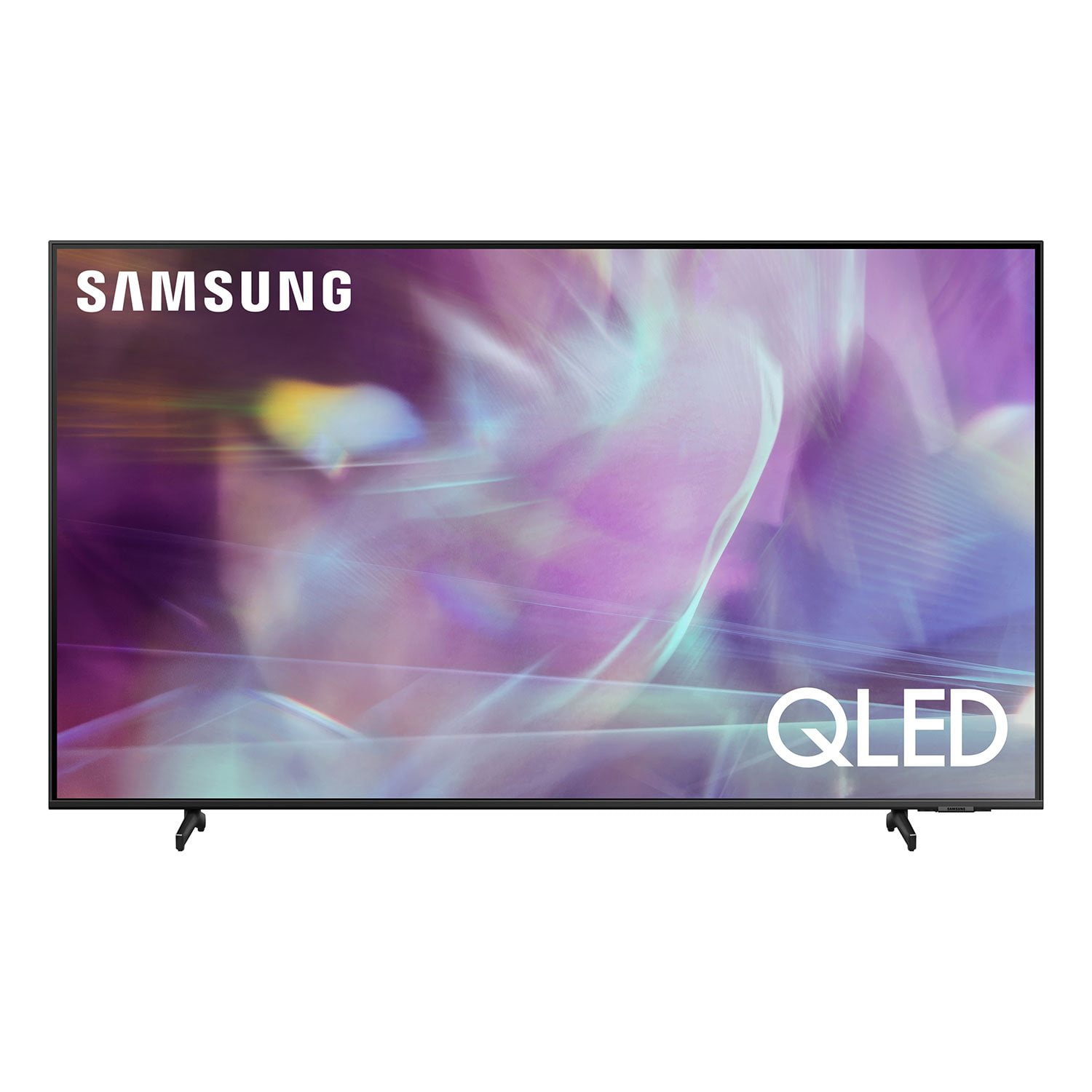
SAMSUNG 85" Class Q6-Series 4K Ultra HD Smart QLED TV - QN85Q6DAAFXZA
4.6 out of 5 stars
stars
1,459 ratings1,371 reviews
  1. 5 stars79% (1,151)
  2. 4 stars14% (205)
  3. 3 stars3% (37)
  4. 2 stars2% (25)
  5. 1 star3% (41)
Sort by |
Showing 221-230 of 1,371 reviews
Apr 19, 2021
Reviewer name: Desiree
5 out of 5 stars
5 out of 5 stars review

I just love my 85 inch flat screen.

[This review was collected as part of a promotion.] I purchase and I stream free movies the colors are alive the pictures are clear. The sound is great. I listen to music. My grand kids love watching their shows and they play games as well. They are trying to take over the tv. I placed mines on the wall but you don't have too. Family members say wow and that they want one. I really love samsung products. I'm a Droid my cell is a Samsung. Lol. Don't wait any longer its worth it.

Review from Samsung US
Helpful?2N3BTSL8XP8O13875908701
Sep 20, 2021
Reviewer name: GMOB
4 out of 5 stars
4 out of 5 stars review

Love my tv

[This review was collected as part of a promotion.] I mainly use it for streaming. Picture quality is great. There are a couple of issues though. First I have w My phone connected to it and every time I'm on my phone it keeps trying to project my phone screen to the tv. The notification pops up ever minute, very annoying. Second the smart volume on the tv keeps changing modes which causes a moment of silence right when someone is going to say something important. Besides those which I've learned to live with the tv is great.

Review from Samsung US
Helpful?2N3BTSL8XP8O13875908701
reply from Samsung Brand Ambassador

GMOB, Thank you for choosing Samsung's Q80A TV and for your review. I am happy to hear you are enjoying the picture quality of your new 2021 QLED! The chiming you are hearing is the Tap View feature which gives you the option to use the screen mirroring features between your smart phone and TV. This feature can be disabled from the SmartThings App Settings on your phone. Samsung TVs have Anynet+ (also known as HDMI-CEC), a feature that allows connected external HDMI devices to inform your TV when they have turned on. By default, the TV will immediately switch to this source when this happens. If you have a device connected to your TV via HDMI, please turn off the Anynet+ (HDMI-CEC) function in your TV's settings. To ensure your TV is always optimized, please be sure your firmware is up to date with version 1805.4 which includes various performance and quality updates. You can check this by going to: Settings > Support > Software Update. If this firmware version is not yet available on your TV, you can download the update on a USB drive and manually update your TV: 1. On Samsung's website (upper right corner), go to: Support > Manuals & Software > Find your TV model. 2. Download the update and extract it to the root of a USB thumb drive. (Do not put it in any folders on the thumb drive.) 3. Connect the USB thumb drive to a USB port on your TV. 4. Navigate to Settings > Support > Software Update, select Update Now, and then select Yes. 5. Follow the on-screen instructions to install the updated software. I hope these tips help. Should you ever have questions or need help, please call us at 1-800-SAMSUNG (ask for TVs), available 8AM - 12AM EST, 7 days a week. For additional support resources, visit us on the Samsung website and click on the ‘Support’ link in the upper right corner of the homepage for: 1) Contact Us: For additional Chat & Text options, choose ‘TVs & Home Theater’ and select your model & topic. 2) Manuals & Software 3) Warranty Info 4) Register a Product: For access to easy warranty support, convenient opt-in to special promos and offers, faster troubleshooting and service, and quick notification of system updates. ~ Samsung Specialist

Jun 29, 2021
Reviewer name: DESERTCOP
5 out of 5 stars
5 out of 5 stars review

HIGH TECH BEAUTY!

[This review was collected as part of a promotion.] ALL OF THE FEATURE ARE EXTREMELY EASY TO USE, WE WATCH NETFLIX, PRIME TV, LOTS OF SPORTS AND MOVIES ON DEMAND. THIS IS ONE OF THE VERY BEST PURCHASES EVER FOR THE ENTIRE ELERLY FAMILY AND FRIENDS....

Review from Samsung US
Helpful?2N3BTSL8XP8O13875908701
Apr 15, 2021
Reviewer name: DaveTV
4 out of 5 stars
4 out of 5 stars review

PS4 connection issues are heavy.

[This review was collected as part of a promotion.] For a television that was marketed on great playability with game consoles, it's connection issues with PS4 are pretty severe. Other than that, this is a great 4K Smart TV and I would recommend it to anyone. Display is beautiful, apps work well enough, but bear in mind that this is not a standard Android TV powered device. This runs a proprietary OS and cannot sideload Android apps.

Review from Samsung US
Helpful?2N3BTSL8XP8O13875908701
reply from Samsung Brand Ambassador

DaveTV: Thank you for choosing the Q60A QLED TV and taking the time to share your experience. So that we can better understand your issue and provide you with troubleshooting assistance regarding connectivity with your PS4 game console, please contact Samsung TV Customer Support. You can reach us at 1-800-SAMSUNG (ask for TVs), available 8AM -12AM EST, 7 days a week. Or text HELP to 62913. For additional support resources, visit us on the Samsung website and click on the ‘Support’ link in the upper right corner of the homepage for: 1) More ‘Contact Us’ options – LiveChat, Facebook, Twitter, Samsung Community, Samsung Members app 2) Manuals & Software 3) Warranty Info 4) Product Registration: For access to easy warranty support, convenient opt-in to special promos and offers, faster troubleshooting and service, and quick notification of system updates. ~ Samsung Solutions

Apr 1, 2021
Reviewer name: Illpoetic
5 out of 5 stars
5 out of 5 stars review

Great TV

[This review was collected as part of a promotion.] I have told TV in my bedroom and it had one of the best pictures I've seen on a TV. We originally was going to put this in the family room, until my wife saw that beautiful picture and she wanted it in the bedroom.

Review from Samsung US
Helpful?2N3BTSL8XP8O13875908701
Sep 19, 2021
Reviewer name: MACS85
5 out of 5 stars
5 out of 5 stars review

One word... Amazing!

[This review was collected as part of a promotion.] Upgraded from a QLED 75 Samsung to this model for my media room in our new home. Absolutely would donut again. The Q symphony option when paired with a sound bar that supports makes all the difference. Sound from everywhere ensures you never miss a whisper, shuffle in the dark, call on the field, crunch of a bone, you name the sound and you are hearing it. Also the colors pop on every show allowing to truly enjoy the full 85" inches of viewing pleasure no matter what angle you are sitting at. Phenomenal TV and great purchase!!!

Review from Samsung US
Helpful?2N3BTSL8XP8O13875908701
Jun 29, 2021
Reviewer name: Dregirl
5 out of 5 stars
5 out of 5 stars review

Amazing picture & sound!!!

[This review was collected as part of a promotion.] This TV is amazing!!! I feel like I'm in a movie theater in my own home! The picture & sound are incredible! It's also very user friendly & interacts directly with my Samsung phone & laptop... it even interacts with my daughter's IPAD! Couldn't be happier!!! If you are on the fence about whether you want to purchase, I'd say make the plunge! It's totally worth every penny!!! Thanks Samsung!!! You da best!!! ❤

Review from Samsung US
Helpful?2N3BTSL8XP8O13875908701
Oct 18, 2021
Reviewer name: SmartNeo
5 out of 5 stars
5 out of 5 stars review

Sam this Sam that Samsung Everything!

[This review was collected as part of a promotion.] Everyday it's always the same question movie? Music? Game? Stream?or just surf the web? Samsungs definitely has out done any competition as far as price and quality along with being able to network all my devices at home. With the world the way it is simple I can enjoy family friends one minute and with a click have work presentation on my tv as have a zoom meeting. P.s. Even if I dont win thanks, and it would be really cool if I could get the NEO since that is my nic name.

Review from Samsung US
Helpful?2N3BTSL8XP8O13875908701
Sep 6, 2021
Reviewer name: Superposition
5 out of 5 stars
5 out of 5 stars review

Good value, good performance, would recommend

[This review was collected as part of a promotion.] Overall we use the TV for mostly streaming, 4K as often as we can get it as well as a little bit of gaming and Blu ray. It transitions with ease between sources, all streaming platforms. Great in dark and light. Good black levels and color gradients.

Review from Samsung US
Helpful?2N3BTSL8XP8O13875908701
Oct 11, 2021
Reviewer name: DamageIncXLE
5 out of 5 stars
5 out of 5 stars review

Great TV.

[This review was collected as part of a promotion.] We use the TV for everyday use. Gaming, 4k movies, plex streaming and Hulu/Amazon streaming. Looks good and works well. Sound is OK but we route through a soundbar. Sometimes it sees it, sometimes it doesn't. Not a big fan of the menu system but I rarely use it. Overall, it looks good and was very east to setup. Been a Samsung owner for a long time and it'll stay that way for a while yet.

Review from Samsung US
Helpful?2N3BTSL8XP8O13875908701
reply from Samsung Brand Ambassador

DamageIncXLE, Thank you for choosing Samsung’s Q80A TV and for your review. If you are experiencing connectivity issues with your TV and soundbar, please be sure your firmware is up to date with version 1805.4 which includes input device performance updates. You can check this by going to: Settings > Support > Software Update. I hope this tip helps. Should you ever have questions or need help, please call us at 1-800-SAMSUNG (ask for TVs), available 8AM - 12AM EST, 7 days a week. For additional support resources, visit us on the Samsung website and click on the ‘Support’ link in the upper right corner of the homepage for: 1) Contact Us: For additional Chat & Text options, choose ‘TVs & Home Theater’ and select your model & topic. 2) Manuals & Software 3) Warranty Info 4) Register a Product: For access to easy warranty support, convenient opt-in to special promos and offers, faster troubleshooting and service, and quick notification of system updates. ~ Samsung Specialist