Skip to Main Content
Sam's Club
Sam's Club
All Departments
All Services
Customer reviews for SAMSUNG 85" Class AU800D-Series Crystal Ultra HD 4K Smart TV - UN85AU800DFXZA for
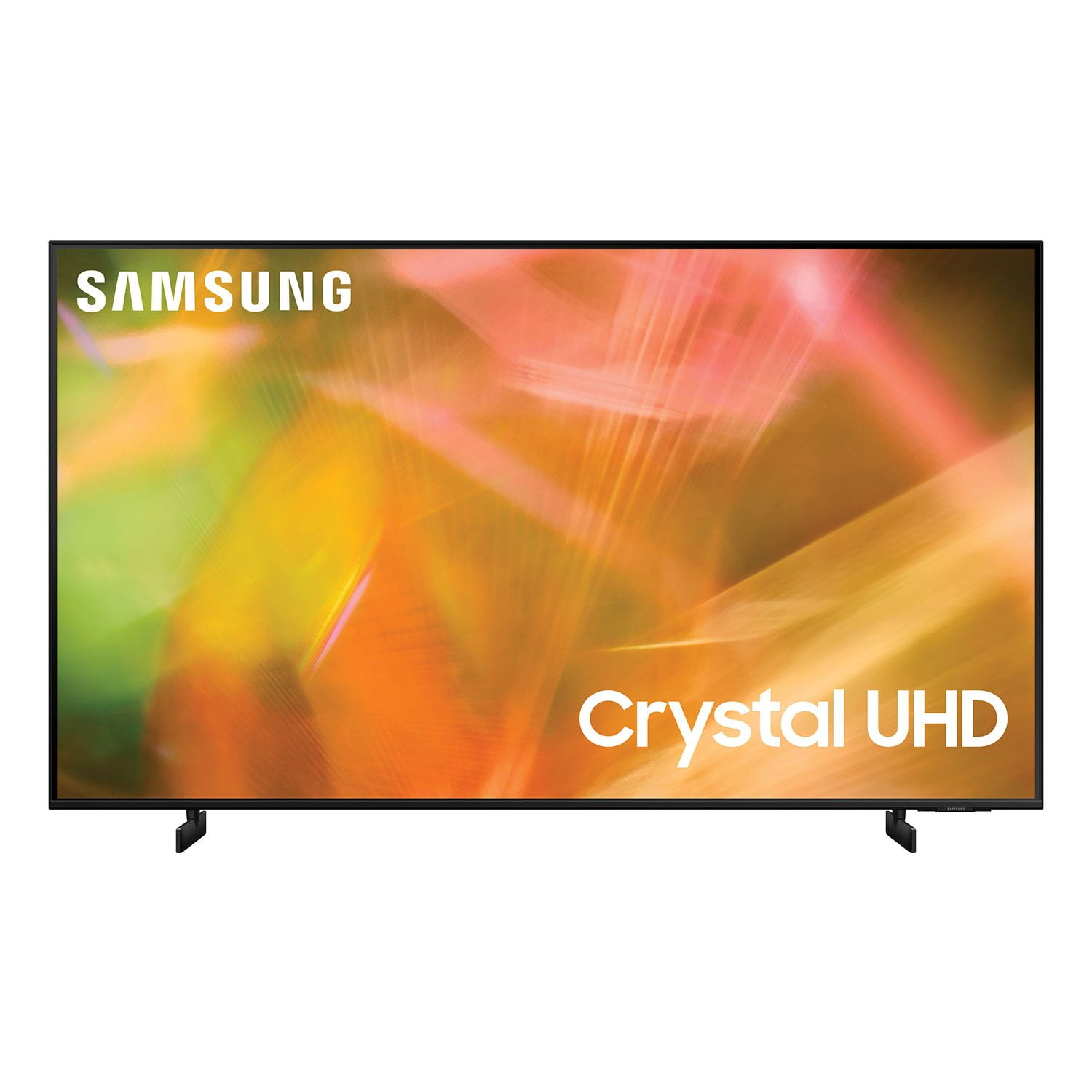
SAMSUNG 85" Class AU800D-Series Crystal Ultra HD 4K Smart TV - UN85AU800DFXZA
4.5 out of 5 stars
stars
3,839 ratings3,753 reviews
  1. 5 stars73% (2,818)
  2. 4 stars17% (650)
  3. 3 stars4% (162)
  4. 2 stars2% (71)
  5. 1 star4% (138)
Sort by |
Showing 2,631-2,640 of 3,753 reviews
Jan 5, 2022
Reviewer name: duh1
3 out of 5 stars
3 out of 5 stars review

it works

tv works, nothing exciting. colors not too vivid and sound sucks. it is mounted on articulating arm and tv is so flimsy i'm afraid to move it. best thing was availability. bixby is temperamental, works when it wants and is slow.

Review from Samsung US
Helpful?603WXSAQV1T013869809408
reply from Samsung Brand Ambassador

Hi, Thank you for purchasing the Samsung AU8000 and for your review. We appreciate you sharing your thoughts regarding the picture and sound quality of your new Crystal UHD TV. You may want to try adjusting the settings to improve your picture and sound. Your TV has several Picture Modes to choose from allowing you to enjoy content in optimal conditions. Go to Home > Settings > Picture > Picture Mode 1) Standard: Is the default mode suitable for general viewing environments. 2) Natural: Reduces eye strain for a comfortable viewing experience. 3) Movie: Is suitable for watching TV or movies in a dark room. 4) Dynamic: Makes the picture brighter and clearer in bright viewing environments. 5) Filmmaker Mode: You can watch the source content (e.g., movie) as it is. If the image is defined as Filmmaker Mode, it will automatically switch to Filmmaker Mode while watching. You can also go to: Settings > Picture > Expert Settings and configure the TV settings to your taste with additional functions. Additionally, there are several sound settings you can adjust to suit your personal sound preferences. Change the Sound Mode by going to: Settings > Sound > Sound Mode You can also customize the sound with Expert Settings by going to: Settings > Sound > Expert Settings You may also want to adjust sensitivity setting to optimize Bixby's response. You can adjust from low to medium (default), or high by going to Settings > General > Voice > Voice Assistant > Voice Wake-Up Should you ever have questions or need help, please call us at 1-800-SAMSUNG (ask for TVs), available 8AM - 12AM EST, 7 days a week. For additional support resources, visit us on the Samsung website and click on the ‘Support’ link in the upper right corner of the homepage for: 1) Chat with Us/Product Help: To begin a chat or find solutions, choose ‘TVs & Home Theater’ and select your model & topic. 2) Register a Product: For access to easy warranty support, convenient opt-in to special promos and offers, faster troubleshooting and service, and quick notification of system updates. 3) Manuals & Software 4) Warranty Info 5) Contact Us ~ Samsung Solutions

Aug 21, 2021
Reviewer name: obadiah
3 out of 5 stars
3 out of 5 stars review

This is not a normal TV

it is rather difficult to learn how to use this tv, it's not like a regular tv. channels are hard to find. it has a good quilty picture and sound once you figure out how to navigate. had i know, i would have bought a regular tv and not this one.

Review from Samsung US
Helpful?603WXSAQV1T013869809408
reply from Samsung Brand Ambassador

Hi obadiah! Thank you for choosing Samsung’s AU8000 Crystal UHD TV and for your review. We appreciate your feedback regarding user experience learning and navigating the menu. To assist you in learning about the various features and functions of your new TV, you can download the AU8000 TV's User Manual, e-Manual, and Quick Setup Guide on Samsung's website by clicking "Support" > "Manuals & Software" > "TVs & Home Theater" > "TVs". From there, you can select the AU8000 TV under "Crystal UHD TVs” > “A Model Lineup" and download the guides you would like. The e-Manual is also embedded into the TV itself under Settings > Support > Open e-Manual. Should you ever have questions or need help, please call us at 1-800-SAMSUNG (ask for TVs), available 8AM -12AM EST M-F (9AM – 6PM EST Sat). Or text HELP to 62913. For additional support resources, visit us on the Samsung website and click on the ‘Support’ link in the upper right corner of the homepage for: 1) More ‘Contact Us’ options – LiveChat, Facebook, Twitter, Samsung Community, Samsung Members app 2) Manuals & Software 3) Warranty Info 4) Product Registration: For access to easy warranty support, convenient opt-in to special promos and offers, faster troubleshooting and service, and quick notification of system updates. ~ Samsung Solutions

Sep 27, 2021
Reviewer name: slucas1965
5 out of 5 stars
5 out of 5 stars review

easy to set

[This review was collected as part of a promotion.] this his my 3th time I by samsung in the last 20 years and every time his great we start whit a small tv now wedecide to go big, color are great fast in set all the app .

Review from Samsung US
Helpful?603WXSAQV1T013869809408
Jun 16, 2022
Reviewer name: lovethisbrand
5 out of 5 stars
5 out of 5 stars review

we always buy samsung

[This review was collected as part of a promotion.] We like all of the features they offer and we are always more impressed with the picture vs other brands. We will continue to buy samsung anytime we want another television.

Review from Samsung US
Helpful?603WXSAQV1T013869809408
Jun 1, 2022
Reviewer name: Jennthorn
5 out of 5 stars
5 out of 5 stars review

Great tv overall

[This review was collected as part of a promotion.] As a family we watch all tv over dal. We watch TV and movies mostly. We love the it transitiones from subscription to subscription Easley. We use external Bose Soundsystem.

Review from Samsung US
Helpful?603WXSAQV1T013869809408
Jun 16, 2022
Reviewer name: Juneang
5 out of 5 stars
5 out of 5 stars review

Beautiful TV

[This review was collected as part of a promotion.] Very good quality and beautiful. I love it!! Looks very good and the resolution is very good! Very good option cost effectiveness

Review from Samsung US
Helpful?603WXSAQV1T013869809408
Oct 2, 2021
Reviewer name: Kebo4lyfe
5 out of 5 stars
5 out of 5 stars review

TV is exceptional

[This review was collected as part of a promotion.] I use my Samsung Television for gaming and watching movies. The picture quality is crystal clear. It's like looking through a window

Review from Samsung US
Helpful?603WXSAQV1T013869809408
Oct 5, 2022
Reviewer name: Ravinush
5 out of 5 stars
5 out of 5 stars review

Great picture! Amazing performance.

[This review was collected as part of a promotion.] Purchased this a few months ago. The whole family loves it. Perfect for everyone in the household! Excellent Customer service.

Review from Samsung US
Helpful?603WXSAQV1T013869809408
Jun 16, 2022
Reviewer name: Smokey
5 out of 5 stars
5 out of 5 stars review

Perfect picture quality

[This review was collected as part of a promotion.] This tv was exactly what I was looking for amazing pictures and sound and for the price you can't beat it would recommend to anyone

Review from Samsung US
Helpful?603WXSAQV1T013869809408
Jul 21, 2022
Reviewer name: Sammy2022
5 out of 5 stars
5 out of 5 stars review

Very great product

[This review was collected as part of a promotion.] Movies and shows Movies and shows Movies and shows Movies and shows Movies and shows Movies and shows

Review from Samsung US
Helpful?603WXSAQV1T013869809408