Skip to Main Content
Sam's Club
Sam's Club
All Departments
All Services
Customer reviews for SAMSUNG 85" Class AU800D-Series Crystal Ultra HD 4K Smart TV - UN85AU800DFXZA for
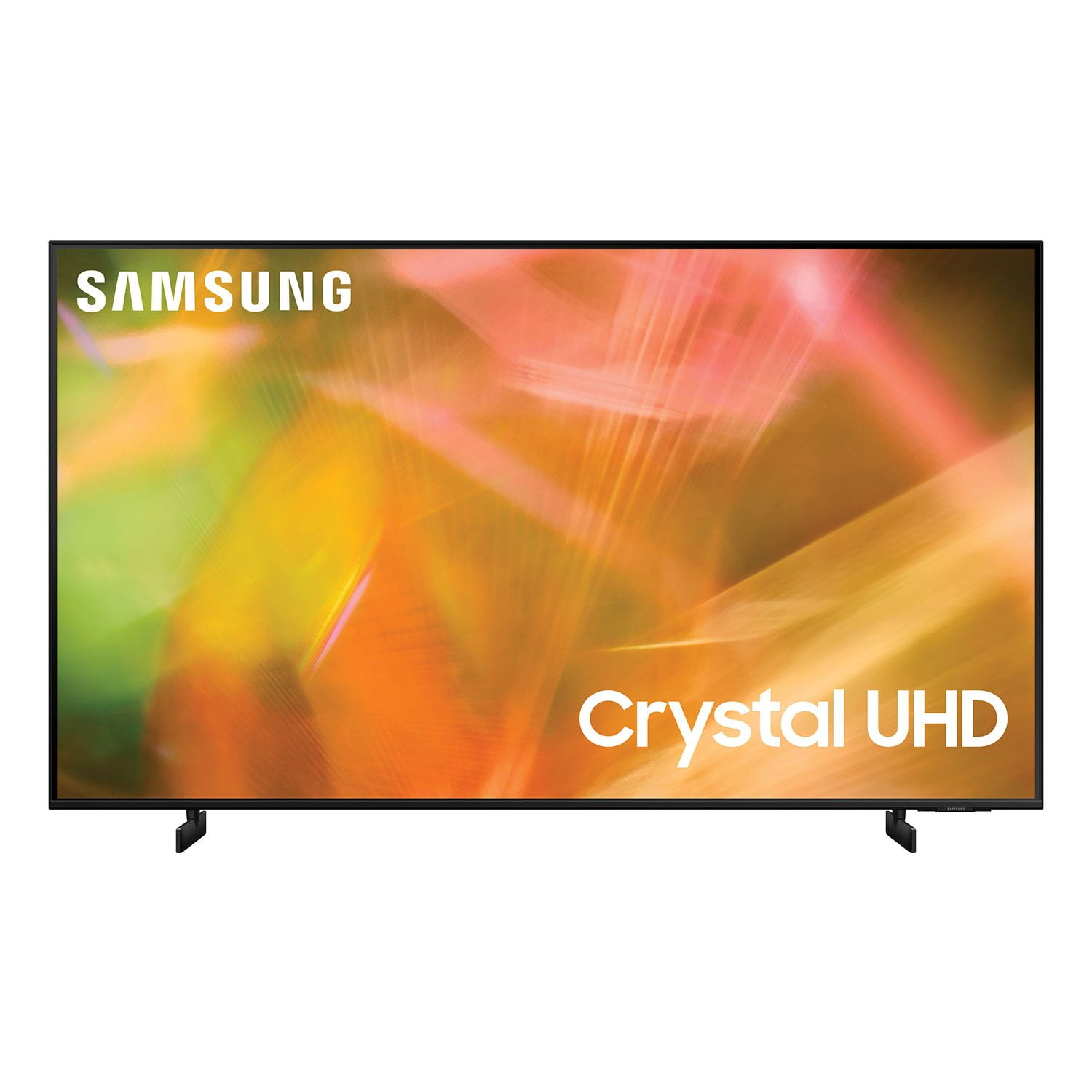
SAMSUNG 85" Class AU800D-Series Crystal Ultra HD 4K Smart TV - UN85AU800DFXZA
4.5 out of 5 stars
stars
3,839 ratings3,753 reviews
  1. 5 stars73% (2,818)
  2. 4 stars17% (650)
  3. 3 stars4% (162)
  4. 2 stars2% (71)
  5. 1 star4% (138)
Sort by |
Showing 2,271-2,280 of 3,753 reviews
May 23, 2022
Reviewer name: Elijah26
4 out of 5 stars
4 out of 5 stars review

TV is great , sound not so good

[This review was collected as part of a promotion.] We watch shows , news, basketbal games, show time, HBO and HBO Max, Prime, TV picture is great , problem is the sound, not so good.

Review from Samsung US
Helpful?603WXSAQV1T013869809408
Sep 20, 2021
Reviewer name: Display
4 out of 5 stars
4 out of 5 stars review

Display

[This review was collected as part of a promotion.] When watching this TV you will be transported to another world. You feel like your in the movie, watching every detail.

Review from Samsung US
Helpful?603WXSAQV1T013869809408
Jun 16, 2022
Reviewer name: FiredPie
5 out of 5 stars
5 out of 5 stars review

We love our Samsung

[This review was collected as part of a promotion.] Easy to set-up, great picture, and easy to stream. We also use it to show pictures from our laptop.

Review from Samsung US
Helpful?603WXSAQV1T013869809408
Jan 7, 2022
Reviewer name: Anonymous
3 out of 5 stars
3 out of 5 stars review

Everything working

had for couple weeks and dish prime and paramount + all good but stil no samsung tv talked to tech several times wants me to update something i'm 66 years old and don't feel like working on a new tv otherwise good tv

Review from Samsung US
Helpful?603WXSAQV1T013869809408
reply from Samsung Brand Ambassador

Hi Greg Smith, Thank you for purchasing the Samsung AU8000 Crystal UHD TV and for your review. We appreciate you sharing your experience with the streaming services on your TV and needing to update the TVs firmware. You can update in three ways: through the Internet, with a USB device, or automatically. 1) Internet: On your TV, navigate to Settings > Support > Software Update, and then select Update Now. If an update is available, it will automatically install, and the TV will restart automatically. Updates usually take a few minutes; please do not turn off the TV until the update is complete. If there is no update available, select OK to exit. Make note of the current version that is displayed on your TV screen to the right. 2) Sometimes, new software versions will be available on Samsung.com before they are available in your TV's Support menu. The latest software version can be downloaded from the download center by selecting your TV's type and model. If the version on the website is a later version than the one displaying on your TV: a. Download the update and extract it to the root of a USB thumb drive. (Do not put it in any folders on the thumb drive.) b. Connect the USB thumb drive to a USB port on your TV. c. Navigate to Settings > Support > Software Update, select Update Now, and then select Yes. d. Follow the on-screen instructions to install the updated software. Try to use the app that wasn't working before and see if the problem has been resolved. 3) Automatically: You may want to enable automatic updates for convenience. The TV updates automatically while you are watching. Select Settings > Support > Software Update, then select Auto Update. When the background update is completed, it is applied the next time the TV is turned on. If you agree to the Smart Hub terms and conditions, Auto Update is set to On automatically. If you want this function disabled, use the Select button to turn it off. If you need further assistance or have any questions, please contact Samsung Customer Support at 1-800-SAMSUNG (ask for TVs), available 8AM - 12AM EST, 7 days a week. For additional support resources, visit us on the Samsung website and click on the ‘Support’ link in the upper right corner of the homepage for: 1) Chat with Us/Product Help: To begin a chat or find solutions, choose ‘TVs & Home Theater’ and select your model & topic. 2) Register a Product: For access to easy warranty support, convenient opt-in to special promos and offers, faster troubleshooting and service, and quick notification of system updates. 3) Manuals & Software 4) Warranty Info 5) Contact Us ~ Samsung Solutions

Jan 26, 2023
Reviewer name: Harry26
4 out of 5 stars
4 out of 5 stars review

Value for money

Using this TV from like a month, good picture quality, average UI and really old school remote. Have to reconnect with the network every time you open the TV.

Review from Samsung Canada
Helpful?603WXSAQV1T013869809408
Jun 30, 2021
Reviewer name: Drako
4 out of 5 stars
4 out of 5 stars review

Love it ....... except

[This review was collected as part of a promotion.] I use this TV mainly for streaming. I love all the features, only problem we have run into sometimes the app being used just stops and the TV goes back to the home screen.

Review from Samsung US
Helpful?603WXSAQV1T013869809408
reply from Samsung Brand Ambassador

Hi Drako! Thank you for purchasing the Samsung 43" AU8000 Crystal UHD TV and sharing your review. I am glad to hear you are enjoying the wide range of features provided with the 2021 Crystal UHD line of TVs. Your feedback regarding the app performance is important to us and will be shared with the product team. Please be sure you are running the latest firmware. You can check to see what software version your TV is using and if there is an available update through the settings on your TV. Go to: Settings > Support > Software Update. You may want to enable automatic updates for conveniences. Select Settings- Support- Software Update, then select Auto Update. Additionally, to optimize the smart TV performance, please try Device Care option under the Support Menu. Go to Settings > Support> Device Care > Start Device Care. This improves your apps performance as it frees up unused cached memory and closes background apps. I hope these tips help resolve your concerns. Should you need further assistance, please contact our Customer Support at: 1-800-SAMSUNG (ask for TVs), available 8AM -12AM EST, 7 days a week. Or text HELP to 62913. For additional support resources, visit us on the Samsung website and click on the ‘Support’ link in the upper right corner of the homepage for: 1) More ‘Contact Us’ options – LiveChat, Facebook, Twitter, Samsung Community, Samsung Members app 2) Manuals & Software 3) Warranty Info 4) Product Registration: For access to easy warranty support, convenient opt-in to special promos and offers, faster troubleshooting and service, and quick notification of system updates. ~ Samsung Solutions

Jan 11, 2023
Reviewer name: WatchingTube
5 out of 5 stars
5 out of 5 stars review

Great TV

We bought this as a present to ourselves and we are still very glad we did. The picture is nicer than our older model Samsung and the smart voice remote is a great addition. I would definitely recommend this to anyone.

Review from Samsung US
Helpful?603WXSAQV1T013869809408
Jul 27, 2022
Reviewer name: Techheart
5 out of 5 stars
5 out of 5 stars review

Big Tv with great features

[This review was collected as part of a promotion.] I have had this TV for a few months and my family and I are enjoying its great big and beautiful view. We watch it daily and enjoy it a lot.

Review from Samsung US
Helpful?603WXSAQV1T013869809408
Jul 27, 2022
Reviewer name: Brianna
5 out of 5 stars
5 out of 5 stars review

Great visuals bad sounds

[This review was collected as part of a promotion.] The tv looks amazing but I recommend getting a sound bar or speakers to go with it. Overall a 8/10 TV.

Review from Samsung US
Helpful?603WXSAQV1T013869809408
Aug 23, 2022
Reviewer name: GoodTimeCharlie
5 out of 5 stars
5 out of 5 stars review

Terrific!!

[This review was collected as part of a promotion.] Simply fantastic in every way-picture, sound and settings. Samsung quality is consistently great and dependable.

Review from Samsung US
Helpful?603WXSAQV1T013869809408