Skip to Main Content
Sam's Club
Sam's Club
All Departments
All Services
Customer reviews for SAMSUNG 85" Class AU800D-Series Crystal Ultra HD 4K Smart TV - UN85AU800DFXZA for
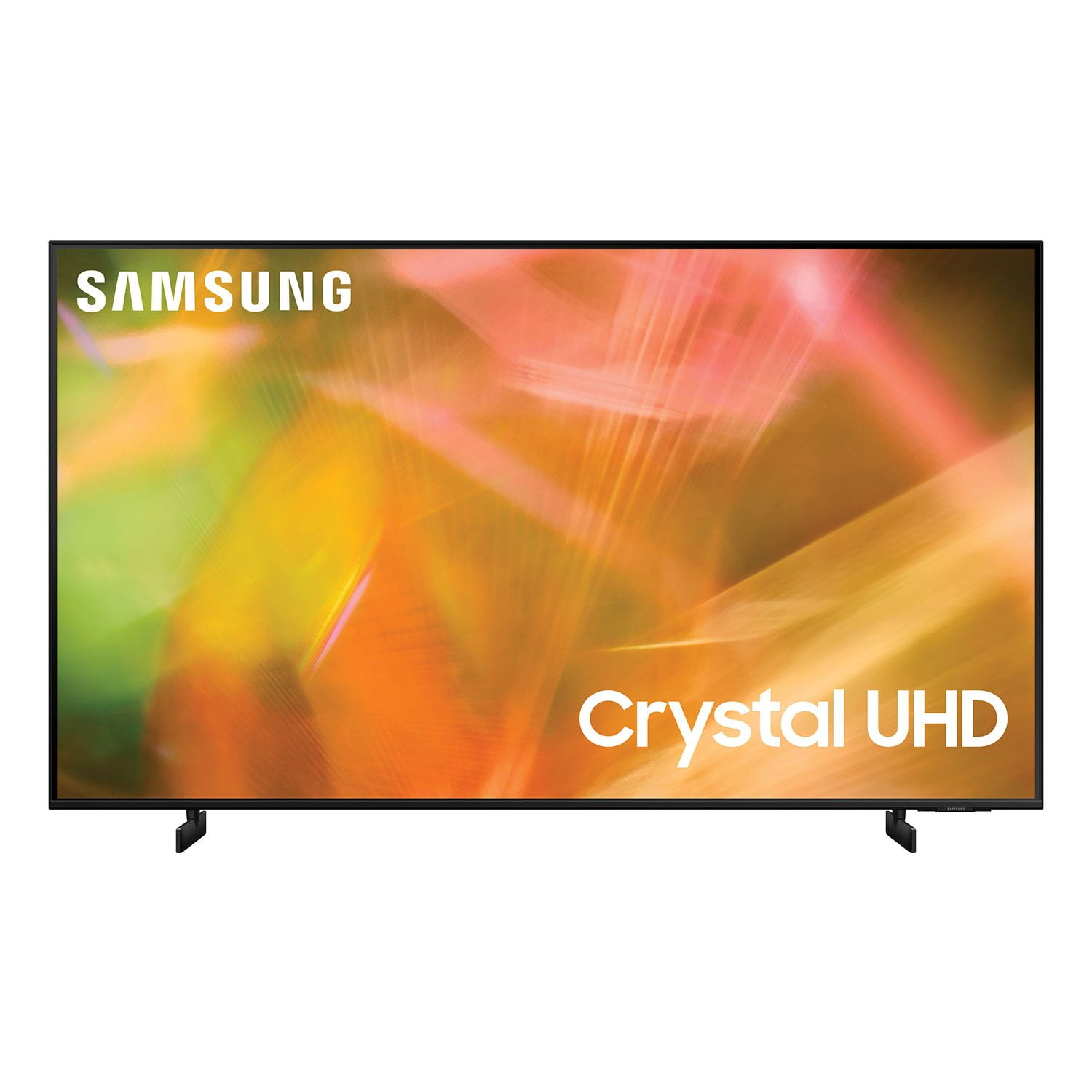
SAMSUNG 85" Class AU800D-Series Crystal Ultra HD 4K Smart TV - UN85AU800DFXZA
4.5 out of 5 stars
stars
3,839 ratings3,753 reviews
  1. 5 stars73% (2,818)
  2. 4 stars17% (650)
  3. 3 stars4% (162)
  4. 2 stars2% (71)
  5. 1 star4% (138)
Sort by |
Showing 2,081-2,090 of 3,753 reviews
Jul 27, 2022
Reviewer name: Love2shop
5 out of 5 stars
5 out of 5 stars review

I love it

[This review was collected as part of a promotion.] This one of the best tv every I love how you can download app on the tv and cast one of the best feature.

Review from Samsung US
Helpful?603WXSAQV1T013869809408
Jun 18, 2022
Reviewer name: RW77TV55
5 out of 5 stars
5 out of 5 stars review

The Best TV

[This review was collected as part of a promotion.] I love my tv, it has great features. The picture is great quality, and very clear. Samsung is one of the best!

Review from Samsung US
Helpful?603WXSAQV1T013869809408
Oct 11, 2021
Reviewer name: Jesus
5 out of 5 stars
5 out of 5 stars review

TV of tomorrow!

[This review was collected as part of a promotion.] I love having a TV that can show out all the details i want to see. So much color, it looks like the water is in a frame

Review from Samsung US
Helpful?603WXSAQV1T013869809408
Oct 9, 2021
Reviewer name: Markus455
5 out of 5 stars
5 out of 5 stars review

This TV has stunning graphics

[This review was collected as part of a promotion.] I use this TV for 4k movies dish network very great graphics love this 100% I use it for video games like grand theft auto mafia and lots of others

Review from Samsung US
Helpful?603WXSAQV1T013869809408
Sep 27, 2022
Reviewer name: RockingTV
5 out of 5 stars
5 out of 5 stars review

Wonderful Samsung TV

[This review was collected as part of a promotion.] This TV has gone beyond meeting expectations in our household. Crystal clear picture, fast access to streaming apps and easy to use and understanding with complete manual online.

Review from Samsung US
Helpful?603WXSAQV1T013869809408
Oct 7, 2022
Reviewer name: Richcliff
4 out of 5 stars
4 out of 5 stars review

Nice color I like the smart TV

[This review was collected as part of a promotion.] Use YouTube TV to watch movies and catch up on the news. I like how I can put you content from my phone to the TV

Review from Samsung US
Helpful?603WXSAQV1T013869809408
Sep 29, 2021
Reviewer name: Cubanflow
5 out of 5 stars
5 out of 5 stars review

Awesome

[This review was collected as part of a promotion.] Samsung is my favorite brand i remember my first video tapes the best is being a long time ago thanks

Review from Samsung US
Helpful?603WXSAQV1T013869809408
Aug 7, 2022
Reviewer name: Alaagba1
5 out of 5 stars
5 out of 5 stars review

This product is the best amongst others.

[This review was collected as part of a promotion.] This TV. Had been a wonderful experience, for games and streaming, I have a Vizio and an LG in other rooms. But not comparable to the Samsung quality.

Review from Samsung US
Helpful?603WXSAQV1T013869809408
Oct 26, 2022
Reviewer name: Edwardfp
5 out of 5 stars
5 out of 5 stars review

Excellent tv I like the colorful

[This review was collected as part of a promotion.] Love the colorful, the size of the screen, have excellent sound, a lot of HDMI which can use for game consoles and for cable box.

Review from Samsung US
Helpful?603WXSAQV1T013869809408
Jan 7, 2022
Reviewer name: Anonymous
3 out of 5 stars
3 out of 5 stars review

Everything working

had for couple weeks and dish prime and paramount + all good but stil no samsung tv talked to tech several times wants me to update something i'm 66 years old and don't feel like working on a new tv otherwise good tv

Review from Samsung US
Helpful?603WXSAQV1T013869809408
reply from Samsung Brand Ambassador

Hi Greg Smith, Thank you for purchasing the Samsung AU8000 Crystal UHD TV and for your review. We appreciate you sharing your experience with the streaming services on your TV and needing to update the TVs firmware. You can update in three ways: through the Internet, with a USB device, or automatically. 1) Internet: On your TV, navigate to Settings > Support > Software Update, and then select Update Now. If an update is available, it will automatically install, and the TV will restart automatically. Updates usually take a few minutes; please do not turn off the TV until the update is complete. If there is no update available, select OK to exit. Make note of the current version that is displayed on your TV screen to the right. 2) Sometimes, new software versions will be available on Samsung.com before they are available in your TV's Support menu. The latest software version can be downloaded from the download center by selecting your TV's type and model. If the version on the website is a later version than the one displaying on your TV: a. Download the update and extract it to the root of a USB thumb drive. (Do not put it in any folders on the thumb drive.) b. Connect the USB thumb drive to a USB port on your TV. c. Navigate to Settings > Support > Software Update, select Update Now, and then select Yes. d. Follow the on-screen instructions to install the updated software. Try to use the app that wasn't working before and see if the problem has been resolved. 3) Automatically: You may want to enable automatic updates for convenience. The TV updates automatically while you are watching. Select Settings > Support > Software Update, then select Auto Update. When the background update is completed, it is applied the next time the TV is turned on. If you agree to the Smart Hub terms and conditions, Auto Update is set to On automatically. If you want this function disabled, use the Select button to turn it off. If you need further assistance or have any questions, please contact Samsung Customer Support at 1-800-SAMSUNG (ask for TVs), available 8AM - 12AM EST, 7 days a week. For additional support resources, visit us on the Samsung website and click on the ‘Support’ link in the upper right corner of the homepage for: 1) Chat with Us/Product Help: To begin a chat or find solutions, choose ‘TVs & Home Theater’ and select your model & topic. 2) Register a Product: For access to easy warranty support, convenient opt-in to special promos and offers, faster troubleshooting and service, and quick notification of system updates. 3) Manuals & Software 4) Warranty Info 5) Contact Us ~ Samsung Solutions