Skip to Main Content
Sams Club
Sams Club
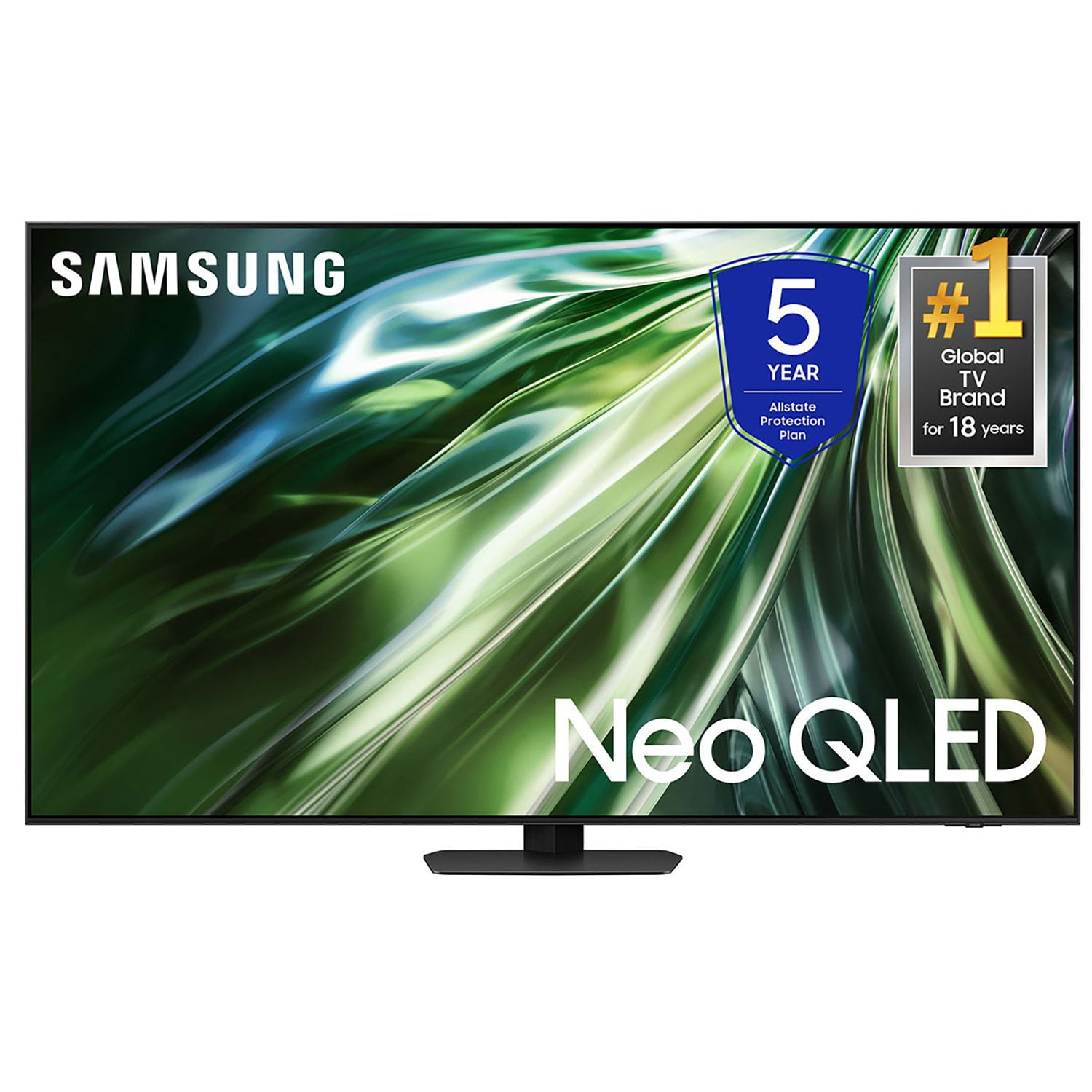
Customer reviews for SAMSUNG 65” Class QN90D Series Neo QLED Smart TV for
SAMSUNG 65” Class QN90D Series Neo QLED Smart TV
4.7 out of 5 stars
stars703 ratings696 reviews
  1. 5 stars83% (584)
  2. 4 stars11% (76)
  3. 3 stars3% (21)
  4. 2 stars2% (12)
  5. 1 star1% (10)

Member photos

  • +259 images
Sort by |
Showing 371-380 of 696 reviews
Apr 19, 2025
Redrum
3 out of 5 stars review

Game mode

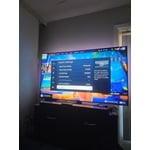
[This review was collected as part of a promotion.] The quality is great , 4k and hdr10 works as intended . The only thing I don’t like is that game mode barely works on the tv. If you’re playing on a console and wired controller the game mode window will not pop up to toggle settings at all. The controller has to be connected to the tv . And even then the GUI pop up barely has functions to choose from.

Review from Samsung US
Helpful?277Y2M8GSD0M13868319816
reply from Samsung Specialist

Hi, We appreciate you taking the time to let us know about your experience with your TV. So that we can better troubleshoot this issue and provide steps towards a solution, please contact Samsung Support at 1-800-SAMSUNG, 8AM - 12AM EST, 7 days a week. Or visit us on the Samsung website and click on the ‘Support’ link for: • LiveChat • Manuals, Software, & Warranty Info ~ Samsung Specialist

Mar 20, 2025
Tsmith9825
4 out of 5 stars review

Best picture quality ever

[This review was collected as part of a promotion.] The picture quality is incredible. It almost feels like you're in the movie. Clear and crisp picture. The only issue I have is the sound. Volume is not consistent up and down sometimes no sound at all causing me to unplug the set for 60 seconds. Then it is fine for a while. I bought two of these and the other one is fine. Talking to a service tech is difficult mostly AI (not a fan).

Review from Samsung US
Helpful?277Y2M8GSD0M13868319816
Apr 19, 2025
Aletohc21
5 out of 5 stars review

Really an Smart TV with super Quality in graphics

[This review was collected as part of a promotion.] This is an amazing TV, my kids and us as parents enjoy a lot. The interface has been optimized since this is my 3rd TV always Samsung cause there is not comparison or competitor in quality and technology. Refreshing rate combined with the definition are working pretty well, and remote control it's now more easy to use (previous one it was very simple as well). For an strain reason I always feel I should buy the following screen size, when I'm setting at home watching.

Review from Samsung US
Helpful?277Y2M8GSD0M13868319816
Jan 24, 2025
KBT67
5 out of 5 stars review

Excellent high end Neo QLED TV

I was originally frustrated with this TV as the standard settings do not work well with standard TV signals. Tried our cable company TV box as well and not good. Turns out you really need to adjust the video settings to make it work with traditional TV. Bluray and Netflix looked great out of the box. Happy now but almost returned the TV because of this issue. I guess I’m a fossil for still using Satellite TV for my main viewing but it even stumped everyone in the store as well. In the end very happy with it now that it is set up right.

Review from Samsung Canada
Helpful?277Y2M8GSD0M13868319816
Feb 20, 2025
Knunu
5 out of 5 stars review

Better than I had expected.

I purchased this 85" Neo QN90D because my living room area has a lot of windows including vaulted ceiling glass and is very bright, especially on sunny days. Viewing my older Samsung 55" was very difficult in such bright conditions (including when blinds are drawn). I am very pleased with this TV as viewing is no longer an issue in these bright conditions, I so much enjoy the optimum brightening, minimum glare, clarity, vivid colors and the internal sound system.

Review from Samsung US
Helpful?277Y2M8GSD0M13868319816
Dec 5, 2024
Billbobaggins
5 out of 5 stars review

Awesome TV!

[This review was collected as part of a promotion.] Have had this television for about 2 weeks now, and it's honestly amazing! The 4k is so clear, it makes you feel as if your there in person! Playing with our PS5 and 120 hz is on another level! Super clear picture, fast refresh rate with no blurring, smoother and quicker game play. The UI is great and very user friendly, the apps that come with the tv are great, and have a big selection. Loving this TV!

Review from Samsung US
Helpful?277Y2M8GSD0M13868319816
Feb 20, 2025
Espi
3 out of 5 stars review

Very clear picture

I'm somewhat satisfied with the TV. The only thing I'm kind of disappointed is that there is a delay when changing channels or going from DVR to live TV, and sometimes the voice does not coincide with character lips. Not sure if it's our satellite system or the TV.

Review from Samsung US
Helpful?277Y2M8GSD0M13868319816
reply from Samsung Specialist

Espi, We appreciate your feedback on the lip sync issues you’re experiencing with your TV. This could possibly be a source issue, but if you’re hearing an audio delay across all sources/channels and you have a receiver, soundbar, or other speakers connected to your TV, you can access the Audio Delay settings to increase the audio delay. Go to: Menu > Settings > All Settings > Sound > Expert Settings > Digital Output Audio Delay Our TVs have an audio Pass-Through feature, which allows the audio signal to be sent out unprocessed to an external soundbar or receiver connected to the TV. The external device then processes the audio, thereby eliminating the added step of processing by the TV, which adds delay. On your TV, go to: Menu > Settings > All Settings > Sound > Expert Settings > Digital Audio Output Format > Pass-Through Please also be sure you’re running the latest firmware. You can check to see what software version your TV is using and if there is an available update through the settings on your TV. Go to: Menu > Settings > Support > Software Update. If you’ve tried these steps and your issue persists, please contact us for troubleshooting and a Support agent will gladly assist. You can reach us at 1-800-SAMSUNG, 8AM - 12AM EST, 7 days a week. Or visit us on the Samsung website and click on the ‘Support’ link for: • LiveChat • Manuals, Software, & Warranty Info ~ Samsung Specialist

Apr 20, 2025
Bob123
1 out of 5 stars review

Audio issues

[This review was collected as part of a promotion.] I also bought an S90D at the same time as my QN90D, and they both have an irritating problem with the audio volume jumping up for no apparent reason. I have tried every combination of settings, including disabling the microphone, and they both still do the same thing. I have both TVs for sale and will never buy a Samsung TV again.

Review from Samsung US
Helpful?277Y2M8GSD0M13868319816
reply from Samsung Specialist

Bob123, We appreciate you taking the time to let us know about your experience with your TV. So that we can better troubleshoot this issue and provide steps towards a solution, please contact Samsung Support at 1-800-SAMSUNG, 8AM - 12AM EST, 7 days a week. Or visit us on the Samsung website and click on the ‘Support’ link for: • LiveChat • Manuals, Software, & Warranty Info ~ Samsung Specialist

May 5, 2025
DLL722
5 out of 5 stars review

Graphics are amazing!

[This review was collected as part of a promotion.] Just moved into a new home so needed to upgrade our TV. This set was recommended by a friend, and our AV contractor, so I was comfortable that it would be a good set. We "cut the cord" at the new house because we have fiber so chose to stream everything. This set has a quick response time switching between apps, and the Samsung home page is easy to navigate. Movies and live sports make up 90% of our viewing and we couldn't be happier. I would definitely buy again.

Review from Samsung US
Helpful?277Y2M8GSD0M13868319816
Apr 20, 2025
Claudia
2 out of 5 stars review

QN75QN90DAF

[This review was collected as part of a promotion.] I switched from LG to Samsung since your tv was highly rated. Very disappointed that I cannot watch closed caption since I cannot turn on the microphone using your remote control. I can't find the switch on the bottom edge of the tv. I've tried many, many times and called service for help. I've used my phone to try to figure out where the switch is. Impossible for me to find it. Some shows Netflix, MAX, etc , it's not easy to understand what the actors are saying. I need the closed caption to claify. I also have Sonos Arc Ultra. What am I going to do with a tv that I cannot always hear and can't turn on the microphone?

Review from Samsung US
Helpful?277Y2M8GSD0M13868319816
reply from Samsung Specialist

Claudia, We appreciate you sharing your user experience. To assist in learning the various functions, please know you can download the QN90D TV's User Manual, e-Manual, Remote Control Leaflet, and Quick Setup Guide on Samsung's website under Support > Manuals & Software > TVs & Home Theater. You can search for and select the QN90D TV to download the guides you would like. The e-Manual and Remote Guide are both also embedded into your TV itself under Menu > Settings > Support > Open e-Manual. If you need more help, Samsung is here for you. Please call us at 1-800-SAMSUNG, 8AM - 12AM EST, 7 days a week. Our LiveChat agents are also available by clicking on the ‘Support’ link on our website. ~ Samsung Specialist