Join Now
Skip to Main Content
Sam's Club
Sam's Club
All Departments
All Services
Customer reviews for Skylight 15" Touchscreen Calendar & Organizer + 3 Year Photo & Videos for
Skylight 15" Touchscreen Calendar & Organizer + 3 Year Photo & Videos
4.1 out of 5 stars
stars
1,956 ratings1,848 reviews
  1. 5 stars59% (1,151)
  2. 4 stars13% (250)
  3. 3 stars16% (309)
  4. 2 stars7% (131)
  5. 1 star6% (115)

Member photos

  • +48 images
Sort by |
Showing 511-520 of 1,848 reviews
Jan 5, 2024
Reviewer name: Tyler T.
2 out of 5 stars
2 out of 5 stars review

Not much features

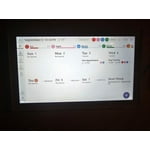
The skylight is nothing more than a display screen, it would be cheaper to buy a monitor and continuously display your calendar for everyone to see. Also the skylight did not have an auto sleep mode which makes it act as a night light if you forget to press the button the top to put it down.

Review from skylightframe.com
Helpful?2H0DCOCQ499L13867269032
Oct 20, 2024
Reviewer name: Lawrence Z.
2 out of 5 stars
2 out of 5 stars review

Skylight Calendar - lack of functionality

Hello. I wanted to love this product. My wife is a fan. The functionality is just not that great, really. For example, it is nice to see the weather/temperature, but you can only see it at the exact moment you are looking at the frame. You cannot see what the entire day is going to be like, so I have to then go to my phone which I have been trying to get away from. Additionally, the website to use if you do not want to use the app on your phone is super confusing. I just want to see the calendar and manage via my laptop and it is not easy. Then the grocery list feature could be very useful if it had any sort of functionality to it besides being a simple list. Maybe it would be helpful to have categories or most purchased items to help the end user remember something they might need... Just some thoughts on your product. It is a great idea that you have come up with, but it can be so much better.

Review from skylightframe.com
Helpful?2H0DCOCQ499L13867269032
Oct 23, 2024
Reviewer name: Jennifer H.
4 out of 5 stars
4 out of 5 stars review

fantastic for busy families

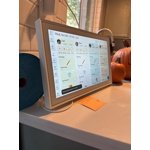
great tool to helping me keep organized. I have been resistant to digital calendars but with 3 kids each in multiple activities, home schooling and appointments, I was having to keep track of too many things. After months (yes months) of research, I landed on purchasing the skylight. The calendar hangs on the kitchen wall for everyone to see and helps with auditory reminders of activities. I also like that I can make different lists that I can also access from my phone for going to the store. It does have a learning curve and I'm still figuring it out but so far I'm thrilled with my purchase.

Review from skylightframe.com
Helpful?2H0DCOCQ499L13867269032
Sep 22, 2022
Reviewer name: Anonymous
4 out of 5 stars
4 out of 5 stars review

Helpful for large busy family

The whole family took to the calendar very quickly - we didn't know what we were missing. Far easier than trying to tell everyone to look at the calendar on their phones. Now they know what's going on that day, what's for dinner and what their chores are without having to look in 10 places (though it doesn't mean that they'll actually do their chores). The only thing I would improve is the ability to customize the calendar display more (like a week view but only 4 days so you can see more of each day - but not as zoomed in as the schedule view).

Review from skylightframe.com
Helpful?2H0DCOCQ499L13867269032
Sep 20, 2024
Reviewer name: Mikayla A.
3 out of 5 stars
3 out of 5 stars review

Comparability

I was hoping for something that would update automatically when I updated my calendar in my phone, but unfortunately that has not been the case. I have had to either go into the Skylight app and manually enter the event there or manually enter the event in the device itself. I use Google Calendar, which is days it's compatible with. But I am having no luck getting them to update their.

Review from skylightframe.com
Helpful?2H0DCOCQ499L13867269032
Sep 24, 2024
Reviewer name: Andrea C.
5 out of 5 stars
5 out of 5 stars review

Should have ordered sooner!

I had my eye on this calendar for a while. I am so glad I decided to order, my only regret is not ordering it sooner! I was always a paper and pen calendar person, so I thought it was going to be a hard transition, it was not! I am so happy with this- my husband and I both have the app, we have lists, recipes, photos, etc. My six year old also loves using it. Every morning she goes to it to see what she has on the schedule for the day, and what's for school lunch. Thank you for helping organize our family!

Review from skylightframe.com
Helpful?2H0DCOCQ499L13867269032
Sep 21, 2022
Reviewer name: Anonymous
3 out of 5 stars
3 out of 5 stars review

Hits and misses

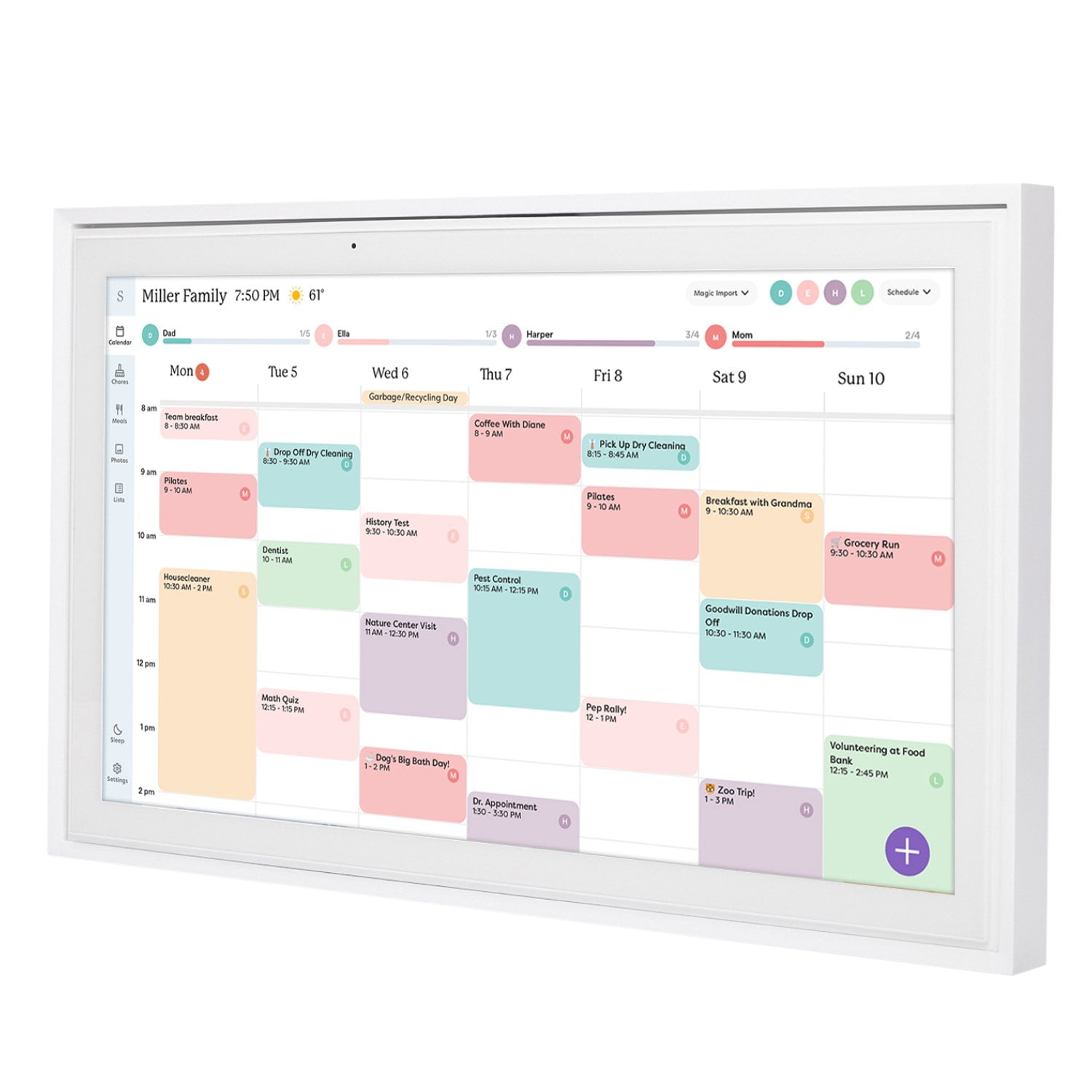
Love how it syncs to my calendar and the ability for others to put things in there by inviting the calendar's email (though really all they have to do is invite mom bc mine is synced). Things I wish were better: 1. You can assign colors to people but when you pull up a new event it always shows you all the many unassigned colors first and you have to keep scrolling to get the ones that are assigned to family members 1b. Likewise, the little dots at the top right next to the settings gear icon are all C C C bc they are unassigned, instead of L and M and G (family members). It should prioritize the ones you've assigned in the display 2. The dinner schedule is great except it only gives you the option to repeat an item once a month or once a week, not once every two weeks which is more typical for a meal schedule 3. The dinner schedule shows up as an all day appointment at the top of the day, which makes no sense as it's something you do at night

Review from skylightframe.com
Helpful?2H0DCOCQ499L13867269032
Jan 5, 2024
Reviewer name: Brittany S.
2 out of 5 stars
2 out of 5 stars review

Not user friendly

I was so excited about this. I have 3 active kids and a 60hr/week job. The idea is great. However signing in and sharing is impossible. When my family members try to sign in or use the app, it tells them an email has been sent to the user for permission, but an email never comes. Basically we have a very expensive picture frame.

Review from skylightframe.com
Helpful?2H0DCOCQ499L13867269032
Aug 11, 2023
Reviewer name: Sarah D.
3 out of 5 stars
3 out of 5 stars review

The concept is great with room for improvement

The device is great. The photo display subscription does seem like a cheap money grab and does not always work well. The software could use development to be more user friendly. The logic of the dashboard is not intuitive or well organized. A separate graph interface for the management of the master chores list would help keeping it up to date. One addition that would suit our family well would be the ability for individuals to claim an unassigned chore from an available list for the day instead of assigning everything.

Review from skylightframe.com
Helpful?2H0DCOCQ499L13867269032
Aug 31, 2024
Reviewer name: Lindsay R.
3 out of 5 stars
3 out of 5 stars review

Pros and Cons - Definitely would be 5⭐️ worth with some updates.

The Skylight itself is pretty great. I love that it will create events for you if you email a PDF flyer to it. It makes adding school events easy. There are two major drawbacks for me. 1. It does not send an email alert to tagged people when an event has been added. 2. It does import a google calendar, and it can sync back to that calendar IF you select that when you create the event. After the calendar event is created, however, you cannot go back and make it reverse sync to google. So all of those PDF events I love to email don't show up for my husband to overlay with his work google calendar.

Review from skylightframe.com
Helpful?2H0DCOCQ499L13867269032