Skip to Main Content
Sam's Club
Sam's Club
All Departments
All Services
Customer reviews for SAMSUNG 32" Class N5300 Series Full HD Smart TV for
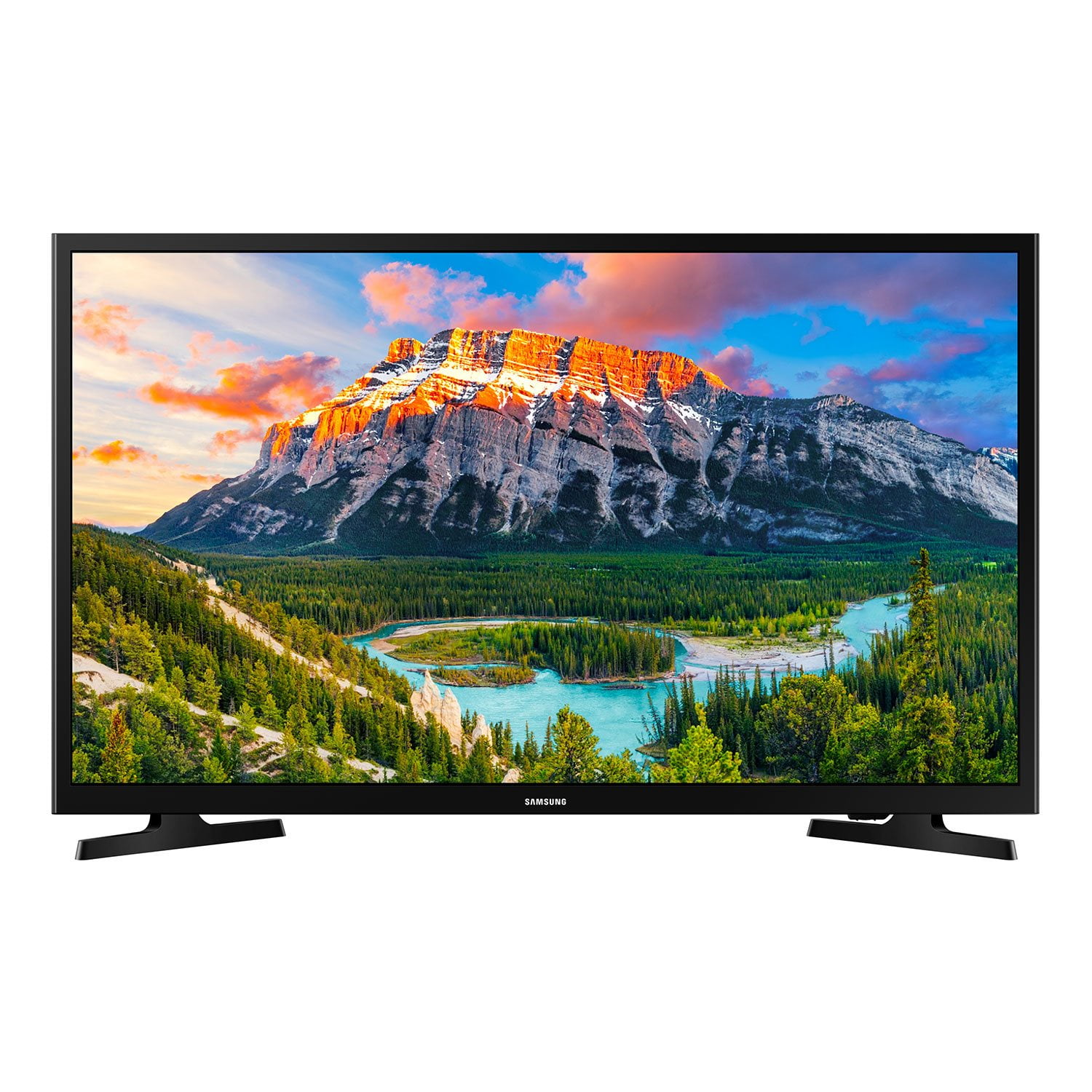
SAMSUNG 32" Class N5300 Series Full HD Smart TV
4.2 out of 5 stars
stars
1,383 ratings1,030 reviews
  1. 5 stars65% (900)
  2. 4 stars15% (205)
  3. 3 stars7% (96)
  4. 2 stars3% (39)
  5. 1 star10% (143)

Member photos

  • +14 images
Sort by |
Showing 851-860 of 1,030 reviews
May 31, 2023
Beehoover
3 out of 5 stars review

Sound Volume is Inconsistent!!!

I bought 2 of these 32” Smart LED TV’s, one of the TV’s will be super loud with static and today the sound was really low with volume raised up to #40. Disappointing that the sound volume is off.

Helpful?1YNF0WT3YG2G13864723838
reply from Samsung

Hi Beehoover,<br /><br />Thank you for reaching out and letting us know about the sound issues you are experiencing on your N5300 TV. I have a few troubleshooting tips that may resolve your issue. <br /><br />First, for both TVs, let&#39;s ensure you are running the latest Firmware on your TV. Go to Settings&gt; Support&gt; Software Update. <br /><br />If you are hearing a loud static noise, it could be caused by electrical feedback. I recommend the following: <br /><br />1. Arranging the cables and making sure the TV has good ventilation will keep it quiet.<br /><br />2. Check the cables.<br /><br />Make sure all cables are connected firmly to the proper, color-coded inputs on the TV and on the external devices.<br /><br />3. Replace the audio connection cable.<br /><br />Replace the audio connection cable, even if it is an HDMI or RF coaxial cable. Then test again to see if the issue still occurs.<br /><br />4. Try connecting a different external device to the same input on the TV.<br /><br />Connect a different device to the same input on the TV using the same connection cables. <br /><br />For example, if a cable box is connected using the component connections, try connecting a DVD player to the same input with the same cables.<br /><br />If there is no buzzing, crackling, or humming with the second external device connected, the original device (the cable box in this example) is the source of the noise.<br /><br />If your TV continues to have static noise, please call us for service. <br /><br />Next, for your TV that is experiencing low volume, there are several volume features you can adjust, which may improve your audio experience.<br /><br />1) Auto Volume automatically adjusts the sound to a certain level when changing channels or switching to another external input. Go to Settings &gt; All Settings&gt; Sound &gt; Expert Settings &gt; Auto Volume.<br /><br />2) Adaptive Sound automatically adjusts to a specific volume level while watching TV. The TV analyzes your volume usage history by time period to automatically adjust the volume when you use an app or switch to an external input source. Go to Settings&gt; All Settings&gt; Sound&gt; Sound Mode&gt; Adaptive Sound.<br /><br />3) Several Sound Modes are likewise available to meet your personal preferences: Home &gt; Settings &gt; All Settings&gt; Sound &gt; Sound Mode <br /><br />Also, some sources have their own volume control, which might need to be set higher. Please check the volume control of the external device (cable box or satellite box, DVD, Blu-ray, etc.) connected to your TV. Also, check the cable connection between an external device and the TV and then try the cable connection again.<br /><br />If you continue to have issues, please call us at 1-800-SAMSUNG, 8 AM - 12 AM EST, seven days a week. LiveChat with an agent, as well as manuals, software, and warranty info, can be found at the ‘Support’ link on our Samsung website.<br /><br />~ Samsung Advisor

Aug 7, 2020
Anonymous
1 out of 5 stars review

Power supply failed -- seems to be a common issue

all that's left is a red light blinking in a pattern and a manual with troubleshooting instructions that are utterly useless. check the reviews. this is an endemic problem that samsung is ignoring.

Review from Samsung US
Helpful?1YNF0WT3YG2G13864723838
Dec 15, 2019
Luv2shop
3 out of 5 stars review

Worst user manual ever

User manual basically tells you how to turn on and that is it. No instructions on downloading apps, deleting apps, making an app the power on default, app navigating

Review from Samsung US
Helpful?1YNF0WT3YG2G13864723838
Feb 8, 2023
SarahJ
5 out of 5 stars review

32" TV

I bought this TV last month. I love it. Lightweight, easy set up, easy programming, start to finish I was relaxing & watching my new TV in about 45 minutes.

Review from Samsung US
Helpful?1YNF0WT3YG2G13864723838
Jan 27, 2023
doc1
5 out of 5 stars review

Excellent Value & Product

it's a tv for a bedroom cabinet. the set is a great value, the picture quality is outstanding for a smaller set, and the features are great. samsung makes quality products.

Review from Samsung US
Helpful?1YNF0WT3YG2G13864723838
Mar 1, 2023
Toconnor126
4 out of 5 stars review

Great picture but no Bluetooth

Picture is great and it's the perfect size for a bedroom. Only disappointment I have is it doesn't have Bluetooth to connect a sound bar so I have to use the optical cable. I just assumed it had Bluetooth and didn't even check so it my fault.

Review from Samsung US
Helpful?1YNF0WT3YG2G13864723838
Nov 24, 2023
Louise87627
4 out of 5 stars review

Samsung smart TV

(This review was collected as part of a promotion.) Our old TV was broken, we did research, and found this brand is reliable and got the best value of it, picture is sharp and clear

Review from Caddle
Helpful?1YNF0WT3YG2G13864723838
reply from Samsung Support Team

Hello, thank you for your review and feedback. We will pass your comments along to our store staff and hope you visit us again someday soon.

Dec 13, 2023
Suzanne11353
5 out of 5 stars review

A Great Smart TV

(This review was collected as part of a promotion.) We bought this tv when ours died. We are pleased with this Smart tv. It is easy to use after setting it up and adding the channels we wanted.

Review from Caddle
Helpful?1YNF0WT3YG2G13864723838
Apr 15, 2023
Steve
2 out of 5 stars review

Very cumbersome TV to set up...

hard to get it to load apps i wanted, hard to actually find the channels. took it back and bought a roku, which is a gem to own and set up. take a lesson from them.

Review from Samsung US
Helpful?1YNF0WT3YG2G13864723838
Oct 17, 2019
Caty B
4 out of 5 stars review

The TV is great BUT

I bought this TV in July and was pretty happy with it. A few weeks ago, the TV developed a very irritating problem. The TV, randomly, will not turn on unless I unplug it and plug it back in.....

Review from Samsung US
Helpful?1YNF0WT3YG2G13864723838