
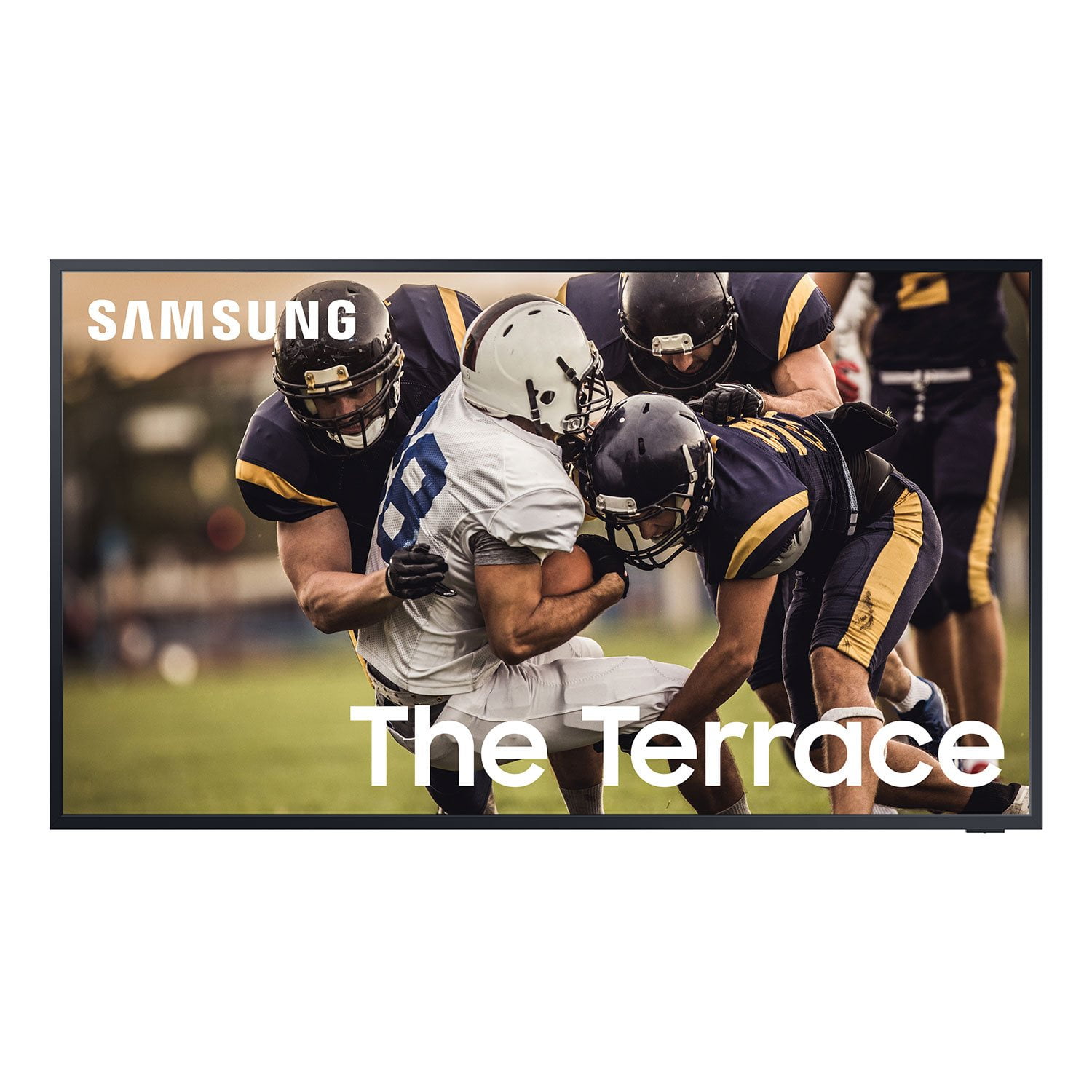
 Customer reviews for SAMSUNG 55” Class 4K Ultra HD QLED The Terrace Outdoor Smart TV - QN55LST7TAFXZA for
The Powerhouse Televsion
[This review was collected as part of a promotion.] I received this product at a discount in exchange for my honest opinion. First, I was completely skeptical about a tv that's made to handle the outdoor elements while providing a quality experience. After initial set up of a slightly heavier tv than an indoor tv, which is expected due to the build requirement to handle outdoor weather, it was quickly apparent that Samsung developed a quality product and removed any skepticism I had. After trying various tv feeds, the tv looked GREAT. I don't have mine set up in direct sunlight but it's not in complete shade either. The bright background was barely noticeable due to the brightness and clarity of the QLED and when I turned on a 4K feed, it wasn't noticed at all. This tv will be the family favorite since it allows us to enjoy the outdoors while watching our favorite shows. Since the elements in Colorado can sometimes be more than average due to elevation, we do intend to purchase a tv cover to use while it's not in use.
Wow what a game
[This review was collected as part of a promotion.] After tailgating for many years, I have never had an experience like my recent one. THEY HAD THIS TV. Of course I was like oh great another game in the sunlight glare. BUT NO I could actually SEE the screen at several different angles. BRAVO ON OUTDOOR ENTERTAINING SAMSUNG.
Awesome Outdoor TV
[This review was collected as part of a promotion.] I am quite impressed with my Terrace 75" TV. The color is quite bright and perfect for outdoor use. The model I have is for partial sunlight and does well when not in full sunlight. It has a great picture! One thing that is challenging is the Samsung interface and the SmartThings app. It is very clunky and takes some time to respond, if it does respond. I received this product at a discount in exchange for my honest opinion.
xrawrbeccax, Thank you for purchasing The Terrace TV and for your review. We appreciate your feedback regarding the issues you are experiencing with response time, as well as your SmartThings app. If your TV status is stuck in a particular state or does not respond to an action in your SmartThings app, you might want to try the following steps: - Refresh the device using the SmartThings app. From the Devices tab, swipe down to refresh the device list. - Delete and re-add the device on the SmartThings app. You may also want to optimize the Smart TV performance and address your issue with response time with the self-diagnostic tool. This service checks memory and frees up unused cached memory and closes background apps. Go to Settings > Support > Device Care > Start Device Care Please also be sure you are running the latest firmware. You can check to see what software version your TV is using and if there is an available update through the settings on your TV. Go to: Settings > Support > Software Update. I hope these tips help! Should you ever have questions or need help, please call us at 1-800-SAMSUNG (ask for TVs), available 8AM - 12AM EST, 7 days a week. For additional support resources, visit us on the Samsung website and click on the ‘Support’ link in the upper right corner of the homepage for: 1) Contact Us: For additional Chat & Text options, choose ‘TVs & Home Theater’ and select your model & topic. 2) Manuals & Software 3) Warranty Info 4) Register a Product: For access to easy warranty support, convenient opt-in to special promos and offers, faster troubleshooting and service, and quick notification of system updates. Thank you for choosing Samsung! ~ Samsung Specialist
Good sound TV
[This review was collected as part of a promotion.] I use my TV for streaming movies and of course cartoons for the grandbaby. It has a really good picture on it and the sound is good. Unfortunately the kids were rough housing the other day and it got hit. Now it will.work when it decides too and if it doesn't well then I read a book. It's still like a timex and is still ticking.
Drops the internet connection often
[This review was collected as part of a promotion.] Great picture & color, but the picture stretches sometimes on fast moving motion. Also dark scenes can be too dark, like you can't see scenes filmed in dark locations. Adjusted the settings for the dark scenes, also I have a very good internet connection. Overall I still really like the TV.
Hi Martini4200, Thank you for choosing The Terrace TV and for your review. We appreciate your feedback regarding image quality as well as Internet connectivity issues you are experiencing. A network issue may be the cause. You may want to go through these steps to check your network connection: 1) Make sure that no items that can generate electromagnetic interferences are placed between the TV and the wireless/wired access point. 2) Check if the access point is turned on. If it is on, turn it off, wait 1 or 2 minutes, and then turn it on. Enter the correct password if required. 3) If the wireless connection fails, connect the TV to the access point via a LAN cable. If the TV can connect to the Internet normally via the wired connection, there might be a problem with the access point. In this case, try using a different access point. 4) Perform a network test to check if there is a network problem. Press the Home button on your remote. Navigate to Settings > Support > Device Care > Self Diagnosis> Smart Hub Connection Test 5) Try a cold reboot of your TV by pressing and holding the power button for 5+ seconds until the TV turns off and on again. . If the colors on your TV are correct but just a little too dark or bright you can try the different Picture Modes or manually adjust the Brightness settings to your liking. Dynamic Picture Mode will make pictures brighter and clearer in bright viewing environments. Go to: Settings > Picture > Picture Mode > Dynamic Or manually adjust the Brightness and other settings to your liking. Press the HOME button on your remote, then navigate to: Settings > Picture > Expert Settings You may also want to disable Power Saving Mode which automatically adjusts the brightness to reduce the TV’s power consumption. Go to Settings> General> Eco Solution> Power Saving Mode. Ambient Light Detection will also automatically adjust the brightness level of the TV, according to the ambient light level, to reduce power consumption. If Ambient Light Detection has adjusted the screen brightness to a too bright or dark level, you can select Minimum Brightness to manually adjust the minimum screen brightness. Go to Settings> General> Eco Solution> Ambient Light Detection I hope this helps to improve your connection and picture. Should you need further assistance, please contact Samsung Customer Support at 1-800-SAMSUNG (ask for TVs), available 8AM -12AM EST M-F (9AM – 6PM EST Sat). Or text HELP to 62913. For additional support resources, visit us on the Samsung website and click on the ‘Support’ link in the upper right corner of the homepage for: 1) More ‘Contact Us’ options – LiveChat, Facebook, Twitter, Samsung Community, Samsung Members app 2) Manuals & Software 3) Warranty Info 4) Product Registration: For access to easy warranty support, convenient opt-in to special promos and offers, faster troubleshooting and service, and quick notification of system updates. ~ Samsung Specialist
Great television at a even better price
[This review was collected as part of a promotion.] The picture is really top notch. I was skeptical at first but the beautiful 4k really won me over. Doesn't matter what gaming system you use, Xbox, Playstation, it's going to look wonderful on this screen. Netflix, Hulu, and Amazon prime look amazing.
Wow factor for our backyard!
this tv turned out amazing! we were blown away at the brightness and clarity of the picture. these photos don't do it justice of how vibrant the picture is. we wanted something to be the focal point of our backyard and this tv delivered! this is the 75 inch terrace. i was really surprised on how fast we received everything. within a day i received tracking info and received everything ordered within a week. we also added the mx-t70 and that thing is super loud! kudos to samsung on these products.
Love this TV
[This review was collected as part of a promotion.] I could not rate this TV highly enough and it has completely transformed our backyard. I could not love it anymore. Maybe a tad more processing power would help the speed of turning on, but everything else is fantastic. The brightness is unmatched and there is nothing like watching sports outside in the bright sun.
Best TV ever
[This review was collected as part of a promotion.] This tv is far better than my old LG the graphics and flow of pixels wowed me on how nice it was. This TV also includes a series of modes one being game mode, and by doing so it brings down your response time by a far bit, and overall gives you smoother gamplay which is a must have in the family. Great TV overall really needed to upgrade.
Samsung Television Is Innovation
[This review was collected as part of a promotion.] Since my first Samsung Television - I never look anywhere else when it comes to a gadget like this, Not by only implementing a smart viewing experience while retainjng a user friendly but also stay constant in remembering the importance of what a Television meant to the first person to ever put one in their hone, It's very obvious Samsung checks all the boxes while continously innovating new features and functionalities all while remaining the quality choice.