
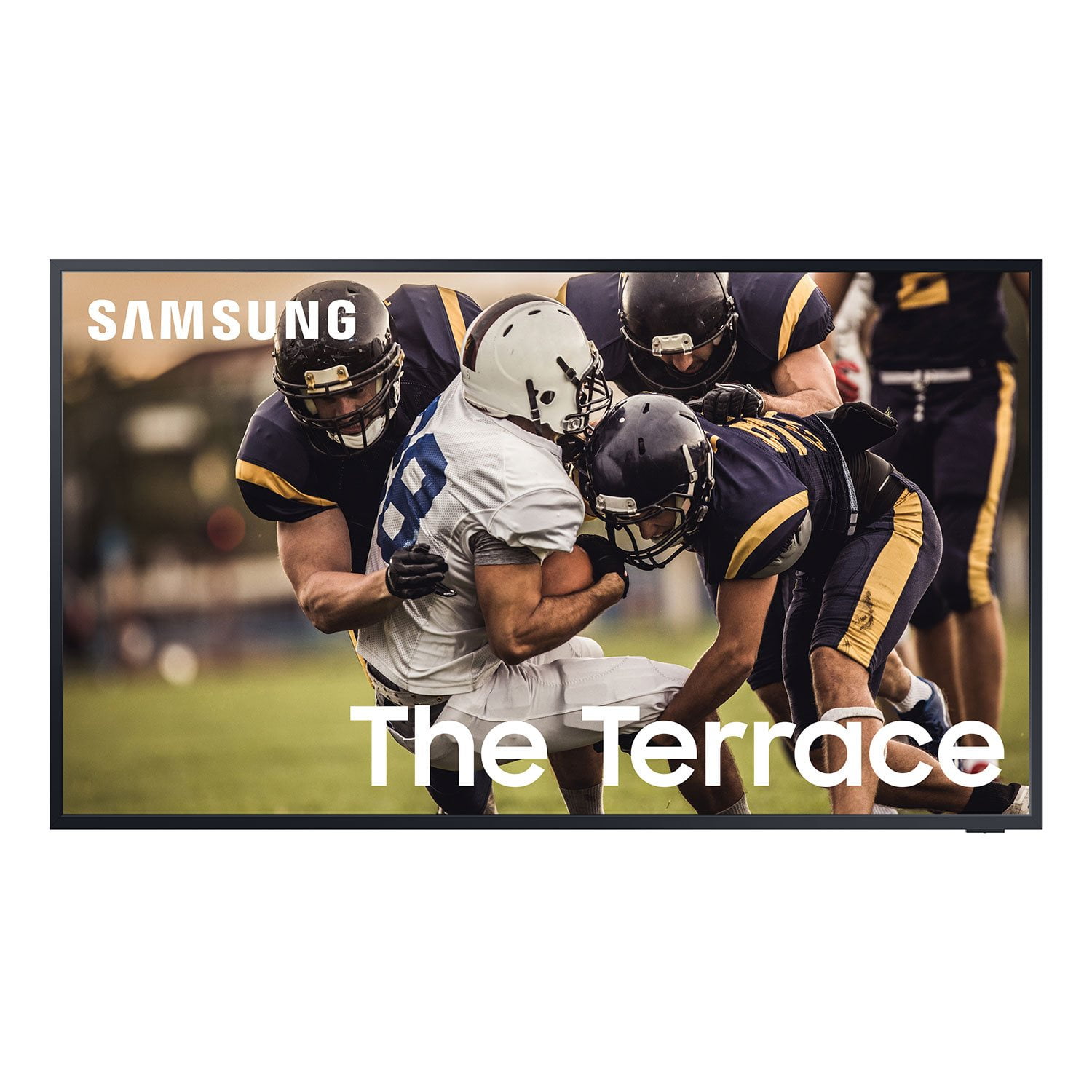
 Customer reviews for SAMSUNG 55” Class 4K Ultra HD QLED The Terrace Outdoor Smart TV - QN55LST7TAFXZA for
SAMSUNG 55” Class 4K Ultra HD QLED The Terrace Outdoor Smart TV - QN55LST7TAFXZA
4.7 out of 5 stars
stars
259 ratings253 reviews
Sort by |
Showing 91-100 of 253 reviews
Jul 1, 2021
Reviewer name: TheHoldenHouse
5 out of 5 stars review
The clear bright screen we wanted outdoors
Review from Samsung US
Helpful?
reply from Samsung Brand Ambassador
Apr 27, 2021
Reviewer name: JustOaksgigi
4 out of 5 stars review
Good sound TV
Review from Samsung US
Helpful?
Oct 5, 2021
Reviewer name: Gz512
5 out of 5 stars review
Great television at a even better price
Review from Samsung US
Helpful?
May 25, 2022
Reviewer name: desertdog
5 out of 5 stars review
TV has helpful Apps and easy search tool.
Review from Samsung US
Helpful?
Sep 19, 2023
Reviewer name: Justme
5 out of 5 stars review
Great TV to stream apps
Review from Samsung US
Helpful?
Oct 9, 2023
Reviewer name: prescottpalace
5 out of 5 stars review
This product has everything I wanted in a tv !!!!
Review from Samsung US
Helpful?
Apr 18, 2021
Reviewer name: Raech
5 out of 5 stars review
Best TV I've ever owned
Review from Samsung US
Helpful?
Jul 10, 2021
Reviewer name: Martini4200
4 out of 5 stars review
Drops the internet connection often
Review from Samsung US
Helpful?
reply from Samsung Brand Ambassador
Oct 5, 2022
Reviewer name: rgsanchez12
5 out of 5 stars review
Excellent Outdoor TV
Review from Samsung US
Helpful?
Apr 23, 2021
Reviewer name: jrw1038
5 out of 5 stars review
Amazing Picture. Easy Connection.
Review from Samsung US
Helpful?