
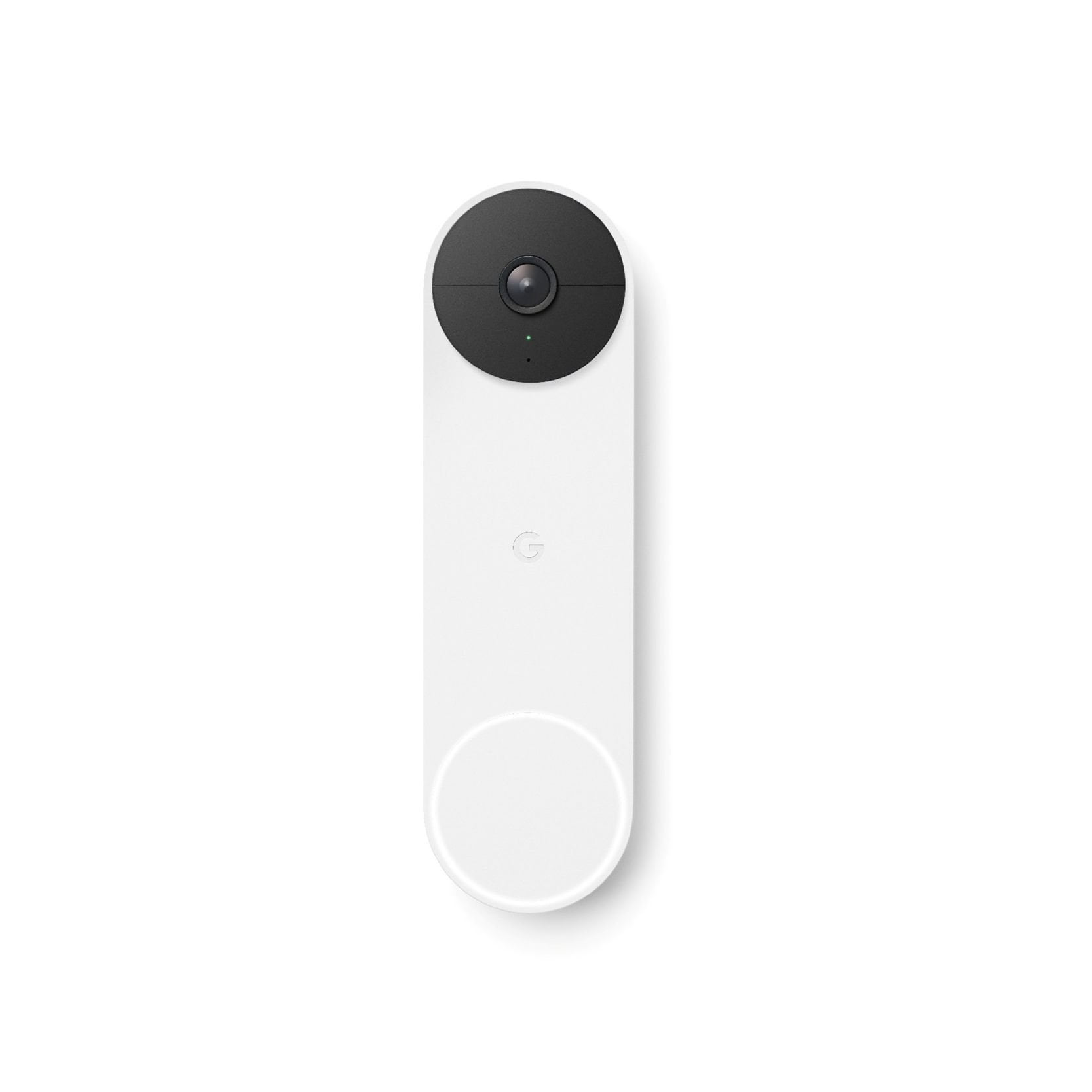
 Customer reviews for Google Nest Doorbell Battery White for
Member photos
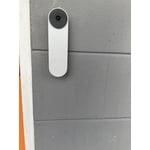
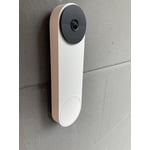
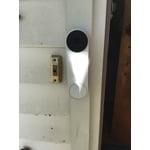
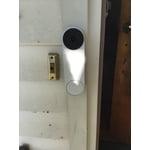
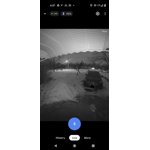
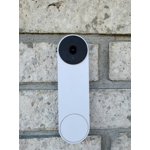
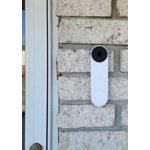 +180 images
Feeling more secure!
[This review was collected as part of a promotion.] I had the option to use battery or wired installation. Went with the battery option. Device was 77% charged so it needed to be fully charged before installation. Took about 1h 30 minutes to fully charge. While charging, I downloaded the google home app and added the device. I also viewed the installation steps and videos. The configuration was super easy. I received notification via the app when it was fully charged which was nice. Installation instructions were easy to follow and it took under 20 minutes to install. I configured the app notifications, nest aware options e.g facial recognition, sound detection, emergency services, etc. I noticed that there are other services that I could integrate like tv, music etc. so I need to explore those options a bit more. The camera picture quality is pretty good. I like that the app keeps the history of events/recordings. App also shows battery life. I can view live video and use the microphone to listen and/or speak to someone. Not sure how long the battery will last but when it does need to be charged I am estimating that it will take approximately 6 hours on a dead battery so not horrible. I am definitely feeling more secure having this device! Will be adding other devices that will integrate with the home/nest app.

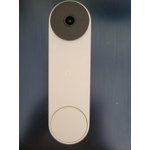
Easy to install
[This review was collected as part of a promotion.] I got the battery powered Nest Doorbell and it is a breeze to install. Drill two holes, screw on the base and snap on the doorbell. There is a little tool to release the doorbell for charging, which I will probably lose, but you can also use a flat head screwdriver to release it. I haven't had it very long so I can't speak to the battery life, but the notifications are plentiful and can be configured as you like them.
Easy to set up!
[This review was collected as part of a promotion.] The Nest doorbell was very easy to install and works with the Google Home app I already use. I like that it's battery, as I do not have a wired doorbell to hard wire it to, but it will have to be charged from time to time. It gives me peace of mind for the times I am away from home.
Good camera quality and mic/speaker clarity
[This review was collected as part of a promotion.] I just installed the Google Nest Doorbell – and so far, I can recommend it based on the fact that overall - it works great and does everything I'd hoped and expected. Here are the other pros: - Installation guide was easy to start and understand. - The actual connection to the permanent bracket is very simple and easy to use when needing to charge the doorbell. - Connection to the app and setting up the device was very straight forward. - Camera quality is good, as is the audio clarity for the microphone and speaker - Hoping battery life is good with video on its highest setting - to be determined,. There are a few cons: - Our mounting point is on Hardi siding, and the mounting bracket is not ideal for an angled surface such as this. It took a few tries to get a good spot on the siding that was vertical as needed. The resulting aesthetic is not ideal with empty space behind the bracket – it makes it look a bit temporary. - The battery powered version does not provide an audible ring tone outside, so people who press it may not have a sense of whether it's working or not. - I'm guessing this is user error – but the notification on my phone and iPad aren't audible. I almost wish the notification was a loud “ding dong” like a doorbell. - Adding family members to the Home account for access to this required a Google email account (not everyone in the family has one).
Mixed Bag Really
[This review was collected as part of a promotion.] Mounting the Nest doorbell was somewhat of a pain. I found figuring out what I was supposed to do confusing, but once I had that down the install was easy. The way the app walks you through it just makes it harder I feel like. Once the doorbell was configured and in place, it took A LOT of effort to get al the notifications working. They offer some advanced notifications behind a paywall along with longer video, I won't bother. I really bought it for a doorbell and some proof if someone steals a package. It also doesn't come with a bell of any sort, which is fine because it alerts the phone but it would have been nice to include. When first in place the device drained power very rapidly, it was losing about 10% per 4 hours, and had only recorded 16 events. Eventually ithe battery life seems to have leveled out. I no longer send alerts for people or packages so that might be helping battery life. After recharge, it says I have 2 months of battery life left. Image from the camera is fine in the day time. At night, the night vision seems to illuminate the face so much you can't even make it out. Overall, it's functioning as it should. There are features I wish it had, and wish weren't behind a paywall. I wish I had the capacity to wire it and not worry about the battery. And I know it never would, but HomeKit secure video would have been dope.
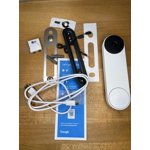

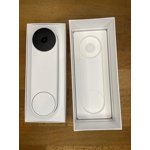
Easy to install
[This review was collected as part of a promotion.] I wanted to try the nest doorbell out. I have another camera system set up, but I wanted another doorbell camera for my back door (which gets used more then front door) I do like the nest doorbell for the ease of setting it up. It has a great camera quality, day and night vision is nice and clear! What I don't like about it is it doesn't have a huge range of view on it. While it does show the step area and is decent view range, it isn't quite as large a view as I would have liked. Another issue I am having is. It doesn't send alerts to my phone when someone is there. So I'm not sure if I am just not finding the proper setting for that or if it just isn't set to send alerts when someone is in the range of motion for it.
No Alexa compatibility; battery life disappointing
[This review was collected as part of a promotion.] I was interested in the Nest Doorbell over other video doorbells because of the high rating from Consumer Reports for the wired version. I researched ahead of time and was under the impression this was compatible with Alexa, but after 2 hours trying to link this to my Alexa skill and lots of wifi/app and other troubleshooting and then more time for additional research it became clear that the battery version has no Alexa compatibility as of this writing. The wired version does. Seriously? We are an Alexa house. We had a doorbell but no way to hear audible chimes/alerts in the house (or see video) unless using the app on my phone. So I tried to figure out how I could make this work for us. SimpliSafe hub compatibility? Nope. Only the Nest Thermostat is compatible with the SimpliSafe hub. Are you sensing my frustration? So I bit the bullet and bought 2 Google Nest minis so that we could hear the audible chime in the house for the doorbell. Even with both of the minis at max volume for alerts, the chime is not as loud as our previous doorbell. As far as set up, it was quick and easy. FYI - you need a google email account for set up (I do not, my husband does). The Google Home app is straightforward to use and setting up the doorbell was easy. As far as installation, you will need to drill holes to install. In the 36 hours since we have been using this, the battery has gone from 100% (6mos) to 95% (4 mos). We are a family of 4 with average usage and camera activity. But it's been cold out, as in less than 25 degrees. So at this rate during winter, I expect to have to recharge the battery at 2 months or perhaps earlier. The battery is not able to be independently removed for charging (also not allowing me to purchase additional batteries for convenience). You have to remove the entire doorbell from the mount to charge it. Complete miss on this design. So, if the lack of Alexa compatibility, potential for short battery life, and the charging inconvenience aren't going to negatively impact you, you will probably have a more positive experience than I have. It's not all negative. The video is great, the response time is great and it looks nice. Wondering whether I would be happier with a SimpliSafe or Ring doorbell, but this is what we have so I'll stick with it for now.
Awesome!
[This review was collected as part of a promotion.] This google Nest Doorbell works really well! It is easy to install and super easy to use. Set up was really easy. It is user friendly,the app is very easy to maneuver. The picture is clear. I like that it can recognize people and things. (like a package or animal) Night vision works well.The battery seems to last a while,it tells you what percent it has or it can show you how many weeks of battery life it has left. I would recommend this to anyone&everyone. It's a pretty amazing device ,the technology is just amazing!
Ding Dong, I can see you!
[This review was collected as part of a promotion.] The Nest Doorbell Battery does the job with little fuss. I got the matte white model and the style can be best described as minimalist. A round black camera at the top and a white round button at the bottom of a slab that is about half the width of 6.6" smart phone and just about as tall as the smart phone. Installation is straight forward and quite simple, at least the way I had it installed. I have an existing wired doorbell with a transformer already in place. Given this setup, my PHYSICAL install process was as simple as disconnecting the existing door bell button at the front door and connecting the the two wires to the Nest Doorbell. Ofcourse, you need to screw the doorbell to the door frame or wall or whereever you want to physically set the door bell. Given its size, it would be smart to check out first where you are comfortable installing it and how you will place it. Google provides everything you need to install including needed screws, a base plate and a wedge to help angle the camera if needed. Before any of the physical installation is performed, you will need to download the Google Home app onto your phone and scan the QR code that comes with the doorbell to set it up with your existing wifi connection and your smartphone. It is a good idea to physically place the Nest Doorbell in the location you will install it and confirm that you have a good wifi signal and that video quality is good. The benefit of the wired connection is that the app can directly display live video without needing to perform an extra click to get the video started. There are some questions that I could not figure out such as how do I change the doorbell to a non-wired connection. To do this, do I need delete the door bell from my app and redo the setup or is there an option to modify? I could not find anything in the app that would let me do this but may be I just need to dig into the details more. For my setup, the Nest doorbell works as before i.e. someone presses the doorbell button and my existing door bell chime goes off. The additions now are a camera to view who is at the door without needing to get to the door, an audio channel to speak with the person without having to go to the door and other smarts that come with the phone app integration. I am not sure how it works with an app only option i.e. if there is a lag from when the button is pressed to when the phone alert showsup. In my simulated trials, the alerts appeared immedately with little to no lag. Note that night view is black and white and gets to about 6 feet for decent views. Beyond that, you only get darkness. I would love for it to integrate to my Alexa Echo Show but that is not possible today. I understand that smoething is in the works for interoperability amongst smart devices - fingers crossed and hoping the future gets here fast! I have yet to explore the rich set of features and options such as alert zones, etc. Overall, an excellent doorbell that is easy to install and get going. The one concern I have is how the doorbell wll handle the Texas summer heat. the specs call for operating at less than 104 degrees or less and I know that there will be days when the temperatures will be higher. Plus my front door faces west which means direct sunlight. For now, the winter sun is not a problem as the weather is cool and no direct sunlight is on the door bell.
Great product
[This review was collected as part of a promotion.] I bought the nest doorbell for security at my front door of a residence. It was very easy to install. The app for my smart phone was easy to download and easy to navigate.it has a clean and clear picture that covers a great deal of landscape. I really like the video and plan to add to it.