Skip to Main Content
Sams Club
Sams Club
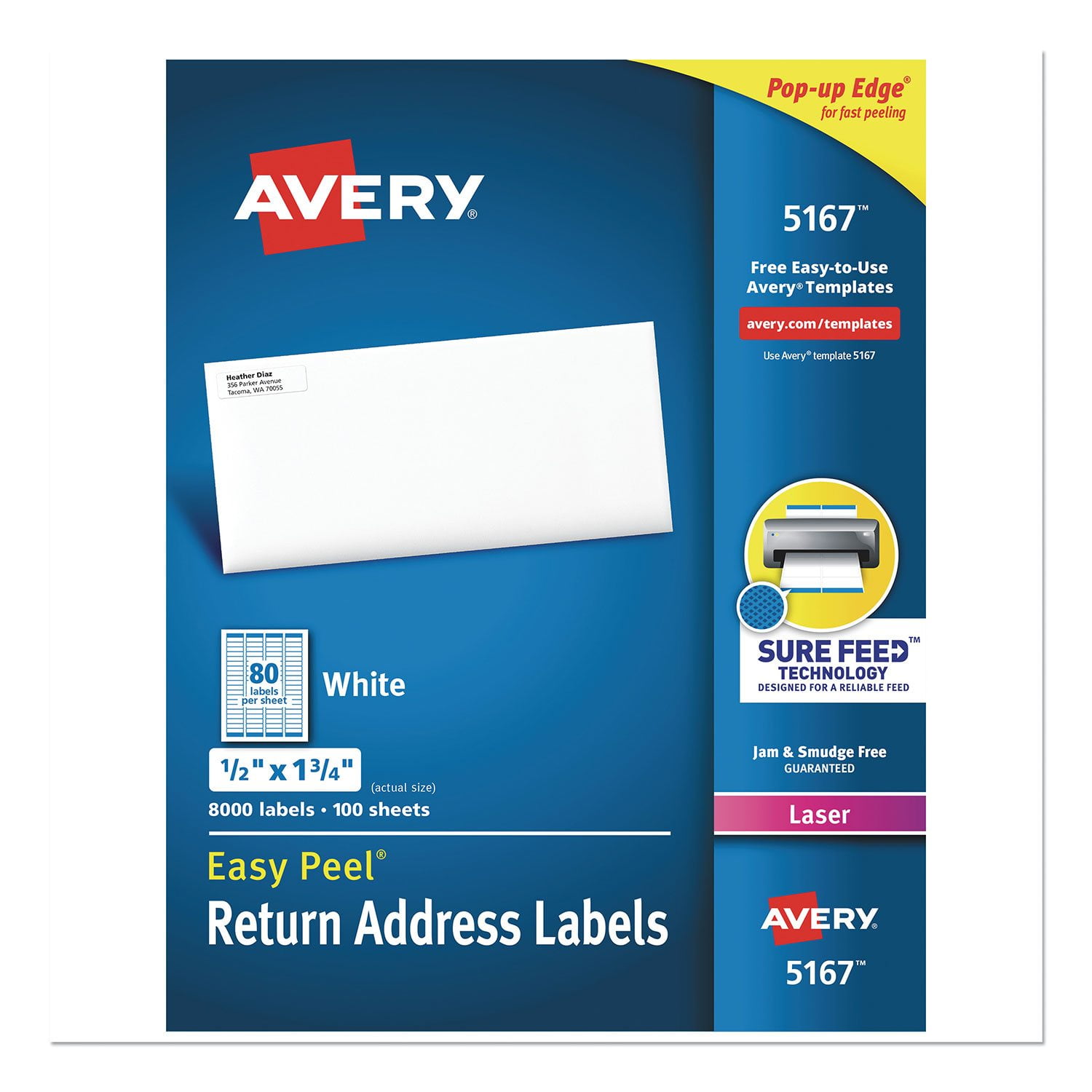
Customer reviews for Avery Easy Peel Address Labels w/ Sure Feed Technology, Laser Printers, White, 100 Sheets/Box for
Avery Easy Peel Address Labels w/ Sure Feed Technology, Laser Printers, White, 100 Sheets/Box
4.6 out of 5 stars
stars92 ratings81 reviews
  1. 5 stars75% (69)
  2. 4 stars18% (17)
  3. 3 stars2% (2)
  4. 2 stars0% (0)
  5. 1 star4% (4)
Sort by |
Showing 11-20 of 81 reviews
Nov 12, 2024
Lynn, Graphic Designer
5 out of 5 stars review

Verified Purchase

Easy to use

[This review was collected as part of a promotion.] This template was easy to place and print out in my page layout program

Review from avery.com
Helpful?50AAJS1ZSXX913843966438
Mar 12, 2024
trinamarie
5 out of 5 stars review

Verified Purchase

Satisfied

[This review was collected as part of a promotion.] Great product. Quick shipping. Always appreciated.

Review from avery.com
Helpful?50AAJS1ZSXX913843966438
Mar 12, 2017
Jimbo
5 out of 5 stars review

Verified Purchase

Avery Labels at a Great Price

Item is very expensive at other retailers. I am very pleased with the price and the delivery service. As Arnold said, "I'll be back!"

Review from walmart.com
Helpful?50AAJS1ZSXX913843966438
Jul 25, 2025
TrueFan
3 out of 5 stars review

The template does not work

The labels are fine, but the template absolutely did not work. I have used Avery templates in the past, but this one did not come close to lining up on the actual labels when printed. Not sure what to do at this point. I have a bunch of labels I can't use, and no easy way to print labels I can use.

Review from avery.com
Helpful?50AAJS1ZSXX913843966438
reply from Customer Care

Hello, I’m so sorry to hear that this template is misaligning. Some tips I have found helpful: Using Design and print online, (from avery.com/templates and Start Designing) keep the image within the safety area, and the background to the bleed. I’ve also found the best success to check the PDF settings when printing from Chrome and using the free Adobe Acrobat Reader. In Preview and Print, go and Open PDF to check the PDF Printer Settings. With these labels, the Page Size should be set to Letter/8.5x11 and the Scale should be Custom 100%. Another tip is to check if your printer has a Labels or Matte Photo Paper setting, as this may help your printer grab the paper better. For additional assistance, our Care Team is available via chat on avery.com/help, or through our call center. Our number: 800-462-8379. Our hours: 6am-5pm PST, Mon-Fri. Thank you.

Mar 14, 2018
dobbs
4 out of 5 stars review

Verified Purchase

Labels

Good label a little expensive

Helpful?50AAJS1ZSXX913843966438
Apr 9, 2020
PHIL
5 out of 5 stars review

Verified Purchase

Avery Labels

Wonderful, Fast and correct

Helpful?50AAJS1ZSXX913843966438
Sep 29, 2014
jaredjaj
5 out of 5 stars review

Verified Purchase

awesome

great deal

Review from walmart.com
Helpful?50AAJS1ZSXX913843966438
Oct 13, 2024
WalmartCustomer
5 out of 5 stars review

Verified Purchase

The standard

Review from walmart.com
Helpful?50AAJS1ZSXX913843966438
Apr 27, 2018
Marcia
5 out of 5 stars review

Verified Purchase

I've been using these for years. They work great!

Helpful?50AAJS1ZSXX913843966438
Feb 17, 2017
CBryant
5 out of 5 stars review

Affordable and easy to use

Been a long time user of Avery, I buy different sized labels for tagging and labeling my business inventory. Good label quality, does the job wonderfully. I do wish they had better software because I always struggle with the correct printing alignments. When I was on my Mac, I used this app called Orion Label Maker which helped print with the correct alignments. I now print from my work PC and have yet to find a reliable label app.

Review from avery.com
Helpful?50AAJS1ZSXX913843966438