Skip to Main Content
Sams Club
Sams Club
Customer reviews for SAMSUNG 65" Class Q7-Series 4K Ultra HD Smart QLED TV QN65Q7DAAFXZA for
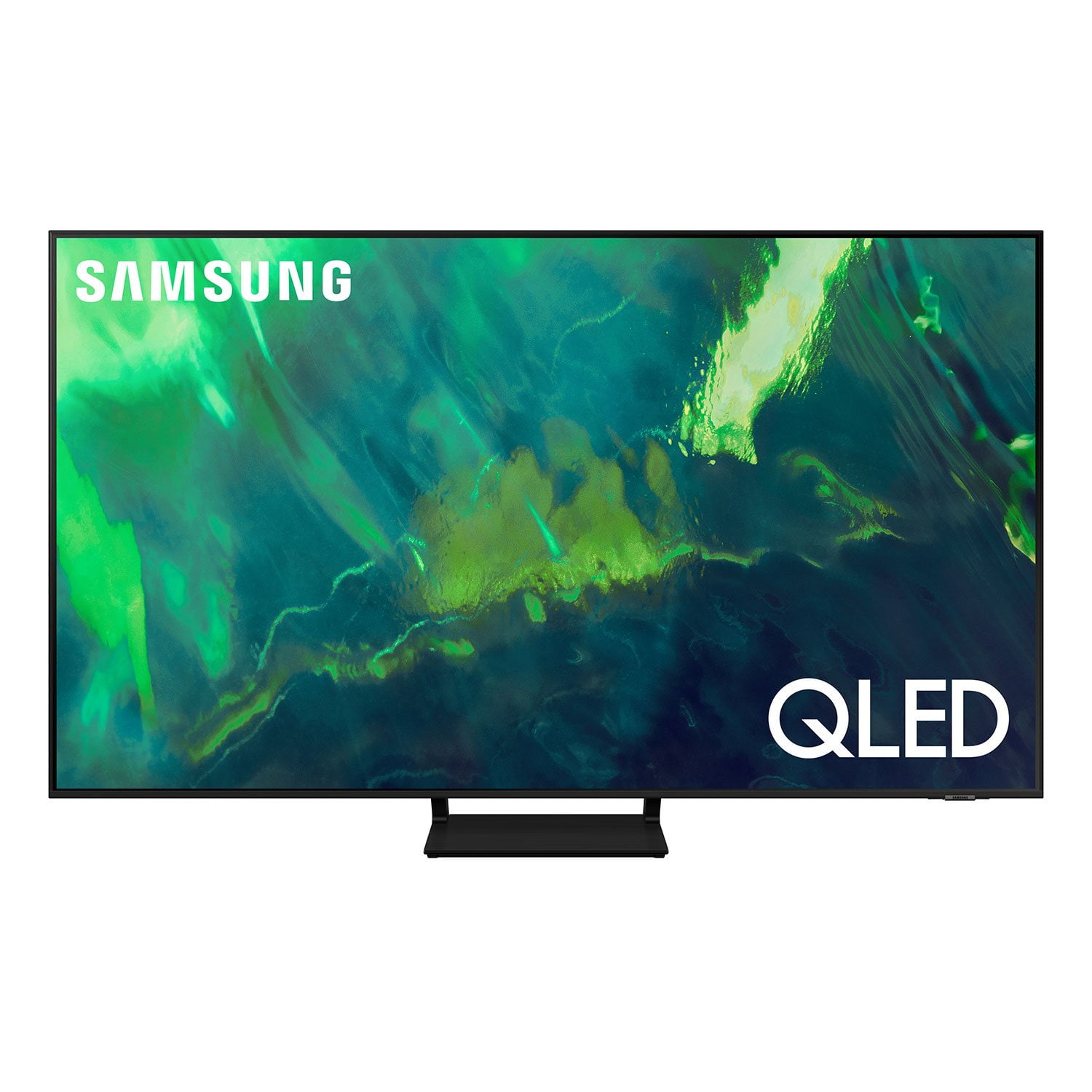
SAMSUNG 65" Class Q7-Series 4K Ultra HD Smart QLED TV QN65Q7DAAFXZA
4.7 out of 5 stars
stars2,039 ratings1,959 reviews
  1. 5 stars80% (1,630)
  2. 4 stars15% (303)
  3. 3 stars3% (52)
  4. 2 stars1% (30)
  5. 1 star1% (24)
Write a review
Sort by |
Showing 681-690 of 1,959 reviews
Oct 5, 2022
cveerav
4 out of 5 stars review

Possibly, the best mid range QLED tv

[This review was collected as part of a promotion.] Neat features, fast WiFi, very responsive, smart remote with eco friendly solar panel and above everything else, absolutely eye pleasing out of the box picture quality. I can clearly see the difference between my old TV and the Q70A. Go for it, you won't regret

Review from Samsung US
Helpful?7ENH4H8TEGBK13740406124
Oct 25, 2022
solid2
3 out of 5 stars review

Great image quality

[This review was collected as part of a promotion.] Its a great tv if you're just watching the tv and not connecting game systems to it. I try playing switch on this tv and it just keeps having problems and going black screen randomly saying it doesn't recognize the device, i then use the same stuff on my old tv and have no problems at all with same cords and everything. For the price id expect my game console to play immaculately on this tv but they just don't.

Review from Samsung US
Helpful?7ENH4H8TEGBK13740406124
reply from Samsung Brand Ambassador

solid2, I'm sorry to hear of the difficulties you're experiencing when connecting your Nintendo Switch to your Q70A TV. Please give us the opportunity to look into this for you so we can provide additional settings adjustments or troubleshooting assistance. You can reach Samsung Support at 1-800-SAMSUNG, 8AM - 12AM EST, 7 days a week. Our LiveChat agents are also available by clicking on the ‘Support’ link on our website. ~ Samsung Specialist

Jun 16, 2022
Tvneeds
5 out of 5 stars review

Samsung 65” TV Qled

[This review was collected as part of a promotion.] Has many features to list. Great picture amazing in 4k. Easy to setup and use. Easy to connect devices to it and sync them. Only downfall is the sound. The sound is great unless in a big room. Recommend getting some sort of sound system.

Review from Samsung US
Helpful?7ENH4H8TEGBK13740406124
Oct 5, 2022
Denny99
5 out of 5 stars review

Outstanding picture and quality

[This review was collected as part of a promotion.] TV is used for live broadcasts, streaming, and movies. I moved up from a 55" curved Samsung 4K to the 75" Samsung 4K to capture college football games at its finest. I split the screen into 8 channels and can effortlessly move from game to game, click to enlarge to full screen and then back to 8 different channels. Absolutely love this TV, I have been a loyal Samsung owner for years and this TV does NOT disappoint. Love it

Review from Samsung US
Helpful?7ENH4H8TEGBK13740406124
Jul 24, 2021
Deez
5 out of 5 stars review

Best TV on the market

[This review was collected as part of a promotion.] I have been impressed with Samsung quality for quite some time and I've considered other brands but I always come back to Samsung. When I decided to upgrade, this tv was a no-brainer. I highly recommend.

Review from Samsung US
Helpful?7ENH4H8TEGBK13740406124
Jun 24, 2021
ssuda3
4 out of 5 stars review

Almost Perfect!

[This review was collected as part of a promotion.] The Q70A is almost perfect. Here are the reasons: Pros: 1. The price is hard to beat for this quality. 2. The Contrast ratio is excellent. 3. Supports VRR (Variable Refresh Rate). This was a must feature when I was looking to buy my new TV. Great gaming experience with my Xbox Series X. 4. Dedicated Game Mode. 5. The TV is very thin and sits flush against my wall (my TV is wall mounted). 6. Supports eARC. This is an excellent feature as I have connected an external soundbar to my TV for pass through audio. 7. Excellent brightness. This TV has excellent brightness when viewing in daylight. 8. App selection is good. Now, the cons: 1. Okayish HDR. Not the best HDR I have seen on a TV. At this price point, I was expecting better. 2. Sound Quality is abysmally poor. Lot of muddling heard during dialogs. Highly recommend using a Soundbar if you can afford it. 3. Black Uniformity on my TV is not great. I see clouding in dark scenes. Samsung please improve your Quality Control. 4. Only 1 HDMI 2.1 port. Again, at this price point, I was expecting at least 2 HDMI 2.1 ports. My gripe is I can't have 2 gaming systems connected to the port if I want VRR. Have to manually remove the HDMI cable and swap.

Review from Samsung US
Helpful?7ENH4H8TEGBK13740406124
reply from Samsung Brand Ambassador

Hi ssuda3, Thank you for purchasing the Samsung Q70A QLED TV and for sharing details of your image quality. To get the best picture settings, please first enable Input Signal Plus. This helps improve the picture quality for colors next to each other on the screen: 1) Open Settings, and select General. 2) Select External Device Manager. 3) Scroll to and select Input Signal Plus. 4) Activate Input Signal Plus for the HDMI port that your gaming system is connected to. When gaming with your Xbox Series X, you may also want to try adjusting settings under Game Mode like Dynamic Black Equalizer and Game HDR to achieve the best performance. Additionally, your TV has several Picture Modes to choose from allowing you to enjoy content in optimal conditions. Go to Home > Settings > Picture > Picture Mode. When watching regular programming, you may want to try a different mode such as Dynamic, Movie, or Filmmaker. You can also go to: Settings > Picture > Expert Settings > to manually fine tune your TV's contrast, brightness, sharpness, and many more. Your TV features Object Tracking Sound which tracks the action with strategically placed dynamic speakers and Adaptive Sound which automatically adjusts audio to enhance everything from dialogue to music and sports. You can select a sound mode that you prefer for a content type or your listening environment. Go to: Settings > Sound > Sound Mode You can also customize sound with Expert Settings. Go to: Settings > Sound > Expert Settings I hope these tips help. Should you need assistance with settings adjustments, please contact Samsung Customer Support at 1-800-SAMSUNG (ask for TVs), available 8AM -12AM EST, 7 days a week. Or text HELP to 62913. For additional support resources, visit us on the Samsung website and click on the ‘Support’ link in the upper right corner of the homepage for: 1) More ‘Contact Us’ options – LiveChat, Facebook, Twitter, Samsung Community, Samsung Members app 2) Manuals & Software 3) Warranty Info 4) Product Registration: For access to easy warranty support, convenient opt-in to special promos and offers, faster troubleshooting and service, and quick notification of system updates. ~ Samsung Specialist

Sep 13, 2021
Beeschurger
5 out of 5 stars review

Flawless tv

[This review was collected as part of a promotion.] I use the TV for pretty much everything I have a PC hooked up to it a ps4 an xbox 1 x I love to watch anime on it and the experience is truly amazing. I love the display it really enhances all experiences you have with it all across the board it's truly amazing Flawless TV.

Review from Samsung US
Helpful?7ENH4H8TEGBK13740406124
Jul 27, 2022
MoreThanEnough
5 out of 5 stars review

Love it but...

[This review was collected as part of a promotion.] So this tv was my fav until I moved it from where it was set up originally. Its very heavy and the stand is not very strong. So I had to buy a long enough and strong enough table to put it on. We had it mounted but it was pulling out of the concrete walls anytime moved it. The speaker systems also hooked up to the TV. And most of the time sounded play some speakers in the living room however recently I've been doing with them playing from the television for some reason and I have to go into the settings and change all the settings again again in order to get back to Surround sound. I do like the size of it however I feel like it's way too big for a lot of spaces I wouldn't try to stick it into a concrete wall over again because concrete deteriorating crumbles maybe I would if it was a hard one died I was sticking it in but for now I just went and bought a table that is a primer and also long enough and wide enough that it doesn't make me too confident instability so I like to keep it in a corner.

Review from Samsung US
Helpful?7ENH4H8TEGBK13740406124
Jun 16, 2022
Barca2018
5 out of 5 stars review

Excellent TV

[This review was collected as part of a promotion.] This TV exceeded my expectations, price, quality, it is used for gaming and daily social use. It is located in a position where it receives natural lighting, for much of the day, without affecting image quality, black shadows are imperceptible, incredible audio, without the need to use a sound bar.

Review from Samsung US
Helpful?7ENH4H8TEGBK13740406124
Jun 17, 2022
Djsavage91
5 out of 5 stars review

Love this TV!!

[This review was collected as part of a promotion.] The picture is sharp and the clear. Samsung TV option offers LOTS of choices in movies, TV shows and other choices. If you have other Samsung devices you can sync them with your TV and get updates and notices on the TV. We have a Samsung Range at it lets us know when the over is preheated and when it is finished cooking. I also have a Samsung phone that is sync'd with the TV.

Review from Samsung US
Helpful?7ENH4H8TEGBK13740406124