Skip to Main Content
Sams Club
Sams Club
Customer reviews for SAMSUNG 85" Class Q7-Series 4K Ultra HD Smart QLED TV - QN85Q7DAAFXZA for
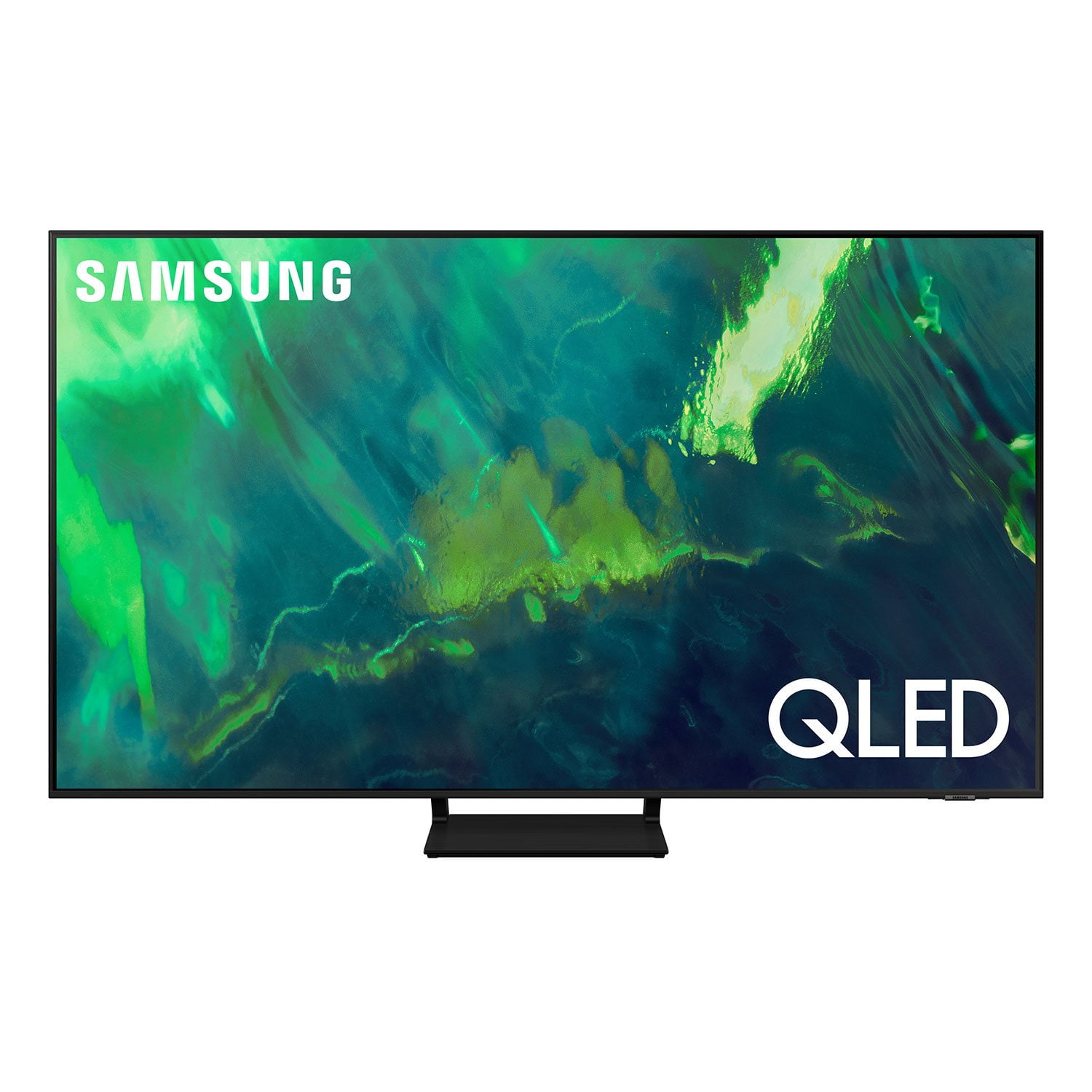
SAMSUNG 85" Class Q7-Series 4K Ultra HD Smart QLED TV - QN85Q7DAAFXZA
4.7 out of 5 stars
stars1,797 ratings1,775 reviews
  1. 5 stars80% (1,432)
  2. 4 stars15% (270)
  3. 3 stars3% (45)
  4. 2 stars1% (22)
  5. 1 star2% (28)
Write a review

Customer photos

  • +297 images
Sort by |
Showing 1,361-1,370 of 1,775 reviews
May 23, 2022
Love1samsung
5 out of 5 stars review

Great picture

[This review was collected as part of a promotion.] We use the Samsung tv Dailey My kids use on PS4 , Apple TV and Roku connected My wife and I was it as well Excellent quality and great value

Review from Samsung US
Helpful?6VT5DVUKIND213737353383
Sep 18, 2021
Deadlygamer
5 out of 5 stars review

Great tv

[This review was collected as part of a promotion.] I play my ps4 on it and steam Netflix Hulu amazon prime amazing picture quality graphics for gaming

Review from Samsung US
Helpful?6VT5DVUKIND213737353383
Jun 16, 2022
Love2watchshows
5 out of 5 stars review

This product has great features as well

[This review was collected as part of a promotion.] Enjoy to watch YouTube, Prime movies, Zoom, Roku, and internet which it's much easier to click with remote.

Review from Samsung US
Helpful?6VT5DVUKIND213737353383
Oct 5, 2022
RicoEugene
5 out of 5 stars review

Nice TV for the price

[This review was collected as part of a promotion.] Smart features make it easy to access multiple streaming services. Picture quality is excellent as well

Review from Samsung US
Helpful?6VT5DVUKIND213737353383
Sep 20, 2021
DJbadBOY007
5 out of 5 stars review

Perfect TV

[This review was collected as part of a promotion.] Love the picture quality of this TV. It shows every single detail of a program and it's extremely easy to setup.

Review from Samsung US
Helpful?6VT5DVUKIND213737353383
Apr 26, 2021
Mandulya
5 out of 5 stars review

Excellent TV

[This review was collected as part of a promotion.] The Samsung display has no competition. Crystal clear, high quality TV. The blacks stand out more and the colors are way more vibrant than it's competitors. Definitely recommended.

Review from Samsung US
Helpful?6VT5DVUKIND213737353383
Oct 6, 2022
Masonic
5 out of 5 stars review

I. love. it. Amazing.

[This review was collected as part of a promotion.] I use this TV all the time. It is very quality and versatile. I can use it for games just as well as live television. The TV is great and I'm very happy with the features.

Review from Samsung US
Helpful?6VT5DVUKIND213737353383
Jul 23, 2021
TexasMarc
4 out of 5 stars review

Good Picture Quality

[This review was collected as part of a promotion.] Has good picture quality. Just a little dim in bright light situations. Using with a Sonos Sound bar. So don't know how well it's native sound is. Has good app integration. Very slim build/light

Review from Samsung US
Helpful?6VT5DVUKIND213737353383
reply from Samsung Brand Ambassador

Hello TexasMarc, Thank you for purchasing the Samsung Q70A QLED 4K TV and sharing your thoughts on the image quality. Powered by machine learning, our most powerful 4K processor enhances picture from any source into crisp 4K action in each and every scene. If you are uncomfortable with the default brightness settings, you can customize the brightness level between 0 – 50 to your preference. Go to Home > Settings > Picture > Expert Settings > Brightness. You can also try different Picture Modes to see which best fits your needs. Go to Home > Settings > Picture > Picture Mode for the below choices: 1) Standard: Is the default mode suitable for general viewing environments. 2) Natural: Reduces eye strain for a comfortable viewing experience. 3) Movie: Is suitable for watching TV or movies in a dark room. 4) Dynamic: Makes the picture brighter and clearer in bright viewing environments. 5) Filmmaker Mode: You can watch the source content (e.g., movie) as it is. If the image is defined as Filmmaker Mode, it will automatically switch to Filmmaker Mode while watching. Intelligent Mode also enables the TV to recognize and analyze the surroundings, noise, content, and your usage patterns to provide the best viewing experience. You can enable Intelligent Mode by going to Home > Settings > General > Intelligent Mode Settings. Adaptive Picture, which is among the options, optimizes brightness and provides the best picture quality in real time, based on the lighting condition and the content you're viewing. I hope you can use these adjustment recommendations to set the image to your liking. If you would like further assistance with settings, features, or functions, please reach out to Samsung Customer Support at 1-800-SAMSUNG (ask for TVs), available 8AM -12AM EST M-F (9AM – 6PM EST Sat). Or text HELP to 62913. For additional support resources, visit us on the Samsung website and click on the ‘Support’ link in the upper right corner of the homepage for: 1) More ‘Contact Us’ options – LiveChat, Facebook, Twitter, Samsung Community, Samsung Members app 2) Manuals & Software 3) Warranty Info 4) Product Registration: For access to easy warranty support, convenient opt-in to special promos and offers, faster troubleshooting and service, and quick notification of system updates. ~ Samsung Specialist

Oct 6, 2022
kainofshame
4 out of 5 stars review

Great Gaming TV with deep black levels

[This review was collected as part of a promotion.] Gaming, Streaming, PC monitor, looks good in a dark or a bright setting and handls motion very well. one of the best low-mid range TVs for the money.

Review from Samsung US
Helpful?6VT5DVUKIND213737353383
Jun 29, 2021
Ben1958
5 out of 5 stars review

Seems to be great

[This review was collected as part of a promotion.] Just bought 3 weeks ago and still have some issues navigating on it. Maybe I need to get some help from Samsung support. I did call o ce they're great

Review from Samsung US
Helpful?6VT5DVUKIND213737353383