Skip to Main Content
Sams Club
Sams Club
Customer reviews for SAMSUNG 85" Class Q7-Series 4K Ultra HD Smart QLED TV - QN85Q7DAAFXZA for
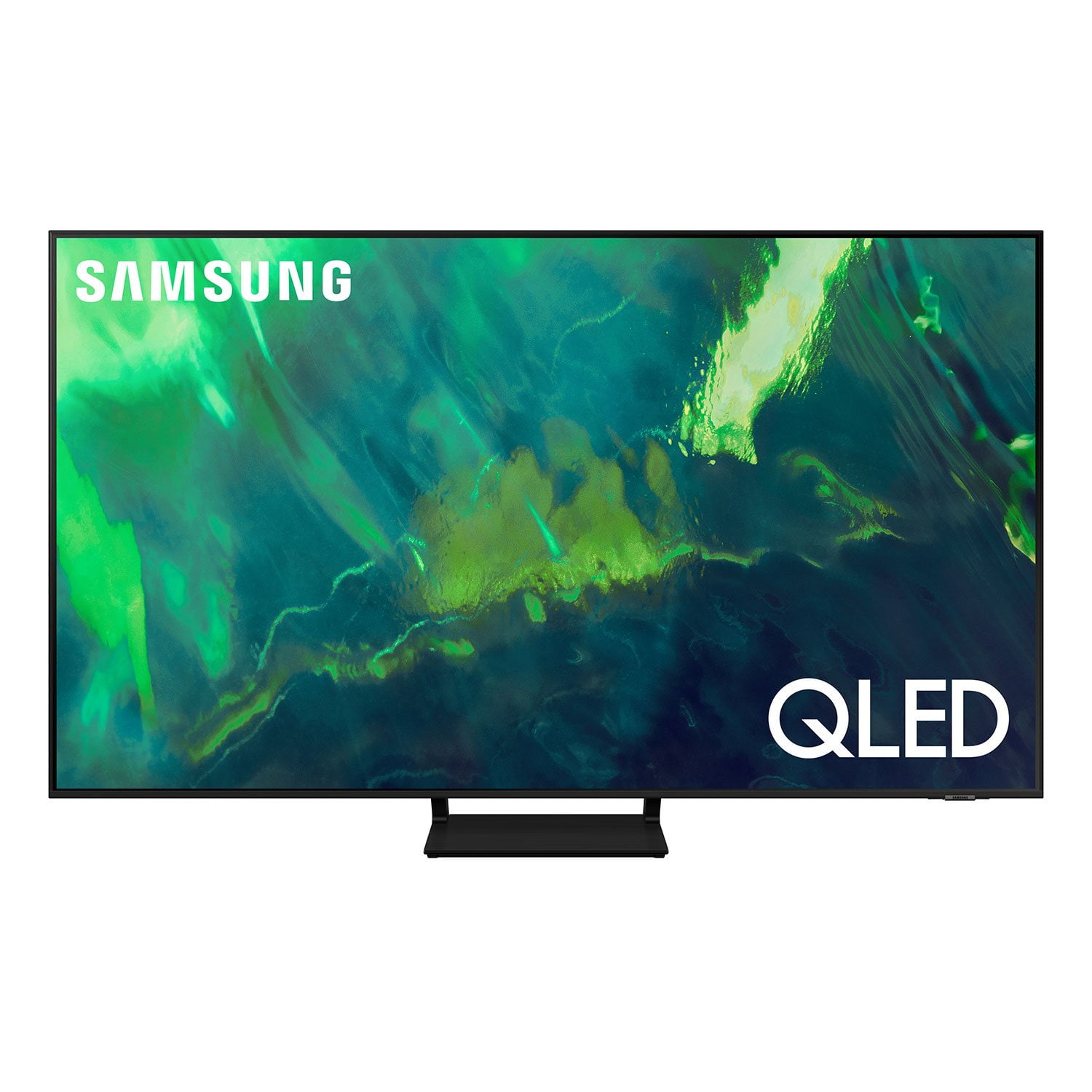
SAMSUNG 85" Class Q7-Series 4K Ultra HD Smart QLED TV - QN85Q7DAAFXZA
4.7 out of 5 stars
stars1,797 ratings1,775 reviews
  1. 5 stars80% (1,432)
  2. 4 stars15% (270)
  3. 3 stars3% (45)
  4. 2 stars1% (22)
  5. 1 star2% (28)
Write a review

Customer photos

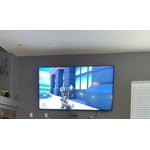
  • +297 images
Sort by |
Showing 1,081-1,090 of 1,775 reviews
Oct 5, 2022
MaxPayne007
5 out of 5 stars review

Experience advice

[This review was collected as part of a promotion.] The operating system is very easy and the colors are real and very close to the real ones. It has several modes to match the lighting with day and night.

Review from Samsung US
Helpful?6VT5DVUKIND213737353383
Oct 25, 2022
Sukiehannyaaaa
5 out of 5 stars review

Love this tv

[This review was collected as part of a promotion.] Love the apps on the tv beautiful smart tv beautiful picture quality Use the tv for gaming and streaming

Review from Samsung US
Helpful?6VT5DVUKIND213737353383
May 31, 2022
RomsbP
5 out of 5 stars review

Easy to manage controls

[This review was collected as part of a promotion.] Easy to installed features from internet and download apps!! Guides very easy to complete!! Color picture very clear!!

Review from Samsung US
Helpful?6VT5DVUKIND213737353383
Sep 27, 2023
Tough customer
5 out of 5 stars review

SPECTACULAR!!!!

Easy to set up and use...very pleased with glitch free performance....excellent resolution.....I am so happy I made theis choice...would recommend this model to every one.

Review from Samsung Canada
Helpful?6VT5DVUKIND213737353383
Jul 19, 2021
Romkaus
4 out of 5 stars review

Nice tv, but remote control!

[This review was collected as part of a promotion.] Nice tv, excellent picture, but remote control is awful!!! Battery lasts about two days. You have to charge it constantly. Solar on the back doesn't do anything.

Review from Samsung US
Helpful?6VT5DVUKIND213737353383
reply from Samsung Brand Ambassador

Hi Romkaus, Thank you for your review of Samsung's Q70A TV and for sharing your experience with your remote. First, please try the following steps to reset your remote: 1) Long press the RETURN key and ENTER key together for about 10 seconds if your remote was once paired already with the TV, you do not need to re-pair it again. However, if it was not paired with the TV, pairing must be done after the reset. 2) The RETURN key is on the left side of your remote and looks like a curved, backwards pointing arrow. 3) The ENTER key is the button in the center of your directional ring. If the issue persists after resetting your remote, please contact Samsung Customer Support at 1-800-SAMSUNG (ask for TVs), available 8AM -12AM EST M-F (9AM – 6PM EST Sat). Or text HELP to 62913. For additional support resources, visit us on the Samsung website and click on the ‘Support’ link in the upper right corner of the homepage for: 1) More ‘Contact Us’ options – LiveChat, Facebook, Twitter, Samsung Community, Samsung Members app 2) Manuals & Software 3) Warranty Info 4) Product Registration: For access to easy warranty support, convenient opt-in to special promos and offers, faster troubleshooting and service, and quick notification of system updates. ~ Samsung Specialist

Jun 16, 2022
Catmom
5 out of 5 stars review

This product is amazing

[This review was collected as part of a promotion.] We use this product for streaming, movies-tv. Just like being at the drive-in theater. Very crisp audio, very clear picture. Love the features it has also.

Review from Samsung US
Helpful?6VT5DVUKIND213737353383
Apr 16, 2021
roimusicofc
5 out of 5 stars review

This TV really has amazing picture quality.

[This review was collected as part of a promotion.] I have 2 of the very same qled 65" TV's. 1 in the living room and 1 behind my pool bar out in my patio. Both are amazing and the smart TV features work great.

Review from Samsung US
Helpful?6VT5DVUKIND213737353383
Oct 4, 2022
Diguzman89
4 out of 5 stars review

Great tv for Sunday football

[This review was collected as part of a promotion.] Got this tv back in 2021 and I'm loving it. Easy to set up and the pic quality is great for the price

Review from Samsung US
Helpful?6VT5DVUKIND213737353383
Jun 29, 2021
ADelgado
5 out of 5 stars review

85” Samsung

[This review was collected as part of a promotion.] This is my number 5 Samsung Tv from 42 to 85 and I enjoyed all my Tv in especial this one 85” on my living room wow

Review from Samsung US
Helpful?6VT5DVUKIND213737353383
Jun 16, 2022
Javeria
3 out of 5 stars review

Feedback from Purchase

[This review was collected as part of a promotion.] Having issue several time with the volume and the remote always needs connected. Volume seems not much high that expecting Also I have not receive my purchasing points yet.

Review from Samsung US
Helpful?6VT5DVUKIND213737353383
reply from Samsung Brand Ambassador

Javeria, The Q70A features SpaceFit Sound to optimize sound tailored to your environment and Active Voice Amplifier (AVA) which further detects disturbances and enhances the on-screen voices for clear dialogue. Go to Home > Settings > General > Intelligent Mode Settings. Turn the options on or off to meet your needs: - Active Voice Amplifier is available only when the sound sensor of the TV is active and the sound output is set to TV Speaker, or a Samsung Soundbar interlinked with Adaptive Picture is connected. - Adaptive Sound+ provides optimized sound quality by analyzing the viewing space and the acoustic components of the content - Adaptive Volume Automatically adjusts to a specific volume level while you are watching TV. Several Sound Modes are likewise available to meet your personal preferences: Home > Settings > Sound > Sound Mode You can also customize sound with Expert Settings. Go to: Settings > Sound > Expert Settings If you press any key on the remote and the LED indicator at the top of your remote stays on for about 3 seconds rather than blinking, please try the following steps to reset your remote: 1) Long press the RETURN key and ENTER key together for about 10 seconds if your remote was once paired already with the TV, you do not need to re-pair it again. However, if it was not paired with the TV, pairing must be done after the reset. 2) The RETURN key is on the left side of your remote and looks like a curved, backwards pointing arrow. 3) The ENTER key is the button in the center of your directional ring. I hope these tips improve your enjoyment. If you need further help, please call Samsung Support at 1-800-SAMSUNG, 8AM - 12AM EST, 7 days a week. Our LiveChat agents are also available by clicking on the ‘Support’ link on our website. ~ Samsung Specialist