Skip to Main Content
Sams Club
Sams Club
Customer reviews for SAMSUNG 3.1 Channel Sound Bar w/ Wireless Subwoofer & Dolby Audio - HW-B63C for
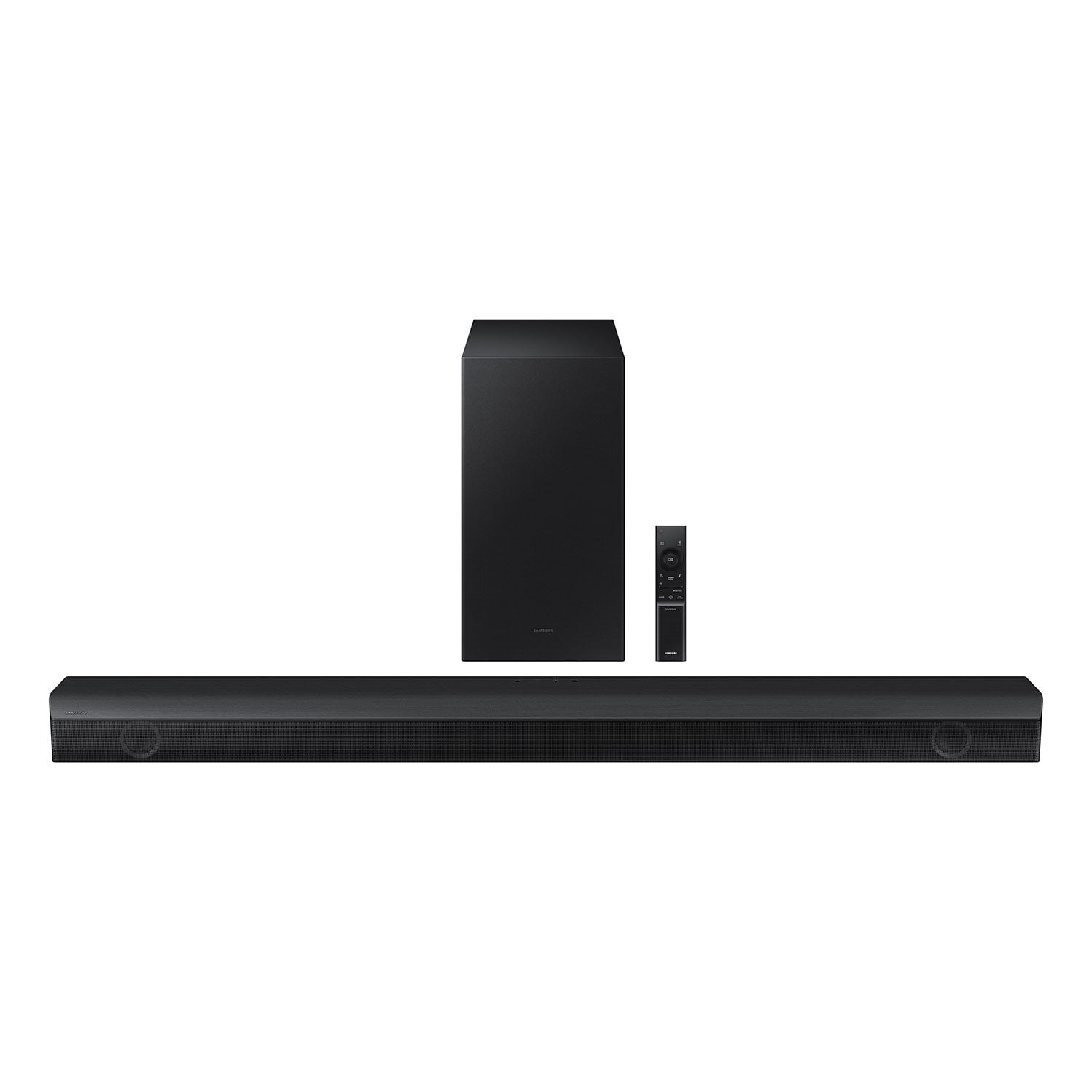
SAMSUNG 3.1 Channel Sound Bar w/ Wireless Subwoofer & Dolby Audio - HW-B63C
4.5 out of 5 stars
stars379 ratings236 reviews
  1. 5 stars75% (285)
  2. 4 stars10% (38)
  3. 3 stars6% (24)
  4. 2 stars3% (10)
  5. 1 star6% (22)

Member photos

  • +6 images
Sort by |
Showing 31-40 of 236 reviews
Dec 26, 2024
David
5 out of 5 stars review

Verified Purchase

Sync'd right up to my new Samsung TV and sounds great. I would purchase this package again for sure.

Review from walmart.com
Helpful?2JFD97QNNWIC13672614680
Feb 20, 2023
MoonCat
5 out of 5 stars review

Verified Purchase

Super easy to set up!

I was concerned that we would struggle to set up this sound bar, but it was so easy. The sound bar has decent sound for what we needed. I would recommend it.

Helpful?2JFD97QNNWIC13672614680
Jan 3, 2023
Sunday K
3 out of 5 stars review

Verified Purchase

Help

I didn't want to rate this because we don't know how to connect it so that it will work. We did everything but was never able to get the flashing light.

Helpful?2JFD97QNNWIC13672614680
reply from Samsung

Hello Sunday K,Thank you for sharing the issues you are experiencing with your Samsung HW-B63C Soundbar. So we can better understand the problems you are experiencing and provide you with troubleshooting assistance or warranty service, please contact Samsung Customer Support.If you need more help, Samsung is here for you. Please call us at 1-800-SAMSUNG, 8AM - 12AM EST (Ask for Soundbars), 7 days a week. Our LiveChat agents are also available by clicking on the ‘Support’ link on our website.~ Samsung Solutions

Nov 27, 2022
Sean
2 out of 5 stars review

Verified Purchase

Sound Issue

Could not connect properly to tv. Sound kept cuttingin and out . Could have shorted out in delivery. But didnt try to get another one just yet. Might need to upgrade my TV too. LOL

Helpful?2JFD97QNNWIC13672614680
reply from Samsung

Hi Sean, Thank you for sharing your user experience with the HW-B63C Samsung Soundbar. We value your feedback regarding issues with the sound cutting out.If there is anything we can do to improve your enjoyment to 5 stars -- such as helping to optimize settings for your specific usage scenario -- please let us know. You can reach Samsung Customer Support at:Call us at 1-800-SAMSUNG (ask for Soundbars), available 8 AM – 12 AM EST, 7 days a week.LiveChat with an agent by clicking the ‘Support’ link on the Samsung website.~Samsung Solutions

Mar 12, 2024
Todd K
5 out of 5 stars review

Verified Purchase

Good sound and pairs easily with Samsung TV

I have other higher end audio brand sound bars that sound great but were not easy to pair with the TV and have issues with synching with the TV. This was on sale at Sam's for $100 off so I took a chance on it. Glad I did! The sound is very good and it paired automatically with my Samsung TV and I haven't had one issue with it.

Helpful?2JFD97QNNWIC13672614680
reply from Samsung

Hi Todd K, Thank you for taking a moment to review the HW-B63C Soundbar.If available, we recommend using the HDMI connection to your TV. Connecting your soundbar to a TV through HDMI will provide the best audio and user experience, often eliminating any connection or delay issues you may be experiencing. There are 2 ways to connect your soundbar with HDMI: you can connect a device to your soundbar (like a Blu-ray player) and then connect the soundbar to the TV, or you can use HDMI ARC. The first method will give you the best possible sound from external devices you regularly use. ARC is the way to go if you want great sound from streaming apps on your TV and a soundbar.You can also try pressing the SOUND CONTROL button on the soundbar remote, until you see AUDIO SYNC on the display. You can then set the audio delay between 0~300 milliseconds by using the Up/Down buttons.You can also try the below to minimize the delay:1) Connect the source directly to the Soundbar’s HDMI input, then connect the Soundbar to the HDMI ARC input on the TV.2) On the TV, set the Sound Delay level to 0. Home > Settings > Sound > Expert Settings > Digital Output Audio Delay: “0”3) Change the audio format to PCM on both the source device and the TV. For additional troubleshooting steps, please refer to this online guide:https://www.samsung.com/us/support/troubleshooting/TSG01110022/I hope the above helps to solve your issue. If you need further help, please reach out to Samsung Customer Support at 1-800-SAMSUNG (Ask for Soundbars), 8 AM – 12 AM EST, 7 days a week. Live Chat with an agent as well as manuals, software, and warranty info can be found at the ‘Support’ link on our Samsung website.~ Samsung Solutions

Dec 27, 2023
Hawkintx
5 out of 5 stars review

Verified Purchase

FANTASTIC!

Really great bass from this sound bar combo. Dialogue could be clearer, we need the voices to be louder. We are still sorting out the settings. Gives movies that bass blast you need to feel like you are in the theater. Bluetooth connection works well with no visible lag.

Helpful?2JFD97QNNWIC13672614680
Sep 3, 2023
MHmsahall
2 out of 5 stars review

Verified Purchase

Good for a bit

Worked great for a week or so. Then HDMI/ARC input to TV failed and would no longer transmit sound via soundbar. Blue Tooth still works, but no sound via HDMI, even when sound output monitors in TV show sound going to soundbar. Spent almost 6 hours on phone with Samsung help desk doing a million tests, only to confirm there was something wrong with the soundbar and it needed to be sent out for repairs.

Helpful?2JFD97QNNWIC13672614680
reply from Samsung

Hi MHmsahall, I'm very sorry that you are experiencing issues with your Samsung Soundbar that require service. I hope that it is repaired quickly. If you need any help or have questions, please do not hesitate to reach out to us. Please call us at 1-800-SAMSUNG, 8AM - 12AM EST (Ask for Soundbars), 7 days a week. Our LiveChat agents are also available by clicking on the ‘Support’ link on our website.~Samsung Advisor

Dec 4, 2023
Katie
3 out of 5 stars review

Verified Purchase

Just ok sound

We got this sound bar to replace one that we had had for years. Most of the better quality Samsung sound bars are significantly longer than our old one so they didn't fit it the space we have below our TV. This was the only one that was smaller, but I slightly regret its purchase as it is not very loud!! We had tried every setting but are constantly finding ourselves turning the volume up. I'm not sure it was much of an improvement on just having the sound come straight from our TV. Jushoping now that Samsung comes out with some sound bars in the future that aren't so long.

Helpful?2JFD97QNNWIC13672614680
reply from Samsung

Hello Katie,Thank you for purchasing the HW-B63C Soundbar. I am sorry to see that you are experiencing volume issues with your Soundbar. Make sure that you are connecting your Soundbar with the included HDMI cable as this will offer the best audio and user experience. You can optimize your audio performance to your liking by pressing the SOUND MODE button on your soundbar remote, and then selecting the desired sound effect by choosing SURROUND SOUND, BASS BOOST, GAME, ADAPTIVE, DTS VIRTUAL:X, STANDARD.By pressing the TONE CONTROL button, you can adjust the volume of the treble or bass sound. Press the button to select TREBLE or BASS and then adjust the volume between -6~+6 by using the Up/Down buttons.Press and hold the SOUND CONTROL button for about 5 seconds to adjust the sound for each frequency band. 150Hz, 300Hz, 600Hz, 1.2kHz, 2.5kHz, 5kHz, and 10kHz are selectable using the Left/Right buttons and each can be adjusted to a setting between -6 to +6 using the Up/Down buttons. (Make sure the Sound mode is set to “STANDARD”.Additionally, using the WOOFER button on the remote, you can adjust the subwoofer’s volume between -6 to +6 by toggling the button up or down. To set the subwoofer volume level to 0, press the button down.If we can further help with any other issues, please know we are here for you. Just call us at 1-800-SAMSUNG (Ask for Soundbars), 8 AM – 12 AM EST, 7 days a week. Or visit us on the Samsung website and click on the ‘Support’ link for:• LiveChat with an agent• Manuals, Software, & Warranty Info~ Samsung Solutions

Nov 11, 2022
WendiTMcD
4 out of 5 stars review

Verified Purchase

Compatibility issues with older technology

The sound bar itself is great so far. The instructions were not great for someone who does not yet have a smart tv. I ended up getting assistance from a family friend, who was able to figure out how to get it to work when I am streaming through my ROKU, but when I am using satellite, I am stuck with the TV speakers until it is time for a TV upgrade.

Helpful?2JFD97QNNWIC13672614680
Mar 26, 2024
Robin
2 out of 5 stars review

Verified Purchase

Had to return

We decided to spend extra getting the Samsung sound bar because we have a Samsung TV. Despite many attempts could not get it to work with the HDMI cable. After calling Samsung tech support got it connected with Bluetooth. We purchased another sound bar with Samsung for the same price and returned our original purchase to Sam's. The second purchase connected to our tv and remote immediately with no issues.

Helpful?2JFD97QNNWIC13672614680
reply from Samsung

Hello Robin,Thank you for your review of the Samsung HW-B63C Soundbar and for sharing the experience that has caused you to return your unit. Your feedback is very important to us and will be shared with our product team.It is possible that your unit needed minor troubleshooting, a firmware update, or adjustments in settings. Should you ever decide to give Samsung Soundbars another try and have questions or need assistance with settings, setup, or features, please know we are always here to help.Call us at 1-800-SAMSUNG (ask for Soundbars), available 8 AM – 12 AM EST, 7 days a week.~ Samsung Solutions