Skip to Main Content
Sams Club
Sams Club
Customer reviews for SAMSUNG Q-Series 3.1 Dolby ATMOS Soundbar with Q-Symphony for
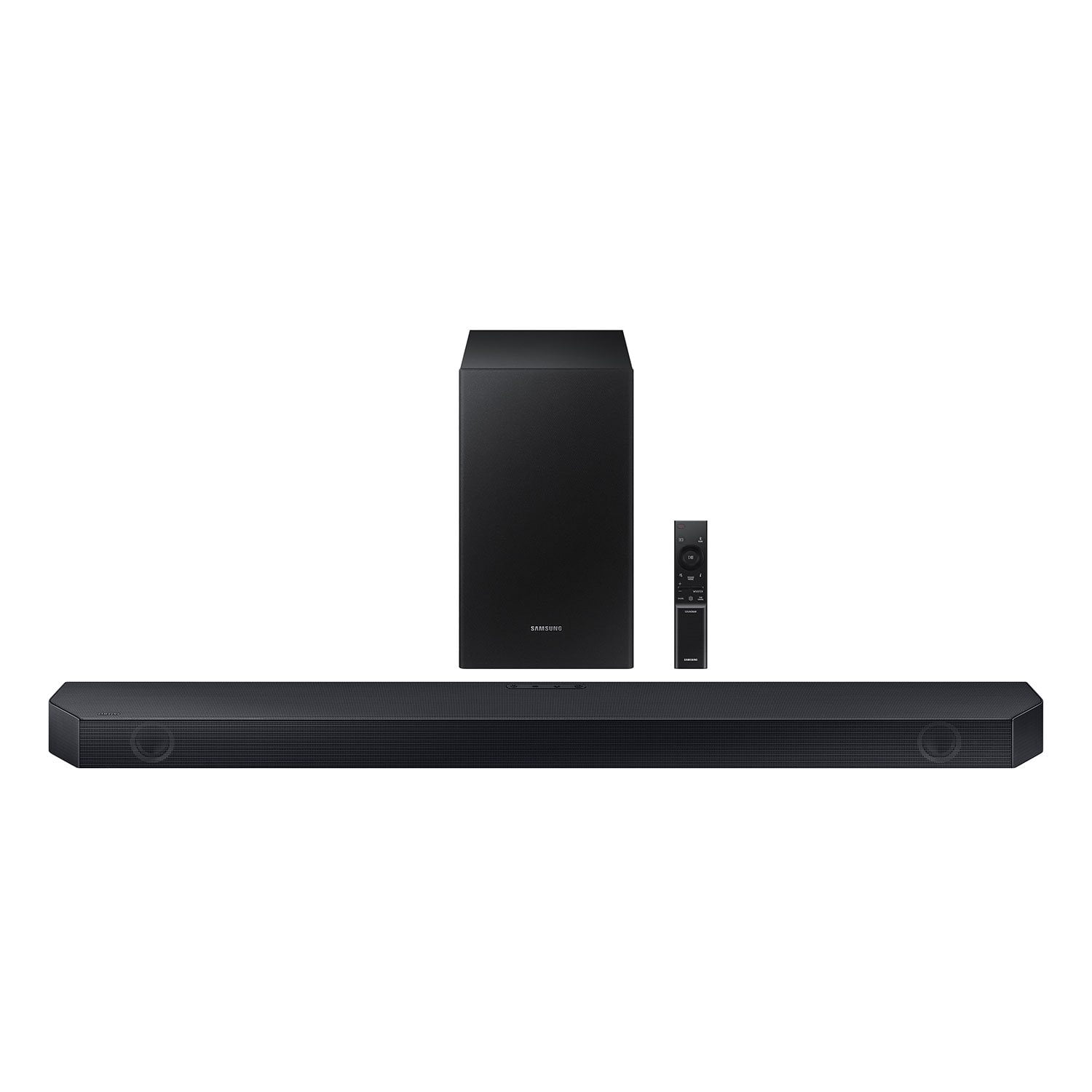
SAMSUNG Q-Series 3.1 Dolby ATMOS Soundbar with Q-Symphony
4.5 out of 5 stars
stars411 ratings385 reviews
  1. 5 stars73% (301)
  2. 4 stars14% (59)
  3. 3 stars5% (20)
  4. 2 stars3% (11)
  5. 1 star5% (20)

Member photos

  • +3 images
Sort by |
Showing 181-190 of 385 reviews
Dec 5, 2024
Kaden
3 out of 5 stars review

Verified Purchase

Good but not the best bang for your buck

It was good but I found a much better one for almost the same price it’s the C47M model number

Review from walmart.com
Helpful?0U8WZUZ49FIB13636465949
reply from Samsung

Hi Kaden,<br /><br />Thank you for taking a moment to review the Samsung HW-Q6CC Soundbar.<br /><br />With the HW-Q6CC Soundbar, you can utilize Q-Symphony and enjoy Dolby Atmos.<br /><br />Here are some tips to help improve your audio experience.<br /><br />You can manually optimize your audio experience by pressing the SOUND MODE button to select the desired pre-equalized sound setting. The choices are SURROUND SOUND – GAME – ADAPTIVE SOUND – DTS VIRTUAL:X – STANDARD.<br /><br />To control the volume of the treble or bass press the TONE CONTROL button, and then adjust the volume between -6 to &#43;6 by using the Up/Down buttons on your soundbar remote. <br /><br />Press and hold the SOUND CONTROL button for about 5 seconds to adjust the sound for each frequency band. 150Hz, 300Hz, 600Hz, 1.2kHz, 2.5kHz, 5kHz, and 10kHz are selectable using the Left/Right buttons and each can be adjusted to a setting between -6 to &#43;6 using the Up/Down buttons. (Make sure the Sound mode is set to “STANDARD”.) <br /><br />Press the CH LEVEL button so you can adjust the volume of each speaker. CENTER LEVEL can be adjusted using the UP/DOWN buttons from -6 to &#43;6.<br /><br />With the optional SWA-9200S Wireless Rear Speaker Kit connected you can adjust the volume by using the provided Soundbar remote. Press CH LEVEL and select REAR LEVEL, then use the Up/Down buttons to adjust the volume within a -6 to &#43;6 range. <br /><br />If you would like louder (or softer) bass from your subwoofer, you can adjust the level by rocking the WOOFER button on the soundbar remote, and then adjusting the level from -6 to &#43;6. To set the subwoofer volume level to 0, press the button in.<br /><br />If you need more help, Samsung is here for you. Please call us at 1-800-SAMSUNG, 8AM - 12AM EST (Ask for Soundbars), 7 days a week. Our Live Chat agents are also available by clicking on the ‘Support’ link on our website.<br /><br />~ Samsung Solutions

Dec 6, 2024
Michelle
5 out of 5 stars review

Verified Purchase

Great purchase sound quality is good

Review from walmart.com
Helpful?0U8WZUZ49FIB13636465949
Jan 19, 2025
WalmartCustomer
5 out of 5 stars review

Verified Purchase

Awesome sound and easy setup with a Samsung TV. Love it!

Review from walmart.com
Helpful?0U8WZUZ49FIB13636465949
Dec 9, 2024
Dalesa
5 out of 5 stars review

Verified Purchase

great sound, well packed. easy set up. a bit on the heavy side but excellent quality.

Review from walmart.com
Helpful?0U8WZUZ49FIB13636465949
Nov 26, 2024
marco
5 out of 5 stars review

Verified Purchase

Good value

Sounds very good. Easy set up The subwoofer is just OK.

Review from walmart.com
Helpful?0U8WZUZ49FIB13636465949
Jan 26, 2025
Richard
5 out of 5 stars review

Verified Purchase

easy to hook up and sounds great!

Review from walmart.com
Helpful?0U8WZUZ49FIB13636465949
Dec 14, 2024
anonymous
3 out of 5 stars review

Verified Purchase

Ok. Nothing amazing. Thought it would be better.

Review from walmart.com
Helpful?0U8WZUZ49FIB13636465949
reply from Samsung

Todd,<br /><br />Thank you for taking a few moments to review the Samsung HW-Q6CC Soundbar. Here are a few tips to optimize your soundbars audio experience. <br /><br />To control the volume of the treble or bass press the TONE CONTROL button, and then adjust the volume between -6 to &#43;6 by using the Up/Down buttons on your soundbar remote. Press and hold the SOUND CONTROL button for about 5 seconds to adjust the sound for each frequency band. 150Hz, 300Hz, 600Hz, 1.2kHz, 2.5kHz, 5kHz, and 10kHz are selectable using the Left/Right buttons and each can be adjusted to a setting between -6 to &#43;6 using the Up/Down buttons. (Make sure the Sound mode is set to “STANDARD”.) Press the CH LEVEL button so you can adjust the volume of each speaker. CENTER LEVEL can be adjusted using the UP/DOWN buttons from -6 to &#43;6. With the optional SWA-9200S Wireless Rear Speaker Kit connected you can adjust the volume by using the provided Soundbar remote. Press CH LEVEL and select REAR LEVEL, then use the Up/Down buttons to adjust the volume within a -6 to &#43;6 range. If you would like louder (or softer) bass from your subwoofer, you can adjust the level by rocking the WOOFER button on the soundbar remote, and then adjusting the level from -6 to &#43;6. To set the subwoofer volume level to 0, press the button in. <br /><br />If you need more help, Samsung is here for you. Please call us at 1-800-SAMSUNG, 8AM - 12AM EST (Ask for Soundbars), 7 days a week. Our Live Chat agents are also available by clicking on the ‘Support’ link on our website. ~ Samsung Solutions

Jan 21, 2025
Terrance
5 out of 5 stars review

Verified Purchase

Good sound

Definitely worth it if on sale

Review from walmart.com
Helpful?0U8WZUZ49FIB13636465949
Jan 10, 2025
Mike
5 out of 5 stars review

Verified Purchase

great price with quality sound

Review from walmart.com
Helpful?0U8WZUZ49FIB13636465949
Jan 18, 2025
eddie
5 out of 5 stars review

Verified Purchase

Soundbar

It’s a very good system. Sound great and easy to install. My Samsung tv pair right away. Nice

Review from walmart.com
Helpful?0U8WZUZ49FIB13636465949