
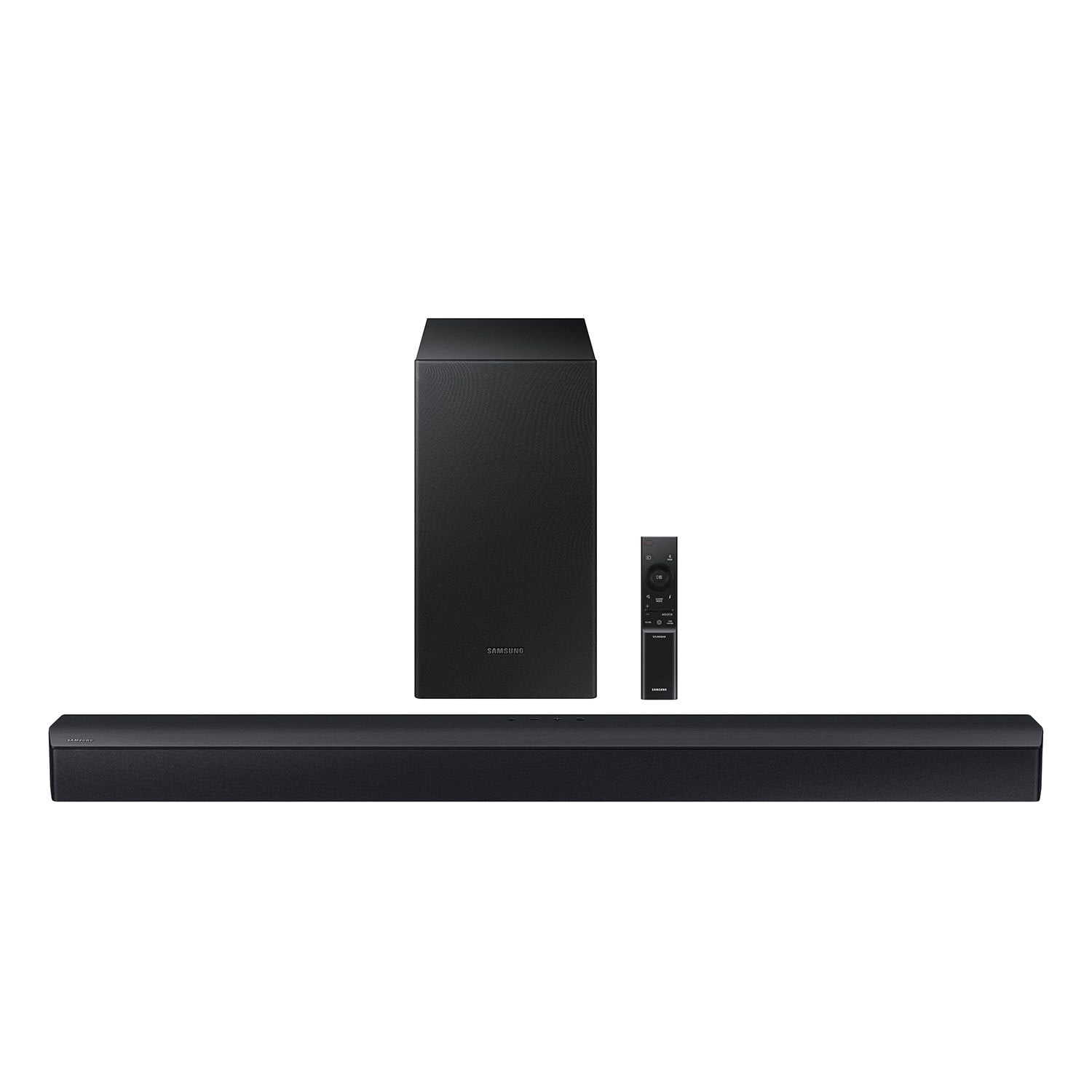
 Customer reviews for SAMSUNG C-Series 2.1 Channel Soundbar with Wireless Subwoofer for
SAMSUNG C-Series 2.1 Channel Soundbar with Wireless Subwoofer
4.5 out of 5 stars
stars
339 ratings162 reviews
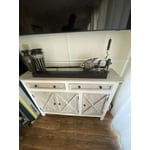
Member photos



Sort by |
Showing 151-160 of 162 reviews
Nov 29, 2023
Reviewer name: MrSmith007
5 out of 5 stars review
Sound quality was out of this world!
Review from Samsung US
Helpful?
Oct 8, 2023
Reviewer name: Kenfree
3 out of 5 stars review
C series sound bar and Bluetooth speaker
Review from Samsung US
Helpful?
reply from Samsung Advisor
Sep 29, 2023
Reviewer name: Simple4sound
5 out of 5 stars review
Simple and great sound.
Review from Samsung US
Helpful?
Mar 31, 2024
Reviewer name: BigB
5 out of 5 stars review
Great 4 the $
Helpful?
Sep 17, 2023
Reviewer name: Soundbar
4 out of 5 stars review
Great sound
Review from Samsung US
Helpful?
Nov 14, 2023
Reviewer name: Samsungshopper
5 out of 5 stars review
This product has great features and it's super lou
Review from Samsung US
Helpful?
Sep 18, 2023
Reviewer name: Anonymous
4 out of 5 stars review
Awesome sound
Review from Samsung US
Helpful?
Mar 21, 2024
Reviewer name: Sharon74
3 out of 5 stars review
Good audio on soundbar
Helpful?
reply from Samsung
Sep 4, 2023
Reviewer name: Zjxmaddog
5 out of 5 stars review
Great quality and sound
Review from Samsung US
Helpful?
Oct 14, 2023
Reviewer name: Curtis
5 out of 5 stars review
Upgrades your experience
Review from Samsung US
Helpful?