Skip to Main Content
Sams Club
Sams Club
Customer reviews for HP ENVY 6458e Wireless Color All-in-One Inkjet Printer, 223R3A#1H3 for
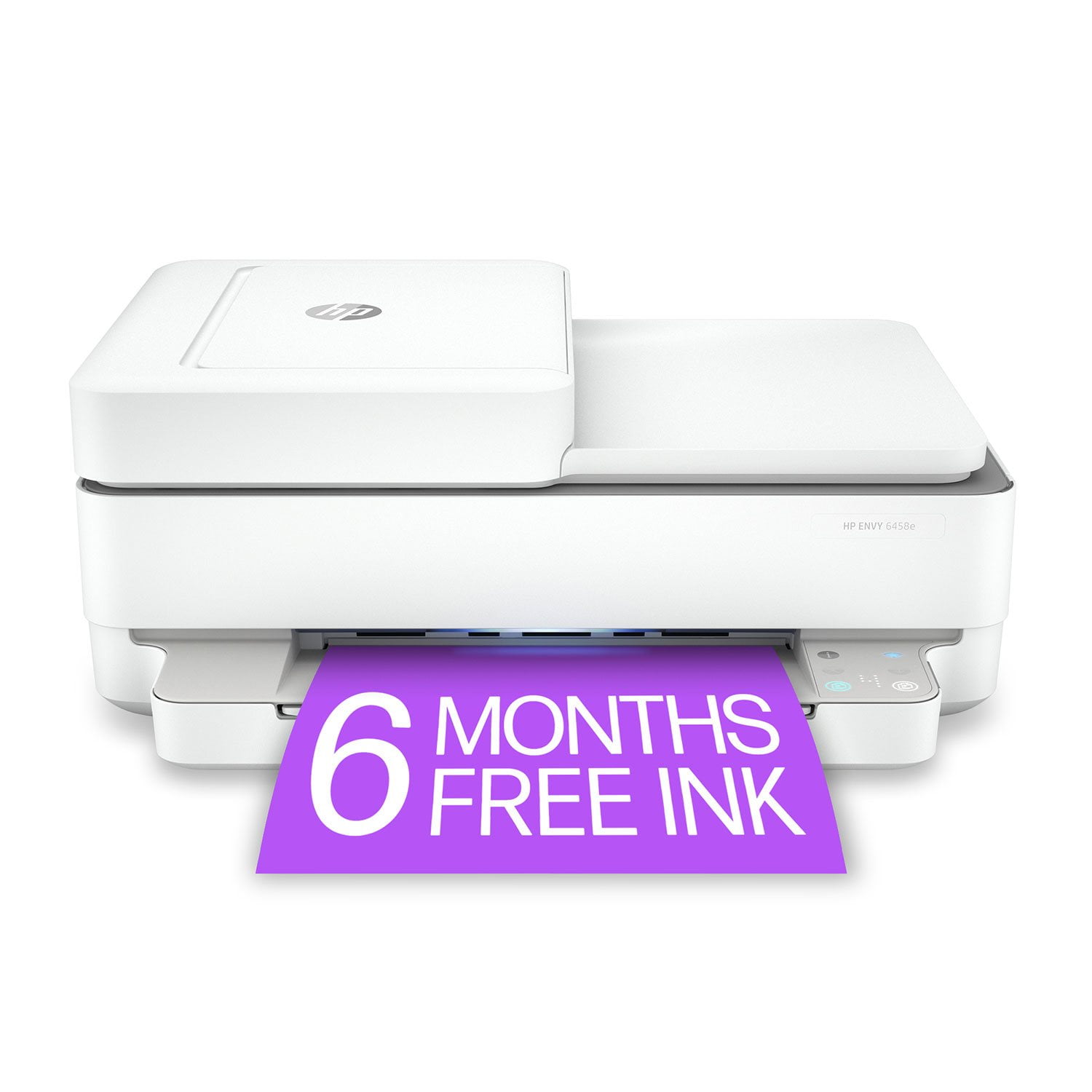
HP ENVY 6458e Wireless Color All-in-One Inkjet Printer, 223R3A#1H3

Member photos

Sort by |
Showing 171-180 of 191 reviews
Nov 24, 2021
JenB
5 out of 5 stars review

Verified Purchase

Love it

This was so easy to set up and works great

Helpful?210FRF77KBZQ13620210544
Sep 1, 2021
Jim Si
1 out of 5 stars review

Poor photo paper loading

I bought this printer and it has poor photo paper loading at all

Helpful?210FRF77KBZQ13620210544
Sep 17, 2021
Graycee B
5 out of 5 stars review

Verified Purchase

Great product!

Perfect for my family’s use! Cartilages sent automatically - worth the money.

Helpful?210FRF77KBZQ13620210544
Oct 20, 2021
DrNo750
5 out of 5 stars review

Verified Purchase

DOC

so far so good , working as advertised

Helpful?210FRF77KBZQ13620210544
Nov 28, 2021
Melissa
4 out of 5 stars review

It works fine for my needs.

Prompt Shipping. Difficult and time consuming installation. The printer contents came with no instructions. I have had HP printers for approximately 40 years. This was definitely the most challenging one to install.

Helpful?210FRF77KBZQ13620210544
Feb 6, 2025
Sheila23
1 out of 5 stars review

Hate this printer!

I absolutely hate this printer. 1. The paper feeder only recognizes that the printer has paper when the stack of paper is at least 1/4" thick -- if it goes below that you get an error message and the printer won't print. Above 1/4" results in a paper jam. 2. It randomly loses wireless connectivity, usually in the middle of a print job -- it only prints consistently when connected via USB cable to my pc. 3. There is no "normal" control panel.-- only a panoply of flashing lights, in endless permutations of colors and positions. You have to have the user manual constantly open in front of you to even begin to figure out what's going on, and even then it's extremely difficult to "decode" the lights. 4. The on/off button is hidden in the left corner on the back of the printer, making it difficult to reach if the printer is on a shelf. Since the printer has to be turned on and off to "reset" multiple times during even a small job, you end up wanting to smash the thing into the ground. 5. It goes through ink unbelievably fast. Even a genuine HP XL cartridge lasts only 30 -40 pages, I would give 0 stars if I could!

Helpful?210FRF77KBZQ13620210544
Jan 31, 2024
Vondj
2 out of 5 stars review

Short cord

HP, could you spare the cord? Honestly, the cord is so short it 18" that I now have to purchase a power strip exclusively for that!! It's unbelievable, I haven't tried it because even if it went next to a plug/outlet not enough space, and a power strip would have to be on the desk or table!! Can't even try the printer out yet. Very disappointing!

Helpful?210FRF77KBZQ13620210544
Nov 3, 2021
Omar ozuna
5 out of 5 stars review

Verified Purchase

Superior Printer

Works great; easy setup

Helpful?210FRF77KBZQ13620210544
Sep 27, 2021
crank1954
5 out of 5 stars review

Verified Purchase

HP stands for quality

Great printer

Helpful?210FRF77KBZQ13620210544
Jun 22, 2023
kevin
1 out of 5 stars review

constant problems

Helpful?210FRF77KBZQ13620210544