Skip to Main Content
Sams Club
Sams Club
Customer reviews for SAMSUNG 3.1.2 Channel Sound Bar with Wireless Subwoofer, Q-Symphony & Dolby ATMOS Audio (Choose Color) for
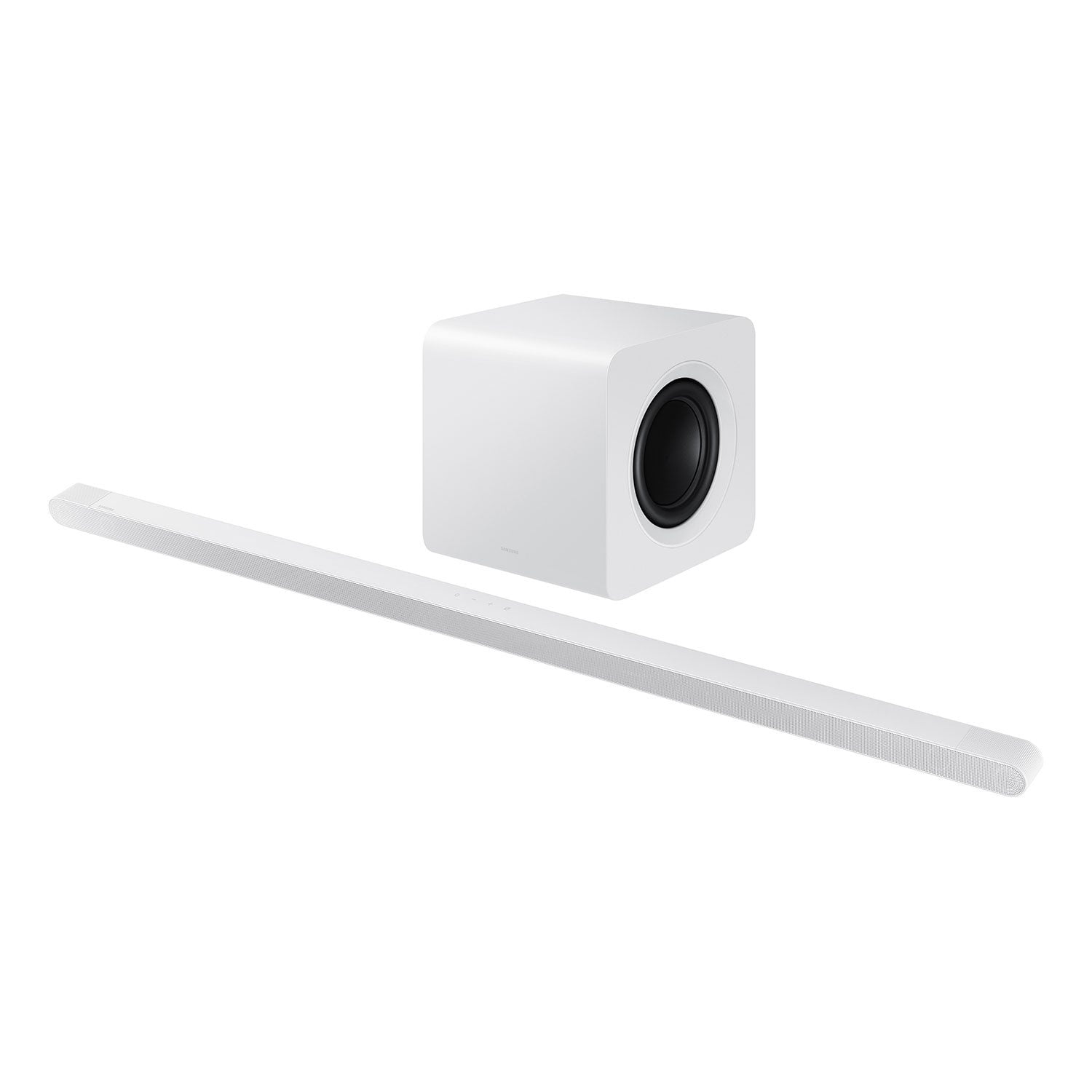
SAMSUNG 3.1.2 Channel Sound Bar with Wireless Subwoofer, Q-Symphony & Dolby ATMOS Audio (Choose Color)
4.7 out of 5 stars
stars381 ratings381 reviews
  1. 5 stars79% (300)
  2. 4 stars15% (59)
  3. 3 stars2% (9)
  4. 2 stars1% (3)
  5. 1 star3% (10)

Member photos

  • +85 images
Sort by |
Showing 61-70 of 381 reviews
Mar 23, 2026
PowerSpark
5 out of 5 stars review

Great sounds

[This review was collected as part of a promotion.] I really like how clean the sounds are! It's really nice to hear things clearly.

Review from Samsung US
Helpful?6PK86ZM75TYA13613606438
Oct 10, 2025
House1019
5 out of 5 stars review

Sound bar great sound and sleek look.

[This review was collected as part of a promotion.] Samsung audio sound bar is great for all of my sport programs and awesome for all my movies as well.

Review from Samsung US
Helpful?6PK86ZM75TYA13613606438
Oct 11, 2025
Murtaza
5 out of 5 stars review

This product is what I call speak itself

[This review was collected as part of a promotion.] I use it to play loud music when I want to enjoy and it sounds like its not coming from those beating buffers thats how transparent sound it has

Review from Samsung US
Helpful?6PK86ZM75TYA13613606438
Oct 10, 2025
Mznini
5 out of 5 stars review

This product looks fits me perfectly

[This review was collected as part of a promotion.] I love music music helps me get through alot of my tough days in my life. I suffer from depression and ptsd,and this stereo means alot to me for the good bad my happy and sad days.

Review from Samsung US
Helpful?6PK86ZM75TYA13613606438
Nov 11, 2025
Freefree
5 out of 5 stars review

Great gift

[This review was collected as part of a promotion.] This Item is a awesome gift. Does not take up too much room and easy to install. My mother is very happy.

Review from Samsung US
Helpful?6PK86ZM75TYA13613606438
Oct 23, 2025
Keekeeg
5 out of 5 stars review

It has a great sound

[This review was collected as part of a promotion.] I didn't think it would work for my TV but it did and it made my hv TV sound good and it sounded like i was at a theater

Review from Samsung US
Helpful?6PK86ZM75TYA13613606438
Oct 8, 2025
Heeydar
5 out of 5 stars review

It's the best thing I have ever used

[This review was collected as part of a promotion.] I make use of in in movies watching, and gaming it gives me the sound and background eco sound I like.

Review from Samsung US
Helpful?6PK86ZM75TYA13613606438
Nov 20, 2025
Nathan
5 out of 5 stars review

Best speaker

[This review was collected as part of a promotion.] The speaker sounds great, love the different sound settings, and the the speaker and base make you feel like you are in a theater!

Review from Samsung US
Helpful?6PK86ZM75TYA13613606438
Nov 14, 2025
Pickleman
5 out of 5 stars review

I love the way it sounds and it's also very conven

[This review was collected as part of a promotion.] I have nothing but good things to say about it I recommend this product to everybody and I'm so happy I got it

Review from Samsung US
Helpful?6PK86ZM75TYA13613606438
Oct 14, 2025
cbock7777
1 out of 5 stars review

constantly disconnects from my Samsung TV

[This review was collected as part of a promotion.] I'm beyond frustrated with having to cycle through my audio connections 10+times during a 1 hour show

Review from Samsung US
Helpful?6PK86ZM75TYA13613606438
reply from Samsung Solutions

Hello cbock7777, We appreciate you taking a few moments to review the HW-S801D Soundbar. Updating the firmware on your soundbar gives you all the benefits of the latest improvements. When the Soundbar is connected to the Internet, Auto Update allows software to update automatically even when the Soundbar is turned off. You can also update by using the SmartThings app. If not connected to the internet, you can download it onto a USB device, and then upload it to your soundbar - no wireless connection required. Connect the USB drive that contains the update firmware to the SERVICE port of the Soundbar. 1.Go to the Samsung Electronics website (www.samsung.com) → click on the “Support” option in the upper left corner. 2.Click on “Manuals & Software” from the pop-up list > TVs & Home Theater > Home Theater > Select your model 2. Download the firmware file (USB type). 3. Unzip the file to create a folder with the file name. 4. Store the created folder in a USB and then connect it to the Soundbar. 5. A sequence of “UPDATE” > “BYE” > “ON” will appear on the display 3 times. This will take around 6 minutes. - During update, do not turn it off or remove the USB. - If “UPDATE” does not appear on the display window, remove the power cord from the Soundbar and then reconnect it. - When the latest version is installed, no update is performed. - Depending on the USB type, update may not be supported. 6. After the 3 cycles are complete, the Soundbar will restart and last source used will appear on the display for about 20 seconds and then it will go off (“UPDATE” > “BYE” > “ON”) 3 times “D.IN” > off If you need more help, Samsung is here for you. Please call us at 1-800-SAMSUNG, 8AM - 12AM EST (Ask for Soundbars), 7 days a week. Live Chat with an agent as well as manuals, software, creating a service ticket, and warranty info can be found at the ‘Support’ link on our Samsung website. ~ Samsung Solutions