reply from Samsung Solutions
Hello Jel1011,
We appreciate you taking a few moments to review the Samsung HW-S800D Soundbar.
If the video on the TV and audio from the soundbar are not synchronized, press the SOUND CONTROL button on the soundbar remote, until you see AUDIO SYNC on the display. You can then set the audio delay between 0~300 milliseconds by using the Up/Down buttons.
Additionally, please make sure your soundbar is using the latest firmware version. You can update the firmware version of your soundbar by using the SmartThings App or a USB device. If available, you may also want to update the firmware Version of your TV which may feature audio delay improvements.
If you continue to experience audio delay, and are connected wirelessly, please use the included HDMI cable to connect the soundbar to the TV. Using a wired connection instead of wireless often eliminates the audio delay entirely and improves the user experience.
Updating the firmware on your soundbar gives you all the benefits of the latest improvements. When the Soundbar is connected to the Internet, Auto Update allows software to update automatically even when the Soundbar is turned off. You can also update by using the SmartThings app.
I hope this tip helps improve your enjoyment. For more help, please call us at 1-800-SAMSUNG (Ask for Soundbars), 8 AM – 12 AM EST, 7 days a week. Live Chat with an agent as well as manuals, software, and warranty info can be found at the ‘Support’ link on our Samsung website.
~ Samsung Solutions

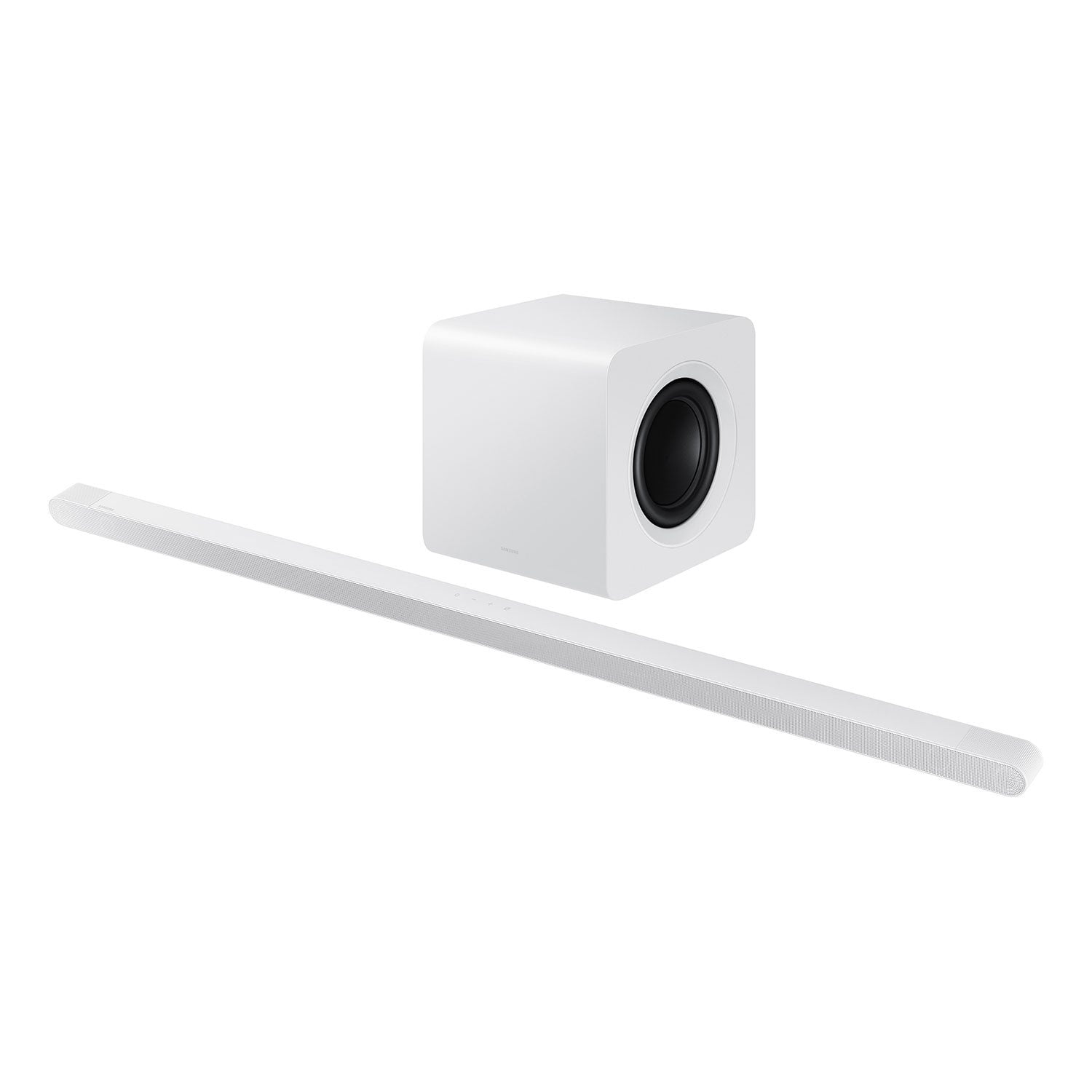 Customer reviews for SAMSUNG 3.1.2 Channel Sound Bar with Wireless Subwoofer, Q-Symphony & Dolby ATMOS Audio (Choose Color) for