Not What I Expected
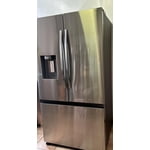
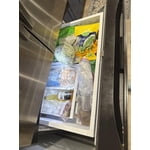
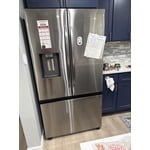
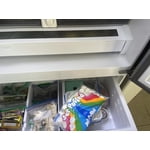
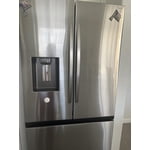
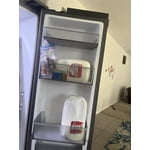
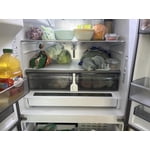
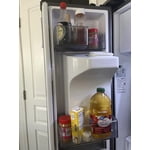
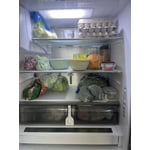
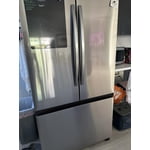
I had to replace my fridge and I thought this one was a good deal. However, I am disappointed that although its appears large, I design for space is horrible. Im storing less and the shelves are not adjustable as one might think. It's a set position. It's difficult to change the filter, I had to YouTube it. its hard and time consuming to clean the draw shelf, and even after removing it, the design prevents a through clean, any liquid gets trapped in the front and cannot clean it well. this is frustration. Since I had this fridge Im still unable to connect it with the WiFi, and have made several attempts. Im fine with the 2 ice trays in the freezer drawer, but the disadvantage is you ice is exposed to food or freezer odors or any freezer spill. The ice maker when empty can take about 48hrs to fill up. during the summer or entertaining I have to purchase ice.
reply from Samsung Care
Greetings!
Thank you for sharing your experience. It’s completely understandable to feel disappointed when an essential home appliance doesn’t meet expectations—especially one that plays such a vital role in your daily routine. We're here to support you.
To assist with organizing your refrigerator despite the fixed shelves, we’ve included a helpful link below. It offers guidance on maximizing space and storing items efficiently:
Tips for an organized Samsung refrigerator:
https://www.samsung.com/us/support/answer/ANS00084845/
For replacing the water filter, genuine Samsung filters are designed to be user-friendly when following the correct steps. The link below includes a step-by-step video and additional support resources through hyperlinks:
Replace the water filter in your Samsung refrigerator:
https://www.samsung.com/us/support/answer/ANS00060149/
Cleaning shelves and drawers can be time-consuming, especially with certain design limitations. This guide, including a video walkthrough, offers tips on safe removal and effective cleaning:
Samsung refrigerator shelf/drawer removal and cleaning guide:
https://www.samsung.com/us/support/answer/ANS00063107/
If you're having difficulty connecting the refrigerator to Wi-Fi, please note that a strong signal is essential. Walls and distance can weaken connectivity. For detailed steps on enabling Wi-Fi and using the SmartThings app, please refer to the user manual linked below—particularly:
• Page 45: Enabling Wi-Fi on the refrigerator
• Pages 49–51: Installing SmartThings and checking compatibility
https://downloadcenter.samsung.com/content/UM/202405/20240531053524129/FDR_RF6500C_3Door_MANUAL_WEB_DA68-04752Q-00_EN-MES-CFR_240529.pdf
Should you need more assistance with the refrigerator, please feel free to get back to us via the following options:
1. Facebook Messenger: http://m.me/samsungsupport
2. Twitter: https://twitter.com/messages/compose?recipient_id=18768513
3. Samsung Community: https://us.community.samsung.com/t5/Samsung-Community/ct-p/us
When you message us, please provide us with this reference number 1150383077 to help our team pull up your information.
Leo

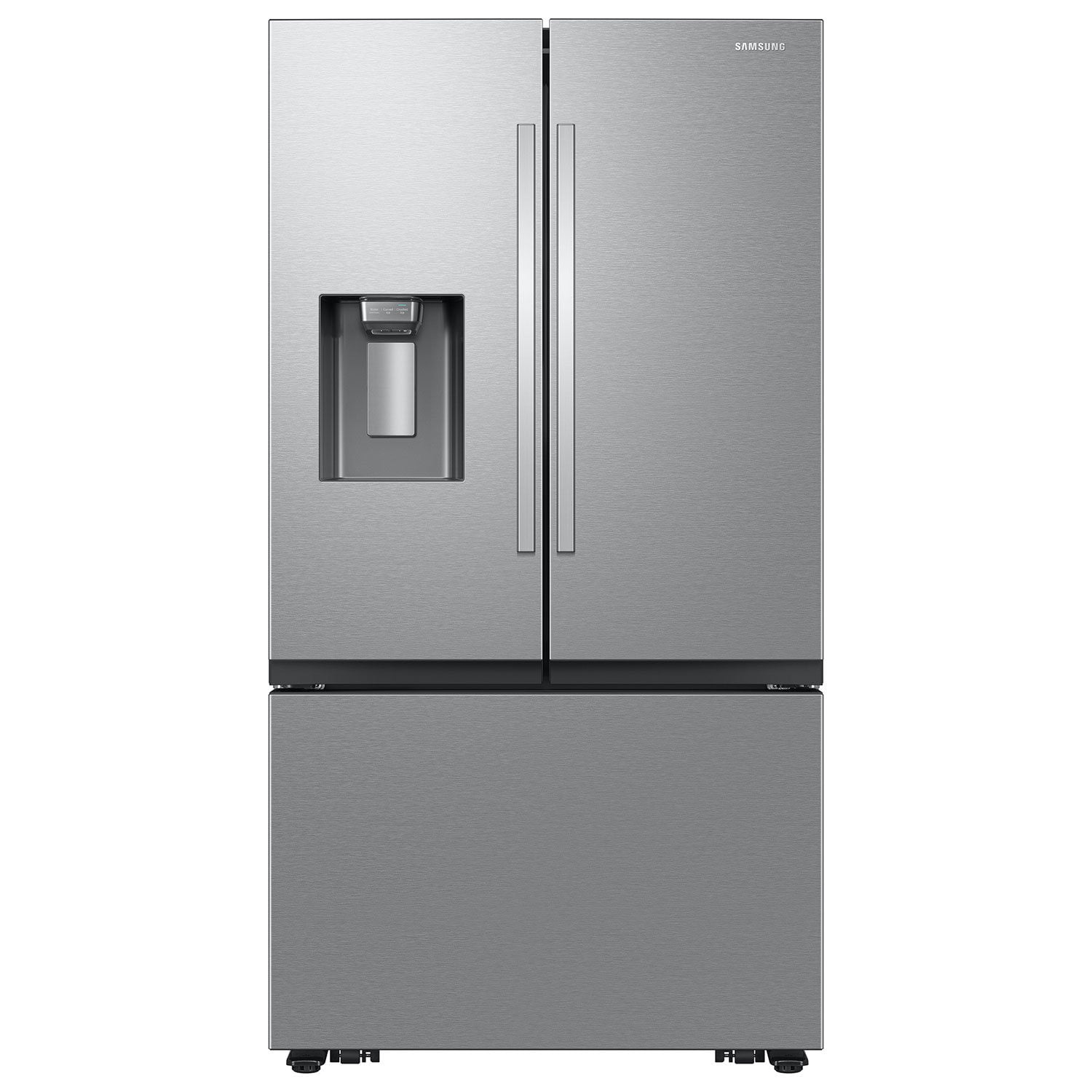 Customer reviews for Samsung 26 cu. ft. Counter Depth French Door Refrigerator for