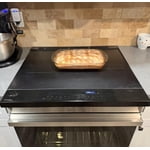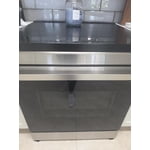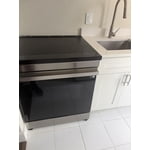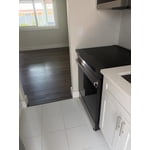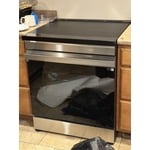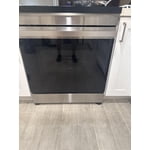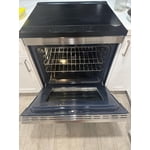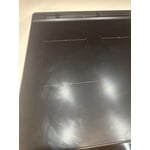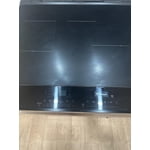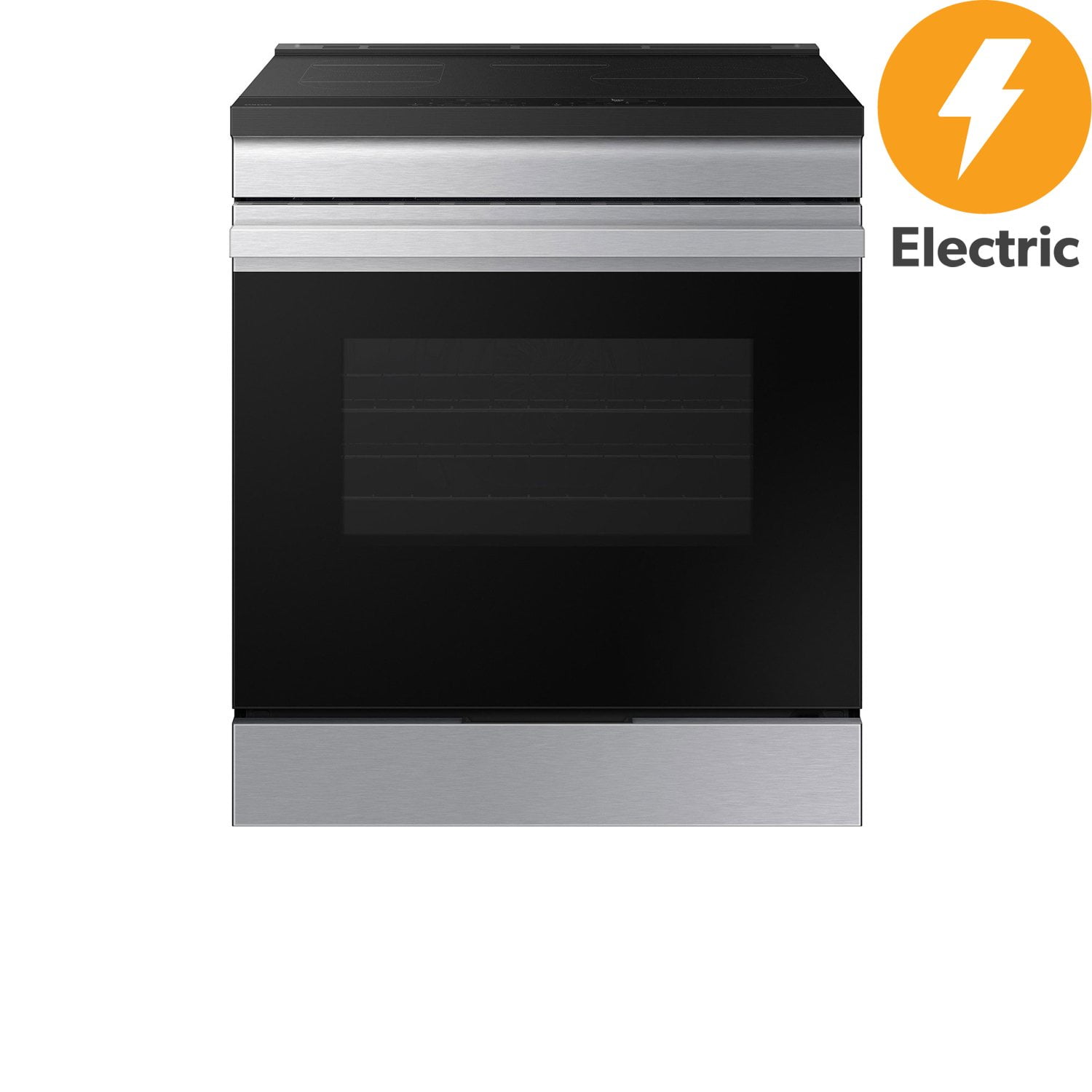
Customer reviews for Samsung Bespoke 6.3 cu. ft. Slide-In Induction Range with Anti-Scratch Glass Cooktop forMember photos


+83 images
Best Range ever
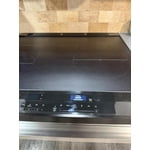
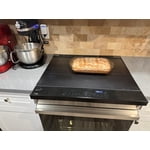
[This review was collected as part of a promotion.] This is a beautiful slide in oven with a scratch and fingerprint resistant top with keeps it clean and nice because with the induction too it becomes extra counter top. With front controls so you don’t have to reach over hot pots and the large oven. I couldnt ask for more from a range but the even heat from the induction top makes making Carmel for my homemade ice cream simple as pie!
Great features
[This review was collected as part of a promotion.] Love my new range. Easy to use, fits in my island perfectly.
Excellent induction range!
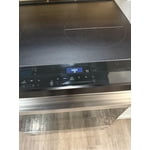
[This review was collected as part of a promotion.] The Samsung Bespoke range is amazing! The induction cooktop is easy to clean, works perfectly, and looks amazing. Heating food is so quick and precise. The oven is spot on with regards to temperature, and the controls for both are intuitive and easy to read. Overall, I'm extremely satisfied with my purchase!
Induction. Gotta get with it.
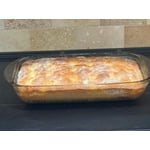
[This review was collected as part of a promotion.] Who doesn't like induction cooking? It heats things quickly, the element and stove top don't remain hot for long after cooking, The range looks sharp, even "snappy." The panel display on the range sometimes talks back to you when cleaning it, but you just have to remind it that you're not cooking now, just cleaning. I'm not able to use my Pyrex coffee percolator on this range, which is too bad, but it's OK- the pots and pans you use have to be appropriate for the technology. And the oven- it's ability to convey information and provide uniform heating is first rate. We haven't had the first big "holiday roasting" of something or other that's festive, but that may be coming soon. Yes, soon, how did the Holidays come on so quickly? Pie! Cookies! Who said that?
Samsung Induction Stove and Oven – A Game-Changer
[This review was collected as part of a promotion.] We couldn’t be happier with our Samsung Induction Stove and Oven. From the moment we started using it, it’s been a seamless experience. The integration with Samsung SmartThings is a standout feature—controlling and monitoring our cooking remotely has added a whole new level of convenience and precision. The induction technology is a revelation. It drastically reduces total cook time while being impressively energy-efficient. Meals come together faster, and we’ve noticed a real difference in our energy usage. Plus, the surface is incredibly easy to clean—no more scrubbing or scraping, just a quick wipe and it’s spotless. The user interface is intuitive and thoughtfully designed, making it easy for anyone in the household to operate. Whether we’re simmering sauces or baking bread, the performance is consistently excellent. In short: it’s smart, sleek, and efficient. We love it.
Almost perfect!
[This review was collected as part of a promotion.] Very happy with new induction stove top range. Love the anti scratch top, so easy to clean and looks great. Induction top has a learning curve, but so worth it once you adjust. The regular electric oven holds temperature well and cooks evenly. Suggest times for cooking are very accurate to recipes. Only thing it needs, is I wish it had an open handle on oven door to hang a kitchen towel. Otherwise, perfect for my needs!
Changed way I think about electric powered range
[This review was collected as part of a promotion.] The range changes perception of electric powered range. The induction range is efficient, easy to clean, safe and not emitting heat to the surrounding while hearing. Awesome products. The connection to the SmartThings is so useful so I can check if the device is left on. The range cannot be turned on for long if there are no pots and pans on it. So safe
Great features & induction over convection any day
[This review was collected as part of a promotion.] This range is the best we've owned. Wasn't sure about an induction range, but found that it heats quicker, more evenly, and nothing burns to the glass cooktop if there is splatter or something boils over. Very easy cleanup. Love the digital feathers and ease of use. Would definitely recommend to anyone over a convection range.
Nice range with a few issues
[This review was collected as part of a promotion.] Really enjoy cooking on induction. I don't love the layout and especially not having the bridging feature for the top. I enjoy using the dual oven, but overall size is smaller than my old 2 oven range and the divider of course does not complete isolate the two ovens from each other. Still would recommend Samsung and this range. Also don't think the virtual flame is really worth the effort.
Functional. Annoying to use.
This range looks nice, and the cooktop is usually easy to clean. It works, but has many annoying design flaws: Cooktop: - Burner heat settings are spaced too coarsely near the low end. For example, 3 is often too hot, while 2 is not hot enough. It seems like the settings 1-9 follow a linear scale, while something closer to a cubic curve would probably work better. (Small steps at the low end, progressing to large steps at the high end.) - Burner active area is significantly smaller than circles on cooktop surface. This means pans cook unevenly: hot near center, cool around perimeter. - Surface can be blemished by common cleaning products like Bar Keepers Friend. Oven: - Oven temperature is somewhat uneven: It's hotter near the outer edges. Also, the temperature difference between one rack and the rack immediately below is noticeably greater than it was in my gas oven. - Racks tend to bind at the sides, making sliding them difficult. - Oven light remains on after turning off the appliance. - Oven light cannot be turned off without first turning on the appliance with a long press. Yet another simple task made tedious and annoying. - Door handle feels flimsy, like it might be cheap plastic. - Door handle is not a bar, so cannot be used to hold a kitchen towel. Timers: - The timers require turning on either the cooktop or oven controls, requiring tedious long presses and taps, before they can be used. - The timers stop working when no longer cooking something. This means they cannot be used to time a rest period after cooking, or for timing any other common kitchen task. - The righthand and lefthand timers have completely different user interfaces, requiring different steps to operate, as though the designer wanted them to be as confusing as possible. - Both timers require too many presses/taps to set or adjust a duration. - Righthand timer requires navigating tedious menus and submenus to access. Control Panel: - The control panel menu is normally navigated by swiping right, but doing this while cooking raises the heat instead, which can easily cause boil over. - The 0-9 bar has too few steps to reach the wanted value in one swipe, so multiple swipes are often necessary. Just setting a timer to more than 20 minutes requires more than a few swipes. This is a tedious waste of time. - The 0-9 bar often incorrectly registers the tapped number, registering a number next to it instead. At best, this requires (tedious and time-wasting) extra taps to correct it. At worst, the error isn't noticed, leading to burned or undercooked food. - The left/right arrows beside the 0-9 bar can be held to change values, but it increments/decrements very slowly, which is a tedious waste of time. - The left/right arrows beside the 0-9 bar ignore rapid taps, so the user must press, wait, press, wait, etc. Another tedious waste of time. - When first turned on, the oven controls display "Bake 400°", tricking the user into thinking that the temperature can be adjusted. In fact, attempting to change that temperature (with a swipe or arrow tap) navigates away from bake mode. The user then has to fiddle with more swipes/taps to return to bake mode. It should just say "Bake", perhaps followed by "press OK to set temp". - The control panel's touchpad "buttons" are not lit. This makes them sometimes difficult to read or distinguish from each other, especially when blinded by the bright screen backlight just above them. - The screen backlight remains lit long after turning off the appliance. - Control panel input beeps cannot be muted without also muting the timer alarm (or presumably other alerts). So if you want to know when things are done cooking, you must also endure noisy beep-beep-beeping every time you tap a control (which is annoyingly often in order to operate this appliance). Misc: - The cooling fan sometimes makes a high-pitched fluttering/rattling noise. - The optional backguard sometimes rattles annoyingly when (presumably) the cooling fan causes vibration in the appliance.
Hello casualcook, We can see how dependable performance and simple, intuitive control play an important role in everyday cooking. When several controls and behaviors don’t respond the way you expect, it can make routine tasks feel more complicated and less predictable. For touch input and control responsiveness, factors like surface condition, moisture, and input method can affect how accurately the panel registers commands, while operational sounds such as fan noise or vibration are often tied to normal cooling and heat management activity within the range. These resources provide additional guidance for both areas: This guide explains how to improve touch control responsiveness. https://www.samsung.com/us/support/troubleshooting/TSG01204615/ Samsung cooktop and range sounds and operational noises https://www.samsung.com/us/support/troubleshooting/TSG01110180/ If performance concerns continue after following these steps, connecting with Samsung Care allows our team to review both appliances more closely and help determine the most appropriate next steps. Please keep this reference number for your records: 1152528149. Feel free to reach us through the following channels: Samsung Community: https://us.community.samsung.com/t5/samsung-community/ct-p/us Facebook Messenger: https://m.me/samsungsupport X: https://x.com/messages/compose?recipient%20id=18768513 Samsung Care: 1‑800‑726‑7864 (1‑800‑SAMSUNG) Your trust in Samsung means a great deal to us. Nicole Samsung Care