Skip to Main Content
Sam's Club
Sam's Club
All Departments
All Services
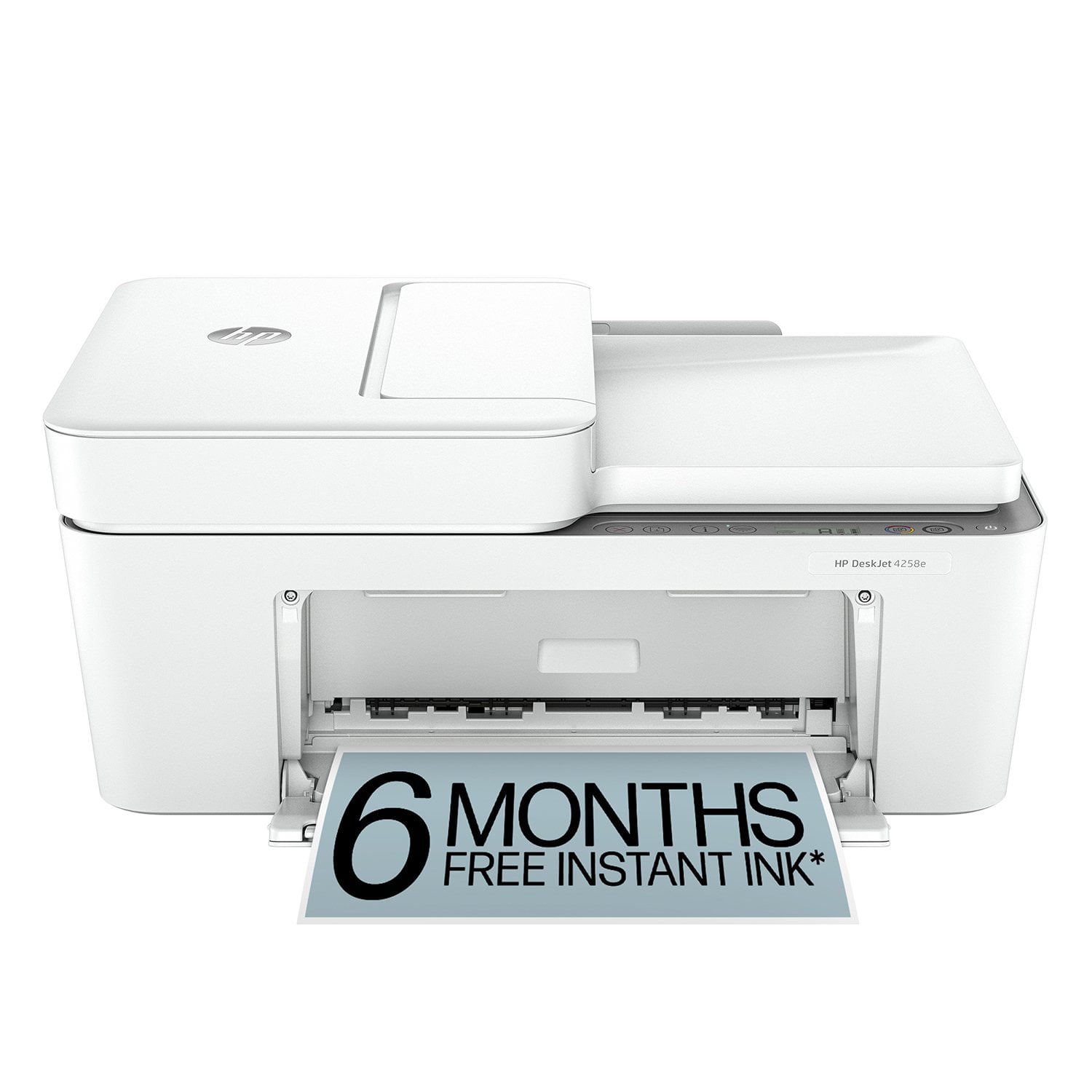
Customer reviews for HP DeskJet 4258e Wireless All-in-One Inkjet Printer, 6 Months Instant Ink with HP+ for
HP DeskJet 4258e Wireless All-in-One Inkjet Printer, 6 Months Instant Ink with HP+

Member photos

Sort by |
Showing 311-320 of 322 reviews
Aug 1, 2025
Olga
1 out of 5 stars review

The worst printer ever

The installation was a nightmare. it won't work with a newer PC. I was able to install printer software on 12 years old laptop. The installation could not be completed without providing a credit card number, so the HP can start charging monthly fee after the trial period. And the cherry on the top: the printer is faulty! HP suggested to replace it. I am returning it!

Helpful?22ZPR3IV2M0E13610454903
Nov 21, 2025
AMANDA
1 out of 5 stars review

wifi technical issues even it's on and connected cant even use the printer due to the wifi issues on the printer same for a cord u connected from the printer to ur phone/or desktop even if it's on and connected like grrr scared and nervous and worried about this 😬😬😬😬😬

Helpful?22ZPR3IV2M0E13610454903
Nov 21, 2025
CALLIE
2 out of 5 stars review

have to pay for a subscription to get the free ink. so it isn't free and it uses the whole cartridge every 40 pages.

Helpful?22ZPR3IV2M0E13610454903
Aug 16, 2025
Cassondra
1 out of 5 stars review

I do not recommend it. I'm fairly tech savvy, and I can not get this printer to connect to my laptop, phone, iPad, air print, or anything at all.

Helpful?22ZPR3IV2M0E13610454903
Jan 19, 2025
Annieb
5 out of 5 stars review

Great buy

This was so easy to set up and use. If an old 72 year old can do it you can do it. 6 months of free ink is a major plus!!

Helpful?22ZPR3IV2M0E13610454903
Jul 27, 2025
Gary
1 out of 5 stars review

Beware! Permanent ink cartridges are not included.

You must either sign up for Instant Ink or buy print cartridges within a week, or the printer will stop working. This is not disclosed in the product description.

Helpful?22ZPR3IV2M0E13610454903
Sep 21, 2024
Labtop
5 out of 5 stars review

It worked for me

Set up was easy for me. I have Windows 11 HP laptop and you just download HP Smart app on your laptop and follow the prompts to add new device and turn the printer on and it will find it for you and set it up. Follow the remainder prompts. It will then add the wireless information by prompting to use your wifi password. Then you go to printers and scanners in your laptop settings and select add new device. It will find and add to your list of devices and it will then be wireless. I purchased this to DIY my daughters birthday because my old printer HP Envy stopped printing in color ink (it was old) and this has printed 45 complete colored ink pages on cardstock for me and I have about half of the color ink left before I have to purchase some more ink. This is way better than paying someone to print for you. So I would recommend to you since it is working out for me.

Helpful?22ZPR3IV2M0E13610454903
Nov 21, 2025
MIYA
1 out of 5 stars review

plug won't stay plugged in to printer! taking it back

Helpful?22ZPR3IV2M0E13610454903
Nov 21, 2025
MELISSA
1 out of 5 stars review

Every time the ink must be replaced it takes hours

Every time the ink must be replaced it takes hours to get it to work again!!!

Helpful?22ZPR3IV2M0E13610454903
Aug 13, 2025
Gerry
1 out of 5 stars review

can i quit the ink afterwards

Helpful?22ZPR3IV2M0E13610454903