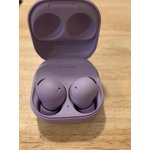
Would not recommend these
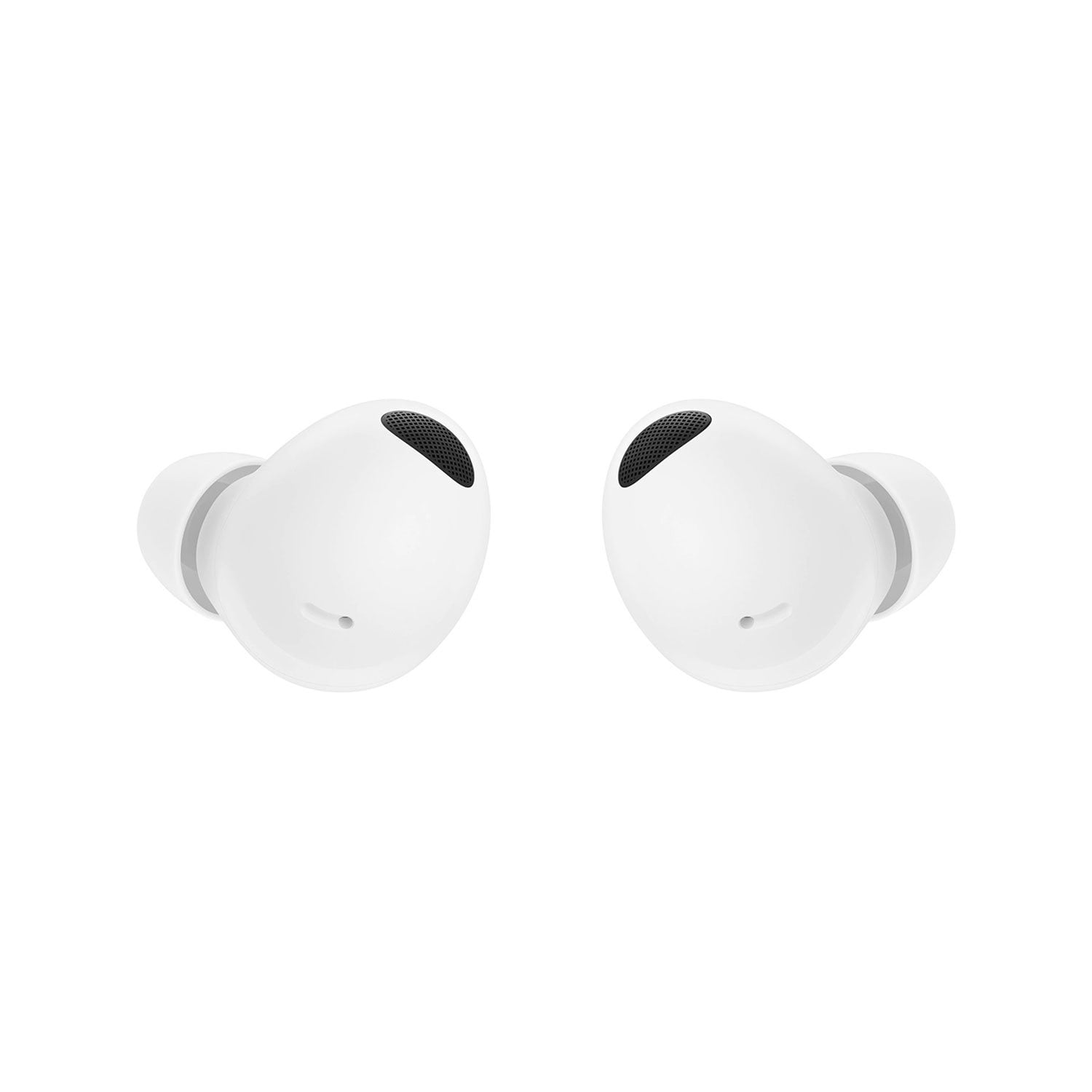
The sound quality is good on these when you're listening to music and the noise canceling is pretty good. However I would not recommend this product. The reason being, the microphone is terrible at picking up your voice on a phone call so you have to shout. And most importantly, in order to figure out how to use these you have to read a 54-page getting started manual. Took me about 45 minutes to get through the whole thing. Unfortunately because the way the manuals laid out, you have to read the whole thing in order to know how to use your buds. I wish Samsung had an appreciation for conciseness and ease of use. These are headphones, it shouldn't take an hour to learn how to use them. If so they've been over engineered. And this is coming from an engineer. The only reason I bought these is cuz my phone no longer has a headphone jack. So like I imagine most people, I just needed a way to listen to my phone through headphones. Didn't want to make this science project. I'm very tech savvy but there's nothing intuitive about the operation of these headphones. You actually do have to read 54 pages in order to understand how to to do the basic stuff, like connect them, listen to music, and make phone calls.
reply from Social Commerce
Hey there Boss,
Thank you for finding the unobstructed time out of your bustling day to share your sentiments with us about your Samsung Galaxy Buds2 Pro. We value your honesty as we improve the design and functionality of our product line while we stay committed to constant innovation. Our goal is for our customers to feel like they are having the most amazing experiences when using our products. Samsung products have a 12-month warranty for manufacturing defects in materials and workmanship, linked below. For your convenience, I have included a few links below to help you get to know your Galaxy Buds2 Pro better. "How to connect your Galaxy Buds," "Optimize your sound experience with Samsung earbuds," "Listen to music on your Samsung earbuds," and "Touchpad commands for your Samsung earbuds" for a plethora of great information about your Galaxy Buds2 Pro. Your earbuds have several built-in commands to enhance your user experience when connected to a phone or tablet with the Galaxy Wearable app. With just a swipe or a quick tap, you can play music, skip songs, answer calls from a connected phone, and much more. You can also customize the touchpad commands for adjusting the volume, using voice commands, and enabling Ambient sound. You can even launch Spotify on most Galaxy Bud models, including the new Galaxy Buds2 Pro. Be sure to check out the articles I have linked below. If you would like any further assistance, please feel free to reach out to Samsung Support. Thank you for being a loyal Samsung customer.
- Debra
smsng.us/Samsung-Support
smsng.us/Warranty-Info
smsng.us/Facebook-Messenger
smsng.us/Twitter-Messages
smsng.us/Samsung-Community
https://www.samsung.com/us/support/answer/ANS00086702/
https://www.samsung.com/us/support/answer/ANS00086163/
https://www.samsung.com/us/support/answer/ANS00078092/
https://www.samsung.com/us/support/answer/ANS00078137/