Join Now
Skip to Main Content
Sam's Club
Sam's Club
All Departments
All Services
Customer reviews for JBL Tune BlueTooth Wireless On-Ear Headphones for
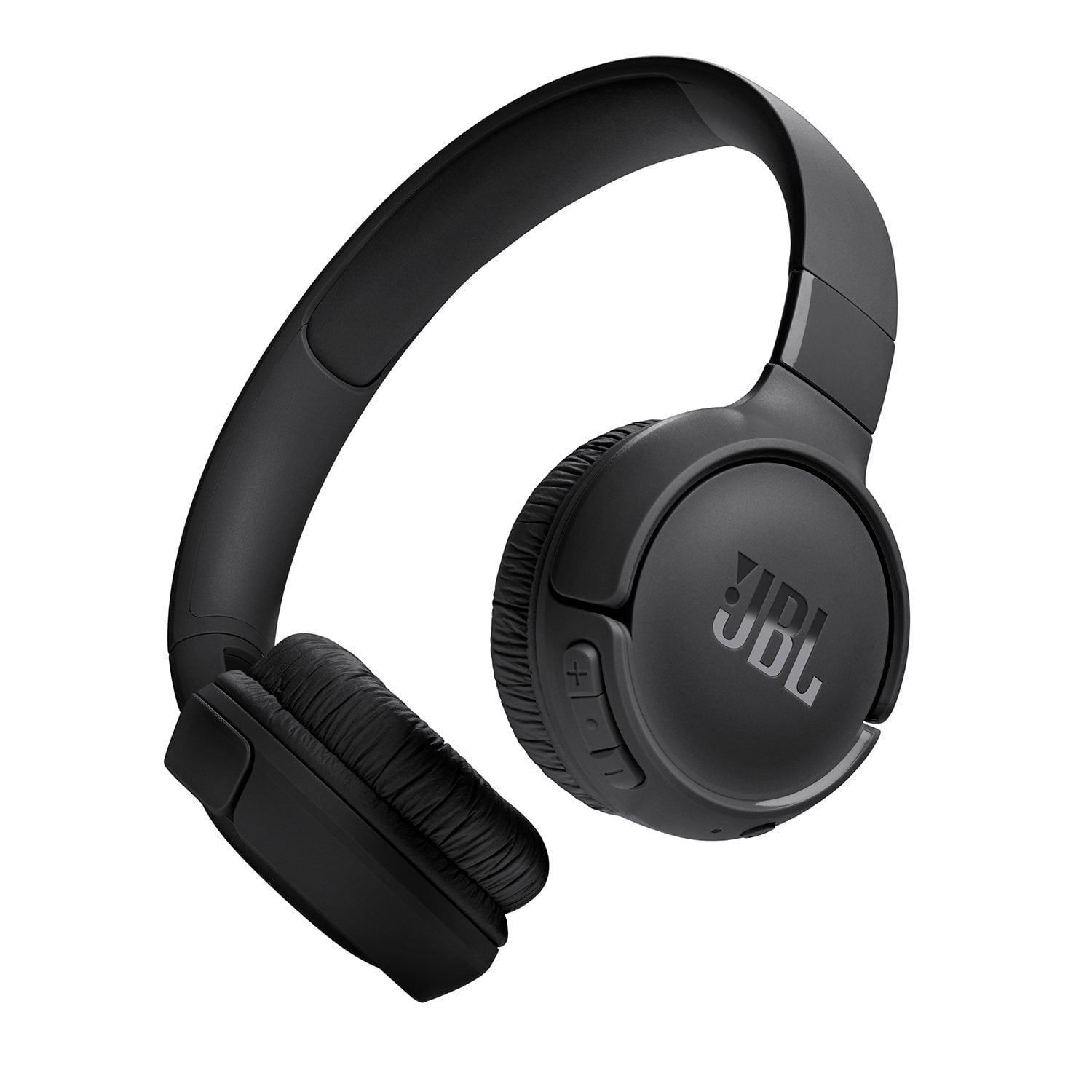
JBL Tune BlueTooth Wireless On-Ear Headphones
4.3 out of 5 stars
stars
796 ratings651 reviews
  1. 5 stars71% (564)
  2. 4 stars11% (91)
  3. 3 stars5% (43)
  4. 2 stars5% (43)
  5. 1 star7% (55)

Member photos

Sort by |
Showing 171-180 of 651 reviews
Aug 21, 2026
Reviewer name: John
4 out of 5 stars
4 out of 5 stars review

Verified Purchase

ALL Is Good

Review from walmart.com
Helpful?42DM9XQ1L6YT13602018733
Oct 3, 2026
Reviewer name: Amazing sound
5 out of 5 stars
5 out of 5 stars review

TEENAGER BIRTHDAY GIFT WAS A HIT

They were super easy to customize but getting them bought and shipped on time was a chore but the head phones did not disappoint

Review from jbl.com
Helpful?42DM9XQ1L6YT13602018733
Dec 7, 2024
Reviewer name: Tom
2 out of 5 stars
2 out of 5 stars review

Verified Purchase

Not Loud Enough; Doesn't Stay Connected very Well.

I wanted to like these but they're Not Loud Enough. They don't Stay Connected very Well either. Their app is clunky and I think that it lags and so if you're watching a video the sound is not in sync with the lips moving - maddening!

Helpful?42DM9XQ1L6YT13602018733
reply from JBL Support

Thanks for your feedback. Check the balance control on your source device by going to the "Accessibility" settings, music player app; commonly found in the playback or EQ settings, and on the JBL Headphones App. To ensure the connectivity of your headphones to your source device, make sure that your source device and headphones are within the Bluetooth range of 10M. Also, don't stand too close to the Wi-Fi router and appliances like microwaves that can interfere with the connection. Also, our JBL Tune 520BT is designed to be used for connecting with mobile phones, tablets, and laptops for streaming audio/music. You may encounter audio-video delays when you're using it with video content since these headphones doesn't have an aptX HD low-latency codec. If you need more help, please contact our customer support.

Jul 18, 2026
Reviewer name: anonymous
1 out of 5 stars
1 out of 5 stars review

Flimsy.Breaks with almost no force while adjusting

Sound is fine. Easy hookup. FLIMSY design. This is the second pair I bought for my son. First ones broke, I thought it was a one-off. Second pair broke in exactly the same place less than 6 weeks after delivery.

Helpful?42DM9XQ1L6YT13602018733
reply from JBL Support

Thank you for sharing your feedback on our JBL Tune On-Ear Headphones. We invite you to contact our customer support for further assistance. https://support.jbl.com/us/en/#contact

May 22, 2026
Reviewer name: name4729472825
4 out of 5 stars
4 out of 5 stars review

Decent but small

Headphones have good quality audio and a decent battery life, the earphones specifically are kind of small though and will hurt your ears if you dont figure out a perfect place on your ears.

Review from jbl.com
Helpful?42DM9XQ1L6YT13602018733
May 2, 2025
Reviewer name: STEVE
4 out of 5 stars
4 out of 5 stars review

Verified Purchase

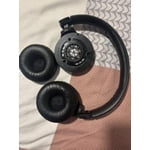
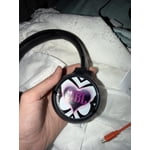
Great sound! well balanced sound with nice rich bass. The only issue is that the padding on the left earpiece keeps coming off with no easy way to get it back on fit like it originally did. Will need to try to exchange them for a new pair. Otherwise, I'm very happy with them.

Review from walmart.com
Helpful?42DM9XQ1L6YT13602018733
Jul 19, 2024
Reviewer name: David
5 out of 5 stars
5 out of 5 stars review

Verified Purchase

"Versatile Bluetooth Gadget Review"

I admire the adaptability of this gadget, which enables effortless connections to numerous Bluetooth-enabled devices. For me, it was incredibly useful to be able to connect both a phone and a TV at the same time. Additionally, its extended battery life, simple setup process, and convenient charging method all contribute to its overall appeal.

Review from walmart.com
Helpful?42DM9XQ1L6YT13602018733
Apr 5, 2025
Reviewer name: Derrick
2 out of 5 stars
2 out of 5 stars review

Verified Purchase

Works with phone, not computer.

works great for my phone, but it refuses to stay connected to my desktop. its quite confusing and annoying, as even when i can get it to connect, it doesnt install the drivers required to use it as a headset, and support refuses to provide a direct driver download for such a situation, simply choosing to provide the most basic troubleshooting guide imaginable. It's 2 stars as it was meant to replace my computer headset, but i am required to swap between the new and damaged old ones every time i get on my computer.

Review from walmart.com
Helpful?42DM9XQ1L6YT13602018733
reply from JBL Support

Thanks for your feedback. To keep your JBL Tune 520BT connected to your computer, please ensure that your source devices Bluetooth are off and forget the devices saved in your computer's Bluetooth settings. You may also try these reset steps: Turn on the headphone and long press the Volume + and the Volume -buttons together. Make sure the Bluetooth is not switched on and is not paired to any device. If the LED indicator flashes faster, the headphones will be reset and you may now try to pair it again to your computer. For further assistance, feel free to contact our customer support.

Dec 11, 2025
Reviewer name: ShopRite Jake
5 out of 5 stars
5 out of 5 stars review

Great headphones

Happy I bought them I wear them for work so I have them on for hours and they are very comfortable and I don’t have to worry about them during if I forget to charge them because the battery last so long. I would definitely recommend them to others and I have

Review from jbl.com
Helpful?42DM9XQ1L6YT13602018733
Mar 17, 2025
Reviewer name: CatDaddy
1 out of 5 stars
1 out of 5 stars review

Verified Purchase

Horrible

Will not stay connected !!! Connects, sound, disconnects, connects sound .......etc then nothing !!! Tried removing and rediscovering several times, no good !!! Tried finding driver update !!! Driver is already up to date !!! Save yourself the frustration !!!

Review from walmart.com
Helpful?42DM9XQ1L6YT13602018733
reply from JBL Support

This is not what we want you to experience with our JBL Tune 520BT. Our wireless headphones Bluetooth connection will perform well for up to 30 feet. However, walls, obstacles, and other wireless devices can impede that 30-foot range. If it works well at 10 feet or less, it is likely that there is something interfering with your wireless Bluetooth signal, causing this issue. For further assistance, please contact our customer support.