Skip to Main Content
Sam's Club
Sam's Club
All Departments
All Services
Customer reviews for SAMSUNG Q-series 5.1 Channel Sound Bar with Wireless Subwoofer, Q-Symphony & Dolby ATMOS Audio for
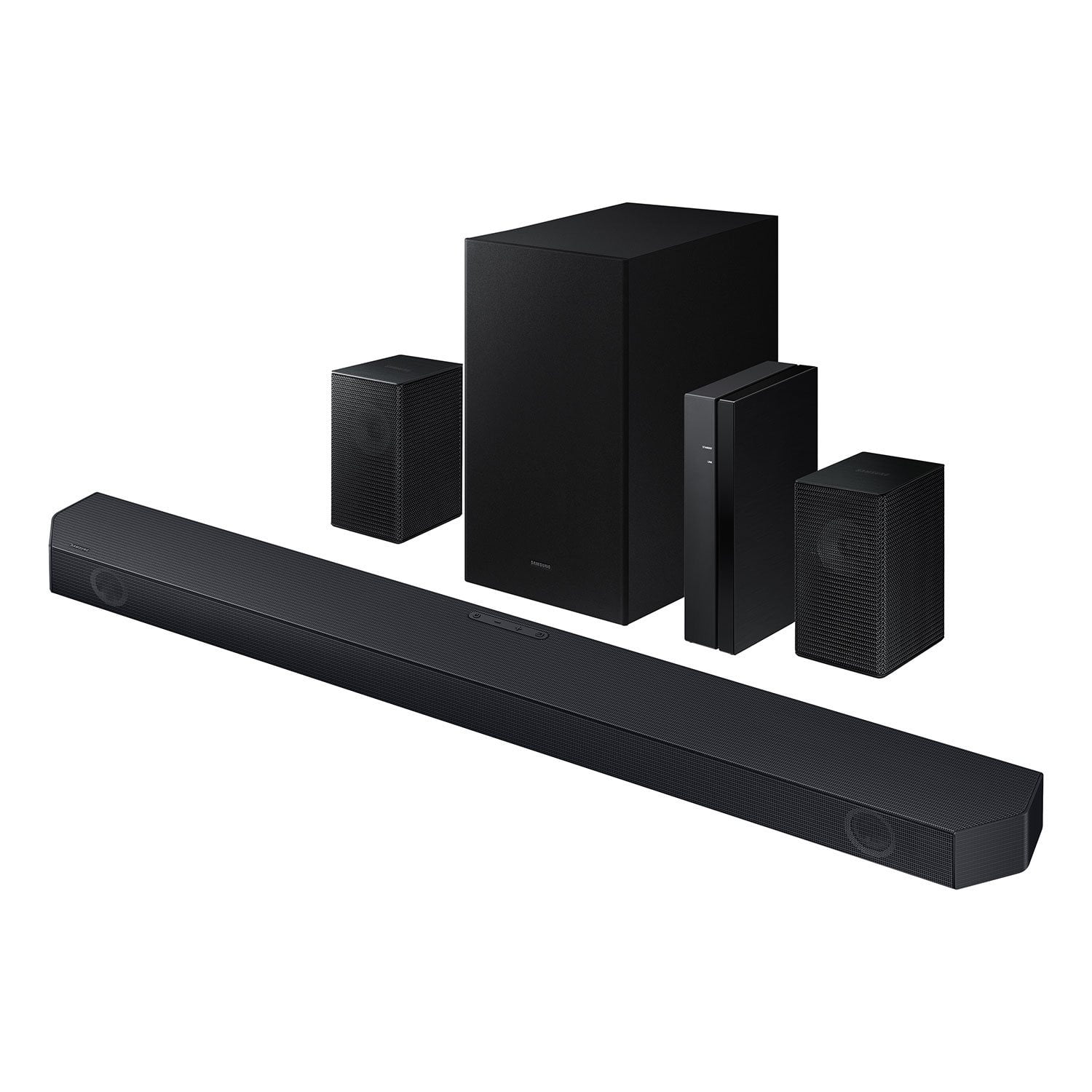
SAMSUNG Q-series 5.1 Channel Sound Bar with Wireless Subwoofer, Q-Symphony & Dolby ATMOS Audio
4.5 out of 5 stars
stars
525 ratings400 reviews
  1. 5 stars75% (394)
  2. 4 stars15% (77)
  3. 3 stars5% (24)
  4. 2 stars1% (6)
  5. 1 star5% (24)

Member photos

  • +59 images
Sort by |
Showing 381-390 of 400 reviews
Jul 21, 2025
Reviewer name: Jetaime23
4 out of 5 stars
4 out of 5 stars review

This product is a great feature.

[This review was collected as part of a promotion.] Im streaming movies and we could not ask for anything better. This product is very amazing.

Review from Samsung US
Helpful?3195MT0SA8FL13599821582
Mar 21, 2025
Reviewer name: Pariah
5 out of 5 stars
5 out of 5 stars review

This product has great features

[This review was collected as part of a promotion.] An amazing sound system, changed the dynamic in my home completely! Love it !!!

Review from Samsung US
Helpful?3195MT0SA8FL13599821582
Dec 31, 2024
Reviewer name: Bigbro1111
3 out of 5 stars
3 out of 5 stars review

It has ok sound a little tinny

[This review was collected as part of a promotion.] Use with my oled tv and pc also use for movies. Basically just entertainment

Review from Samsung US
Helpful?3195MT0SA8FL13599821582
reply from Samsung Solutions

Hello Bigbro1111, We appreciate you taking a moment to review the Samsung HW-Q65C Soundbar. To control the volume of the treble or bass press the TONE CONTROL button, and then adjust the volume between -6 to +6 by using the Up/Down buttons on your soundbar remote. Press and hold the SOUND CONTROL button for about 5 seconds to adjust the sound for each frequency band. 150Hz, 300Hz, 600Hz, 1.2kHz, 2.5kHz, 5kHz, and 10kHz are selectable using the Left/Right buttons and each can be adjusted to a setting between -6 to +6 using the Up/Down buttons. (Make sure the Sound mode is set to “STANDARD”.) Press the CH LEVEL button so you can adjust the volume of each speaker. CENTER LEVEL can be adjusted using the UP/DOWN buttons from -6 to +6. With the Wireless Rear Speaker Kit connected you can adjust the volume by using the provided Soundbar remote. Press CH LEVEL and select REAR LEVEL, then use the Up/Down buttons to adjust the volume within a -6 to +6 range. If you would like louder (or softer) bass from your subwoofer, you can adjust the level by rocking the WOOFER button on the soundbar remote, and then adjusting the level from -6 to +6. To set the subwoofer volume level to 0, press the button in. I hope this tip helps improve your enjoyment. For more help, please call us at 1-800-SAMSUNG (Ask for Soundbars), 8 AM – 12 AM EST, 7 days a week. Live Chat with an agent as well as manuals, software, and warranty info can be found at the ‘Support’ link on our Samsung website. ~ Samsung Solutions

May 3, 2025
Reviewer name: Chirpy441
5 out of 5 stars
5 out of 5 stars review

Loud and 3d

[This review was collected as part of a promotion.] I'd like to play games loud and it fits what I need.

Review from Samsung US
Helpful?3195MT0SA8FL13599821582
May 8, 2025
Reviewer name: kux671
5 out of 5 stars
5 out of 5 stars review

good and love it

[This review was collected as part of a promotion.] I love it and I'll get more of it the sound the fell

Review from Samsung US
Helpful?3195MT0SA8FL13599821582
Jul 8, 2025
Reviewer name: Steven
5 out of 5 stars
5 out of 5 stars review

This product sounds great

[This review was collected as part of a promotion.] I installed this in the new basement theater and sounds great

Review from Samsung US
Helpful?3195MT0SA8FL13599821582
Nov 27, 2024
Reviewer name: JSwift
4 out of 5 stars
4 out of 5 stars review

In The Q For An Experience

[This review was collected as part of a promotion.] This goes great with backlights feels like you are completely immersed into the environment.

Review from Samsung US
Helpful?3195MT0SA8FL13599821582
Dec 27, 2024
Reviewer name: BigJohn
5 out of 5 stars
5 out of 5 stars review

Simple setup

[This review was collected as part of a promotion.] Great for normal viewing and delivers fantastic sound for movies, very enjoyable

Review from Samsung US
Helpful?3195MT0SA8FL13599821582
Dec 24, 2024
Reviewer name: Mikessss
3 out of 5 stars
3 out of 5 stars review

Sounds great

[This review was collected as part of a promotion.] Worth purchasing. Far exceeds the sound and depth of the stand alone TV

Review from Samsung US
Helpful?3195MT0SA8FL13599821582
reply from Samsung Solutions

Hi Mikessss, Thank you for purchasing the Samsung HW-Q65C and for your review. I am glad to hear that you are happy with the performance of your new soundbar. If you are experiencing specific issues that caused you to give this a 3-star rating, please know Samsung Customer Support is here to help. Call us at 1-800-SAMSUNG (ask for Soundbars), available 8 AM – 12 AM EST, 7 days a week. LiveChat with an agent by clicking the ‘Support’ link on the Samsung website. ~Samsung Solutions

Jul 25, 2025
Reviewer name: Rghardeman
5 out of 5 stars
5 out of 5 stars review

Sound system

[This review was collected as part of a promotion.] Sound system is awesome. Some movies sound just like a theatre

Review from Samsung US
Helpful?3195MT0SA8FL13599821582