Skip to Main Content
Sam's Club
Sam's Club
All Departments
All Services
Customer reviews for SAMSUNG 11.1.4 Channel Sound Bar with Wireless Subwoofer, Q-Symphony & Dolby ATMOS Audio for
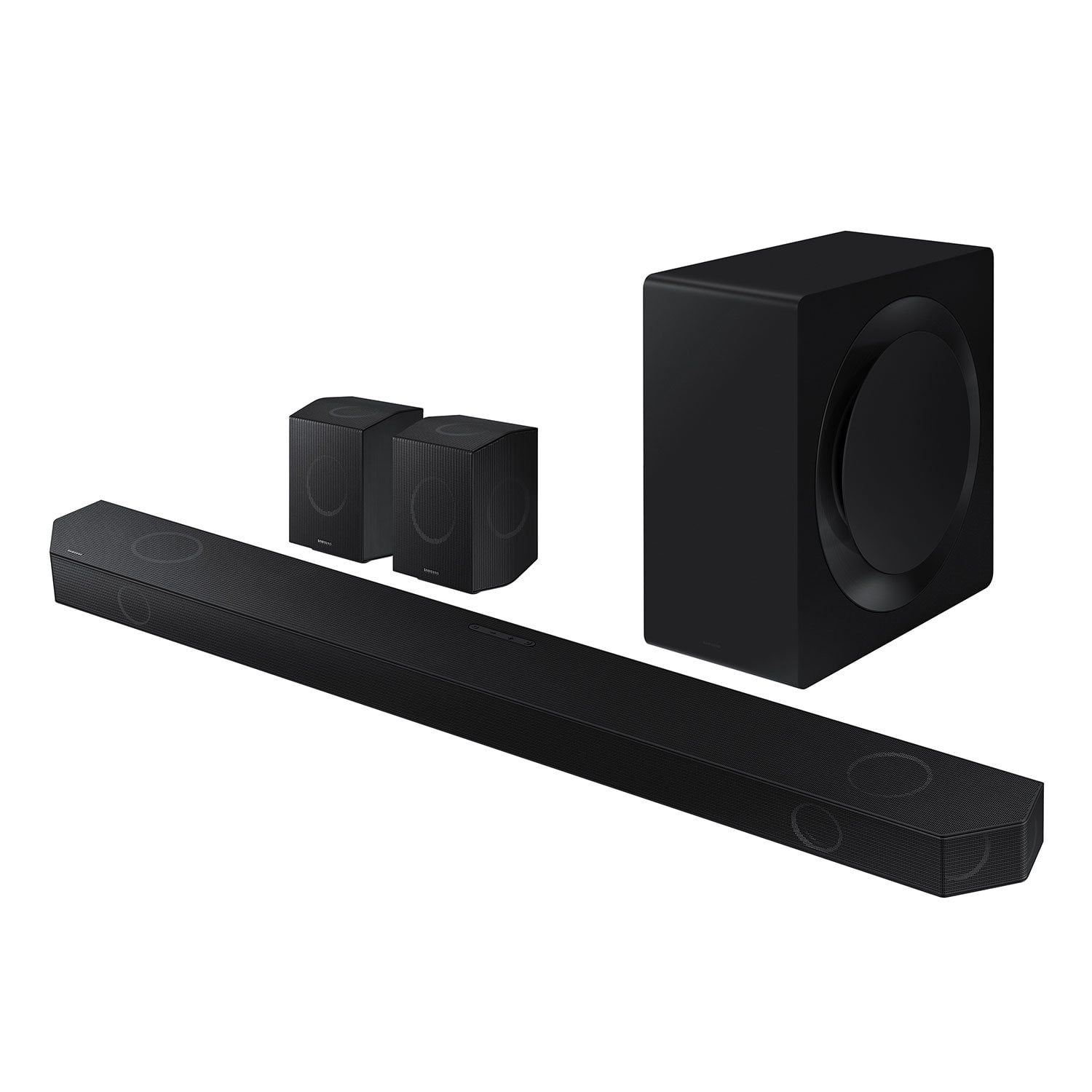
SAMSUNG 11.1.4 Channel Sound Bar with Wireless Subwoofer, Q-Symphony & Dolby ATMOS Audio
4.6 out of 5 stars
stars
840 ratings840 reviews
  1. 5 stars79% (662)
  2. 4 stars12% (103)
  3. 3 stars3% (25)
  4. 2 stars1% (12)
  5. 1 star5% (38)

Member photos

  • +258 images
Sort by |
Showing 211-220 of 840 reviews
Nov 20, 2025
Reviewer name: Redsealion
5 out of 5 stars
5 out of 5 stars review

Perfect combination with samsung tv

[This review was collected as part of a promotion.] Love it very much especially when you fire up prime tv with Q-symphony. That full experience.... you have to experience it yourself..love it very much

Review from Samsung US
Helpful?0WSCS8GR8B8W13575772414
Nov 7, 2025
Reviewer name: NewUswr
5 out of 5 stars
5 out of 5 stars review

Easy set up great voice

[This review was collected as part of a promotion.] The speakers are easier to set up and add depth to sounds and gives a better movie watching experience. Loce it.

Review from Samsung US
Helpful?0WSCS8GR8B8W13575772414
Dec 5, 2025
Reviewer name: Krissdel
5 out of 5 stars
5 out of 5 stars review

Numero Uno! Top sound for an amazing price.

[This review was collected as part of a promotion.] This is by far the best surround sound system in the market. Considering the price, nothing comes close. Takes movie watching to a theater level experience. Can't rave about it enough.

Review from Samsung US
Helpful?0WSCS8GR8B8W13575772414
Oct 13, 2025
Reviewer name: CoriKC
1 out of 5 stars
1 out of 5 stars review

It does not work, sound breaks

[This review was collected as part of a promotion.] Sound creaking and not functioning. It been only three months that I purchased, the problem was from very beginning.

Review from Samsung US
Helpful?0WSCS8GR8B8W13575772414
reply from Samsung Solutions

Hello CoriKC, Thank you for taking a moment to review the Samsung HW-Q990D Soundbar. Updating the firmware on your soundbar gives you all the benefits of the latest improvements. When the Soundbar is connected to the Internet, Auto Update allows software to update automatically even when the Soundbar is turned off. You can also update by using the SmartThings app. If not connected to the internet, you can download it onto a USB device, and then upload it to your soundbar - no wireless connection required. Connect the USB drive that contains the update firmware to the SERVICE port of the Soundbar. 1.Go to the Samsung Electronics website (www.samsung.com) → click on the “Support” option in the upper left corner. 2.Click on “Manuals & Software” from the pop-up list > TVs & Home Theater > Home Theater > Select your model 2. Download the firmware file (USB type). 3. Unzip the file to create a folder with the file name. 4. Store the created folder in a USB and then connect it to the Soundbar. 5. A sequence of “UPDATE” > “BYE” > “ON” will appear on the display 3 times. This will take around 6 minutes. - During update, do not turn it off or remove the USB. - If “UPDATE” does not appear on the display window, remove the power cord from the Soundbar and then reconnect it. - When the latest version is installed, no update is performed. - Depending on the USB type, update may not be supported. 6. After the 3 cycles are complete, the Soundbar will restart and last source used will appear on the display for about 20 seconds and then it will go off (“UPDATE” > “BYE” > “ON”) 3 times “D.IN” > off If you need more help, Samsung is here for you. Please call us at 1-800-SAMSUNG, 8AM - 12AM EST (Ask for Soundbars), 7 days a week. Live Chat with an agent as well as manuals, software, creating a service ticket, and warranty info can be found at the ‘Support’ link on our Samsung website. ~ Samsung Solutions

Nov 17, 2025
Reviewer name: Wellcraft0599
5 out of 5 stars
5 out of 5 stars review

Awesome premium sound bar

[This review was collected as part of a promotion.] Incredible easy to set up. Sounds amazing feels like a movie theater in my living room now. Great to have smart things app to control everything from my phone

Review from Samsung US
Helpful?0WSCS8GR8B8W13575772414
Dec 5, 2025
Reviewer name: Bigsley25
5 out of 5 stars
5 out of 5 stars review

Great sound

[This review was collected as part of a promotion.] I've tried many low end sound bars and I always went back to just using the TV sound. The Q990D changed that. It sounds amazing and integrates gracefully via HDMI ARC. Highly recommend.

Review from Samsung US
Helpful?0WSCS8GR8B8W13575772414
Dec 5, 2025
Reviewer name: AGSDANS
5 out of 5 stars
5 out of 5 stars review

Amazing Sound

[This review was collected as part of a promotion.] An all-in-one sound system that's worth every penny! You definitely won't regret this purchase. I'm already planning to add another Q990D to my loft soon

Review from Samsung US
Helpful?0WSCS8GR8B8W13575772414
Oct 7, 2025
Reviewer name: Flacko
5 out of 5 stars
5 out of 5 stars review

This product is exactly what i wanted
[This review was collected as part of a promotion.] This soundbar enhances the movie watching experience in my home theatre. The sounds and dialogues are perfectly clear. Its very easy to setup and syncs perfectly with my samsung tv with QSYMPHONY.

Review from Samsung US
Helpful?0WSCS8GR8B8W13575772414
Oct 24, 2025
Reviewer name: Hitech
5 out of 5 stars
5 out of 5 stars review

Immersion at its finest
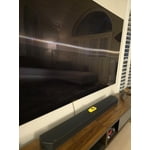
[This review was collected as part of a promotion.] The fidelity and sound level when watching movies can compete with theatres. It's so powerful but the surround when watching atmos or 5.1 content is really when the magic happens.

Review from Samsung US
Helpful?0WSCS8GR8B8W13575772414
Nov 5, 2025
Reviewer name: Sbuds4u
3 out of 5 stars
3 out of 5 stars review

Works great when it works.

[This review was collected as part of a promotion.] Qsymphony reverts to tv speaker or no sound when I turn it on or switch apps. I have to set it every time.

Review from Samsung US
Helpful?0WSCS8GR8B8W13575772414
reply from Samsung Solutions

Hello Sbuds4u, We appreciate you taking a moment to review the Samsung HW-Q990D Soundbar. Updating the firmware on your soundbar gives you all the benefits of the latest improvements. When the Soundbar is connected to the Internet, Auto Update allows software to update automatically even when the Soundbar is turned off. You can also update by using the SmartThings app. If not connected to the internet, you can download it onto a USB device, and then upload it to your soundbar - no wireless connection required. Connect the USB drive that contains the update firmware to the SERVICE port of the Soundbar. 1.Go to the Samsung Electronics website (www.samsung.com) → click on the “Support” option in the upper left corner. 2.Click on “Manuals & Software” from the pop-up list > TVs & Home Theater > Home Theater > Select your model 2. Download the firmware file (USB type). 3. Unzip the file to create a folder with the file name. 4. Store the created folder in a USB and then connect it to the Soundbar. 5. A sequence of “UPDATE” > “BYE” > “ON” will appear on the display 3 times. This will take around 6 minutes. - During update, do not turn it off or remove the USB. - If “UPDATE” does not appear on the display window, remove the power cord from the Soundbar and then reconnect it. - When the latest version is installed, no update is performed. - Depending on the USB type, update may not be supported. 6. After the 3 cycles are complete, the Soundbar will restart and last source used will appear on the display for about 20 seconds and then it will go off (“UPDATE” > “BYE” > “ON”) 3 times “D.IN” > off If you need more help, Samsung is here for you. Please call us at 1-800-SAMSUNG, 8AM - 12AM EST (Ask for Soundbars), 7 days a week. Live Chat with an agent as well as manuals, software, creating a service ticket, and warranty info can be found at the ‘Support’ link on our Samsung website. ~ Samsung Solutions