
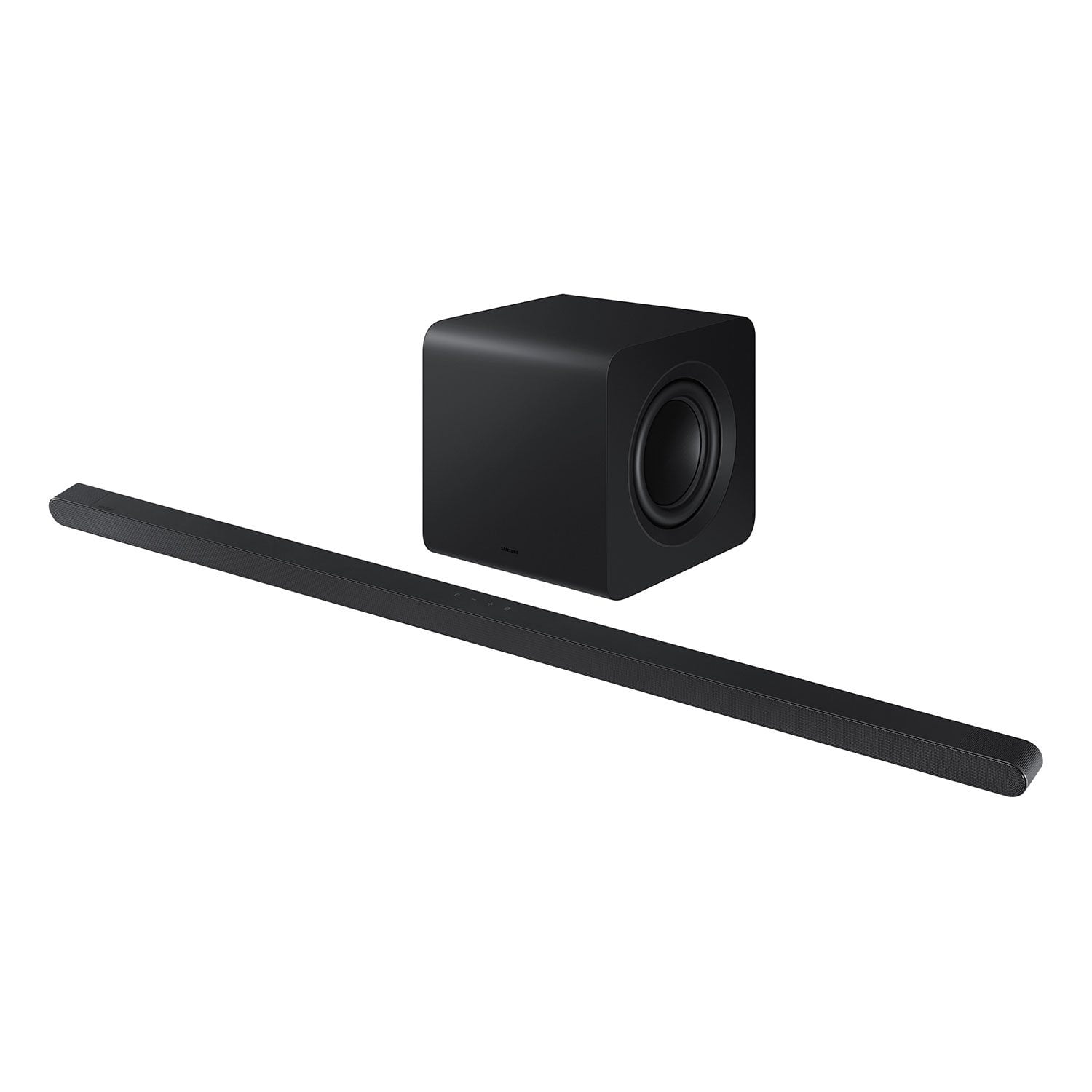
 Customer reviews for SAMSUNG 3.1.2 Channel Sound Bar with Wireless Subwoofer, Q-Symphony & Dolby ATMOS Audio (Choose Color) for
Member photos



 +88 images
Exemplary and outstanding
[This review was collected as part of a promotion.] The device is elegant and aesthetically pleasing with immersive sound and revolving base that can be hidden from plain sight. It wows everyone in my house and my friends can stop singing it praises.
Issue after issue
[This review was collected as part of a promotion.] I used my Samsung product for TV cinematic experience. However, from day 1 all it did was disconnect from the wifi every other hour and every time I turned on the tv the had to turn on the soundbar as well. Horrible experience!!
Hello dissapointed, I’m sorry to hear that you are experiencing issues with your Samsung HW-S801D Soundbar. Updating the firmware on your soundbar gives you all the benefits of the latest improvements. When the Soundbar is connected to the Internet, Auto Update allows software to update automatically even when the Soundbar is turned off. You can also update by using the SmartThings app. You may also want to initialize your soundbar by pressing the - and + (volume) buttons on the top of the soundbar at the same time for at least 5 seconds. “INIT OK” appears on the display and then the Soundbar is reset. Please know, this will reset all settings on the soundbar back to default; any sound adjustments will need to be performed again. Should you continue to experience audio dropouts, and are connected wirelessly, please use the included HDMI cable to connect the soundbar to the TV. Using a wired connection instead of wireless often eliminates the issue entirely and improves the user experience. I hope these tips help resolve your issues. If you need more help, Samsung is here for you. Please call us at 1-800-SAMSUNG, 8AM - 12AM EST (Ask for Soundbars), 7 days a week. Our Live Chat agents are also available by clicking on the ‘Support’ link on our website. ~ Samsung Solutions
Ultra-Slim 3.1.2ch Soundbar with Wireless Dolby At
[This review was collected as part of a promotion.] I’ve been using the 2024 Ultra-Slim 3.1.2ch Soundbar for a few weeks now, and I’m genuinely impressed. First off, the slim design fits perfectly under my TV and looks sleek without drawing too much attention. Despite its compact size, the sound quality is powerful and immersive. The wireless Dolby Atmos feature is the real standout. It creates a surprisingly rich surround sound experience, especially during action scenes or concerts. You can actually feel the depth and height of the audio—something I didn’t expect from such a slim soundbar. Dialogue is clear, bass is deep (thanks to the included wireless subwoofer), and setup was effortless. Bluetooth and HDMI ARC connectivity work flawlessly, and switching between devices is seamless. If you're looking for a premium soundbar that doesn’t take up a lot of space but delivers big sound with cutting-edge audio technology, this one is a fantastic choice. Highly recommended!
Stopped working after 8 months
[This review was collected as part of a promotion.] Very disappointed and would not recommend this soundbar. Was decent while it worked but after 8 months, stopped working and Samsung support didn’t do much to help with a resolution. It’s a long paper weight, dust collector at this point. Look elsewhere if you want a soundbar you could rely on.
Hi Samsungwhileitworked, We appreciate you taking a moment to review the HW-S800D Soundbar. There are a few steps you can take to troubleshoot your Soundbar. First, try doing a soft reset, unplug the soundbar from the outlet for roughly 30 seconds and then plug it back in. Next, update the firmware on your soundbar. The easiest way to accomplish this would be to download the SmartThings app and connect your Soundbar to Wi-Fi. This will allow you to not only download any firmware updates but also control your entire soundbar on the screen of your smart device. Please also verify that you are running the latest firmware on your TV. You can check to see what software version your TV is using and if there is an available update through the settings on your TV. Go to: Menu > Settings > Support > Software Update. If this still does not correct your issue, then do a hard reset. With the Soundbar on, press the + & - Volume buttons on the body of the soundbar at the same time for at least 5 seconds. The LED display changes as follows: White moves from left to right and right to left, and the middle LED blinks Cyan 3 times. Then the middle LED will blink RED and turn off. Updating the firmware on your soundbar gives you all the benefits of the latest improvements. When the Soundbar is connected to the Internet, Auto Update allows software to update automatically even when the Soundbar is turned off. You can also update by using the SmartThings app. If not connected to the internet, you can download it onto a USB device, and then upload it to your soundbar - no wireless connection required. Connect the USB drive that contains the update firmware to the SERVICE port of the Soundbar. 1.Go to the Samsung Electronics website (www.samsung.com) → click on the “Support” option in the upper left corner. 2.Click on “Manuals & Software” from the pop-up list > TVs & Home Theater > Home Theater > Select your model 2. Download the firmware file (USB type). 3. Unzip the file to create a folder with the file name. 4. Store the created folder in a USB and then connect it to the Soundbar. 5. A sequence of “UPDATE” > “BYE” > “ON” will appear on the display 3 times. This will take around 6 minutes. - During update, do not turn it off or remove the USB. - If “UPDATE” does not appear on the display window, remove the power cord from the Soundbar and then reconnect it. - When the latest version is installed, no update is performed. - Depending on the USB type, update may not be supported. 6. After the 3 cycles are complete, the Soundbar will restart and last source used will appear on the display for about 20 seconds and then it will go off (“UPDATE” > “BYE” > “ON”) 3 times “D.IN” > off If you need more help, Samsung is here for you. Please call us at 1-800-SAMSUNG, 8AM - 12AM EST (Ask for Soundbars), 7 days a week. Our Live Chat agents are also available by clicking on the ‘Support’ link on our website. ~ Samsung Solutions
Not Great, but necessary with The Frame
The Frame TV has a pretty weak speaker setup, making a soundbar almost a necessity… which I full expect is by design given the frame is an art display first and a TV second. But I have to be honest here and say that the sound quality is ok, but the depth, range and volume is pretty poor. I’d say adding this soundbar just takes the viewing experience of TV and movies to where the TV should have been without it.
Haggis79, Thank you for taking a moment to review the Samsung HW-S801D Soundbar. To take full advantage of your new soundbar, download the SmartThings App to your smart device. This will allow you to control your soundbar as you would with the provided remote, but with the added advantage of seeing what changes you make on your device. To optimize your audio experience, please try the various sound modes this model offers. Press the SOUND MODE button on your remote, and then select your desired sound effect: ADAPTIVE SOUND, DTS VIRTUAL:X, MUSIC, GAME, STANDARD. When you press the SOUND MODE button it will change to the different modes in the above order. You can further adjust TREBLE and BASS via the TONE CONTROL button. Also, you can also add the SWA-9500S Rear Speaker Kit to create a multi-channel system for a true surround sound experience. I hope these tips help you enjoy your new product. You can always contact us for further help at 1-800-SAMSUNG (Ask for Soundbars), 8 AM – 12 AM EST, 7 days a week. Our Live Chat agents are also available by clicking on the ‘Support’ link on our website. ~ Samsung Solutions
Game Changer
[This review was collected as part of a promotion.] We had been wanting a soundbar to upgrade our living room viewing experience and boy is this the one! Not only did it take me less than ten minutes to set up and have working, but it packs an immersive punch to anything you watch. Our tv sits close to our mantel so having a sllim soundbar makes it fit perfectly where I didn't think other soundbars would ever work for us. Our remote that we already us for our tv picked up with the connected item so there's also no need to use 3 or more remotes just to do volume, channels, etc. The True Dolby Atmos sound makes the immersiveness of the sound on another level that makes it seem like you're at the movies in your own home. The voice adapter is a big deal as well. I always hate watching a movie and the action is super loud and then you can't hear a talking scene. This adapter helps take care of that so you aren't messing with the volume throughout your viewing. I highly recommend this soundbar and can't wait to entertain with this hooked up!
Great looking, sound lacking.
[This review was collected as part of a promotion.] The soundbar is my main source of audio in a relatively small open concept living room/kitchen space. The smaller, low profile footprint of the soundbar is great, but I’m unfortunately very underwhelmed by the performance of the product. Based on the product info online and various reviews online, I was expecting “bigger” sound. Especially for the price. A few issues: WiFi connectivity is not great. I can get it to connect, but it won’t stay connected. I want to use the Q Symphony feature, but it won’t stay connected. I’ve switched to Bluetooth. Second, the SOUND: it’s clear, it’s better than the TV, but I was really hoping for fuller, bigger sound - better, punchier bass. I’ve tried adjusting settings but even after doing that, the results are lackluster. The subwoofer is on the smaller side and the drivers on the soundbar are small due to the smaller profile, so I guess I should have known better.

BeachSoundGuy, Thank you for taking a moment to review the Samsung HW-S801D Soundbar. Updating the firmware on your soundbar gives you all the benefits of the latest improvements. When the Soundbar is connected to the Internet, Auto Update allows software to update automatically even when the Soundbar is turned off. You can also update by using the SmartThings app. To optimize your audio experience, please try the various sound modes this model offers. Press the SOUND MODE button on your remote, and then select your desired sound effect: ADAPTIVE SOUND, DTS VIRTUAL:X, MUSIC, GAME, STANDARD. When you press the SOUND MODE button it will change to the different modes in the above order. You can further adjust TREBLE and BASS via the TONE CONTROL button. Also, you can also add the SWA-9500S Rear Speaker Kit to create a multi-channel system for a true surround sound experience. If you need more help, Samsung is here for you. Please call us at 1-800-SAMSUNG, 8AM - 12AM EST (Ask for Soundbars), 7 days a week. Our Live Chat agents are also available by clicking on the ‘Support’ link on our website. ~ Samsung Solutions
Exceptional Sound in a Sleek Design
[This review was collected as part of a promotion.] I recently purchased the Samsung HW-S800D soundbar, and I am thoroughly impressed. This soundbar is incredibly thin yet delivers an amazing sound that fills the room beautifully. Setup: The setup was super easy, especially with my Samsung TV. The soundbar connected seamlessly, and I was ready to enjoy my media in no time. Sound Quality: The adaptive sound mode is a game-changer. It automatically adjusts the audio to suit the room and the type of content being played, providing a perfect listening experience every time. The sound is clear, rich, and immersive, thanks to Dolby Atmos and DTS support. Connectivity: This soundbar supports Bluetooth, WiFi, and has Alexa built-in, making it a versatile and smart addition to my home entertainment setup. The convenience of controlling the soundbar with voice commands is a huge plus. Design: The minimalist design is sleek and modern, fitting perfectly under my TV without taking up much space. It's perfect for anyone looking for a soundbar that combines style with performance. Conclusion: I would definitely recommend the Samsung HW-S800D soundbar to anyone looking for a minimal soundbar with huge sound. It offers a perfect blend of excellent sound quality, easy setup, and smart features. A top-notch product from Samsung!
Bedroom vs Living Room Experience
[This review was collected as part of a promotion.] Its not a living room type of system if thats what one is looking for. Meaning if you're an audiophile looking for full enriched sounds this will do well in a bedroom environment (smaller space). For a bigger room no, I would advise against. What it does provide is a quick access for a temporary fix. Like I stated earlier the living room experience. Its worth the price at least when I got it on black friday.
Enhances Audio experience
I never really thought a good sound system was important until I got this. Bass is powerful, voices are clear and even my family members who are older and hard of hearing can clearly hear what is being said. It functions seamlessly with the TV I have from Samsung and set up was very simple and easy.