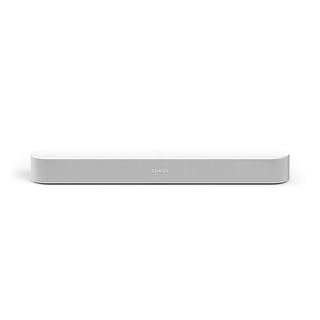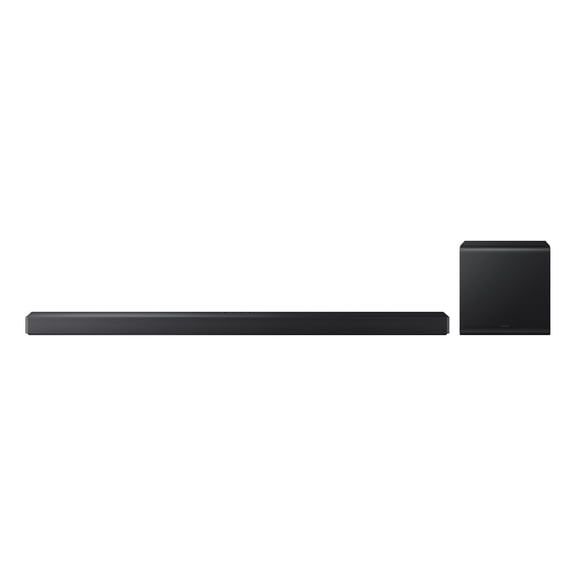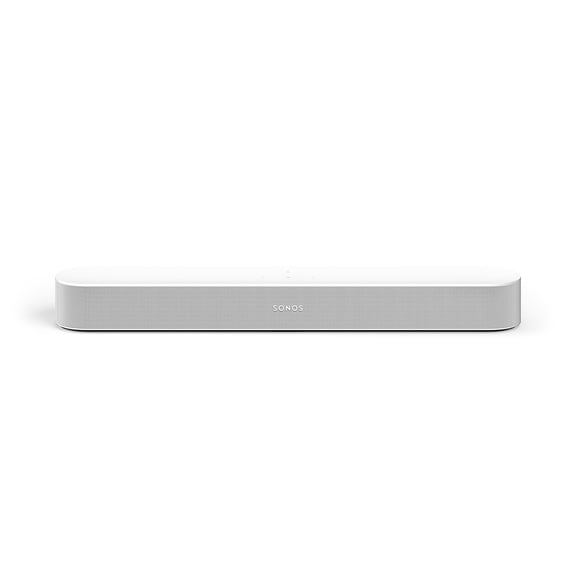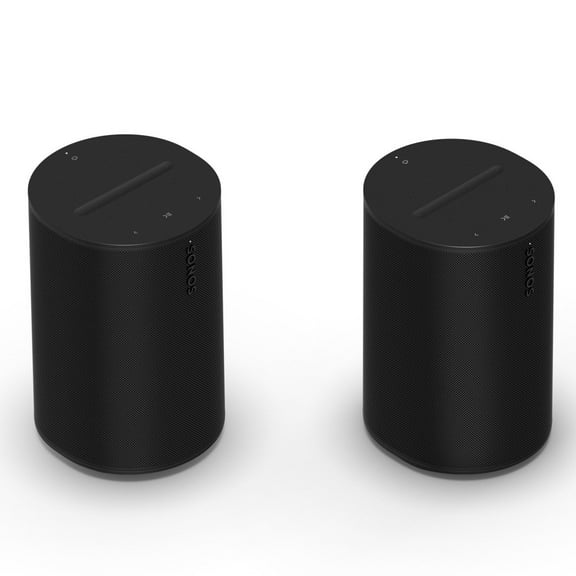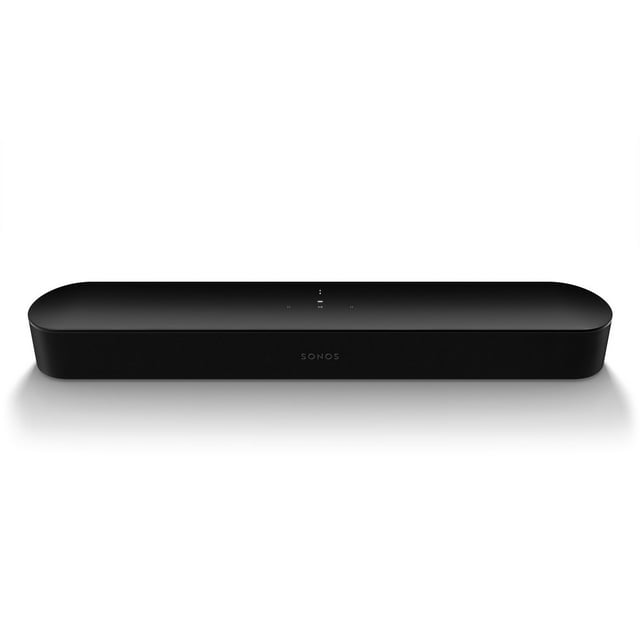
Sonos Beam Gen 2 Soundbar Bundle with Dolby Atmos

Item # 990014044
Current price is $499.00
Max 5 per order.
Prices may vary in club and online
How do you want your item?

Shipping

Free for Plus on eligible orders over $50
Columbus, 43215
Return or replace within 90 days.
Sam's credit card
Get a $30 statement credit when you open an account and use it to make $30 in eligible Sam's Club purchases within 30 days¹.

Smart summary

Generated by AI
  • Immersive Audio: Experience vibrant bass, crystal clear dialogue, and a panoramic soundstage, enhanced by 3D Dolby Atmos for an enveloping audio effect that maps sounds in space.
  • Smart Tuning: Features Trueplay tuning technology, which intelligently adapts the sound output to the unique acoustics of your room for optimal content playback.
  • Versatile Streaming: Stream music, radio, podcasts, and audiobooks from all your favorite services, providing detailed stereo sound whether the TV is on or off.
  • Effortless Control: Manage your soundbar using the Sonos app, your TV remote, Apple AirPlay 2, or voice commands via Alexa, Google Assistant, or Sonos Voice Control.
  • Simple Setup: Enjoy quick installation with only two cables and step-by-step guidance from the Sonos app, allowing for easy expansion into a true surround sound and multiroom system.
  • Exclusive Bundle: Includes a voucher for a free Beam wall mount, a 30% coupon for additional accessories, a $40 Apple Gift Card or streaming credit, and complimentary Apple Service Trials.
Sonos Beam Gen 2 Soundbar Bundle with Dolby Atmos
Hero image 0 of Sonos Beam Gen 2 Soundbar Bundle with Dolby Atmos, 0 of 11

About this item

Product details

Effortlessly enrich your entertainment experience

The latest generation of Beam is now equipped with Dolby Atmos. Enjoy panoramic sound for shows, movies, and games when the TV is on. Stream music, radio, and more when it’s off. Dolby Atmos maps sounds in space for a 3D effect -experience planes as if they’re flying overhead, hear footsteps moving across the room, and feel the musical score all around you.

Trueplay tuning technology

Adapts the sound for the unique acoustics of the room so your content always sounds just the way it should.*

Excellent listening options

Add speakers to create a wireless surround sound system and enjoy multiroom listening. Stream music, radio, audiobooks and podcasts from your favorite services with detailed stereo sound that fills the room.

Easy setup and navigation

Go from unboxing to unbelievable sound in minutes with only two cables and step-by-step guidance from the Sonos app. Control is easy with the Sonos app, your voice, and Apple AirPlay 2. Ask Amazon Alexa or Google Assistant to set timers, check the news, control your smart home devices, and more.

What's included

Bundle includes voucher for a free Beam wall mount, 30% coupon for additional accessories, and a $40 Apple Gift Card or a $40 credit towards another streaming service.

*Requires iOS device.

Enjoy complimentary Apple Service Trials with this purchase.

Redemption instructions will be emailed post purchase. Terms apply.

Sonos Beam Gen 2 Soundbar Set up Instructions

Before you start

  • Download the Sonos app for iOS or Android. Your Beam needs to be set up using the Sonos app before it can play TV audio.
  • Place the Beam in your desired location and connect it to power.
  • Keep the included HDMI cable and optical audio adapter ready nearby. The Sonos app will guide you which cables and ports to use when connecting your Beam to your TV.

Set up a new Sonos system with Beam

1. Open the Sonos app for iOS or Android.

2. Select Speaker or component, then create or sign in to your Sonos account.

3. Select Add on the popup showing your Sonos Beam. If using the Sonos S1 Controller, select Continue > Set up products.

4. Follow the steps in the app to set up your Beam and add your content services.

Add Beam to your existing system

1. Open the Sonos app for iOS or Android.

2. Go to the settings menu and select + Add Speaker or Component. If using the Sonos S1 Controller app, go to the Settings tab and select System > +Add Product.

3. Follow the steps in the app to add Beam to your Sonos system.

Control Beam with your voice

With Sonos Voice Control, Amazon Alexa, or the Google Assistant added to your Beam, you can use your voice to turn your TV on and off as well as adjust the TV volume.

To use these commands, Beam must be connected to your TV’s HDMI-ARC input and your TV needs to have HDMI-CEC enabled. Voice commands for turning the TV on and off will not work if Beam is connected via optical adapter.

info:
If the item details above aren't accurate or complete, we want to know about it. 

Member ratings & reviews

4.2 out of 5 stars
stars
56 ratings21 reviews
Write a review
Filtered and sorted results would be available on the new 'Customer ratings & reviews' page.
Sort by |

Showing 1-3 of 21 reviews

Jan 17, 2024
ADAM K
5 out of 5 stars review

Verified Purchase

OUTSTANDING

GREAT SOUND FOR A SMALLER SOUND BAR BUT WELL WORTH THE MONEY. IT WORKS SEAMLESSLY WITH OUR SAMSUNG TV AND FIRE CUBE. THE OTHER ADVANTAGE IS THAT SONOS CONNECTS TO YOUR HOME WI-FI SO YOU CAN LISTEN TO MUSIC WITHOUT HAVING YOUR PHONE AROUND. VERY SATISFIED WITH THIS PURCHASE!

Helpful?6HAI3NLR9YE813589509377
reply from Sonos Customer Care

Hello Adam, <br /><br />Thank you for sharing your positive experience with the Sonos Beam! We&#39;re delighted to hear that you find it to be a great soundbar with excellent value for its size, and that it seamlessly integrates with your Samsung TV and Fire Cube.<br /><br />Thank you for choosing Sonos!

Oct 11, 2024
ANNA R
5 out of 5 stars review

Verified Purchase

LOVE THE SOUND!

AWESOME PRODUCT! Love the sound quality! Easy to install other than I did have difficulty getting the tv to activate the port for the sono's plug to go into. Called the sono's 800# and they easily helped me. Thank you!

Helpful?6HAI3NLR9YE813589509377
Feb 7, 2023
SueEgg
5 out of 5 stars review

Verified Purchase

I love Sonos Speakers!

I already had other speakers from Sonos but wanted to connect TV to it!! After updating and connecting to WiFi it has been very nice to hear words clearly!! My Vizio and Roku remotes work great with it!!

Helpful?6HAI3NLR9YE813589509377