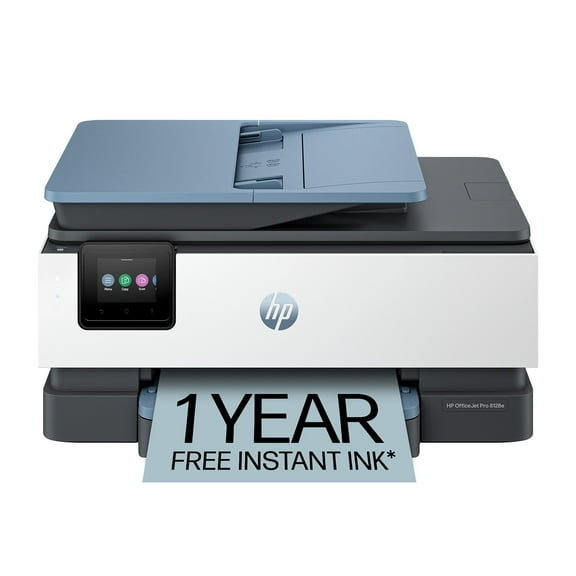
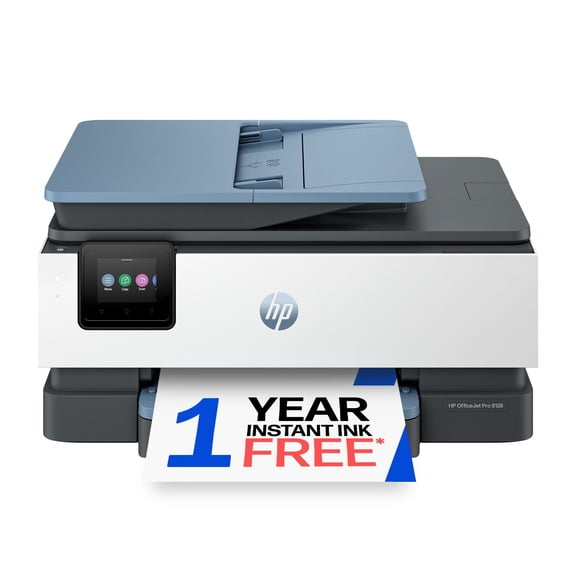
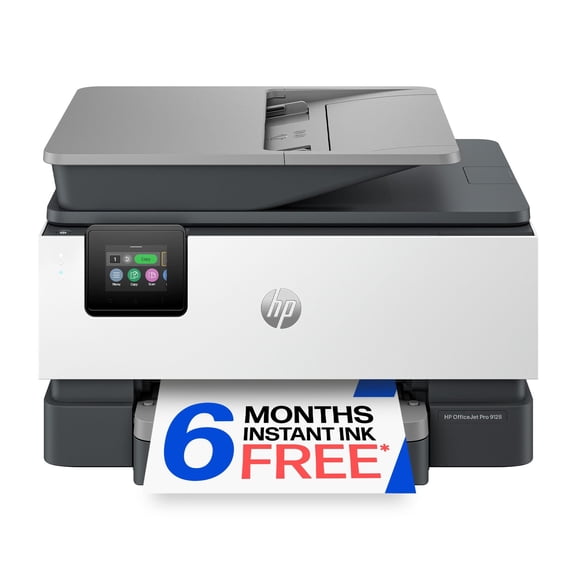
HP OfficeJet Pro 9128e All-in-One Printer, 6 Months Instant Ink with HP+

|147 ratings
Item # 990351581
Current price is Now $159.00
was $269.00
$110 off
Prices may vary in club and online
Low in stock
How do you want your item?

Shipping

Free for Plus on eligible orders over $50
Columbus, 43215
Return or replace within 90 days.
Sam's credit card
Get a $30 statement credit when you open an account and use it to make $30 in eligible Sam's Club purchases within 30 days¹.

Smart summary

Generated by AI
  • Office Versatility: The HP OfficeJet Pro 9128e is an all-in-one printer, scanner, copier, and fax, providing professional-quality color for small offices up to five users.
  • Efficient Performance: Delivers fast printing (22 ppm black, 18 ppm color), features a 250-sheet paper capacity, and a 35-sheet auto document feeder with duplex scanning and copying.
  • Seamless Connectivity: Ensures reliable dual-band Wi-Fi with self-healing and Ethernet, controlled via a 2.7-inch capacitive touchscreen color graphics display.
  • Secure Mobile: Equipped with HP Wolf Pro Security for cyberthreat protection, it enables mobile printing, scanning, copying, and faxing directly through the HP app.
  • Eco-Friendly Ink: Made with over 45% recycled plastic and supporting forest protection, this printer includes 6 months of free Instant Ink with HP+ activation.
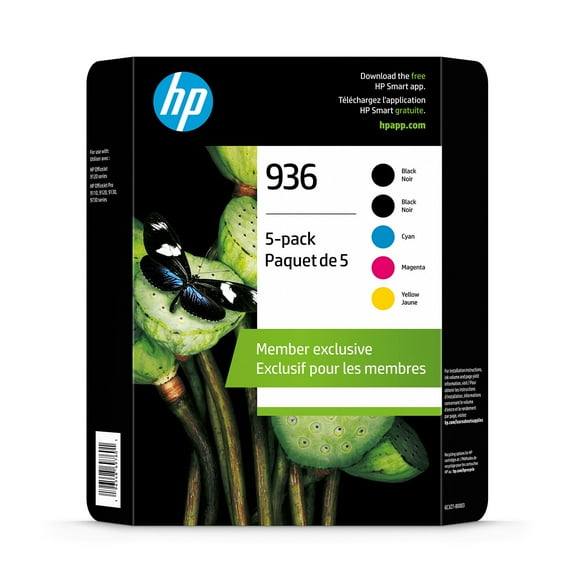
  • Ink Compatibility: The printer (model 403X2A) is compatible with HP 6C3Z7BN, HP 936, and HP 936e EvoMore ink cartridges.
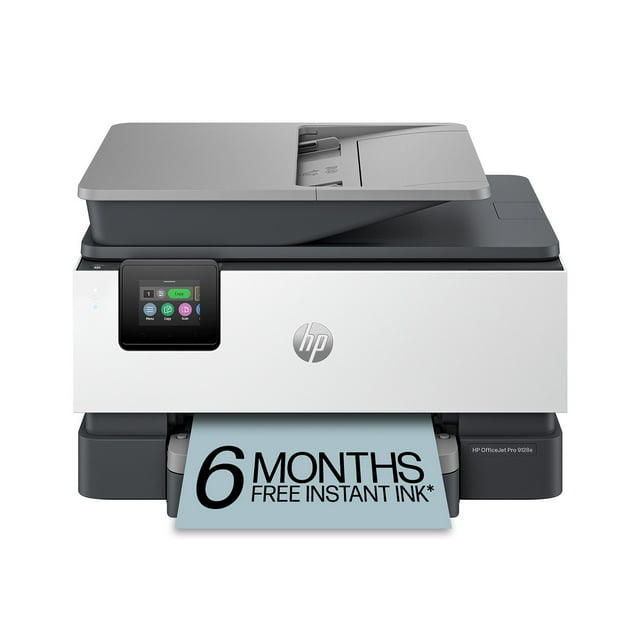
HP OfficeJet Pro 9128e All-in-One Printer, 6 Months Instant Ink with HP+
Hero image 0 of HP OfficeJet Pro 9128e All-in-One Printer, 6 Months Instant Ink with HP+, 0 of 11

About this item

Product details

Functionality

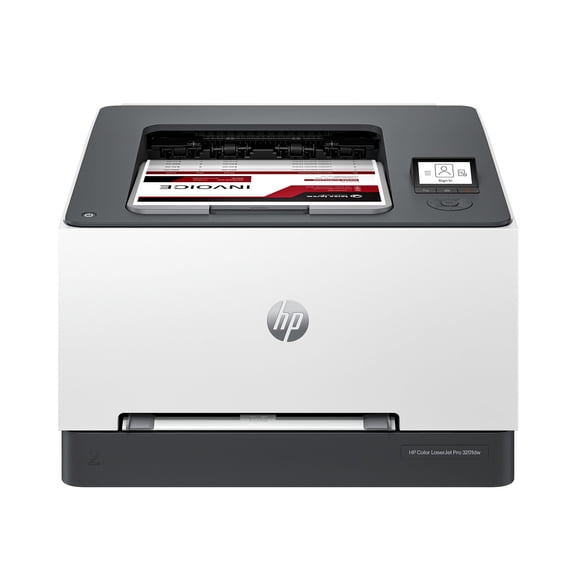
From America’s most trusted printer brand, the HP OfficeJet Pro 9128e All-in-One Printer, scanner, copier, and fax is perfect for your office. Providing professional-quality color for presentations, brochures, flyers, and business documents for up to 5 people.

Capabilities and Features

Professional quality color printing with the HP OfficeJet Pro 9128e All-in-One Printer delivers fast color printing with speeds up to 22 page per minute black and 18 page per minute color, 250-sheet paper capacity, a 35-sheet auto document feeder with duplex scanning and copying, a 2.7ā€ capacitive touchscreen color graphics display, easy slide-off glass and low paper sensor. Ethernet connectivity and wireless features keep your multifunction printer up to date—with HP’s most reliable Wi-FiĀ®, your dual-band wireless connection is self-healing and automatically reconnects for uninterrupted printing.

With HP Wolf Pro Security, your office is protected by cyberthreats, and your data remains secure. Print from anywhere with the HP app. Print, scan, copy or fax right from your smartphone with the easiest-to-use print app. Driving innovation, the OfficeJet Pro 9128e is made with more than 45% recycled plastic, and for every page you print, HP protects, restores, and manages forests in equal measure.

Club bonus gives you 6 months of free ink with HP+ activation during printer setup. Subscribe to the Instant Ink delivery service to get ink delivered directly to your door before you run out and save up to 50% on ink. You have the flexibility to change or cancel your plan anytime. After 6 months, a monthly fee applies unless cancelled.

Enjoy complimentary Apple Service Trials with this purchase.

Redemption instructions will be emailed post purchase. Terms apply.

info:
If the item details above aren't accurate or complete, we want to know about it.Ā 

Specifications

HP OfficeJet Pro 9128e Wireless All-in-One Color Printer
Technical Details
Functions Print, Copy, Scan, Fax
Print Speed- Black 22 Page Per Minute (PPM)
Print Speed- Color 18 Page Per Minute (PPM)
Print Technology Inkjet
Display 2.7" Capacitive Touchscreen Color Graphic Display
Paper Input Capacity 250
Model 403X2A
Standard Interfaces Chrome OS; HP Smart app; Apple AirPrintā„¢; Wi-FiĀ® Direct Printing; Mopriaā„¢ Certified
Included Software 1 Ethernet; 1 Hi-Speed USB 2.0 (device); 1 Hi-Speed USB 2.0 (host); 1 Wi-Fi 802.11a/b/g/n/ac (dual band); 2 RJ-11 Fax/Modem port/phone line
Auto Document Feeder Yes
Dimensions 17.3" x 13.48" x 10.94"
Weight 20.48 lbs
Warranty One-year limited hardware warranty
Ink Included Yes
What's in the Box
  • HP OfficeJet Pro 9128e AiO Printer
  • 4 Original HP 936 Ink Cartridges (Black, Cyan, Magenta, Yellow)
  • Regulatory Flyer
  • Ink Caution Flyer
  • Power Cord
  • Setup Poster
  • Reference Guide
Ink Cartridge Types
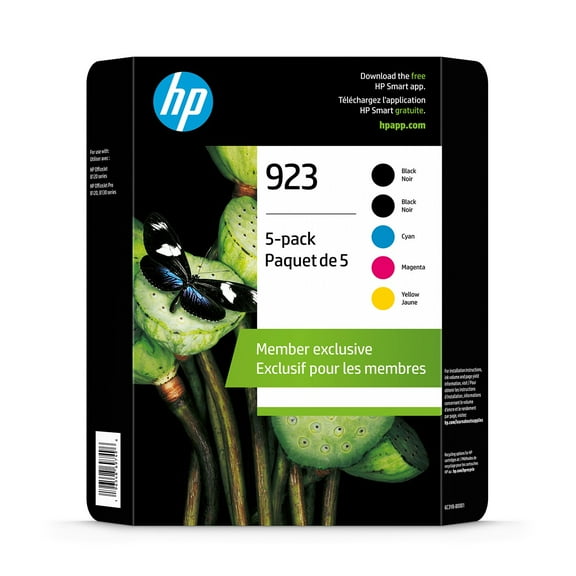
Ink Cartridges Original HP 936 & 936e EvoMore Ink Cartridges, 6C3Z7BN HP 936 CMYK Ink Cartridge Club 5-Pack

Member ratings & reviews

Filtered and sorted results would be available on the new 'Customer ratings & reviews' page.
Sort by |

Showing 1-3 of 77 reviews

May 15, 2026
Anonymous
5 out of 5 stars review

Verified Purchase

Office Jet Pro - a 5-star performance at a great price!

This is a current model of my previous Office Jet 8030 series. Love that machine. This 9125e model is substantially improved in copy, scan, fax and more. Not only does the unit warn low ink… but low on paper too! Print quality is excellent - paper and photo quality too. At home use, at home affordable low cost, high quality output. Along with HP Instant Ink, a best bet at a great price!

Review from hp.com
Helpful?5WDST0OY3QBT13608908575
Dec 28, 2025
Bunkys1
4 out of 5 stars review

Verified Purchase

9125e some good, some bad

I've had mostly good experience with HP printers however the earlier models (10 years back) were more solidly built and didn't use as much plastic. My previous HP 8025 and this current 9125e, the paper trays are very flimsy in my opinion... if not careful when pulling them to load paper, you could break the end of the tray which I did on my previous 8025 model. I also don't like the fact that there isn't a paper adjusting slider inside the tray in the front of both these models, only for the sides of the paper (not a plus). The biggest complaint about this 9125e model is how LOUD it is each time it's sits idle and when you're ready to print something... it goes thru it's automatic cartridge adjustment internally and is makes a very loud banging sound like there's something ready to go inside! Would be nice to have a "quiet" printer... this model by far is the loudest I've had but everything runs as it should, color quality is reasonable, digital display is a nice, visible size. I did refer to YouTube for help setting up this printer to my WiFi... found a good tutorial that was much easier to follow than the info from HP's website.

Review from hp.com
Helpful?5WDST0OY3QBT13608908575
Jan 11, 2026
kgrizzaffi
4 out of 5 stars review

Verified Purchase

My Initial Thoughts On My New HP OfficeJet Pro 9125e Printer

To the point - overall, my new OfficePro 9125e printer is a good replacement for my previous HP OfficeJet Pro 6978. On the whole, I am satisfied with it. I had one or two of my apps have some initial trouble properly connecting to the printer but with a little help from one of the AI apps, I was able to get this resolved. My biggest complaints deal with the front panel display and printing envelopes. Regarding the display, I have found typing in alphanumeric characters is a bit difficult because the characters are small and your finger position has to be fairly precise. This, however, is not a show stopper for me as I seldom have to do this. I am disappointed that HP does not allow some customization of the front panel functions through the computer app. Having this ability would allow me to have most-used functions where I can most easily get to them. Also, the printer only has one tray so when you want to print an envelope you have to swap out paper with an envelope. This is not a problem as I had to do this with my previous printer. What is a bit more cumbersome is that apparently even if you specify say a #10 envelope in the print settings on your software (such as Microsoft Word), you still have to tell the printer you are using a #10 envelope on the front panel and as I mentioned, the front panel is not customizable so you have to go 3 button presses down into the menu to select the #10 envelope then when you are finished, you have reverse this to return to normal pages. Again, this is not a show-stopper for me since I rarely have to print onto envelopes but I'm again disappointed that HP doesn't make printing envelopes a bit easier. Finally, I obviously cannot comment on long-term reliability as I have had this printer for less than two months but hopefully, with regular maintenance, it will perform as expected for several years.

Review from hp.com
Helpful?5WDST0OY3QBT13608908575