
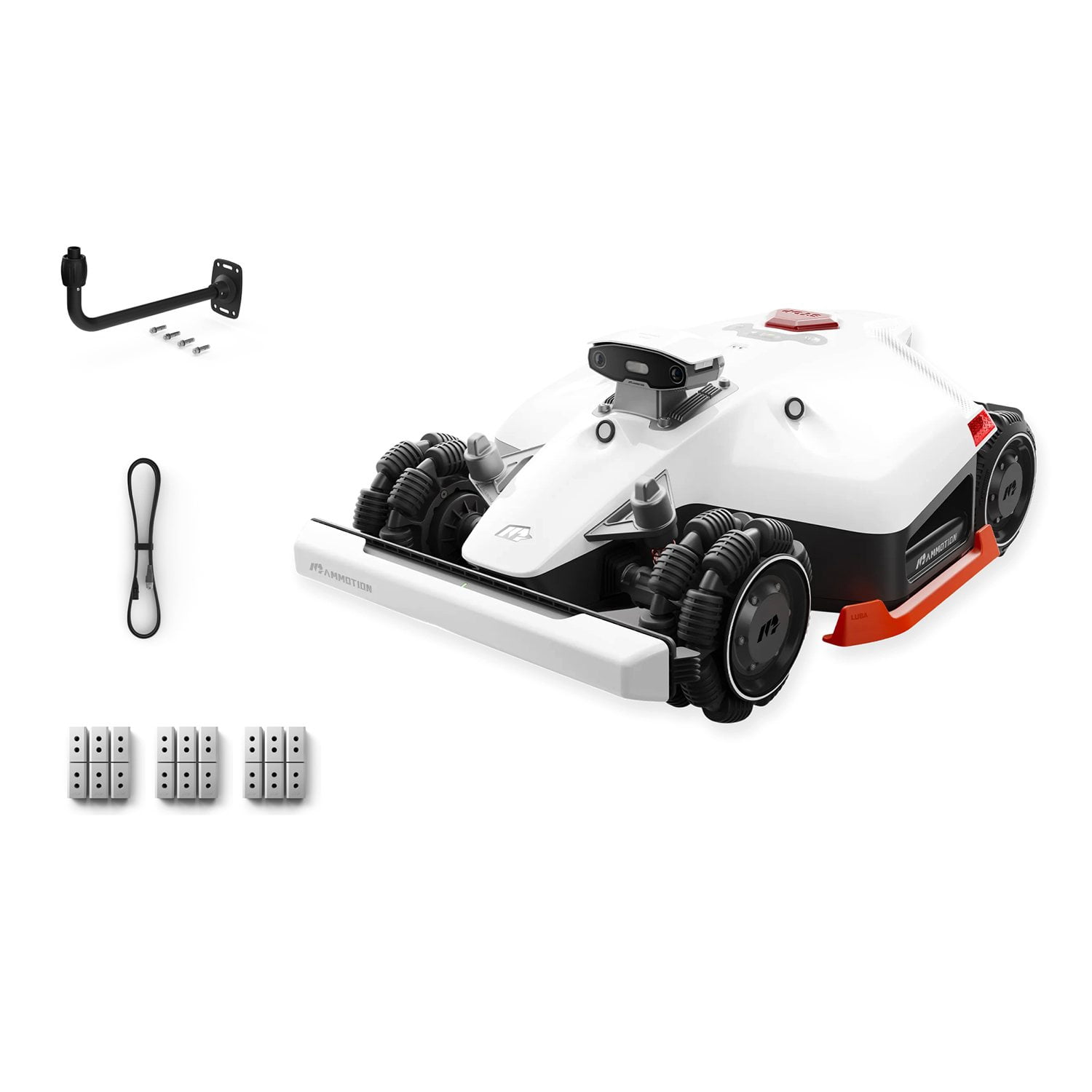
 Customer reviews for LUBA 2 AWD 3000 Robotic Lawn Mower ,With 4G,Wire-Free Reception 0.75, Max 0.9 Acre Coverage, Adjustable Cutting Height With Extra Blade Kit*3+RTK Satellite Mount and RTK Extension Cable for
LUBA 2 AWD 3000 Robotic Lawn Mower ,With 4G,Wire-Free Reception 0.75, Max 0.9 Acre Coverage, Adjustable Cutting Height With Extra Blade Kit*3+RTK Satellite Mount and RTK Extension Cable
4.6 out of 5 stars
stars
92 ratings92 reviews
Member photos
- +63 images
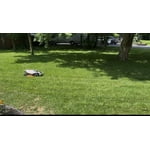
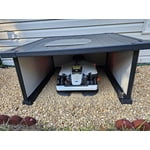
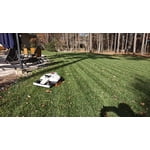
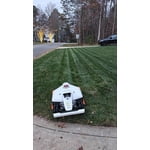
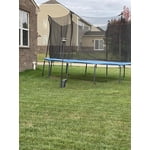
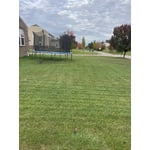
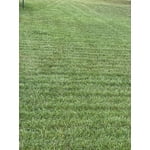
Sort by |
Showing 1-10 of 92 reviews
Sep 12, 2026
Reviewer name: Ed
5 out of 5 stars review
Great mower that gives me free time
Review from Mammotion Technology
Helpful?
Sep 16, 2026
Reviewer name: AL
5 out of 5 stars review
Great Mower
Review from Mammotion Technology
Helpful?
Sep 19, 2026
Reviewer name: Maximus Scissor Hand
5 out of 5 stars review
Replace your riding lawnmower with a Luba 3 AWD
Review from Mammotion Technology
Helpful?
Jul 19, 2026
Reviewer name: Franky
5 out of 5 stars review
The future of lawn care is now
Review from Mammotion Technology
Helpful?
Jun 27, 2026
Reviewer name: CG Happy
5 out of 5 stars review
Highly recommended!
Review from Mammotion Technology
Helpful?
Jul 25, 2026
Reviewer name: nojokemower
5 out of 5 stars review
Great product
Review from Mammotion Technology
Helpful?
Jul 17, 2026
Reviewer name: Frank
5 out of 5 stars review
Reliable and accurate.
Review from Mammotion Technology
Helpful?
Sep 29, 2026
Reviewer name: Gilles
4 out of 5 stars review
Luba 3 good machine
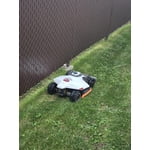
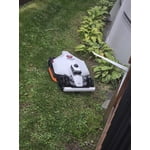
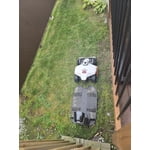
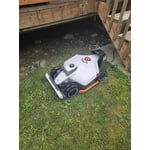
Review from Mammotion Technology
Helpful?
Aug 18, 2026
Reviewer name: Dave W
4 out of 5 stars review
Keeps me off the rider
Review from Mammotion Technology
Helpful?
Mar 8, 2026
Reviewer name: KEVIN
3 out of 5 stars review
Discontinued model at full price
Helpful?