
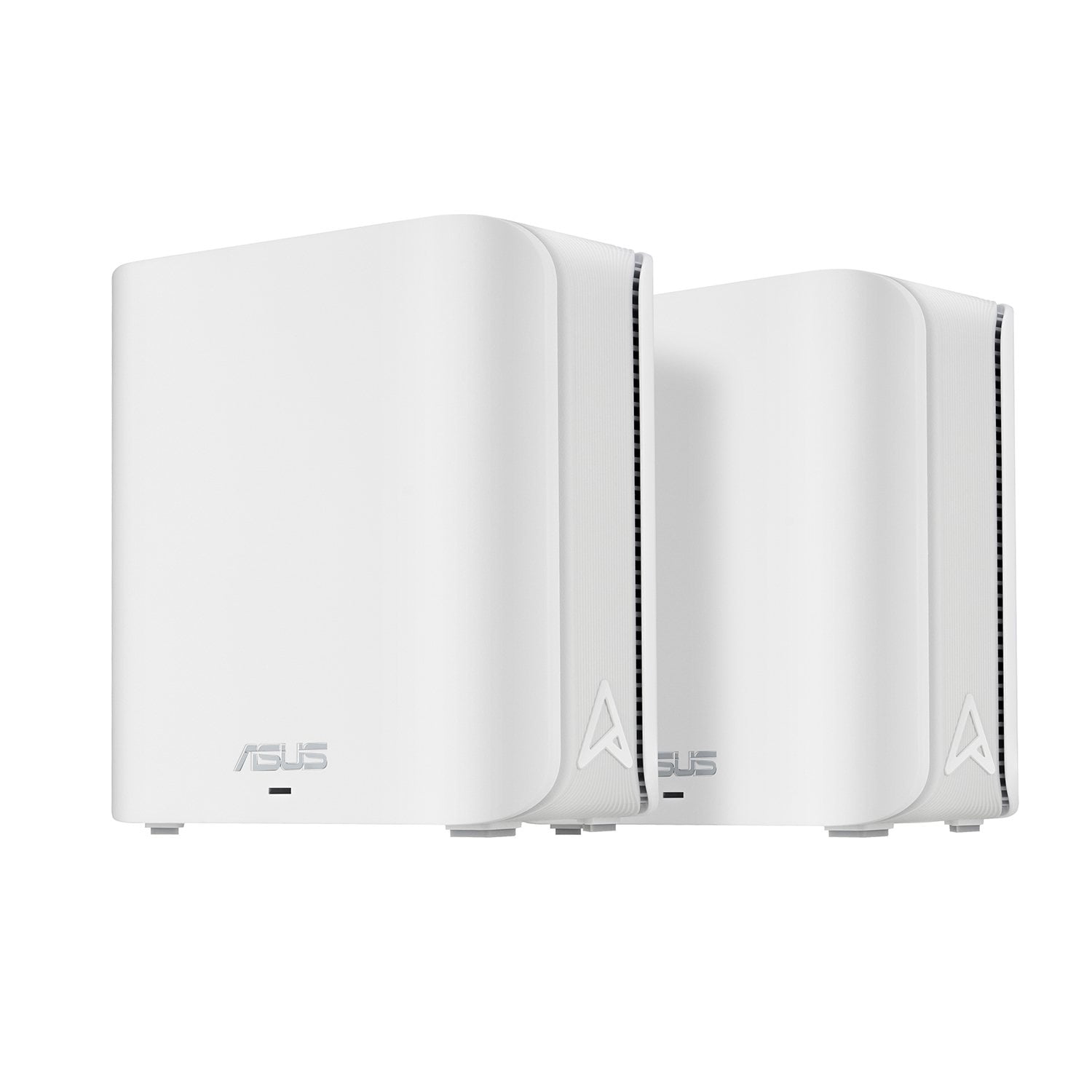
 Customer reviews for ASUS BE3600 Dual-Band WiFi 7 Mesh Router, 2-Pack for
Verified Purchase
Great Router!!
Huge upgrade from old single point router.
Speeds were very slow compared to other mesh routers I've tried. Consistently could only get less than 100Mbps even when right next to it. Plugged in my much older Asus router and get 600 Mbps. I've had very good luck in the past with Asus routers, but can't recommend this mesh set.
Dear Joe, We regret to learn that you are experiencing performance issues. To troubleshoot this issue, we recommend following the steps in the FAQ below. Should the issue persist, please contact our support team at https://www.asus.com/us/support/CallUs to further investigate the problem or assist with repairing the device. We stand behind our products and continuously strive to improve our products and processes to achieve customer service excellence. For more information, email us at customerloyalty@asus.com and include the case number "N2609020811-0001" as a reference. We will do our best to resolve your case quickly. Your feedback is very important to us and enables us to improve our support channels. Thank you for choosing ASUS. Best Regards, Schottky ASUS Customer Loyalty US Support FAQ-[Wireless Router] How to improve Wi-Fi Connection https://www.asus.com/us/support/faq/1047919/
Satisfaction NOT guaranteed!
Interface app is nice, and it worked great for a few months and then it would stop connecting to the internet randomly. It would usually require multiple reboots before it would finally work again. Be advised that Sam's only covers it for 90 days, their satisfaction guarantee does not apply.
Dear Alan, Thank you for your comment. We do understand your disappointment with the routers and the inconvenience this may have caused if you are experiencing connection problems after a few months of usage. To resolve the unstable connection, verify if the router’s security settings matches with your ISP’s modem credentials, verify if the PC or device connecting to the router is working properly and within range to the router, the router is within 30 feet to the ISP's modem, if not wired with a network cable, and ISP's internet service or connection is working properly or stable. Legacy devices may not work properly with WIFI-7, please check updates for these devices. Also, ensure "Smart Connect" was disabled and connect these devices manually to either 2.4GHz or 5GHz. Furthernore, reset the mesh routers and reconfigure or set up the devices. We recommend updating the Mesh router firmware if it is running with an older version. Firmware is available for download at: https://www.asus.com/us/networking-iot-servers/wifi-routers/asus-gaming-routers/tuf-gaming-be3600/helpdesk_bios?model2Name=TUF-Gaming-BE3600. Should you need further assistance with the product, please email me at cl-rodel@asus.com and I would be more than happy to help. Or, you are most welcome to call Product Support Hotline at: 1(888) 678-3688. Also, you can chat with an ASUS live support agent from the link: https://www.asus.com/us/support/article/1135/. Thank you for choosing an ASUS product. Regards, Rodel ASUS Customer Loyalty
Verified Purchase
Not in stock
Was not in stock, had to get a refund.
Dear Lane, Thank you for sharing your experience with the ASUS ZenWiFi BE3600 Dual-Band WiFi 7 Mesh Router, 2-Pack. We’re sorry to hear that the product was not in stock at Sam’s Club and that you had to request a refund. If you are still interested in purchasing this device, we kindly advise contacting other authorized resellers through https://promos.asus.com/us/where_to_buy/. This resource will help you locate retailers who may have the product available. We stand behind our products and continuously strive to improve our products and processes to achieve customer service excellence. If you require any further assistance, please email us at customerloyalty@asus.com and include the case number "N2609012493-0001" as a reference. We will do our best to resolve your case quickly. Your feedback is very important to us, and it enables us to improve our support channels. Thank you for choosing ASUS. Best Regards, Chantae ASUS Customer Loyalty US Support
Wish I never purchased
Wish I never bought this. Haven't even had it for a year and it constantly drops the WiFi signal.
Dear Valued Customer, We regret to learn that you are experiencing connectivity issues. To troubleshoot this issue, we recommend following the steps in the FAQ below. Should the issue persist, please contact our support team at https://www.asus.com/us/support/CallUs to further investigate the problem or assist with repairing the device. We stand behind our products and continuously strive to improve our products and processes to achieve customer service excellence. For more information, email us at customerloyalty@asus.com and include the case number "N2609020811-0002" as a reference. We will do our best to resolve your case quickly. Your feedback is very important to us and enables us to improve our support channels. Thank you for choosing ASUS. Best Regards, Schottky ASUS Customer Loyalty US Support FAQ-[Wireless Router] How to improve Wi-Fi Connection https://www.asus.com/us/support/faq/1047919/