reply from Sony North America Customer Support
Hi TLC man, We're sorry to hear about the issue you're having with your Sony Bravia 8. This certainly isn't the experience we want for our customers. To address the rebooting issue, here are the troubleshooting steps you can try: Set the Bravia Sync to OFF On the remote control, press the (Quick Settings) button and select Settings → Channels & Inputs → External inputs → BRAVIA Sync settings→ turn OFF BRAVIA Sync control Use a CEC-less HDMI cable or adapter to prevent the TV from rebooting or restarting. Set The SAMBA Interactive TV to OFF On the remote control, press the (Quick Settings) button and select Settings→ System → Samba Interactive TV → turn OFF Samba Interactive TV. We encourage you to periodically check our support site for updates regarding any improvement measures. We are investigating the issue and working on a future software update to address it. If you have any further questions or need additional assistance, please do not hesitate to contact our support team through this link: https://us.esupport.sony.com/support/s/service?language=en_US. We apologize for any inconvenience and thank you for your patience. Regards, Aldrin

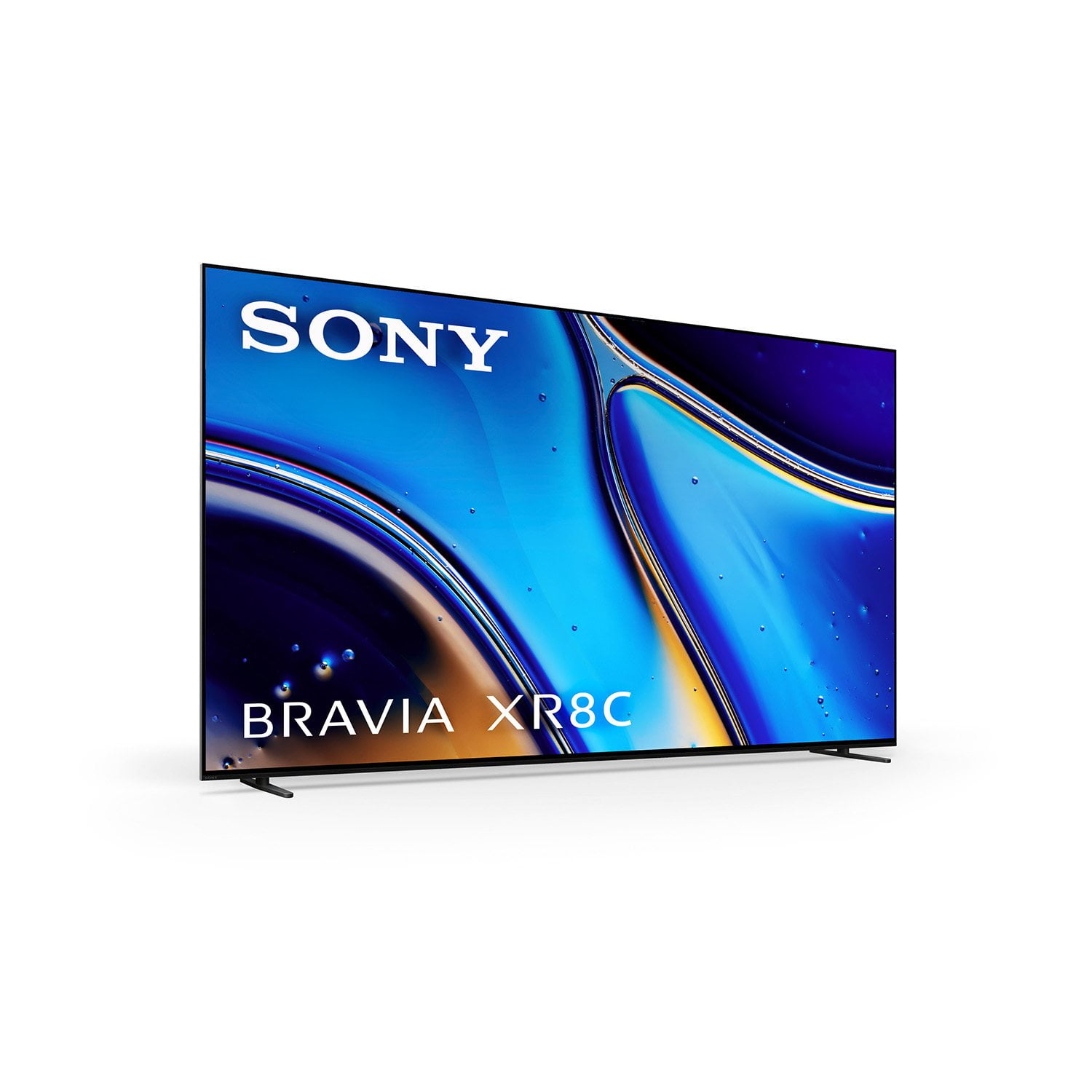 Customer reviews for Sony 55” Class XR8C Series OLED 4K UHD HDR Google TV for