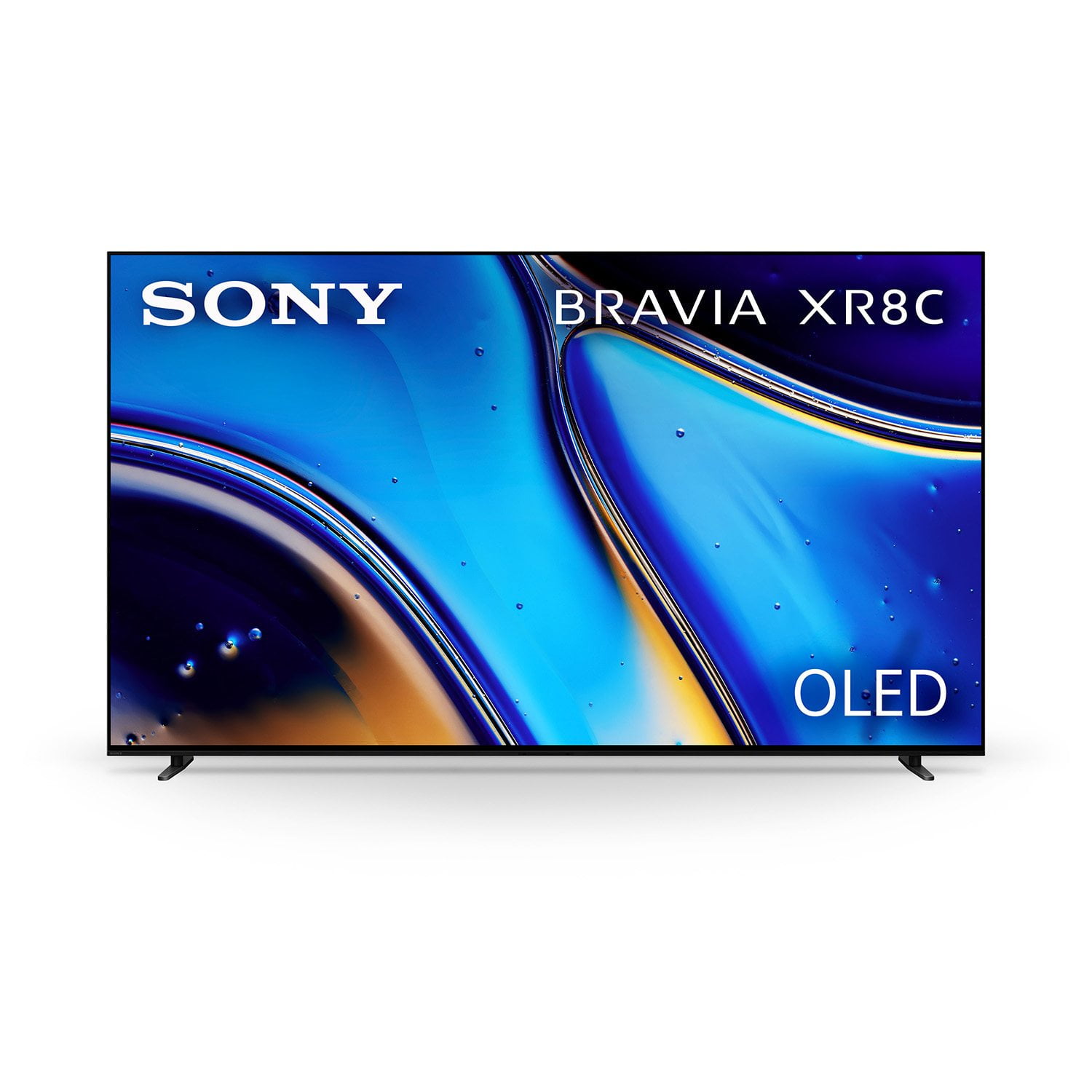
Customer reviews for Sony 77” Class XR8C Series OLED 4K UHD HDR Google TV forBought this T.V. two months ago and have had no issues with it whatsoever. The picture is phenomenal, the sound is great with no soundbar. Have had no negative issues at all. The weight is a bit on the high side and I needed help with hanging it but overall a piece of cake. Don’t know about the other reviews but I highly recommend this item. Would purchase it again!
Incredible TV and picture. I’ve had it a month and it is flawless. Built in operating system much better than the Samsung I have. One of the only TVs that can receive over the air 4K signals. Very easy to set up
Terrible screen uniformity
Regret buying this TV. In light scenes the picture is amazing but oled is supposed to shine in dark scenes. Unfortunately there are vertical lines or banding that show up in dark scenes especially in panning scenes that are super distracting and completely take away from the picture. Looks blotchy and like someone ran a paint brush down the screen in most dark scenes, it has terrible screen uniformity. Wish I hadn’t returned an LG C4 for this TV.
Hello there, Thanks for bringing this out to our attention! We regret to hear you're having bad this experience with your new Bravia 8, especially after such high enthusiasm for OLED performance. We understand how frustrating vertical lines and uniformity issues can be, particularly in dark and panning scenes, as they significantly impact the viewing experience–this is not an expected behavior! The good news is that your Bravia 8 is covered by a one-year warranty! For assistance with this issue, please reach out to our Sony Support Team at https://us.esupport.sony.com/support/s/support-contact?language=en_US&category=tv Thanks for giving Sony the chance to recover your trust! Sincerely, Jenn.
Beware
It's really sad that a top of the line tv maker and expensive have stooped to this level. Sorry I took the risk!
Constant Turing off and resetting
The amount of times it turns off and resets is a bit much. Way too much money for this issue.
Hi AgentZ, we're truly sorry to hear about the trouble you've been experiencing with your Sony - BRAVIA 8. We understand how frustrating it must be to have your TV turning off and resetting unexpectedly. To help resolve this, we recommend trying the following steps: 1- Turn off Bravia Sync control: Using the Sony remote, you can go to Settings > Channels and inputs > External inputs > Bravia sync settings > Set the Bravia Sync control to off. 2- If you're using an external device, such as a cable box, consider using an CEC-less HDMI adapter to prevent reboots. 3- Turn off Samba interactive TV: You can do this by going back to Settings > System > Samba interactive TV 4- Make sure your TV's software is up to date with the latest firmware version. In settings go to System > About > System software update We hope these steps help get your TV working smoothly again. However if the problem continues, please reach out to our support team so that they can further investigate the issue to find a solution. You can contact them via: https://us.esupport.sony.com/support/s/support-contact?language=en_US&category=tv We appreciate you sharing your feedback, and considering Sony products! Best regards, Dominick
Fails to turn on after 18 months.
Power control board failed after 18 months. A power surge is unlikely, because the TV and all connected components are plugged into surge protected outlets. The coax for a connected set top box is connected to a fiber ONT, so not a source for external surges. The TV has been problematic from a software standpoint from the beginning, requiring repeated setup operations. It fails regularly to operate with its connected Sony receiver which also looses configuration. Don’t know what’s happened to Sony, but this long time fab is done with them.
Hi MD Bill, Thank you for sharing your experience, and we're sincerely sorry for the frustration this situation has caused. We completely understand your disappointment, especially as a long-time Sony supporter, and we take feedback regarding product reliability very seriously. Before determining that the internal board has completely failed, we would like to suggest two basic troubleshooting steps that can sometimes help reset the television's power state: First, please try disconnecting the television's power cord directly from the surge protector and plugging it into a completely different wall outlet. This helps rule out any hidden issues with the surge protector itself or that specific power circuit. Second, while the TV is plugged into the new outlet, try pressing the physical power button located at the bottom of the television panel rather than using the remote control. This can sometimes trigger a hard reboot if the system is stuck in a standby loop. If the television still does not power on after trying these steps, we are deeply sorry, but it is highly likely that an internal component has failed. Since your television is now past its initial one-year manufacturer's warranty period, the cost of the physical repair would not be covered. However, we want to help you get your system up and running if possible. You can locate and contact one of our authorized Sony repair centers to check for repair options and estimates by visiting our service portal at: https://us.esupport.sony.com/support/s/service?language=en_US&cpint=spt-subfooter_prodrepair Your feedback regarding the software and receiver connectivity has also been noted and passed along to our product development teams. We appreciate your time and hope we can eventually restore your confidence in our brand. Thank you for considering Sony! Regards, Dominick