Skip to Main Content
Sam's Club
Sam's Club
All Departments
All Services
Customer reviews for SAMSUNG 55” Class QN80FD Series Neo QLED Smart TV for
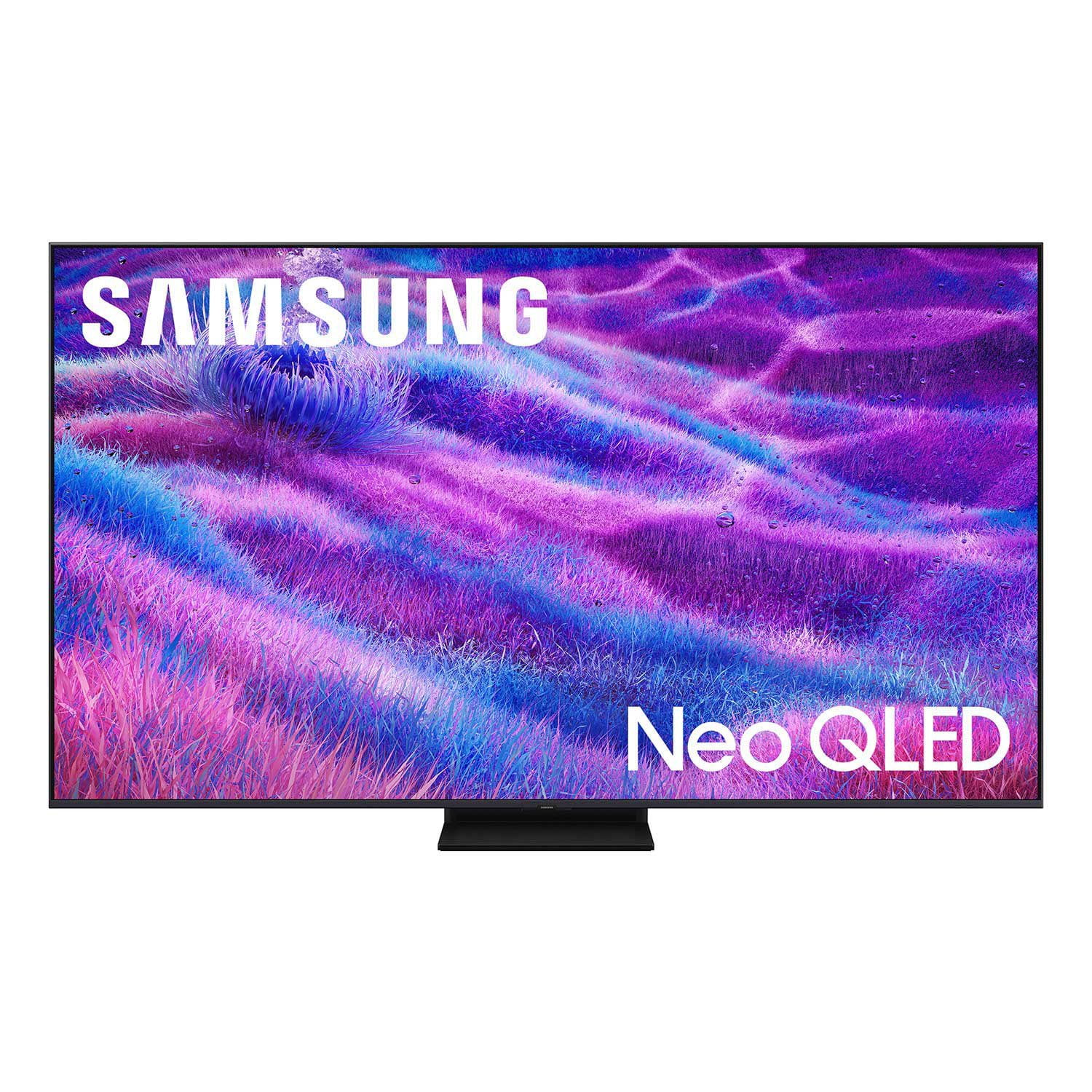
SAMSUNG 55” Class QN80FD Series Neo QLED Smart TV
4.7 out of 5 stars
stars
575 ratings575 reviews
  1. 5 stars80% (459)
  2. 4 stars13% (74)
  3. 3 stars4% (24)
  4. 2 stars1% (7)
  5. 1 star2% (11)

Member photos

  • +220 images
Sort by |
Showing 311-320 of 575 reviews
May 20, 2026
DivaJan
5 out of 5 stars
5 out of 5 stars review

Great features

[This review was collected as part of a promotion.] Love the resolution, brightness. Sound is great too.

Review from Samsung US
Helpful?63DO25UI0SP317310171928
May 12, 2026
Dawn2058
5 out of 5 stars
5 out of 5 stars review

This is the best TV I have ever owned. I love it.

[This review was collected as part of a promotion.] I love this TV so much that when I have company it is the only TV we will watch from.

Review from Samsung US
Helpful?63DO25UI0SP317310171928
Apr 20, 2026
DaveK
5 out of 5 stars
5 out of 5 stars review

Great resolution for a bright sunny room.

[This review was collected as part of a promotion.] Great Resolution. Looks like you are in the same room as those on the TV.

Review from Samsung US
Helpful?63DO25UI0SP317310171928
May 11, 2026
Nice
5 out of 5 stars
5 out of 5 stars review

Awesome

[This review was collected as part of a promotion.] Great pic, beautiful greattþtttttttttttttt Ttttttttt

Review from Samsung US
Helpful?63DO25UI0SP317310171928
Apr 20, 2026
Franke210
5 out of 5 stars
5 out of 5 stars review

Amazing

[This review was collected as part of a promotion.] Was an amazing and gorgeous tv until my children killed the panel.

Review from Samsung US
Helpful?63DO25UI0SP317310171928
Apr 26, 2026
MDC2315
5 out of 5 stars
5 out of 5 stars review

Amazing display

[This review was collected as part of a promotion.] Display is phenomenal and it's very intuitive and easy to navigate.

Review from Samsung US
Helpful?63DO25UI0SP317310171928
Apr 14, 2026
DMB6
5 out of 5 stars
5 out of 5 stars review

Great features

[This review was collected as part of a promotion.] Brightness clarity contrast resolution upscaling are very good.

Review from Samsung US
Helpful?63DO25UI0SP317310171928
May 16, 2026
Steve
4 out of 5 stars
4 out of 5 stars review

Best tv

[This review was collected as part of a promotion.] I love the TV I just wish it had more features for the ps5

Review from Samsung US
Helpful?63DO25UI0SP317310171928
Apr 20, 2026
Jaynitchy
5 out of 5 stars
5 out of 5 stars review

Great

[This review was collected as part of a promotion.] Great tv and great color I will always used a samsung tv

Review from Samsung US
Helpful?63DO25UI0SP317310171928
Apr 20, 2026
JimmieD
3 out of 5 stars
3 out of 5 stars review

Good picture, not great like expected

[This review was collected as part of a promotion.] I expected a lot better picture quality. NEO QLED…..I thought was just short of OLED…..NOT

Review from Samsung US
Helpful?63DO25UI0SP317310171928
reply from Samsung Specialist

We appreciate your input on the picture quality of Samsung’s QN80F TV. If the image isn’t meeting your expectations, there are several adjustments you can make to improve your viewing experience. First, please ensure your TV is running the latest firmware, as updates may include important picture quality enhancements. Go to: Home > Left directional button > Settings > Support > Software Update > Update Now Then, select a Picture Mode that best fits your environment: Home > Home > left directional key > Settings > All Settings > Picture > Picture Mode 1. Standard – Default mode for general viewing 2. Dynamic – Brighter and clearer in well-lit rooms 3. Eco – Optimized for energy saving 4. Movie – Best for watching in dark environments 5. Filmmaker Mode – Preserves content exactly as intended by creators You can also enhance your experience by enabling AI Mode, which automatically adjusts picture and sound based on your surroundings and usage patterns: Settings > All Settings > Advanced Features > AI Mode Settings > AI Mode If these adjustments don’t improve your picture quality, feel free to contact Samsung Customer Support at 1-800-SAMSUNG (8AM – 9PM EST Mon – Fri, 8AM – 6PM Sat – Sun). You can also LiveChat with an agent or find helpful guides by visiting the ‘Support’ section of our website. ~ Samsung Specialist