
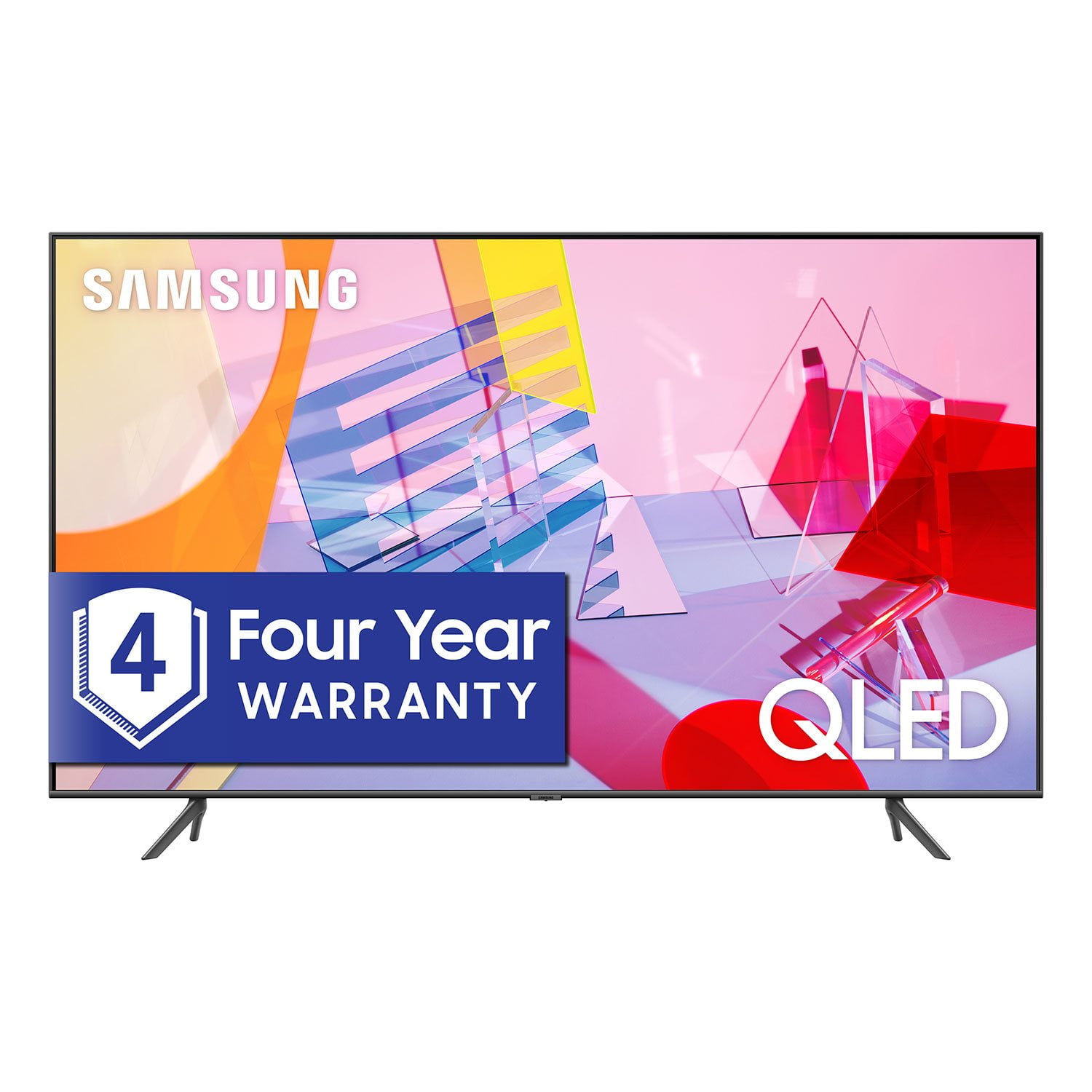
 Member ratings & reviews for
Picture is great
[This review was collected as part of a promotion.] Watching movies , playing games is great , I love it
MOTION BLUR
Had it two weeks, tried all the settings, could not get rid of the motion blur. First new tv in 13 years, came from a Sony 46" high end from 2007. Going back to it, Returning this one.
Badge, Thank you for sharing your feedback with us. Have you tried Auto Motion Plus for blur reduction? You can change Auto Motion Plus settings by following these steps: 1) With the TV powered on, press the Home button on the Samsung remote to open the Home screen 2) Then select Settings > Picture > Expert Settings > Picture Clarity Settings 3) Then you will see the following three options: a) Off: Picture Clarity Settings will always be off b) Auto: Picture Clarity Settings will automatically activate and deactivate based on the type of program being watched c) Custom: Allows custom adjustments and settings to be used 4) By selecting the Custom option, you can access these advanced settings: a) Judder Reduction: Use the directional keys on the remote to adjust the Judder setting b) LED Clear Motion: Select to turn On/Off/Auto c) Noise Reduction: Select to turn Auto/Off Should you need further assistance with features or other product usage, please reach out to Samsung Support and an agent will gladly assist you. You can reach us via any of the below options: 1) Phone: 1-800-SAMSUNG (ask for TVs) Available 8AM - 12AM EST (Mon-Fri) / 9AM - 11PM EST (Sat-Sun) 2) LiveChat: https://www.samsung.com/us/support/#contact_us_for_support 3) Facebook Messenger: https://www.facebook.com/samsungsupport 4) Twitter: https://twitter.com/SamsungSupport If you have not already done so, we invite you to register your new Samsung product at: https://www.samsung.com/us/account/signin/?redirect=https%3A%2F%2Fwww.samsung.com%2Fus%2Fsupport%2Fregister%2F Registering your product gives you access to easy warranty support, convenient opt-in to special promos and offers, faster troubleshooting and service, and quick notification of system updates. -Samsung Ambassador
Connectivity issues
[This review was collected as part of a promotion.] I have been experiencing loss of unverstv and web bases apps. This requires disconnecting Ethernet cable and uvertv receiver power reconnecting and rebooting. Annoying
Greg: I am very sorry you have experienced issues with your apps not working properly. If your apps are freezing, not loading, or crashing, you can try cold booting your TV, deleting and downloading the apps again, and completing full reset of Smart Hub to correct the issue. Please also check that your TV is running the latest firmware version. Ver. 1401.7 is the current release. If you need further assistance, please know that Samsung Customer Support is here to help. 1-800-SAMSUNG (ask for TVs), available 8AM -12AM EST, 7 days a week Or visit us on the Samsung website and click on the ‘Support’ link in the upper right corner of the homepage for: 1) Contact Us Options (LiveChat, Remote Support, Facebook, Twitter) 2) Product Support 3) Manuals and Downloads 4) Warranty Info 5) Product Registration: Registering your product gives you access to easy warranty support, convenient opt-in to special promos and offers, faster troubleshooting and service, and quick notification of system updates 6) Samsung Community: A great resource for getting help from Samsung moderators and customers and more 7) …and more product, repair, order, and care options ~ Samsung Solutions
Tedious
[This review was collected as part of a promotion.] My tv works well, EXCEPT fir the fact it regularly disconnects from my WiFi. None of my other devices do this
Bkyn: Thank you for purchasing the Samsung Q60T TV and for your review. I am very sorry that you are experiencing WiFi connection issues. You may want to go through these steps to check your network connection: 1) Check the distance between the TV and your modem or access point. The distance should not exceed 50 ft. (15.2 m). 2) Minimize interference by not using or turning off wireless devices. Also, verify that there are no obstacles between the TV and the modem or access point. (WiFi strength can be decreased by appliances, cordless phones, stone walls/fireplaces, etc.) 3) Perform a network test to check if there is a network problem. Press the Home button on your remote. Navigate to Settings > Support > Device Care > Self Diagnosis> Smart Hub Connection Test 4) Try a cold reboot of your TV by pressing and holding the power button for 5+ seconds until the TV turns off and on again. 5) Please also be sure you have the latest firmware update. You may want to enable automatic updates for convenience. Select Settings > Support > Software Update, then select Auto Update. For further assistance or service, please contact us via any of the following options: 1) Phone: 1-800-SAMSUNG (ask for TVs), available 8AM – 12AM EST 7 days a week 2) LiveChat: https://www.samsung.com/us/support/#contact_us_for_support 3) Facebook Messenger: https://www.facebook.com/samsungsupport 4) Twitter: https://twitter.com/SamsungSupport 5) The Samsung Members Community is also a great resource for getting help from Samsung moderators and customers: https://us.community.samsung.com If you have not already done so, we invite you to register your new Samsung product at: https://www.samsung.com/us/account/signin/?redirect=https%3A%2F%2Fwww.samsung.com%2Fus%2Fsupport%2Fregister%2F Registering your product gives you access to easy warranty support, convenient opt-in to special promos and offers, faster troubleshooting and service, and quick notification of system updates. ~ Samsung Solutions
Great TV
So far this is the best tv I have owned. I purchased about two years ago and have had no issues.
I like this one
[This review was collected as part of a promotion.] It is a great tv thank you this is the one go out and bye one
It's greeaat
[This review was collected as part of a promotion.] The best set up i have ever had the color the action