Amazing TV marred by AI harassment
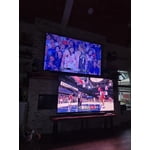
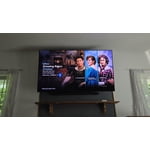
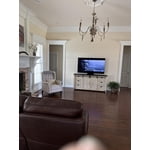
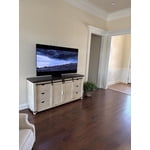
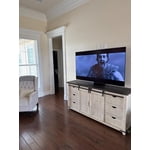
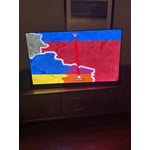
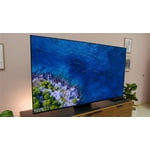
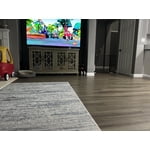
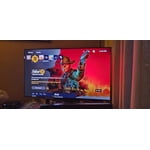
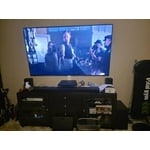
Starting with the good, the TV has amazing picture quality. I love the anti-reflective coating and cannot see any reflections at all, unlike most other TVs on the market. Even holding a flashlight directly in front of the screen, you cannot see a direct reflection, only a diffused bloom. The color and brightness is honestly a bit overwhelming until muted, which is impressive for an OLED. Sound is pretty solid, but for a tv like this, it makes sense to use external speakers or sound bar when possible. ARC works great to control my sound bar volume and was pretty seamless.
Negatives: AI assistant is constantly popping up set up the assistant that I don't want. The only way I've found to completely rid myself of these notifications is to disconnect from the internet and use an external streamer device. For the price of the TV, I would have preferred it be without any smart features rather than include the AI assistant. The remote is small and lacks an input selector button, which makes changing inputs a pain since you have to navigate the home menu to change screens.
reply from Samsung Specialist
Duckman,
Thank you for sharing your thoughts on Samsung's S95F. While the Solar Cell Remote may appear minimal, many buttons offer multiple or long-press functions to help simplify the design without sacrificing functionality. For example:
• Settings/Number/Color: Allows you to easily access your TV's Quick Settings and input channel numbers.
• Volume rocker: Push up/down to adjust volume. Press and release quickly to mute.
• Long-press Volume button: Hold for more than 1 second to open Accessibility Shortcuts.
• RETURN button: Press to go back to the previous menu or screen. While watching TV, it takes you back to the previous channel.
These functions allow for a more streamlined experience without adding extra buttons.
Learn TV Remote is a feature designed to help users become familiar with the layout and function of each button on the Samsung remote. When enabled, pressing any button (except the Power button, which will still turn off the TV) will prompt the TV to announce the button’s name and its purpose – without affecting TV operation.
This teaching mode is especially useful for users who are visually impaired or new to Samsung remotes. To enable this feature, go to: Settings > All Settings > General & Privacy > Accessibility > Learn TV Remote. To exit, simply press the Return key twice.
If you’d like more assistance with this feature, please reach Samsung Support at 1-800-SAMSUNG, available 8AM – 12AM EST, 7 days a week. LiveChat agents are also available through the ‘Support’ link on our website.
~ Samsung Specialist

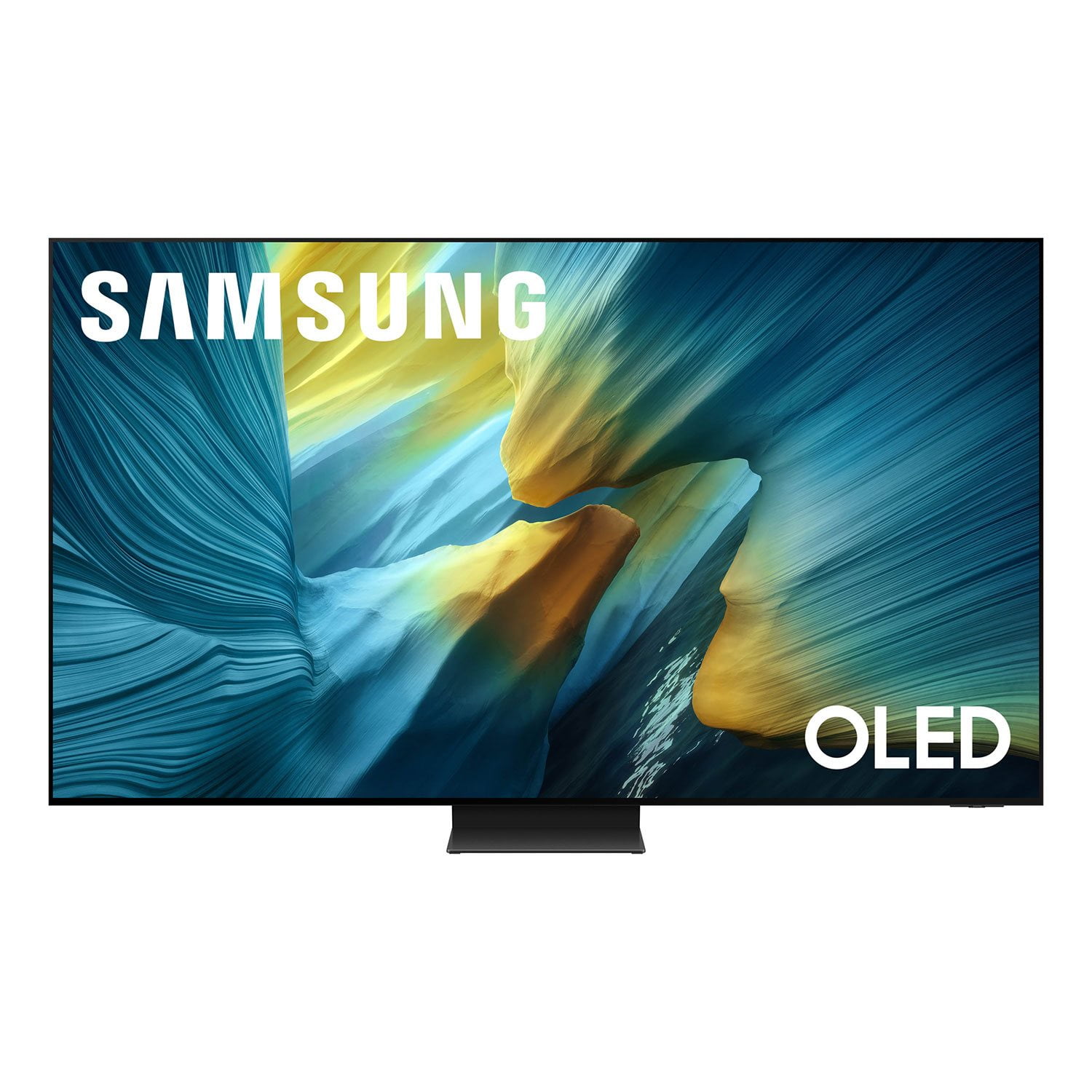 Customer reviews for SAMSUNG 77” Class S95FD Series 4K OLED Smart TV for