Skip to Main Content
Sam's Club
Sam's Club
All Departments
All Services
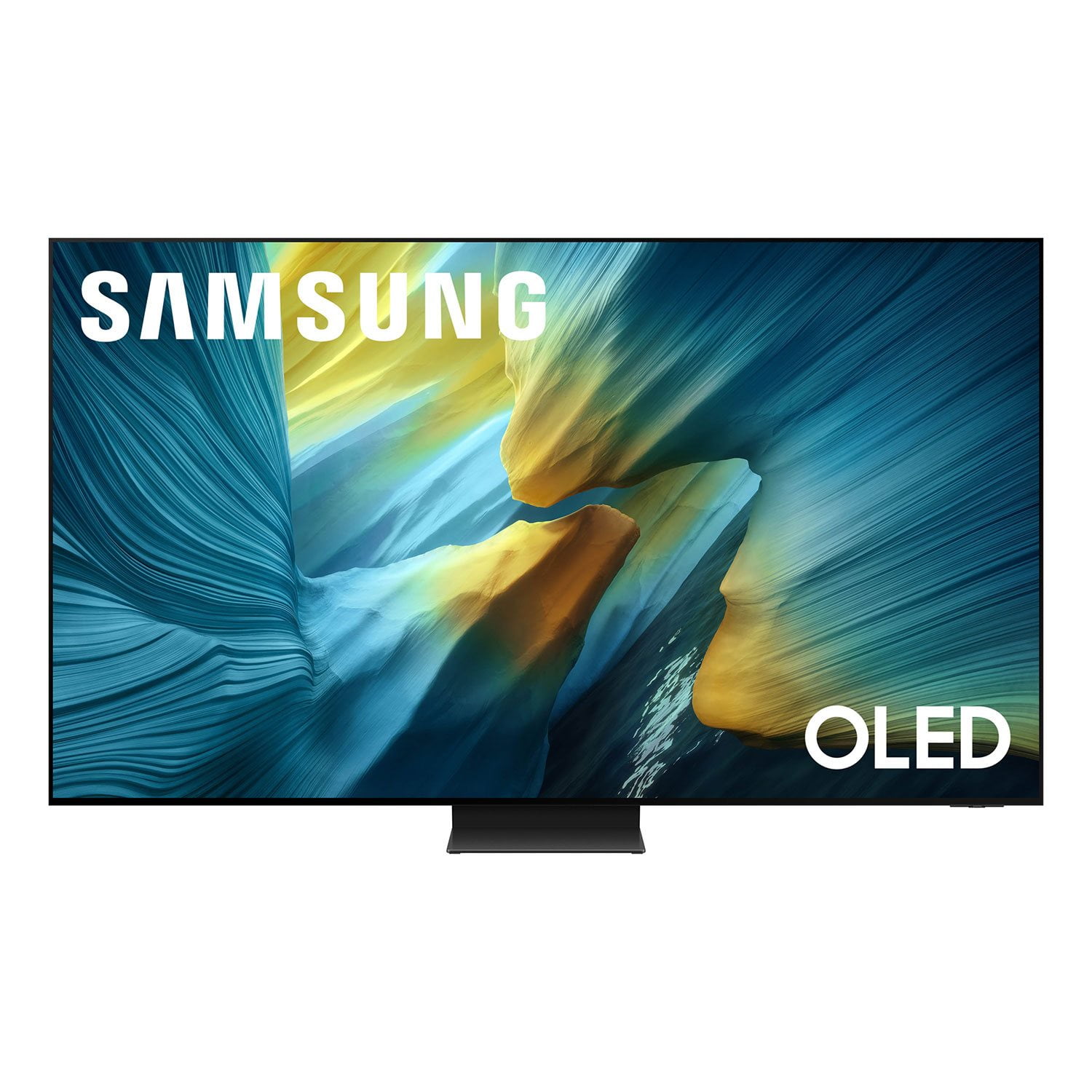
Customer reviews for SAMSUNG 77” Class S95FD Series 4K OLED Smart TV for
SAMSUNG 77” Class S95FD Series 4K OLED Smart TV
4.7 out of 5 stars
stars
767 ratings767 reviews
  1. 5 stars84% (643)
  2. 4 stars10% (80)
  3. 3 stars3% (23)
  4. 2 stars1% (9)
  5. 1 star2% (12)

Member photos

  • +255 images
Sort by |
Showing 201-210 of 767 reviews
Dec 13, 2025
TomsTV
5 out of 5 stars review

Absolutely Amazing!!!

[This review was collected as part of a promotion.] I’m completely amazed at the crisp, clear picture and the brightness of the screen makes this by far the best quality TV I have ever seen!!! The sound is incredible too! It feels like I’m at a movie theater when I’m watching a movie. This is my 1st Samsung TV, the 77 inch OLED QN77S95F, and I now know that I will never buy another brand or switch from the OLED. The TV is top-tier quality and anything else is a step down. Thanks Samsung!!!

Review from Samsung US
Helpful?0Y5FTY657CFT15678414574
Dec 12, 2025
ZsReviews
5 out of 5 stars review

One of the best TVs ever!

[This review was collected as part of a promotion.] I've had a lot of Samsung TVs and Lg. This TV is superb and every manner. Has a great refresh rate at 165 Hertz. Having G-Sync certification is a big deal. The brightness is superb the entire reflective coating is significantly better than the S95D. Overall a beautiful TV with a great OS and refined design.

Review from Samsung US
Helpful?0Y5FTY657CFT15678414574
Jan 14, 2026
Shaui
5 out of 5 stars review

The best glare free OLED tv!
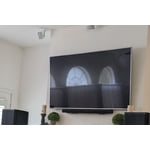
Our living room has lots of windows and reflections/glare were a constant issue, watching tv during the day was always challenging. This tv excels in this area by effectively diffusing reflections while maintaining excellent brightness for an OLED display. Its ultra-thin, minimalist design looks great in the space, and the built-in audio quality is impressive. Overall, this TV exceeded our expectations and we are very satisfied with the purchase.

Review from Samsung US
Helpful?0Y5FTY657CFT15678414574
Mar 24, 2026
Issalynn
5 out of 5 stars review

Great features

[This review was collected as part of a promotion.] Love this TV. Resolution is great especially watching movies and playing games. Brightness is a plus for the day time use. Contrast is good too. Apps are easy to view. The picture is refresh and viewing is a plus

Review from Samsung US
Helpful?0Y5FTY657CFT15678414574
Jan 8, 2026
Frank
3 out of 5 stars review

pausing a show

S95F When I pause a show ie netflex it puts the tv into sleep mode screen saver then I have to log back into NF. I have all of the power saving modes off. Also, the TV turns on when I am not in the room. I buy nothing but Samsung this could be the last and I may return the unit.

Review from Samsung US
Helpful?0Y5FTY657CFT15678414574
reply from Samsung Specialist

Frank, We're sorry to hear of this confusion. Please keep in mind that if your OLED TV displays a still image or receives no input for 2 minutes, the Screen Saver will activate automatically. This feature is built in and cannot be disabled, as it plays a key role in protecting your screen from long-term image retention or burn-in. We understand this may be unexpected, but it is designed to preserve your screen’s performance and longevity. Additionally, Daily Board uses motion detection or voice commands to show useful info like the weather and connected device status when the TV screen is off. To turn it off, press the 123/Quick Settings button on your remote, go to Settings > All Settings > Advanced Features > Daily Board, then switch off any enabled options. If you’d like further help or have questions, please reach out to Samsung Support at 1-800-SAMSUNG, 8AM – 12AM EST, 7 days a week. LiveChat is also available via the ‘Support’ link on our website. ~ Samsung Specialist

Dec 5, 2025
Lovetoshop2
5 out of 5 stars review

My Christmas gift

[This review was collected as part of a promotion.] I researched this television before I purchased it and the research did not do it justice. This thing is fantastic. The picture the sharpness, the color AI all of it. I would recommend this product to everyone.

Review from Samsung US
Helpful?0Y5FTY657CFT15678414574
Jan 22, 2026
Nonickname
3 out of 5 stars review

I regret my purchase

I purchased the 77”, wall mounted it couple days ago and I already regret this purchase. I’ve had Samsung TVs before, but the software is different with this one. It’s Byzantine. Streaming apps do not sync well with other devices. Constant crashing, many apps simply won’t even boot anymore, including Netflix. I’ve reinstalled them, factory reset, everything. Then there’s the One Connect box, or the Slim One Connect box (which are different apparently). It only attaches in one spot, toward the left edge oriented with the sockets facing outward, which means add at least 24” to the length of every cable you plan to use. And in a truly baffling engineering decision, the power cord plugs into the bottom of the One Connect, but the plug itself is offset by 90 degrees, which means you have twist the cord 180 degrees back toward the center of the TV, dangling right on the speakers causing the sound to distorted. (There isn’t enough length to wrap it up and around the One Connect box.) If you plan to wall mount, you should know that you will need to attach the One Connect box to the back of the TV. It uses a single proprietary cable to run power and signal, so if you want to move the One Connect box elsewhere the cable will be exposed—it’s high voltage, so you can’t run it through the wall.

Review from Samsung US
Helpful?0Y5FTY657CFT15678414574
reply from Samsung Specialist

Hi there, We appreciate your feedback regarding your S95F TV’s performance. If you're experiencing slow apps, freezing, or lag in general response time, try the following steps: 1. Check for firmware updates – Keeping your TV up to date can resolve many performance issues: Home > left directional key > Settings > Support > Software Update > Update Now 2. Run Device Care – This tool checks system memory, frees up cached data, and closes background apps that could be slowing things down: Home > left directional key > Settings > Support > Device Care > Start Device Care 3. Cold boot your TV – With the TV powered on, press and hold the Power button on your remote for 5+ seconds until the TV restarts. This helps refresh the system. If you're still noticing performance issues after these steps, please contact Samsung Support at 1-800-SAMSUNG, 8AM – 12AM EST, 7 days a week. You can also connect with a LiveChat agent via the ‘Support’ link on our website. ~ Samsung Specialist

Dec 23, 2025
FuturePurchaser
5 out of 5 stars review

Can a perfect tv gets better ?

[This review was collected as part of a promotion.] This 2025 model is the king of all 4K televisions, and apparently in 2026 it gets better with an upgraded model. For now this will be the television that will keep your household and any other visitors in it beyond satisfied. Future-proofing for tomorrow is smart if you’re invested in a 5 year plan, but presently-upgrading with this television is the best you can do with in the next 2 years or maybe even more.

Review from Samsung US
Helpful?0Y5FTY657CFT15678414574
Mar 5, 2026
Hamilton36
5 out of 5 stars review

Awsome TV

[This review was collected as part of a promotion.] This TV is the best we have ever had. Our living room has multiple windows and is very bright with natural light. There is no glare and the picture is beautiful no matter how much sun enters the room

Review from Samsung US
Helpful?0Y5FTY657CFT15678414574
Feb 17, 2026
Iamsole
5 out of 5 stars review

Supreme

[This review was collected as part of a promotion.] This tv is almost perfect Just need to fixed the audio option when switch apps or inputs and not to jump to ur most used input by default (e.g i have my Xbox plugged in to 1 and tv box in 2 but when I try to go to my tv box is jumps to Xbox 1 to 2 times b4 is stays on the TV input.

Review from Samsung US
Helpful?0Y5FTY657CFT15678414574