Skip to Main Content
Sams Club
Sams Club
Customer reviews for SAMSUNG 77" Class S90FD Series 4K OLED Smart TV for
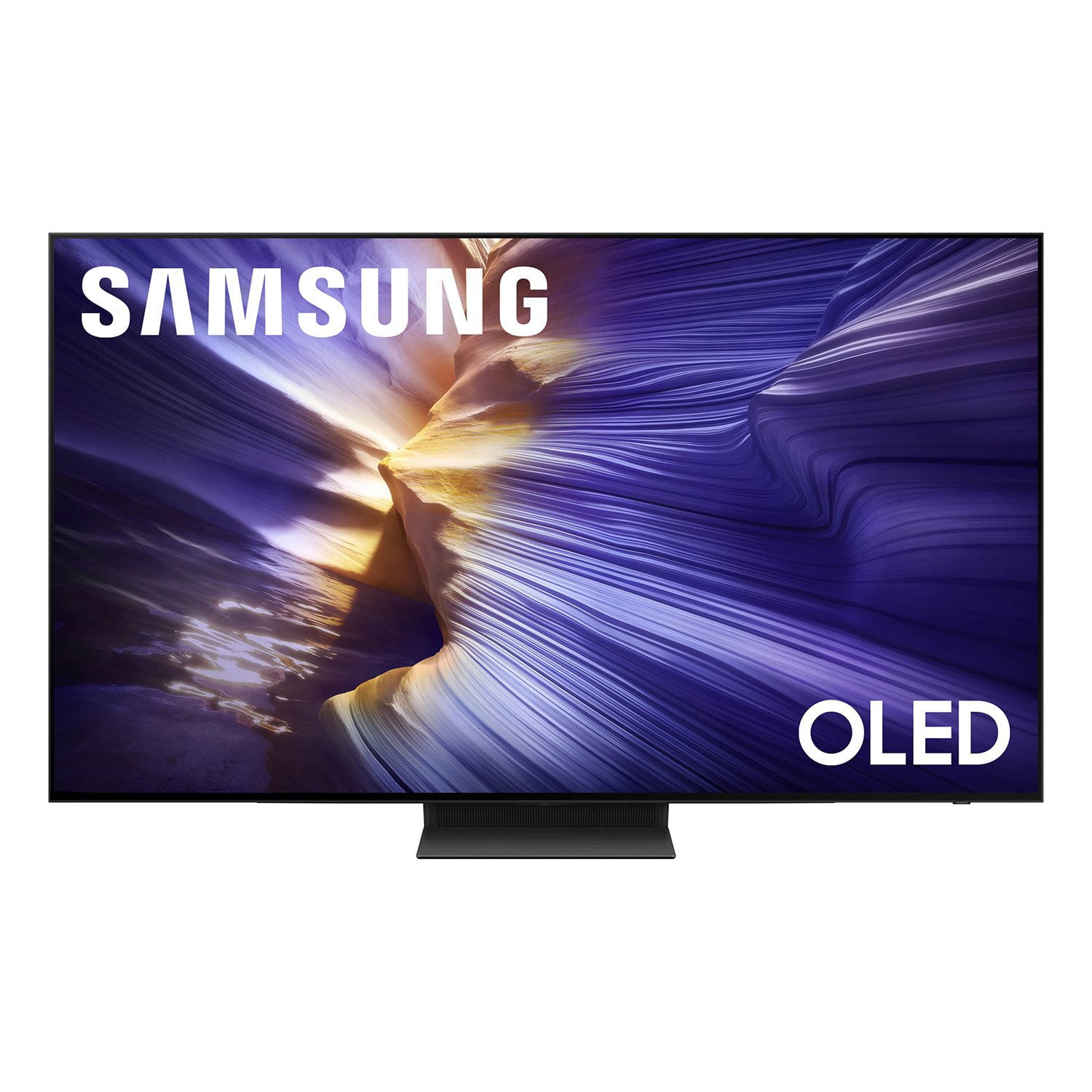
SAMSUNG 77" Class S90FD Series 4K OLED Smart TV
4.7 out of 5 stars
stars238 ratings229 reviews
  1. 5 stars82% (195)
  2. 4 stars13% (31)
  3. 3 stars2% (5)
  4. 2 stars2% (4)
  5. 1 star1% (3)

Member photos

  • +60 images
Sort by |
Showing 111-120 of 229 reviews
Feb 17, 2026
Rjb471
5 out of 5 stars review

Great picture

[This review was collected as part of a promotion.] Fantastic picture. Was torn between 65 inch and 77 inch, but bigger is better. It also works great with our Samsung sound bar.

Review from Samsung US
Helpful?2IHY5YB7UM0015576170234
Feb 17, 2026
Jamc379
5 out of 5 stars review

A must for tv viewing

[This review was collected as part of a promotion.] The clarity of the screen is extraordinary. Deep blacks and sharp colors are what I see. It's plenty bright too.

Review from Samsung US
Helpful?2IHY5YB7UM0015576170234
Feb 23, 2026
Hkmorris
5 out of 5 stars review

Beautiful

[This review was collected as part of a promotion.] I loved this tv. Unfortunately it fell off tthewl due to a friend not using the correct wall mount size.

Review from Samsung US
Helpful?2IHY5YB7UM0015576170234
Feb 18, 2026
Luv2
5 out of 5 stars review

HDR 10

[This review was collected as part of a promotion.] this TV is a wonderful product it has the best resolution ever seen on the TV the screen the OLED you have to see it to believe it please try this product out now I promise you you won't regret it.

Review from Samsung US
Helpful?2IHY5YB7UM0015576170234
Feb 8, 2026
BoredandPassingTime
5 out of 5 stars review

Great colors

[This review was collected as part of a promotion.] Best looking tv I've owned. The real black makes everything stick out more. Added a fancy lens led lights to it and is amazing for watching movies and playing video games.

Review from Samsung US
Helpful?2IHY5YB7UM0015576170234
Feb 18, 2026
MySamsclubTV
5 out of 5 stars review

Impressive

[This review was collected as part of a promotion.] Contrast is great and does an excellent job on making lower quality cable look impressive Remote should allow reprogramming a buttons that are preset to Netflix Disney etc

Review from Samsung US
Helpful?2IHY5YB7UM0015576170234
Feb 6, 2026
Corn
4 out of 5 stars review

Sound and clarity

[This review was collected as part of a promotion.] It had a great picture even on offer movies and the sound is great also, loud enough for everyone to enjoy

Review from Samsung US
Helpful?2IHY5YB7UM0015576170234
Feb 20, 2026
Senior
5 out of 5 stars review

Great all around Smart TV.

[This review was collected as part of a promotion.] Fantastic colors, contrast, brightness, and resolution. I’ve had other brands but Samsung is the best by far.

Review from Samsung US
Helpful?2IHY5YB7UM0015576170234
Feb 5, 2026
mbe320w
5 out of 5 stars review

Great TV room centerpiece

[This review was collected as part of a promotion.] Great viewing experience for the whole room. The home screen ability to navigate to the most used platforms make evening entertainment fast and convenient.

Review from Samsung US
Helpful?2IHY5YB7UM0015576170234
Jan 20, 2026
Ninjarider
3 out of 5 stars review

Ok

Big screen, good picture. Lots of menu’s to manipulate to get to where I want to be in order to watch. Not a techy so not really thrilled with all of that. Setup was painful as well for a non-tech person.

Review from Samsung US
Helpful?2IHY5YB7UM0015576170234
reply from Samsung Specialist

Ninjarider, We appreciate you sharing your experience. To help you get the most from your TV and remote functions, you can download the full e-Manual and more by visiting Samsung’s website then navigating to: Support > Manual & Software > TVs & Home Theater. From there, you can search for and select your S90FD TV model to view or download the available guides. The e-Manual & Remote Control Guide are also conveniently built into your TV: Settings > Support > Tips and User Guides. For additional guidance, your TV also includes Accessibility features designed to assist with navigation and remote use. • Learn Menu Screen provides audio guidance for on-screen menus by announcing the name and function of each item as you scroll – without making any changes. This is especially helpful for users who are visually impaired or new to Smart TV menus. Enable via: Settings > All Settings > General & Privacy > Accessibility > Learn Menu Screen. To exit, press the Return key twice. • Learn TV Remote helps users become familiar with the layout and function of each button on the Samsung remote. Pressing a button (other than Power) will prompt the TV to announce its name and purpose, again without affecting TV operation. Enable via: Settings > All Settings > General & Privacy > Accessibility > Learn TV Remote. To exit, press the Return key twice. If you’d like more assistance with these features, please reach Samsung Support at 1-800-SAMSUNG, available 8AM – 12AM EST, 7 days a week. LiveChat agents are also available through the ‘Support’ link on our website. ~ Samsung Specialist