Skip to Main Content
Sams Club
Sams Club
Member ratings & reviews for
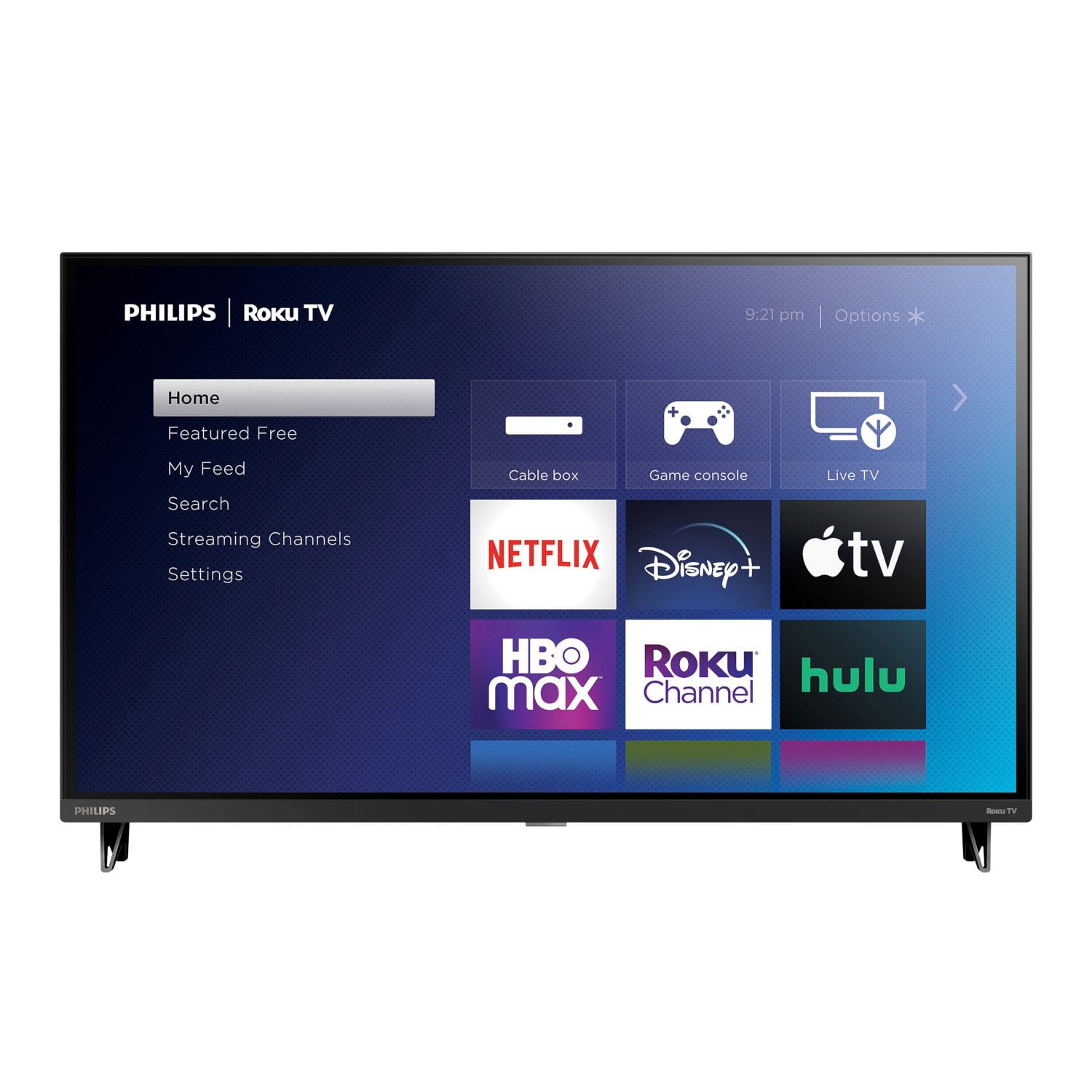
Philips 32" Class HD Roku Smart Borderless LED HDTV - 32PFL6452/F7

Member photos

  • +118 images
Sort by |
Showing 1,491-1,500 of 2,615 reviews
Jun 19, 2024
WalmartCustomer
5 out of 5 stars review

Verified Purchase

[This review was collected as part of a promotion.] best deal on what i wanted

Review from walmart.com
Helpful?5LZ6LDK41KSN15258557877
reply from ProductExpert

Dear Customer, Thank you for your review. We hope you continue to enjoy your Philips Roku TV.

Apr 26, 2021
skooc
5 out of 5 stars review

Verified Purchase

Wonderful buy. Picture very clear

Review from walmart.com
Helpful?5LZ6LDK41KSN15258557877
reply from ProductExpert

Dear skooc, Thank you for your review. We hope you continue to enjoy your Philips Roku TV.

Jul 16, 2021
Bill
5 out of 5 stars review

Verified Purchase

Smart buy!

Fully satisfied with everything about it.

Review from walmart.com
Helpful?5LZ6LDK41KSN15258557877
reply from ProductExpert

Dear Bill, Thank you for your review. We hope you continue to enjoy your Philips Roku TV.

Jan 27, 2021
GH19
1 out of 5 stars review

Verified Purchase

No good..

could not get picture to match voice. Have no idea why. tried for two weeks.

Review from walmart.com
Helpful?5LZ6LDK41KSN15258557877
reply from ProductExpert

Dear Customer, Philips strives to provide the best product experience to all our customers. There was a recent bug found in a firmware update that was deployed by Roku, and we are happy to report that the issue has been addressed by our engineers working with Roku, and that the latest firmware released this week by Roku fixes the problem. In order to update to the latest firmware, please follow the below steps:Hard Factory TV Reset – instructions:1. Using a straightened paper clip or ball-point pen, press and hold the recessed RESET button on the TV connector panel located in the rear of the unit. 2. Continue to hold the RESET button for approximately 12 seconds. When the reset cycle completes, the status indicator comes on dim. 3. Release the RESET button. The TV is now powered off. 4. Turn on the TV and proceed through Guided Setup. Connect to internet to complete the guided set-up:Once your television has been reset, follow the below steps to complete your guided TV set-up depending on your internet connectivity. The new firmware update will be downloaded during this process.Option 1: (Wireless Internet Connection)1. Hard factory reset the tv (by pressing the reset button for 5 seconds)2. Enable audio guide by pressing * button four times (this is needed since the screen may not be fully readable)3. Go through the guided setup and connect to wireless network (password can be entered with the help of audio guide as the screen maybe messed up)4. TV will download the new software Option 2: (Wired Internet Connection)1. Hard factory reset the tv (by pressing the reset button for 5 seconds)2. Connect the TV to a wired network and finish the guided setup3. TV will download the new softwareIf you require any assistance with this update, please contact our call center at 1-866-309-5962.

Aug 27, 2022
Steve
5 out of 5 stars review

Verified Purchase

Super fast delivery -arrived next am

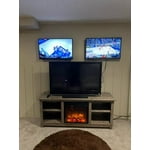
Great to use as security monitor.

Review from walmart.com
Helpful?5LZ6LDK41KSN15258557877
reply from ProductExpert

Dear Steve, Thank you for your review. We hope you continue to enjoy your Philips Roku TV.

Oct 29, 2023
PsycoJediMaster
5 out of 5 stars review

Verified Purchase

great price

works great , nice picture. 👍🏽

Review from walmart.com
Helpful?5LZ6LDK41KSN15258557877
Feb 10, 2021
Catherine
5 out of 5 stars review

Verified Purchase

Phillips 32" Smart LED TV

Second purchase...great product to send off to college with student. LIKED!

Review from walmart.com
Helpful?5LZ6LDK41KSN15258557877
reply from ProductExpert

Dear Catherine, Thank you for your review. We hope you continue to enjoy your Philips Roku TV.

Jun 18, 2023
WalmartCustomer
5 out of 5 stars review

Verified Purchase

[This review was collected as part of a promotion.] Good value. Very satisfied!

Review from walmart.com
Helpful?5LZ6LDK41KSN15258557877
Mar 11, 2024
Jeffrey
5 out of 5 stars review

Verified Purchase

Just not big enough.

Well the size of the TV just wasnt big enough, need at least a 40" screen.

Review from walmart.com
Helpful?5LZ6LDK41KSN15258557877
Oct 26, 2023
Dannette
5 out of 5 stars review

Verified Purchase

Decent TV.

Great TV. I just wish the usb was on the side. I had to change mounts due to this.

Review from walmart.com
Helpful?5LZ6LDK41KSN15258557877