Skip to Main Content
Sam's Club
Sam's Club
All Departments
All Services
Member ratings & reviews for
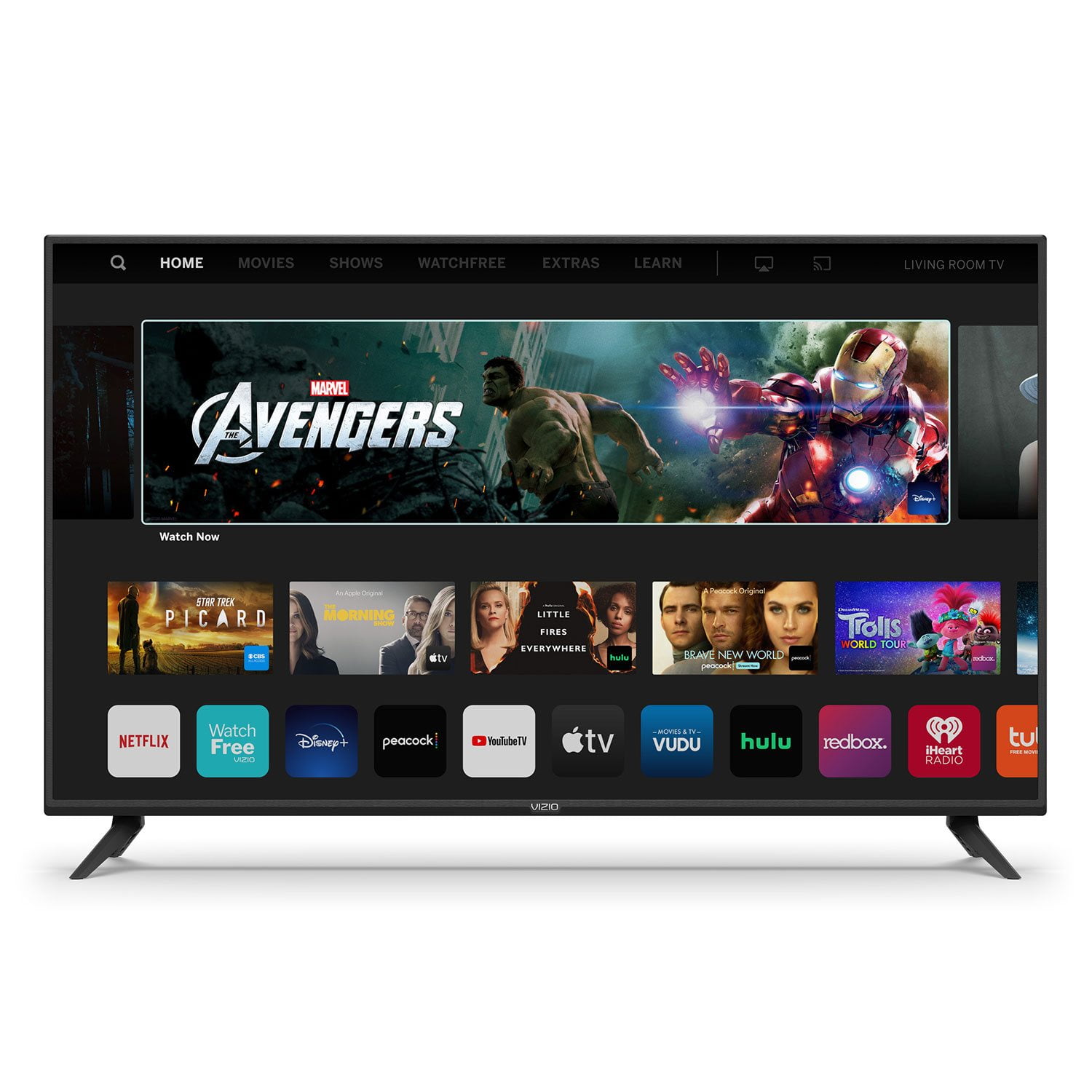
VIZIO 50" Class V-Series 4K HDR Smart TV - V505-H

Member photos

  • +35 images
Sort by |
Showing 7,791-7,800 of 34,164 reviews
May 3, 2020
Kevo
5 out of 5 stars review

Very easy to use and set up!

Best tv I've bought for the price works very well and has a crisp image. Connected directly to my vizio sound bar and I only use one remote. I love it!

Review from vizio.com
Helpful?292P25TATFGG15229700618
Mar 15, 2021
Joe913
5 out of 5 stars review

Love it!!

The picture quality and features of this TV are outstanding and the price I paid for the size and all it's features makes this TV a fantastic purchase for me. Easy to set up and use right away. I have nothing bad to say about it.

Review from vizio.com
Helpful?292P25TATFGG15229700618
Dec 13, 2020
JWH01
5 out of 5 stars review

Excellent TV

We bought this TV for the living room. We are well pleased with it so far. The clarity and size can't be beat. The feature that made this choice is that this one still has inputs for older equipment via RCA jacks in addition to the HDMI ports.

Review from vizio.com
Helpful?292P25TATFGG15229700618
Apr 8, 2021
Tvlover123
1 out of 5 stars review

Have to reset regularly

I bought this a month ago and I am so unhappy with this tv. It won't pull up shows and the screen freezes black all the time and I have to reset it so annoyed I paid a decent amount for this tv and I can't watch without getting upset

Review from vizio.com
Helpful?292P25TATFGG15229700618
reply from Customer Care

Hello Tvlover123, sorry to hear you are not having a smooth experience. I would love the opportunity to have our technical support team learn more about the issues you are experiencing. When you have a free moment, they’re available through text message, chat, or over the phone. Just go to support.VIZIO.com and click on ‘Contact Us’.

Dec 3, 2020
BrandonT
5 out of 5 stars review

It's a No Brainer!

Had an older ViZio and it went out. Looked up multiple brands and my gut said stick with what works and I bought this one. Extremely easy to set up and love, love love the smart hub plus FREE TV comes with it! Next purchase will be a 65+ ViZio!

Review from vizio.com
Helpful?292P25TATFGG15229700618
Dec 13, 2020
Monie30
5 out of 5 stars review

Amazing TV

I Purchased Music about almost 2 weeks ago and I have to say I am very impressed! The picture is amazing the sound is absolutely awesome I couldn't be happier with this purchase now my grandson can watch all the movies he wants on Disney+!!

Review from vizio.com
Helpful?292P25TATFGG15229700618
Jan 23, 2021
JessABC
5 out of 5 stars review

I am in love so far

This my second Vizio tv. My first one lasted 5 years before I needed an upgrade. I am really glad that bought this tv. The smart features are really amazing to use, and I can use them with my Alexa smart speaker.

Review from vizio.com
Helpful?292P25TATFGG15229700618
Mar 12, 2020
Tv guy
4 out of 5 stars review

Good Picture, accessories meh

The picture is great for the price. The sound is louder than most TVs in the price range. But the stands / legs are very fragile. Bend them and they snap, plus they only cover them for 7 days after purchasing.

Review from vizio.com
Helpful?292P25TATFGG15229700618
Feb 2, 2023
filipo62
5 out of 5 stars review

Great features and resolution.

[This review was collected as part of a promotion.] I bought this tv a several months ago and it has not disappointedme like 4 other vizios from other series that I have in myhouse,a very good purchase.

Review from vizio.com
Helpful?292P25TATFGG15229700618
Aug 15, 2022
Kimberly1317
1 out of 5 stars review

[This review was collected as part of a promotion.] No half the time the screen will freeze up. Sometimes it won't even turn on I'm constantly having to do a cycle (everyday)

Review from vizio.com
Helpful?292P25TATFGG15229700618
reply from Customer Care

Hello Kimberly1317, thank you for taking time to leave us your feedback. Typically, when a TV freezes up, that can be fixed with a power cycle. To power cycle a TV you will want to unplug the power and then hold the power button on the back of the TV for at least 5-10 seconds while unplugged. After those 5-10 seconds, go ahead and plug the power back in and power it on. If issues persist or you have any questions, please don’t hesitate to contact us by going to support.vizio.com and clicking ‘contact us’.